











Awesome Nano Banana: 12 Потрясающих Магических Трюков с AI-Изображениями
Nano Banana (Gemini 2.5 Flash Image) is one of the strongest image generation and editing models today, especially good at multi-image fusion, character consistency, and precise local edits. Below are 12 handpicked use cases from Awesome Nano Banana, each with a reference image, a reusable prompt, and where it shines.
Repository: GitHub
1. Dynamic Fight Poster (AI Fighting)
Combine two characters into a cinematic battle scene.
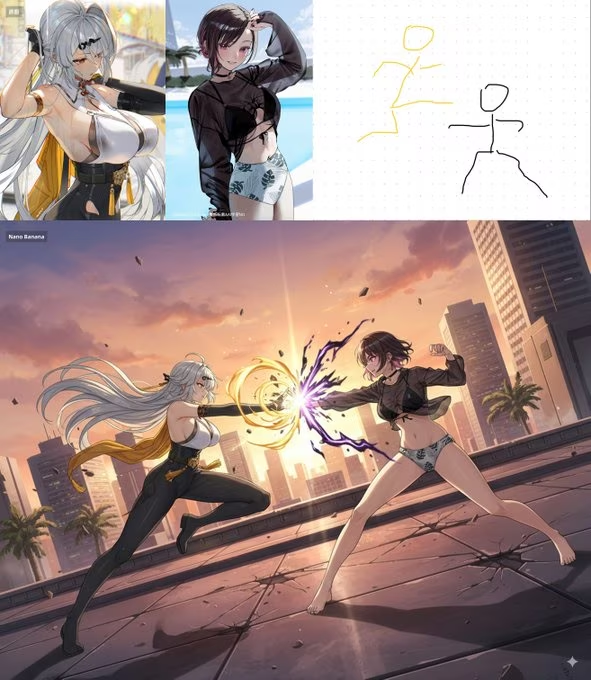
Prompt:
Create a dynamic fight poster using two uploaded characters. Add cinematic lighting, motion blur, and a dramatic background. Keep both characters recognizable and balanced. 16:9 composition.
Best for: game posters, fan art, marketing key visuals
2. Jewelry Try-On
Place a necklace or accessory onto a portrait with realistic fit and reflections.
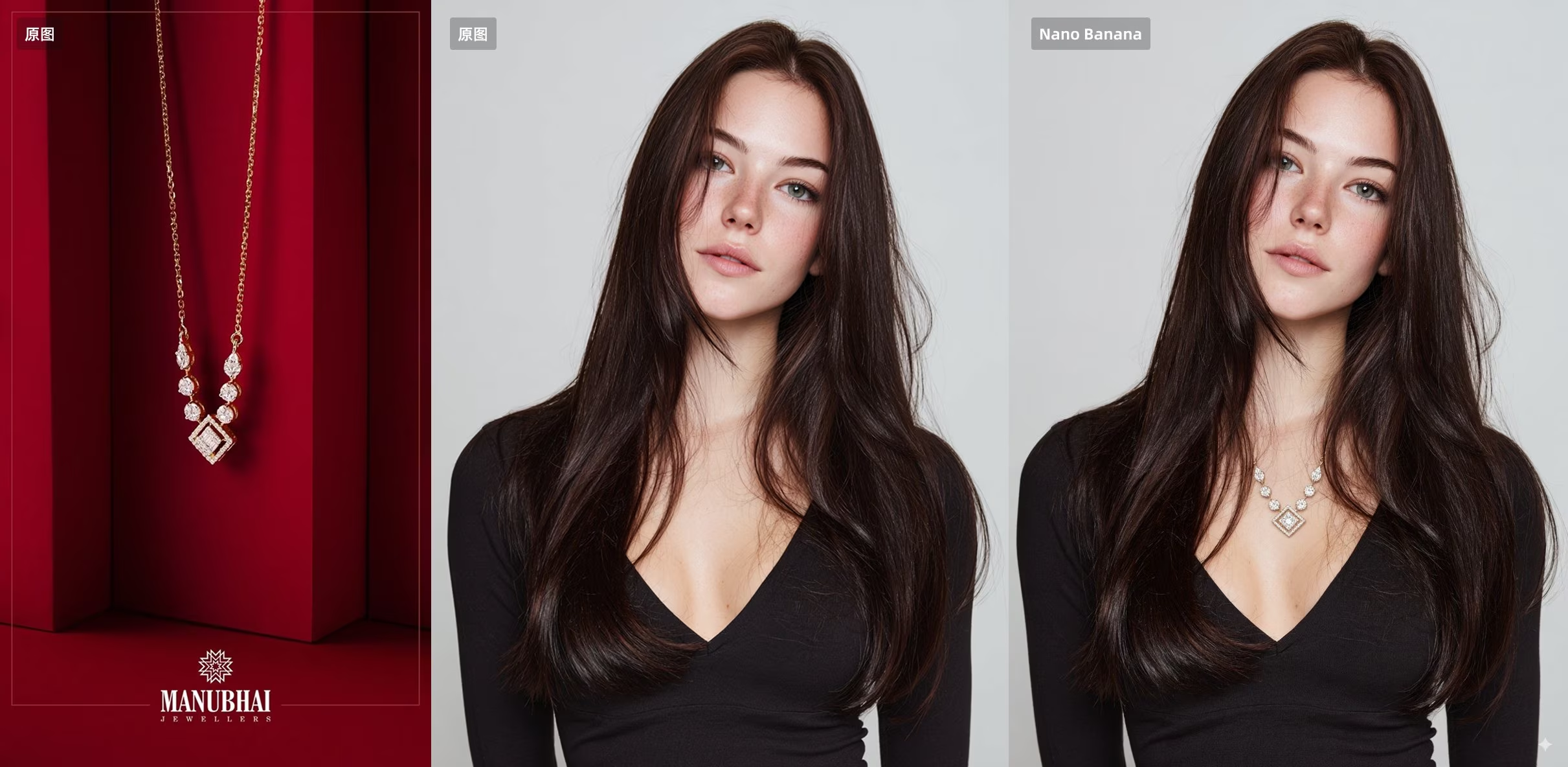
Prompt:
Put the necklace from image A onto the woman in image B. Preserve the face, hairstyle, lighting, and pose. Make the jewelry fit naturally with correct scale and reflections.
Best for: e-commerce try-on, product previews
3. Sticker Generation
Turn a character into a web-illustration sticker with a clean white outline and caption.
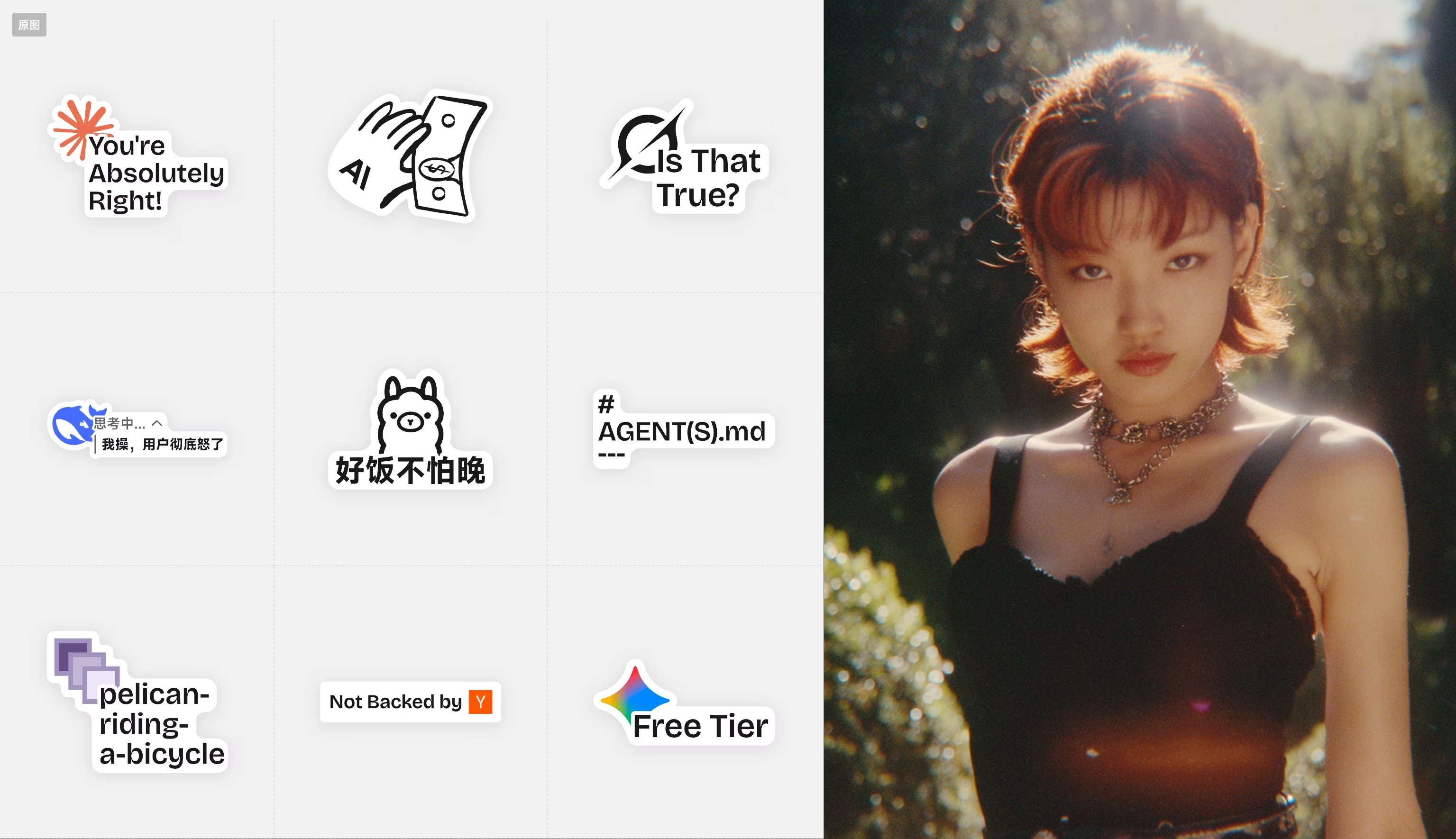
Prompt:
Turn the character into a web-illustration style sticker with a clean white outline. Add a short playful caption in a white outline style. Keep the character centered.
Best for: stickers, social content, merch add-ons
4. Precise Object Replacement
Drop a product into a scene with matching perspective and lighting.
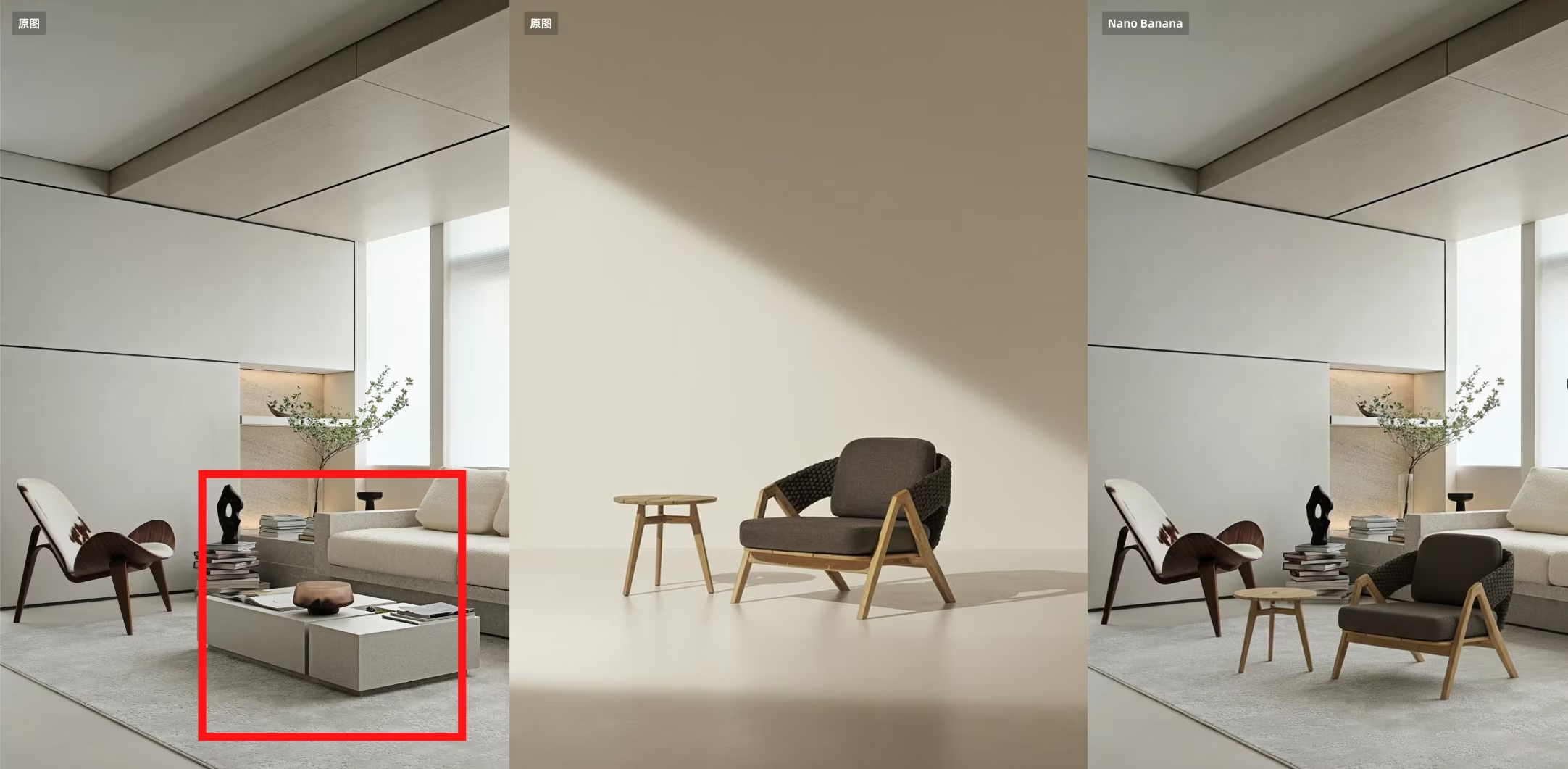
Prompt:
Place the product from image A into the target area of image B. Match perspective, lighting, and shadows. Remove any markers or guides.
Best for: product staging, scene compositing
5. Virtual Try-On (Clothing)
Dress a model with garments from a separate reference image.
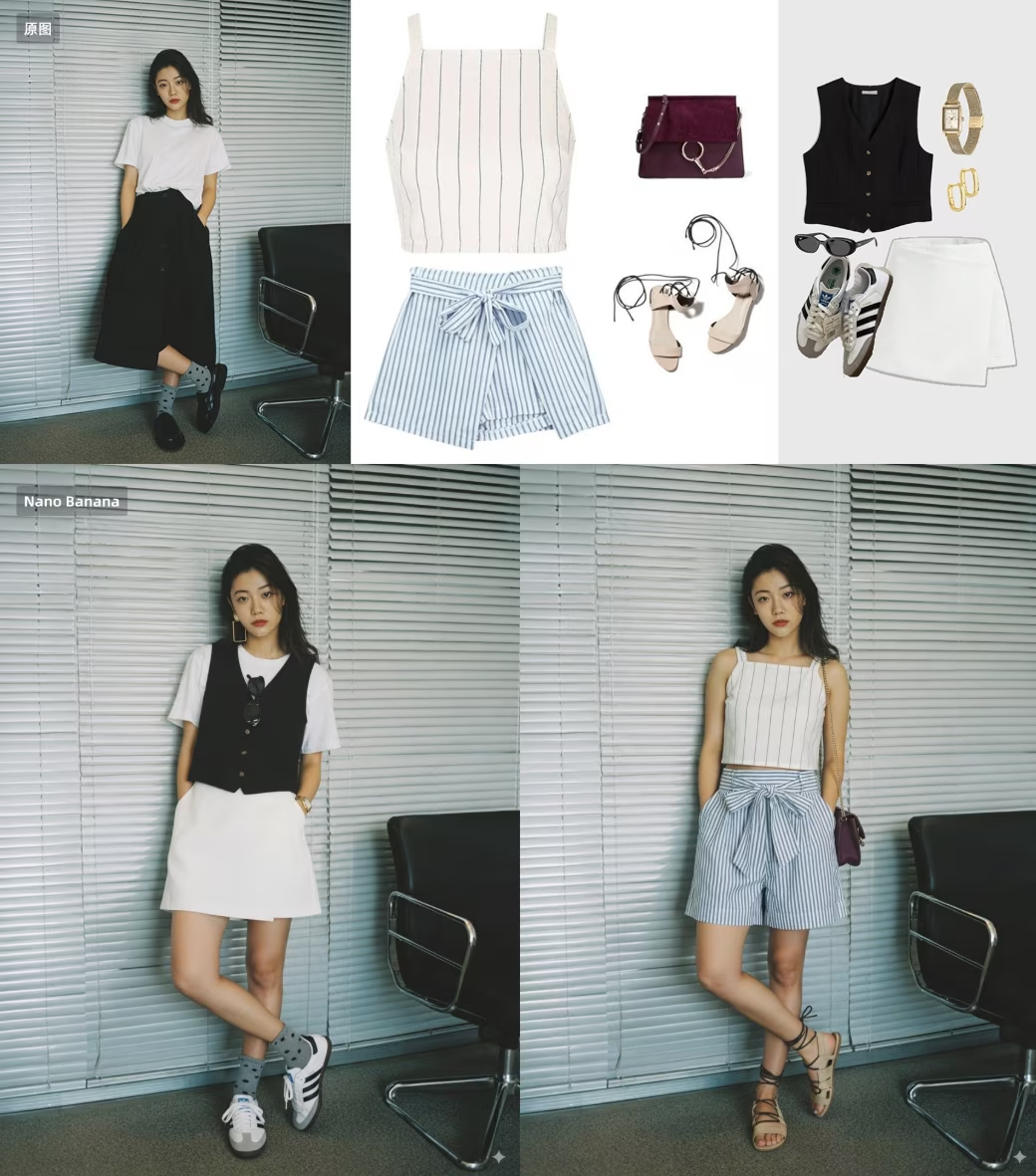
Prompt:
Dress the person in image B with the clothing and accessories from image A. Keep the person’s pose, face, and lighting unchanged. Make the fabric drape naturally.
Best for: fashion try-on, lookbook previews
6. Recipe Infographic
Convert a ingredients photo into a step-by-step cooking infographic.
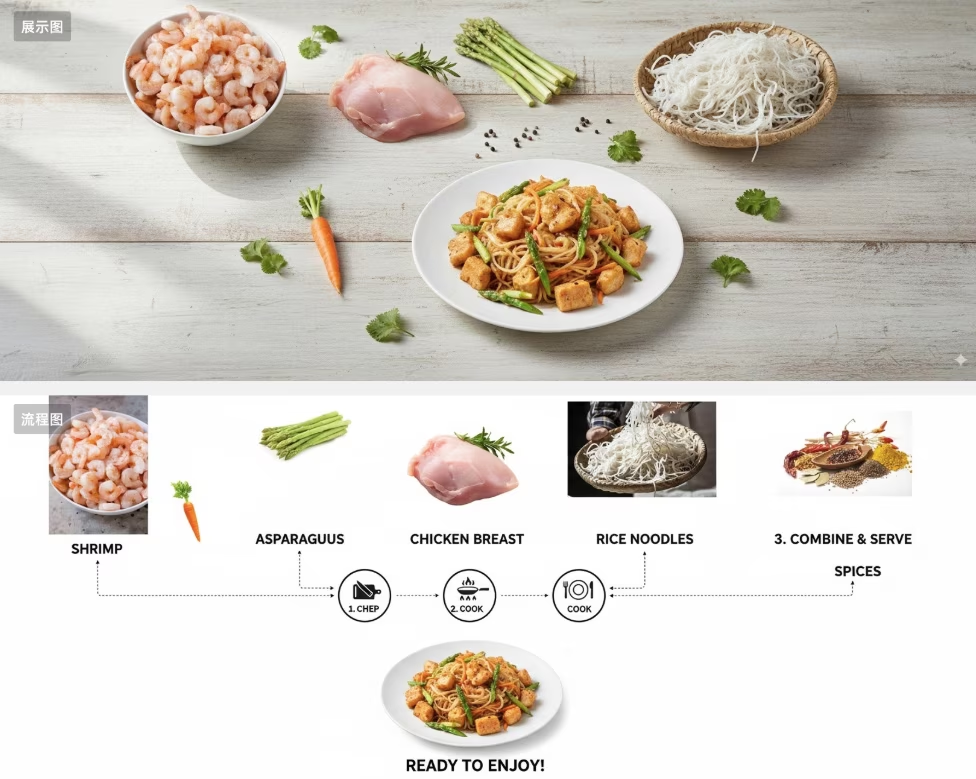
Prompt:
Turn the ingredients in the uploaded image into a step-by-step recipe infographic, top-down view. Minimalist white background. Label ingredients, connect steps with dashed lines, and show the final plated dish at the bottom.
Best for: food blogs, tutorials, social content
7. Tiny Product Shot
Create a micro product held between fingers for premium advertising.
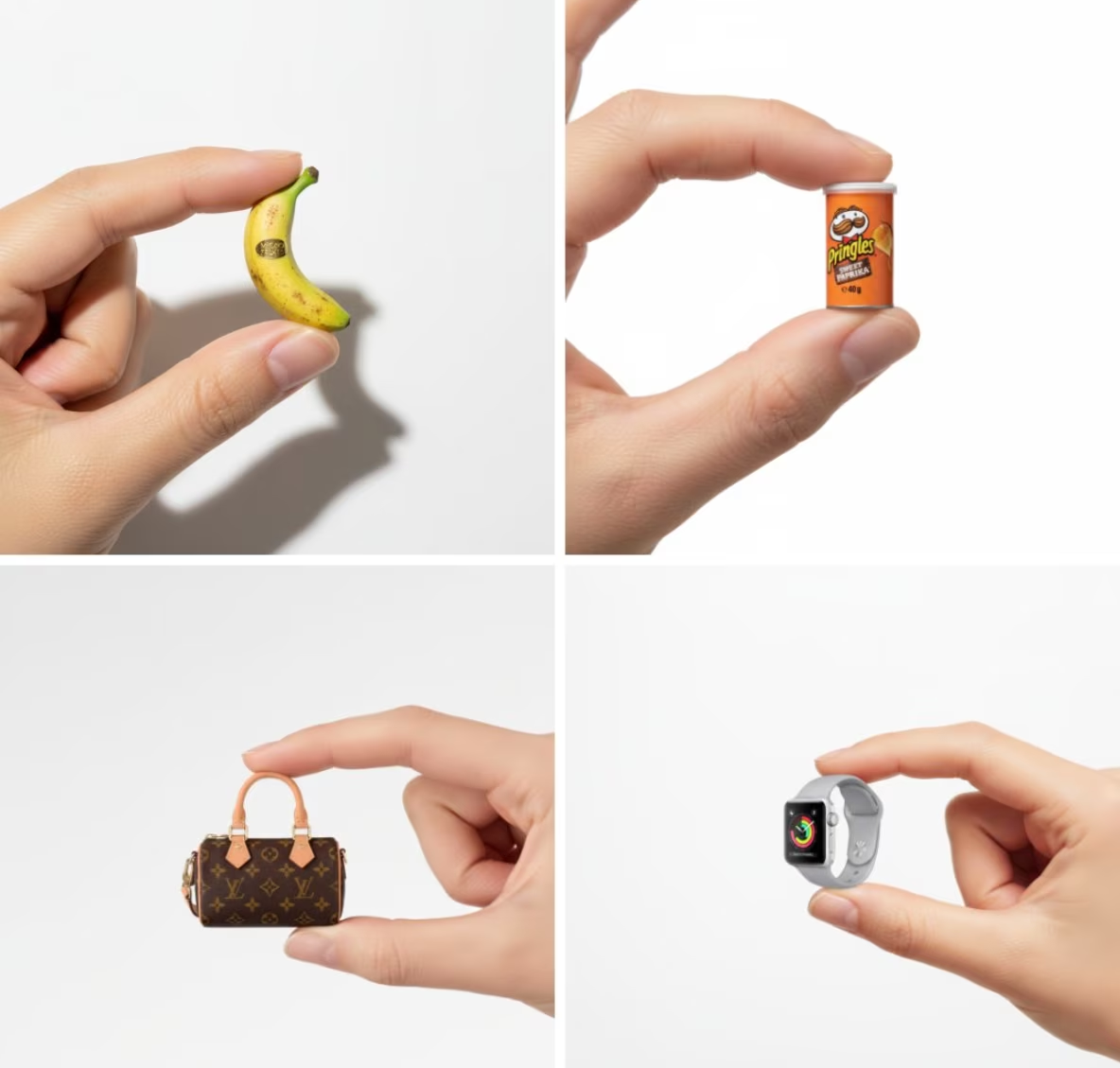
Prompt:
A high-resolution advertising photograph of a realistic, miniature perfume bottle held between thumb and index finger. Clean white background, studio lighting, soft shadows, luxury commercial style.
Best for: beauty e-commerce, ad key visuals
8. Pixel Art Game Style
Generate retro 8-bit game scenes with HUD overlays.
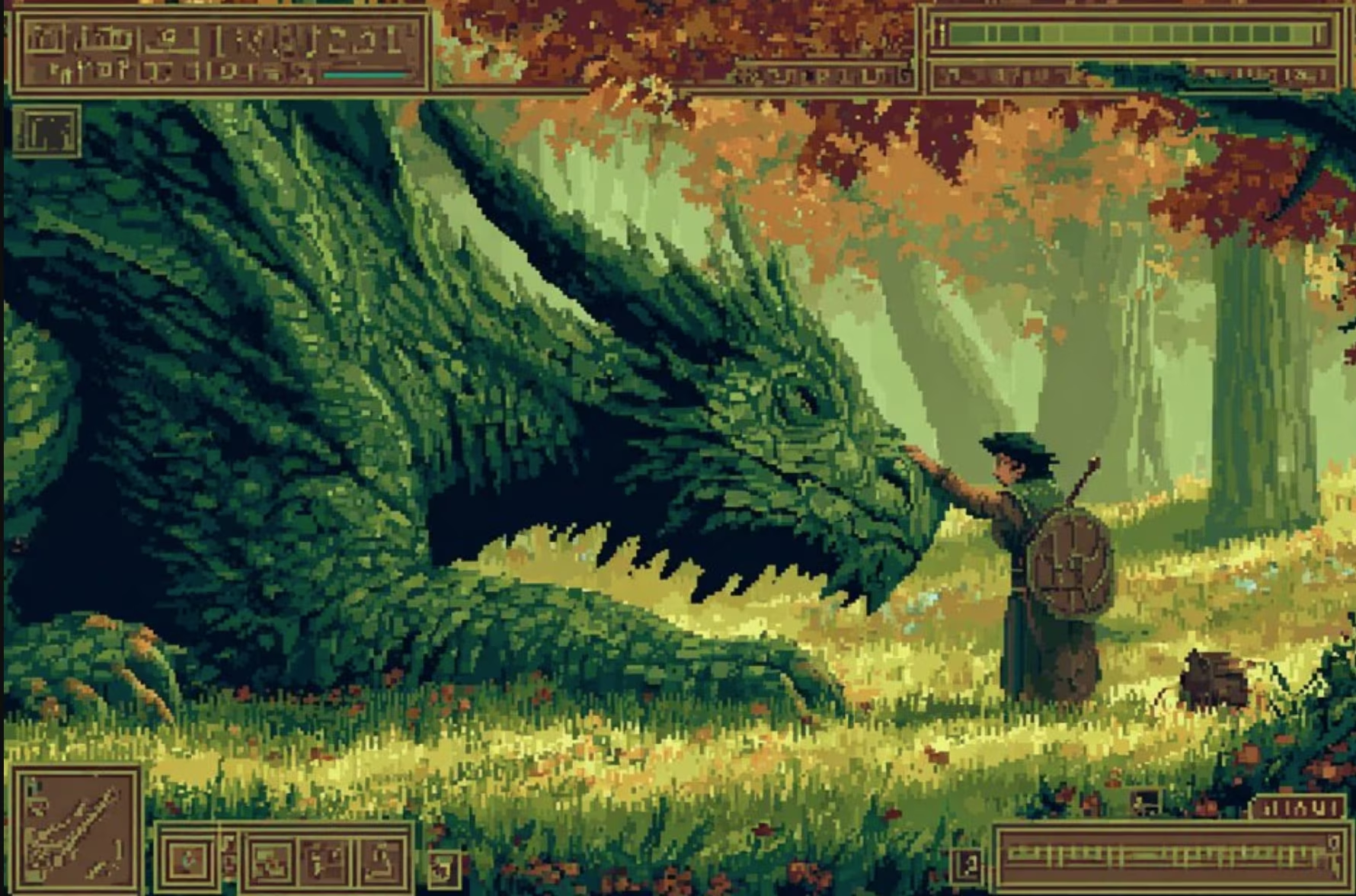
Prompt:
Pixel-art scene of a cat explorer in a neon city, retro game HUD overlay, chunky pixels, limited palette of teal and orange, subtle CRT distortion, 8-bit screenshot vibe.
Best for: retro posters, indie games, social avatars
9. Translucent Fabric Portrait
High-fashion editorial with soft light and layered fabric.
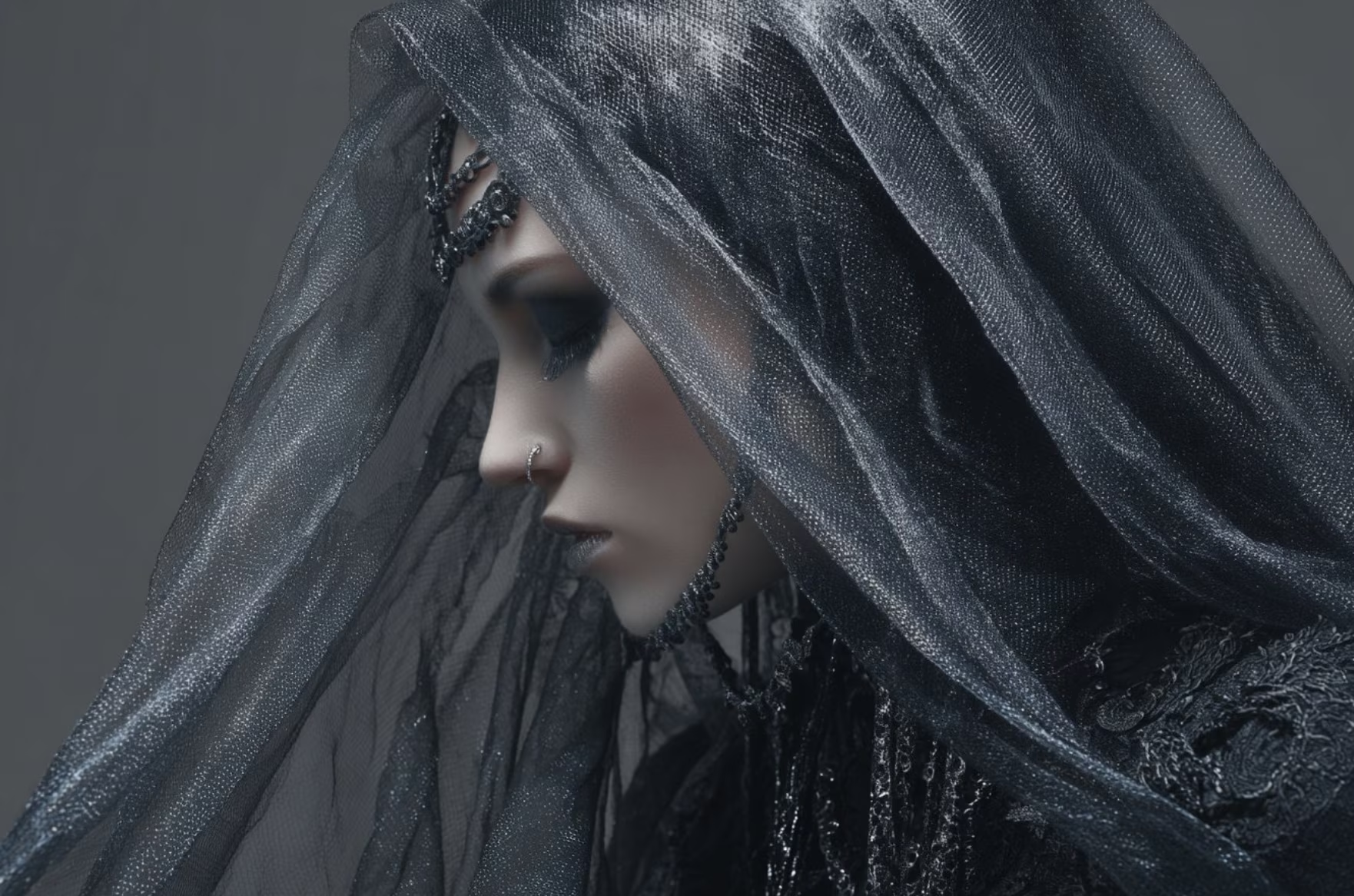
Prompt:
Mysterious teal and amber portrait of a dancer veiled in translucent fabrics. Soft cinematic lighting, high fashion editorial style, shallow depth of field.
Best for: fashion lookbooks, art posters
10. Premium Product Photography
Studio product shot with clean gradients and sharp focus.
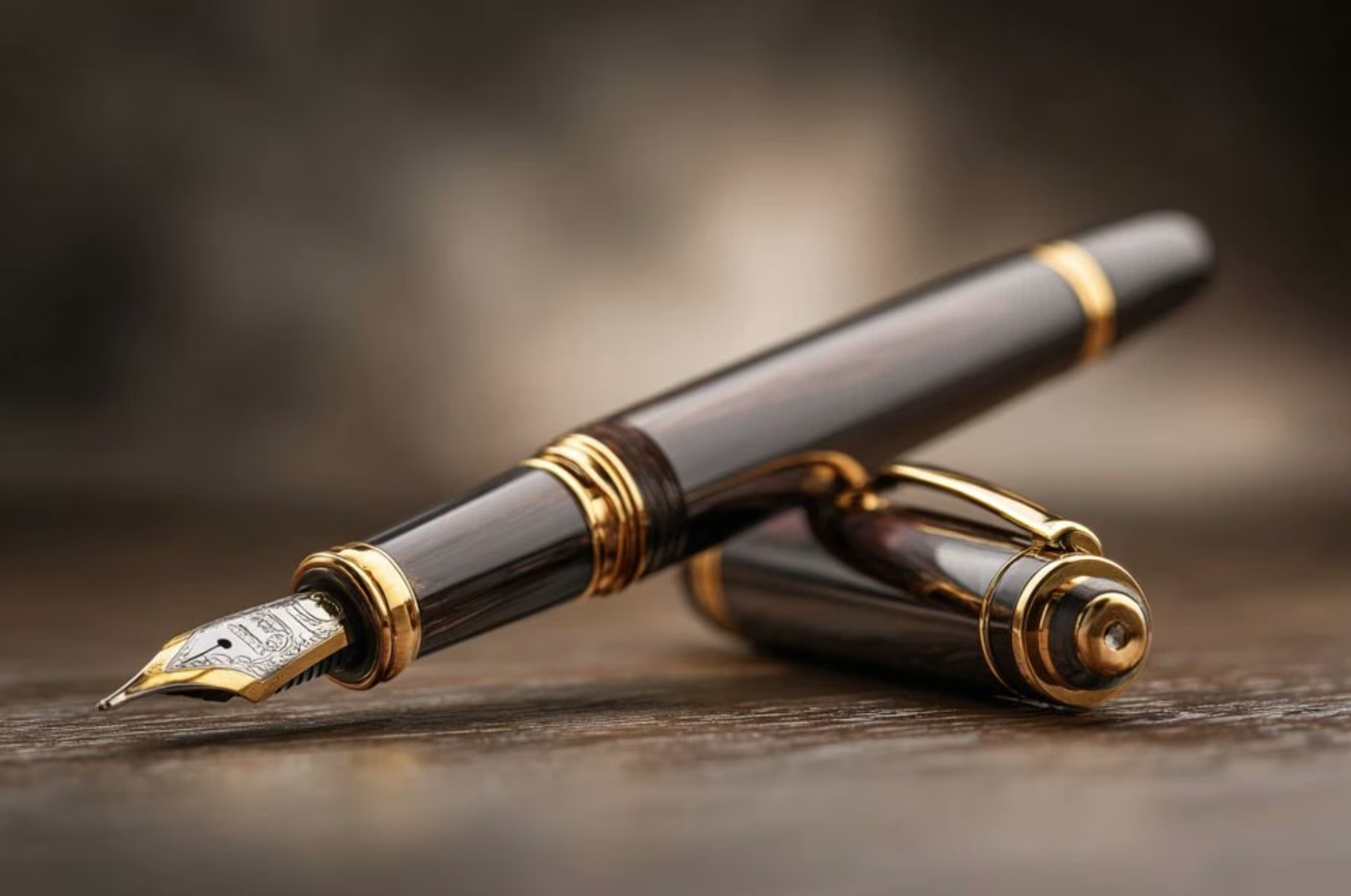
Prompt:
Studio shot of a premium skincare bottle on a soft gradient background. High-key lighting, subtle reflections, shallow depth of field, minimal aesthetic, ultra-sharp focus.
Best for: e-commerce hero images, brand visuals
11. Photo Booth Grid
Create a 3×3 photo booth with varied expressions.
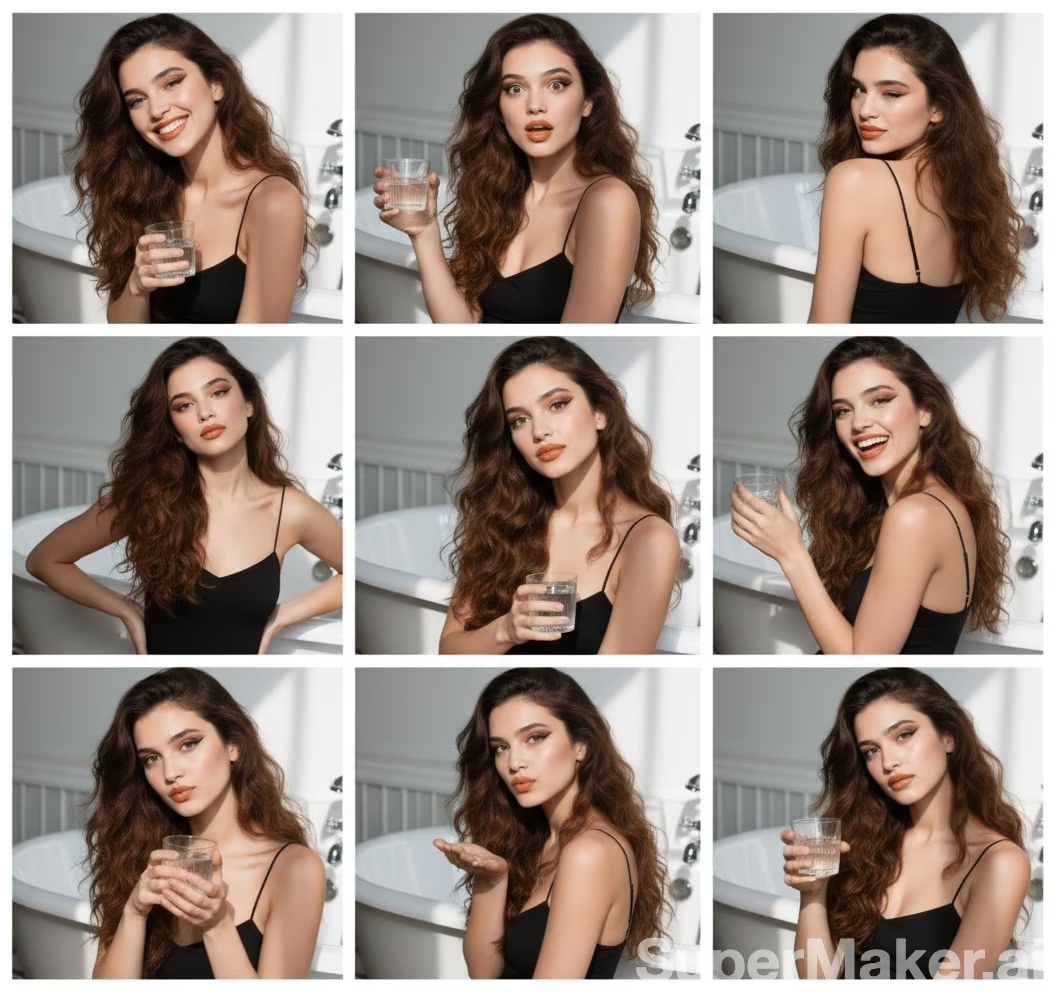
Prompt:
Use the uploaded portrait to create a 3x3 photo booth grid. Each tile has a different pose or expression. Keep lighting consistent. No repetitions.
Best for: social avatars, event memories
12. Action Figure Generator
Turn a character into a 1/7 scale collectible figure scene.
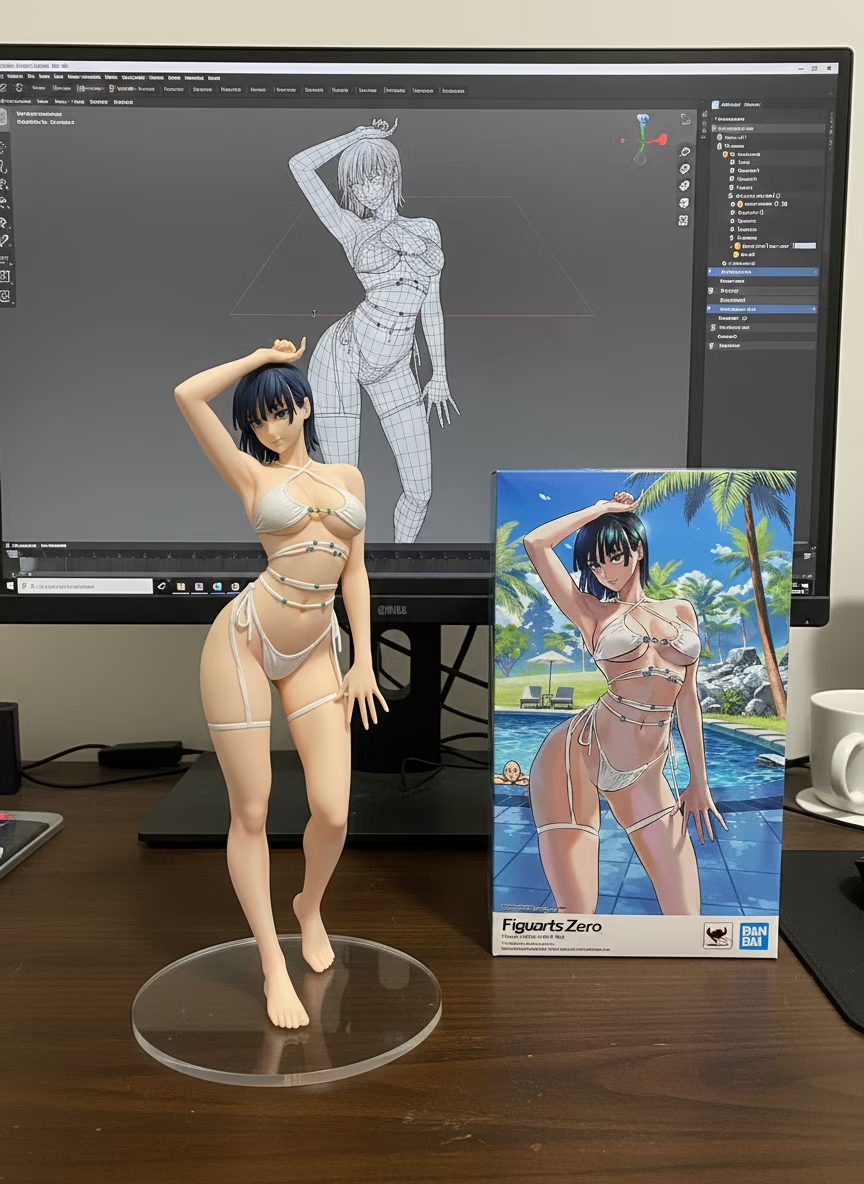
Prompt:
Turn the uploaded character into a realistic 1/7 scale collectible figure displayed on a desk with a transparent acrylic base. Show a toy packaging box and a computer screen with sculpting software. No visible text.
Best for: IP merchandising, collectible design
Tips
- For multi-image prompts, upload in order: product/image A first, subject/scene image B second.
- Increase realism by adding materials, lighting, lens, and depth-of-field details.
- Specify aspect ratio and composition (centered, rule-of-thirds, top-down) for consistency.
Wrap-up
These 12 cases cover try-on, compositing, stickers, product ads, recipe infographics, and collectibles. Swap the keywords with your own characters or products and you’ll get professional-quality visuals in minutes.
Pick any case and start experimenting.