









🎨 Seedream 5.0 Pro — 字節跳動旗艦圖像模型:最高 2K 解析度,業界頂級文字排版與多圖參考編輯!


AI紋身試穿
上傳身體照片,用AI預覽逼真的紋身效果。嘗試不同的紋身圖案、風格和位置,在真正紋身之前先看到效果。
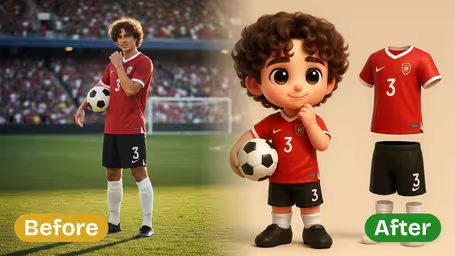
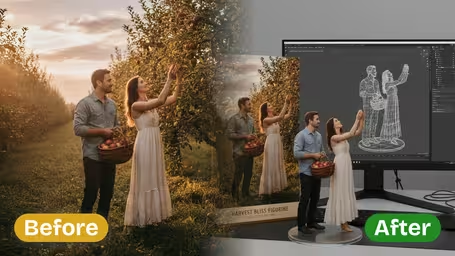
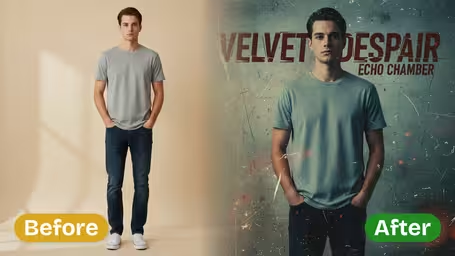
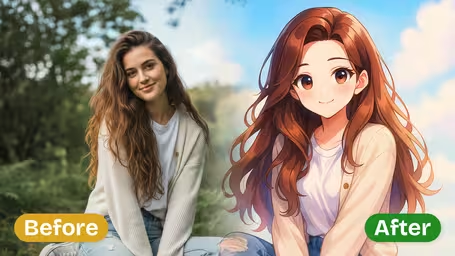
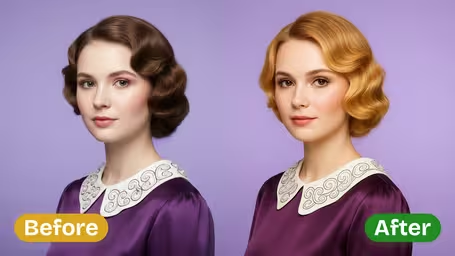
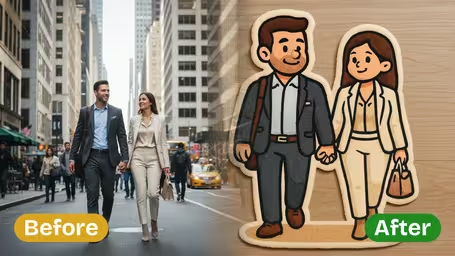
AI紋身試穿功能
上傳身體照片,用AI預覽逼真的紋身效果。真正紋身之前,先看看任何圖案在您皮膚上的真實樣子。
- 01
逼真貼膚效果
紋身自然融合您的膚色、身體輪廓和光影,呈現照片級預覽
- 02
保留本人特徵
AI 保留您的身形、姿勢和皮膚不變,僅套用紋身圖案
- 03
任意風格與位置
細線、黑色圖騰、日式、水彩、幾何等多種風格,可用於手臂、前臂、背部、胸口、腿部等任意位置
- 04
參考圖轉移
上傳任意紋身設計照片,立即在您身上預覽效果
如何使用AI刺青試戴
四個簡單步驟預覽刺青在身體上的效果
- 01
上傳刺青設計
上傳你想預覽的刺青設計。可以是你建立、下載或使用AI刺青生成器生成的設計。支援JPEG和PNG格式。
- 02
上傳身體照片(可選)
可選上傳你自己的照片或希望刺青放置的身體部位照片。如果未提供身體照片,AI將自動生成逼真的身體預覽。
- 03
選擇放置位置與設定
選擇身體放置區域,例如前臂、上臂、背部、胸部、肩膀或腿部。調整大小與方向以符合你期望的刺青位置。
- 04
生成預覽
點擊生成查看刺青在身體上的逼真預覽。AI將設計與膚色、輪廓與光線自然融合,呈現逼真效果。
AI刺青試戴常見問題
不需要,身體照片是可選的。如果不上傳,AI會生成逼真的身體模型來展示您的刺青設計。不過上傳自己的照片能讓您獲得更個人化、更準確的刺青效果預覽。
可以在多個身體部位預覽刺青,包括前臂、上臂、肩膀、背部、胸部、肋骨、腿部、大腿、小腿、腳踝、手腕、頸部和手部。AI會根據每個部位的自然輪廓調整設計。
AI透過考量膚色、身體輪廓、光線條件與自然皮膚紋理,生成高度逼真的預覽。刺青設計會無縫融合於皮膚上,呈現實際刺青後的效果。
會的,您的隱私是我們的首要考量。上傳的照片會經過安全處理,不會與第三方分享。照片僅用於生成刺青預覽,並依照我們的隱私政策處理。
可以!您可以上傳不同的刺青設計,在同一身體部位生成多個預覽以比較效果。這能幫助您在決定實際刺青之前做出明智的選擇。
刺青設計與身體照片皆支援JPEG及PNG格式。為獲得最佳效果,建議使用透明或白色背景的刺青設計圖片,以便AI能清楚擷取設計。
價格
價格
選擇適合您的方案。沒有隱藏費用,沒有意外。
一次性 支持加密貨幣支付 (BTC, USDT, ETH, 350+) · 月付帳單
免費版-一次性
免費試用
免費
32點數
- 3 影片
- 32 圖片
- 多模型支援
- 文字轉影片
- 圖片轉影片
- 影片轉影片
顯示更多 (+11)
- 角色一致性
- AI 動畫生成器
- 模板與特效
- AI 影片增強
- 互動社區
- 更快生成速度
- 無浮水印輸出
- 更多鏡頭運動
- 影片隱私控制
- 複製保護
- 優先支援
專業版-1 月
熱門提升您的AI體驗
29.99USD / 1 月
800
800 積分/月
- 80 影片
- 800 圖片
- 3 任務(並行任務)
- 多模型支援
- 文字轉影片
- 圖片轉影片
顯示更多 (+12)
- 影片轉影片
- 角色一致性
- AI 動畫生成器
- 模板與特效
- AI 影片增強
- 互動社區
- 更快生成速度
- 無浮水印輸出
- 更多鏡頭運動
- 影片隱私控制
- 複製保護
- 優先支援
輕量版-1 月
開始您的AI之旅
19.99USD / 1 月
300 積分/月
- 30 影片
- 300 圖片
- 3 任務(並行任務)
- 多模型支援
- 文字轉影片
- 圖片轉影片
顯示更多 (+12)
- 影片轉影片
- 角色一致性
- AI 動畫生成器
- 模板與特效
- AI 影片增強
- 互動社區
- 更快生成速度
- 無浮水印輸出
- 更多鏡頭運動
- 影片隱私控制
- 複製保護
- 優先支援
- 銀行卡
- BTC, USDT, ETH 及 350+ 種加密貨幣已接受