Dreamega.ai

可靈 2.6 動作控制

通過從參考影片中轉移動作,將靜態影像轉換為動態影片。上傳角色圖片與動作參考影片(舞蹈、動作、手勢),可靈 2.6 動作控制會提取動作生成流暢、逼真的動畫影片。提供標準版與專業版,時長可達30秒。
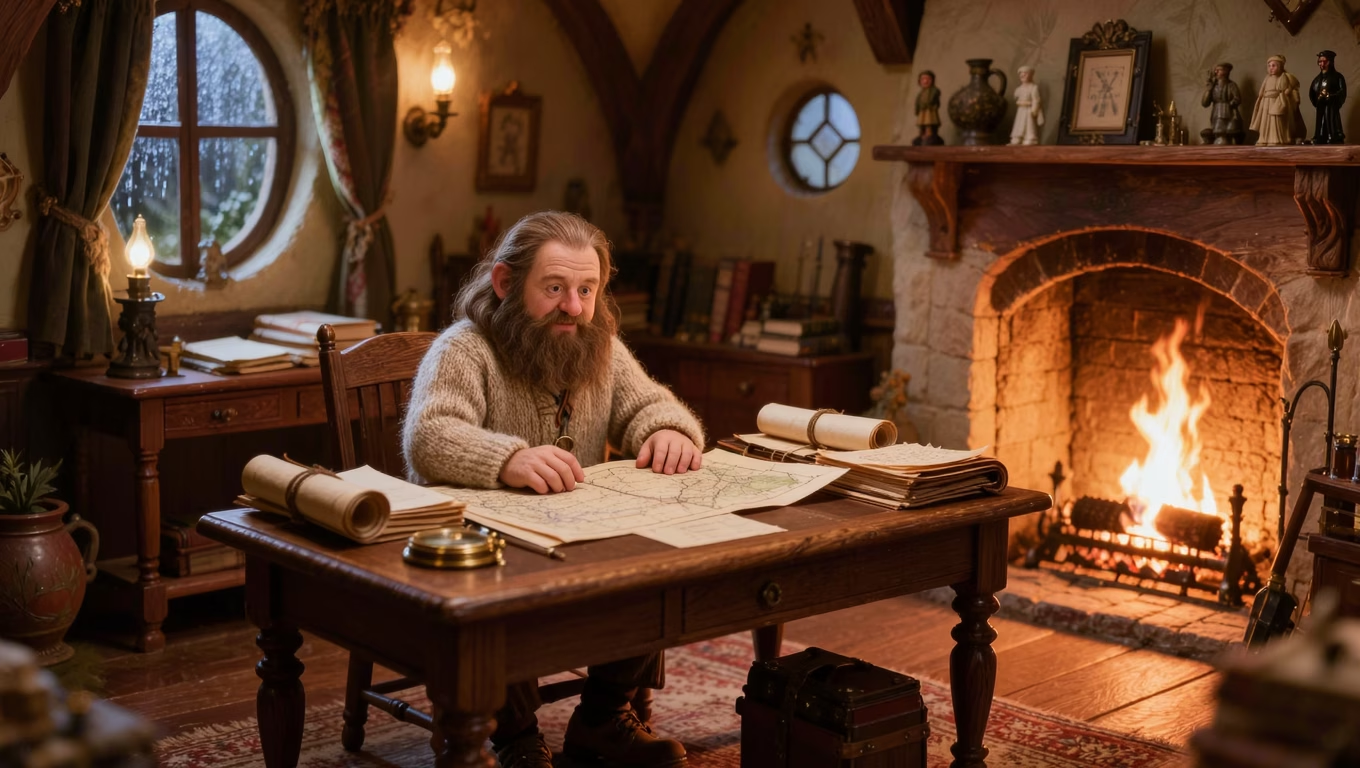
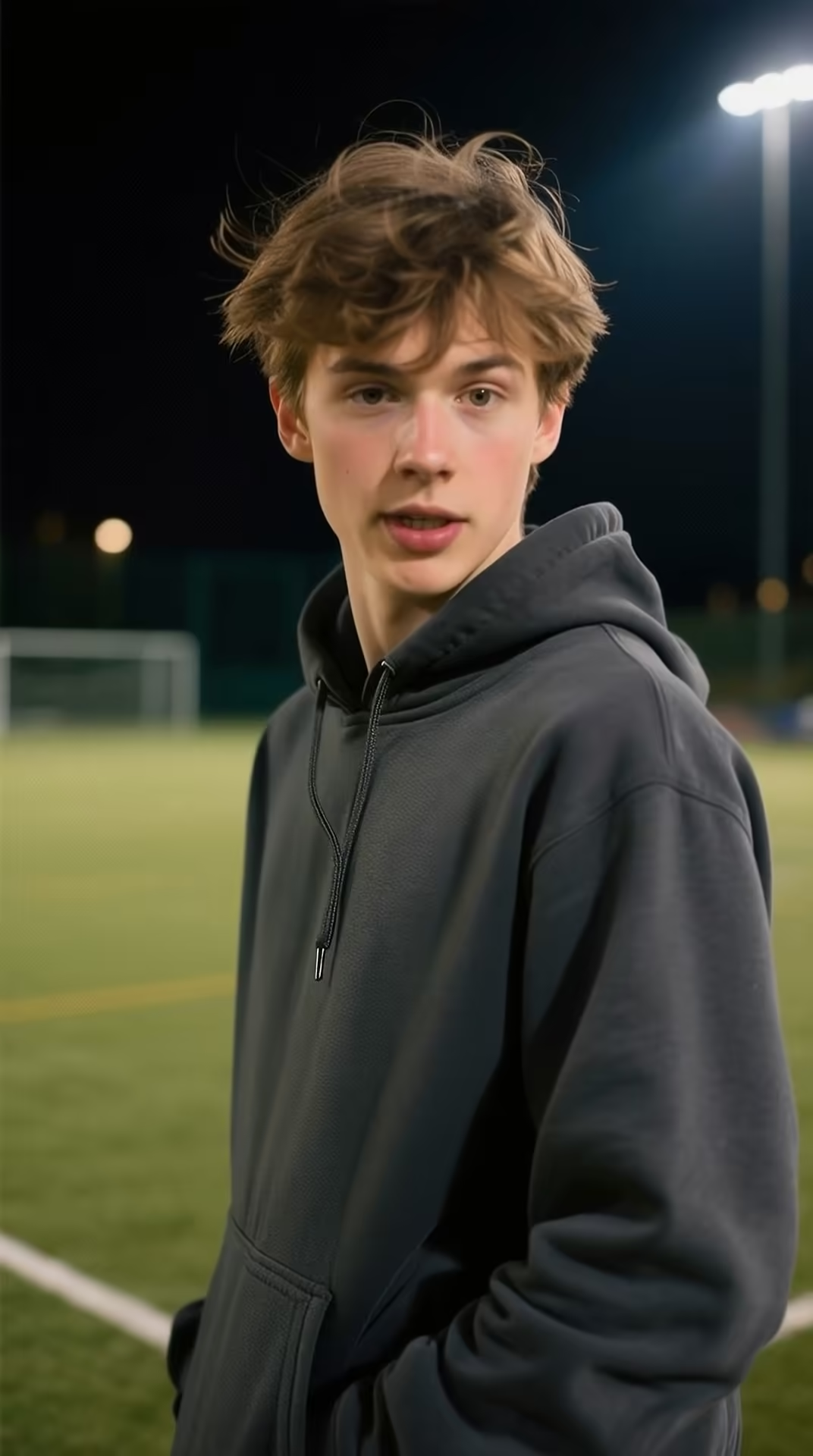
參考圖片*
試用示例:
動作參考影片*
試用示例:

生成結果將在此顯示

提交任務後,AI 生成的內容將在這裏展示

公開

動作控制示例

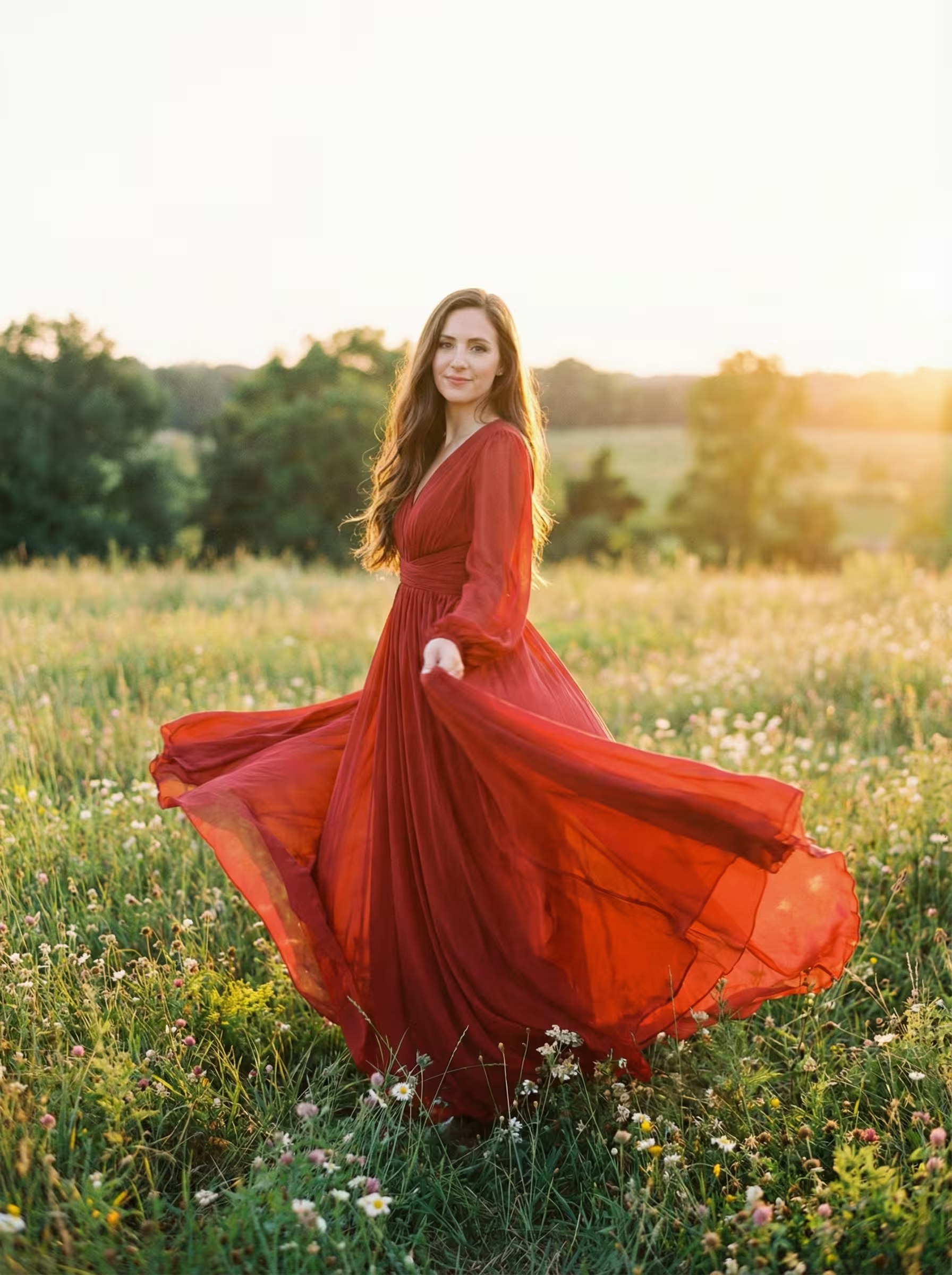
查看 Kling 2.6 動作控制如何將參考影片中的動作轉移到靜態影像
Try Now
Input
專業版示例 1 - Input 1
Image
Subject
Video
Motion Ref
專業版示例 2 - Input 1
Image
Subject
Video
Motion Ref
專業版示例 3 - Input 1
Image
Subject
Video
Motion Ref
專業版示例 4 - Input 1
Image
Subject
Video
Motion Ref
標準版示例 - Input 1
Image
Subject
Video
Motion Ref
Output
AI Generated
AI Generated
AI Generated
AI Generated
AI Generated
專業版示例 1

Kling 2.6 動作控制 YouTube 影片

觀看展示 Kling 2.6 動作控制強大的動作轉移技術的演示和教學,將靜態影像動畫化

Kling 2.6 動作控制 在 X 上的熱門評價

看看大家在 X (Twitter) 上對 Kling 2.6 動作控制的評價

Kling 2.6 motion control is crazy it can precisely control both body motion and expression.. up to 30 seconds

Kling AI
Kling AI
@Kling_ai

🚀 Motion Control, Leveled Up Newly upgraded Motion Control is now live in Kling VIDEO 2.6! Experience precise, full control over every action & expression ✅ Full-Body Motions — Body movements captured in stunning detail ✅ Fast & Complex Actions — From martial arts to

Reply

Totally agree! The latest Kling 2.6 updates with Motion Control and native audio-visual generation are next-level—super realistic movements and character swaps that blow Runway and WAN 2.2 out of the water Just tried it myself and the precision is insane. Definitely checking out Show more

Charly Wargnier
Charly Wargnier
@DataChaz

Honestly impressed by how far @Kling_ai has come. Side-by-side with Runway and WAN 2.2 Animate, Kling AI clearly leaves them in the dust 🤯 You can try the new Kling AI here: → klingai.com

Reply

Kling cooked so hard with this new Motion Control. Don't like the way your character moves? Take control of it yourself. With this, motion capture from home is activated. It's fast, it's cheap, it's easy, it works! @Kling_ai

Kling AI
Kling AI
@Kling_ai

🚀 Motion Control, Leveled Up Newly upgraded Motion Control is now live in Kling VIDEO 2.6! Experience precise, full control over every action & expression ✅ Full-Body Motions — Body movements captured in stunning detail ✅ Fast & Complex Actions — From martial arts to

Reply

Lo dije según lo probé y me pareció que no se le estaba dando la importancia que merecía, pero el Motion Control de Kling 2.6 es una locura de lo bien que funciona! Qué ganas de tener una alternativa con calidad similar open source

GLIF
GLIF
@heyglif

This opens up a completely new workflow for artists when it comes to shooting music videos. Take one performance and place it into multiple locations from multiple angles. By combining Kling 2.6 Motion Control with our Multi-Angle Fashion Shoot agent, we generate multiple

Reply

什麼是可靈 2.6 動作控制?

快手先進的AI動作轉移技術

動作轉移
2層級質量選項
30秒最長時長
音訊保留

可靈 2.6 動作控制是一款專業的AI模型,能夠將參考影片中的動作轉移到靜態影像上,創建逼真的動畫效果。

可靈 2.6 動作控制功能特點

探索強大的動作轉移技術,用專業級動畫為您的靜態影像賦予生命

動作轉移技術

先進的AI從參考影片中提取動作模式並應用到您的靜態影像上。舞蹈動作、動作與手勢被精確捕捉並轉移,創造出自然的角色動畫。

雙參考輸入系統

同時上傳角色圖片與動作參考影片。模型分析參考影片的動作同時保留您角色的外觀,創造身份與動作的無縫融合。

角色朝向控制

選擇輸出角色是跟隨您圖片的朝向還是參考影片的朝向。這種靈活性確保最終動畫符合您對姿態與方向的創意構想。

標準版與專業版質量選項

選擇標準版以獲得更快的生成速度與更高的性價比,或選擇專業版以獲得更優的動作準確性與視覺保真度。兩個版本都能提供流暢、專業級的動畫。

延長影片時長

生成長達30秒的影片,允許完整的舞蹈套路、擴展的動作序列與比典型AI影片生成器更複雜的動作表演。

原聲保留

在生成的輸出中保留參考影片的原始聲音。舞蹈影片中的音樂、節奏與音效無縫轉移,保持完整的視聽體驗。

提示詞增強支援

添加可選的文本提示詞來引導生成過程。描述您想看到的具體細節或修改,為您提供對最終輸出的額外創意控制。

多格式兼容

支援流行的影像格式(PNG、JPEG)與影片格式(MP4、MOV),實現最大的工作流靈活性。無需格式轉換即可上傳現有內容。

負面提示詞控制

使用負面提示詞從生成的影片中排除不需要的元素。指定您不希望出現的內容,以更精確地控制最終結果。

逼真的動作物理效果

AI理解自然的身體力學與物理規律,確保轉移的動作看起來真實可信,在生成的動畫中具有正確的重量分布、動量與時機。

可靈 2.6 動作控制常見問題

標準版生成速度更快,積分消耗更低,適合測試創意和快速迭代。專業版提供更高的視覺保真度、更準確的動作轉移和更流暢的動畫。標準版支援3秒、6秒、10秒和30秒時長,專業版支援5秒、10秒、15秒和30秒。
光線充足、主體清晰、全身動作可見的影片效果最好。舞蹈影片、健身動作、動作片段和手勢演示都能產出出色的結果。為了獲得最佳動作提取效果,請避免使用有多人、快速鏡頭移動或主體被嚴重遮擋的影片。
角色朝向決定輸出角色是面向與源影像相同的方向,還是跟隨參考影片的朝向。選擇"圖片"以保留角色的原始朝向,或選擇"影片"讓角色匹配參考影片的朝向。
可以,"保留原聲音"選項會在生成的輸出中保留動作參考影片的音訊。這非常適合舞蹈影片,讓角色能夠與音樂同步移動。只需在生成前啟用這個選項即可。
圖片支援PNG和JPEG格式,最大文件大小為10MB。動作參考影片支援MP4和MOV格式,同樣最大10MB。生成影片的時長取決於參考影片的長度。
積分根據版本和時長計算。標準版:3秒21積分,6秒42積分,10秒70積分,30秒210積分。專業版:5秒56積分,10秒112積分,15秒168積分,30秒336積分。實際輸出時長與參考影片長度匹配。

如何使用 Kling 2.6 動作控制

使用 Kling 2.6 動作控制將參考影片中的動作轉移到靜態影像,生成專業級質量的動畫

step1

上傳參考圖片

上傳動作參考影片

配置設定並生成

價格

選擇適合您的方案。沒有隱藏費用,沒有意外。

Annual billing with 50% discount

熱門

Pro

Elevate your AI experience

29.99
15
1 月
USD
-50%
800points1 月
Up to 80 videos1 月
Up to 800 images1 月
3 tasks(Parallel Tasks)
Multi-Model Support
Text to Video
Image to Video
Video to Video
Consistent Character
AI Animation Generator
Templates & Effects
AI Video Enhancers
Interactive Community
Faster Generation Speed
No-watermark Outputs
More Camera Movement
Private Video Visibility
Copy Protection
Priority Support

Max

Unlock more advanced features

99.99
50
1 月
USD
-50%
2800points1 月
Up to 280 videos1 月
Up to 2800 images1 月
3 tasks(Parallel Tasks)
Multi-Model Support
Text to Video
Image to Video
Video to Video
Consistent Character
AI Animation Generator
Templates & Effects
AI Video Enhancers
Interactive Community
Faster Generation Speed
No-watermark Outputs
More Camera Movement
Private Video Visibility
Copy Protection
Priority Support

Ultra

Powerful support for your team

499.99
250
1 月
USD
-50%
16000points1 月
Up to 1600 videos1 月
Up to 16000 images1 月
3 tasks(Parallel Tasks)
Multi-Model Support
Text to Video
Image to Video
Video to Video
Consistent Character
AI Animation Generator
Templates & Effects
AI Video Enhancers
Interactive Community
Faster Generation Speed
No-watermark Outputs
More Camera Movement
Private Video Visibility
Copy Protection
Priority Support