











WAN 3.0 文生 / 圖生 / 參考生影片生成器
在 Dreamega AI 使用阿里通義實驗室的統一影片模型 WAN 3.0 生成影片。寫提示詞做文生影片,上傳首幀(可選尾幀)做圖生影片,或混合最多 10 張參考圖、5 段參考影片與 5 段參考音訊做參考生影片。三種模式皆可生成 2 至 30 秒、480p/720p/1080p 影片,自帶同步音訊。
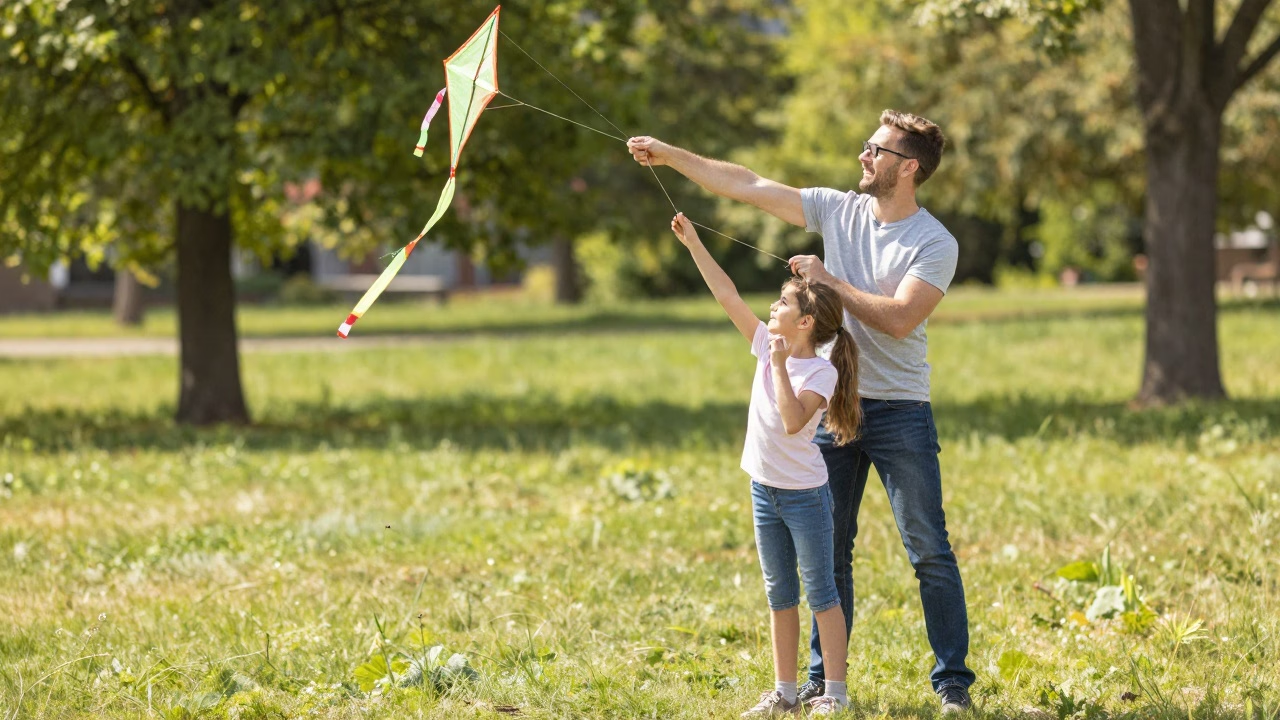
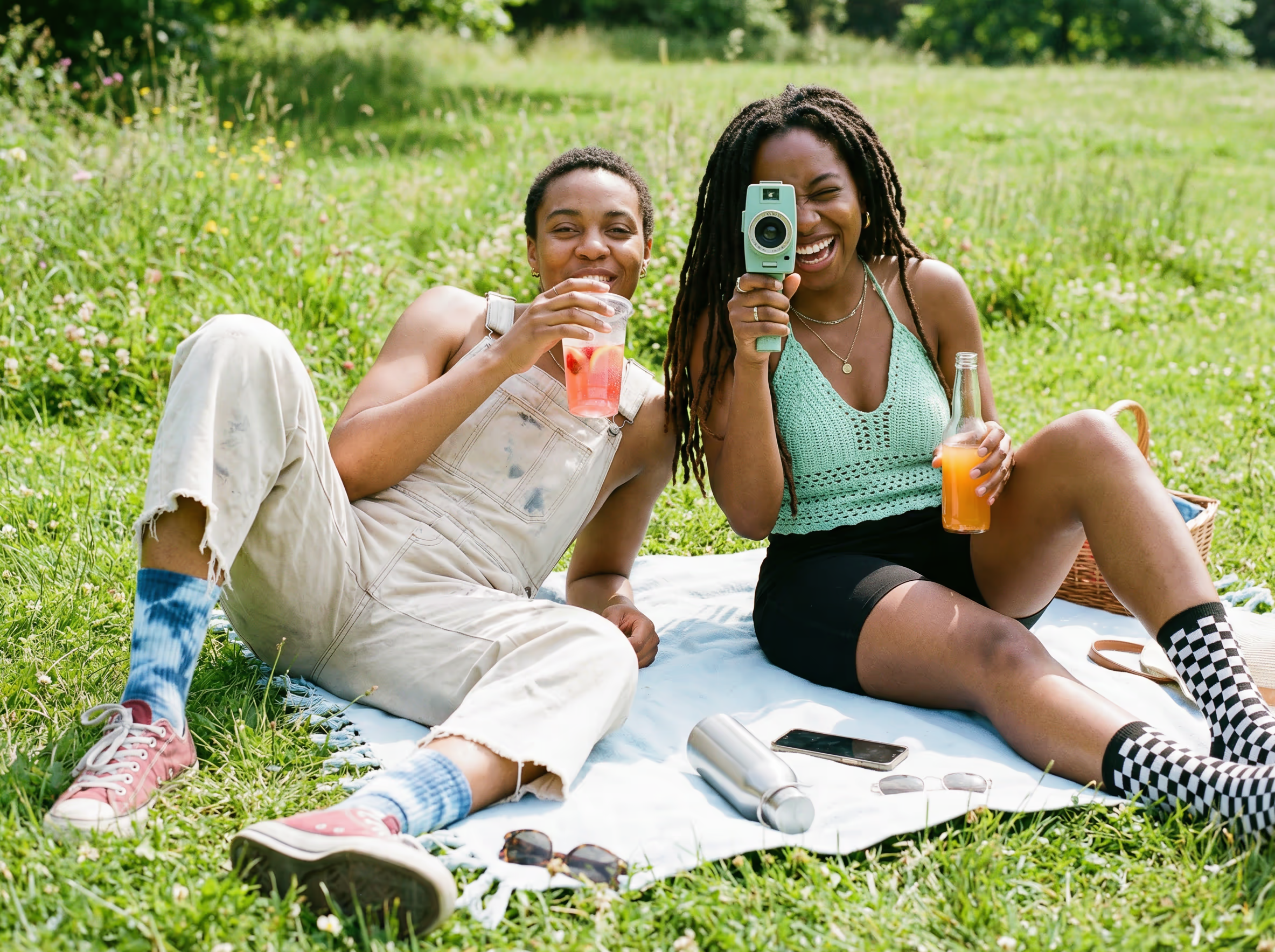
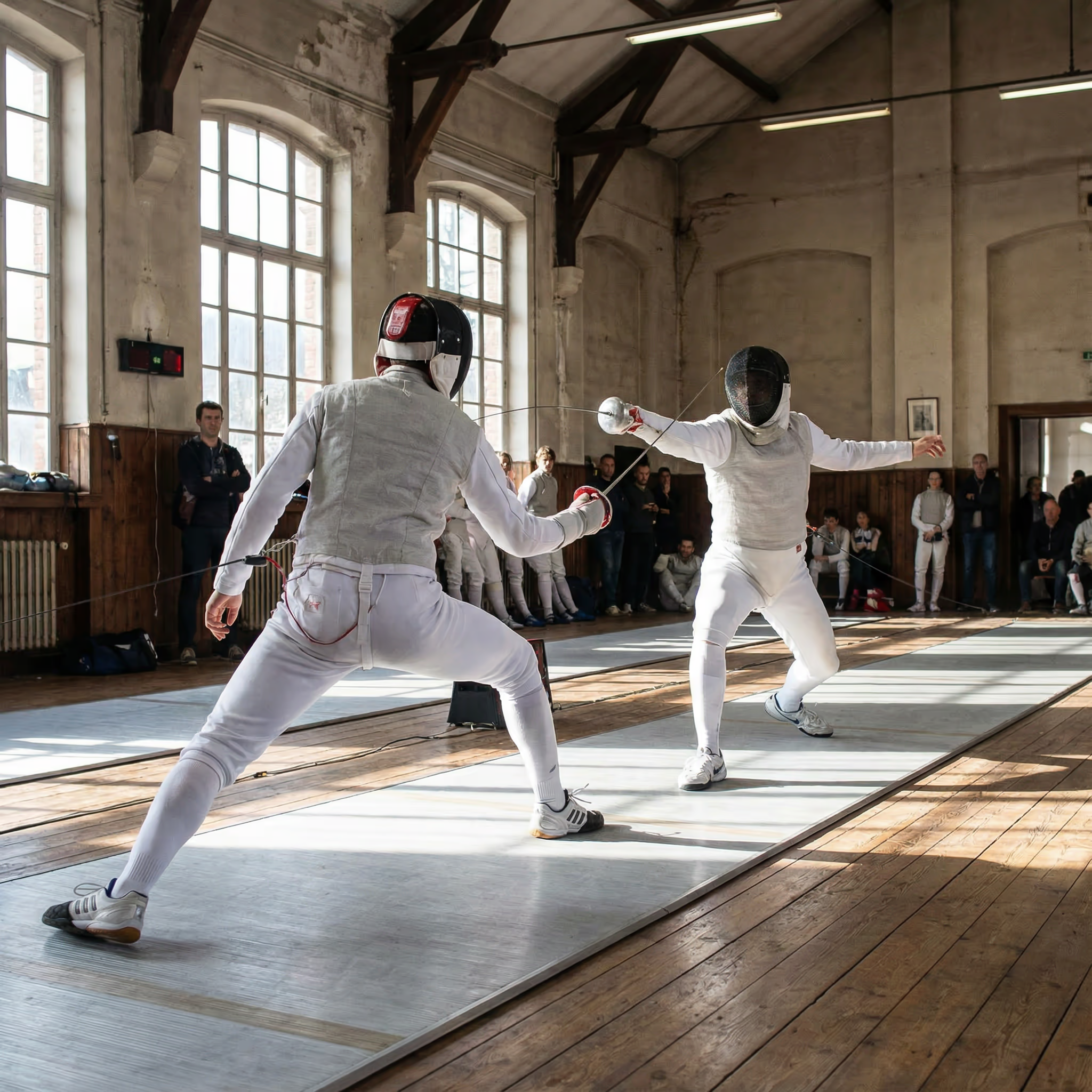


WAN 3.0 影片作品集
瀏覽以 WAN 3.0 由提示詞生成的片段。每個範例皆為單次生成,自帶同步音訊。
廢墟之城的太空人
一名太空人穿過被植物重新佔領的城市,遇見手持發光花朵的孩子,由文字生成。
“A lone astronaut walks through the ruins of a once-busy city, surrounded by abandoned cars, overgrown skyscrapers, and trees growing through cracked streets. She discovers a small child standing inside an old convenience store, holding a glowing flower. The astronaut slowly removes her helmet as birds suddenly rise into the sky and sunlight breaks through the clouds. Emotional science-fiction film, grand post-apocalyptic environment, slow cinematic camera movement, wide establishing shots, intimate facial close-ups, realistic dust particles, warm sunlight contrasting with cold ruins, epic yet hopeful atmosphere.”
WAN 3.0 圖生影片作品集
看看 WAN 3.0 如何讓靜態圖片動起來。下方片段由一張首幀圖片生成,自帶同步音訊。
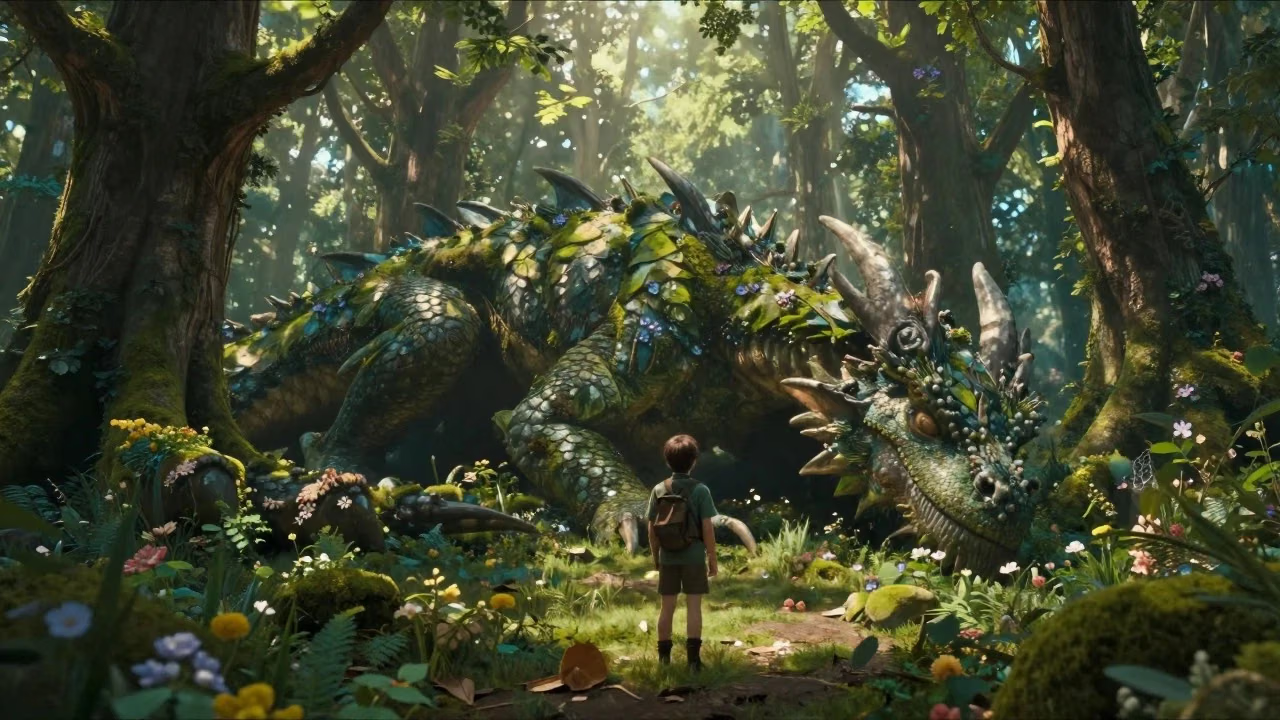
遊俠與森林巨龍
The dragon slowly opens its eyes, leaves move from its breathing, glowing particles float around the forest, the ranger slowly steps forward and reaches out a hand. The camera slowly circles around both characters revealing the enormous scale difference.
WAN 3.0 YouTube 影片
觀看社群示範、評測與教學,了解 WAN 3.0 的實際表現
- Wan 3.0 Is Here — 30-Second AI Videos in One Pass - Tech With Hamza
- China Did It AGAIN? – 100+ Wan 3.0 AI Videos - Airt
- WAN 3.0 Is Almost Too Good to Be True.. (Review) - Oprelia AI
- Alibaba Just Dropped Wan 3.0 (And It's FREE To Try) - ByteForward
- How to Access Wan 3.0 API - Best Alternative to Seedance 2 - Anil Chandra Naidu Matcha
WAN 3.0 YouTube 影片
觀看社群示範、評測與教學,了解 WAN 3.0 的實際表現
什麼是 WAN 3.0
阿里通義實驗室的統一影片模型,已上線 Dreamega AI
- · 012-30s單次生成時長
- · 021080p最高解析度
- · 033模式:文生 / 圖生 / 參考生
- · 0410單次參考圖上限
WAN 3.0 是阿里通義實驗室的統一影片生成模型。WAN 2.7 把文生影片、圖生影片、參考生成與編輯拆成多個模型,WAN 3.0 則將它們合併為一個。在 Dreamega AI 提供三種模式:文生影片用提示詞直接生成,圖生影片讓首幀圖片動起來並支援可選尾幀,參考生影片可混合最多 10 張參考圖、5 段參考影片與 5 段參考音訊以維持主體一致。三種模式皆為單次生成 2 至 30 秒,支援 480p/720p/1080p,預設開啟原生同步音訊。
WAN 3.0 的核心能力
阿里統一影片模型在文生、圖生與參考生成上的表現
- Feature 01 / 08
統一為單一模型
WAN 2.7 把文生影片、圖生影片、參考生成與編輯拆成多個模型,WAN 3.0 將它們合併為一個,無論從哪種模式開始,表現都維持一致。
- Feature 02 / 08
單次生成 30 秒
時長可在 2 至 30 秒之間任選,整段影片一次生成完成,無需拼接即可實現連續運鏡與一鏡到底的敘事語言。
- Feature 03 / 08
原生同步音訊
音訊與畫面同時生成而非事後疊加,涵蓋對白音色、環境音與音樂節奏,台詞與動作自然對齊,不需額外流程。
- Feature 04 / 08
480p 至 1080p 輸出
草稿選 480p,日常交付選 720p,成片選 1080p。各檔皆按秒計費,試錯成本低,只有成片才付全價。
- Feature 05 / 08
全模態參考輸入
參考生影片單次最多可接收 10 張參考圖、5 段參考影片與 5 段音訊,讓角色、產品或場景在整段序列中保持一致。
- Feature 06 / 08
首幀與尾幀控制
圖生影片以你上傳的首幀圖片為起點,並可選擇加入尾幀圖片,精準指定鏡頭從哪裡開始、又落在哪一畫面。
- Feature 07 / 08
深度思考模式
開啟思考模式後,模型會在生成前對複雜提示詞做更充分的推理,對多段落場景與特殊調度指令更有幫助。
- Feature 08 / 08
五種寬高比
可選 16:9、9:16、1:1、4:3 或 3:4,一個參數涵蓋寬螢幕交付、直向行動端、方形社群與經典構圖。圖生影片還可直接沿用輸入圖比例。
如何使用 WAN 3.0 文生影片
用一段文字描述生成最長 30 秒的影片
撰寫提示詞
描述場景、主體、運鏡、光線與氛圍。細節越充分效果越好,複雜創意還可開啟深度思考模式。