









🎨 Seedream 5.0 Pro — 字節跳動旗艦圖像模型:最高 2K 解析度,業界頂級文字排版與多圖參考編輯!


無限 Kling O1 AI影片生成器
快手革命性的統一多模態影片模型,具備7合1創意引擎、最多10張影像的多參考支援、用於卓越運動精度的思維鏈推理,以及無需遮罩或關鍵幀的自然語言影片編輯功能。

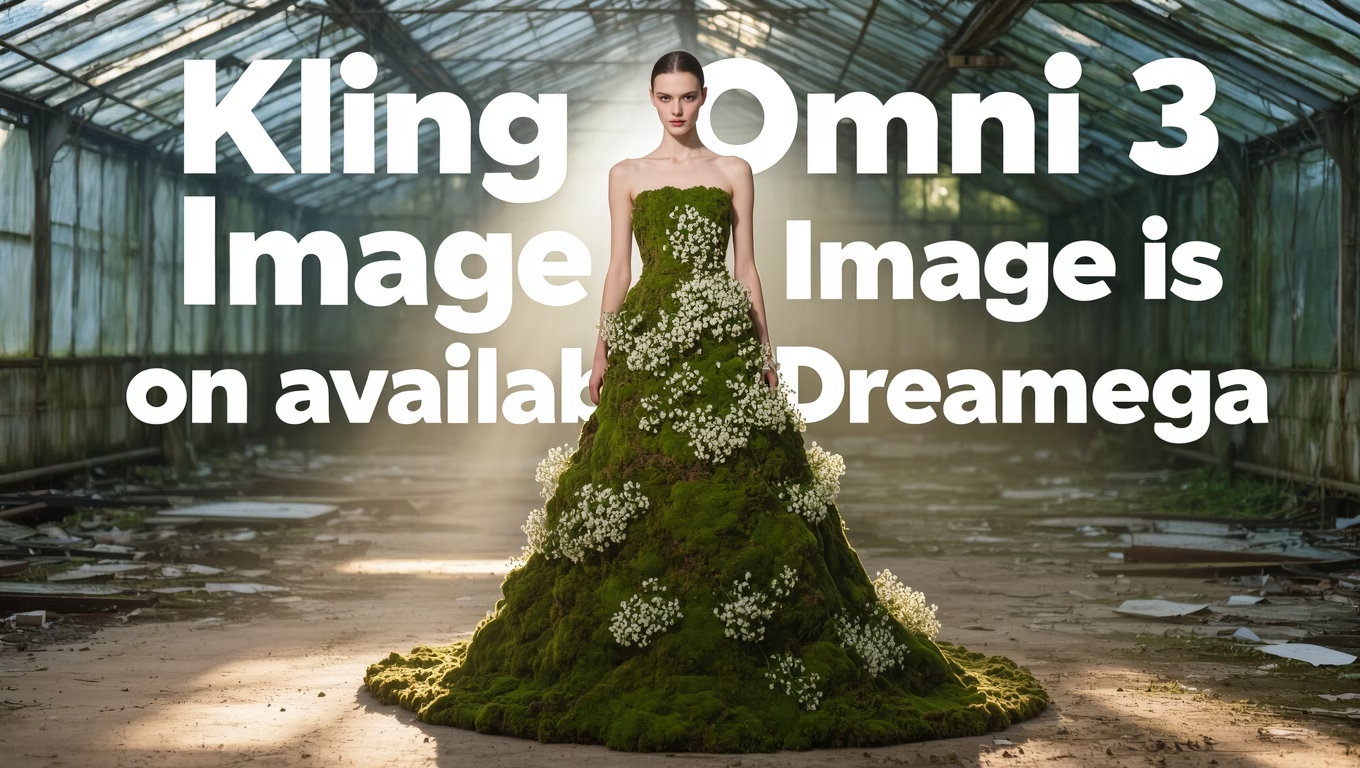

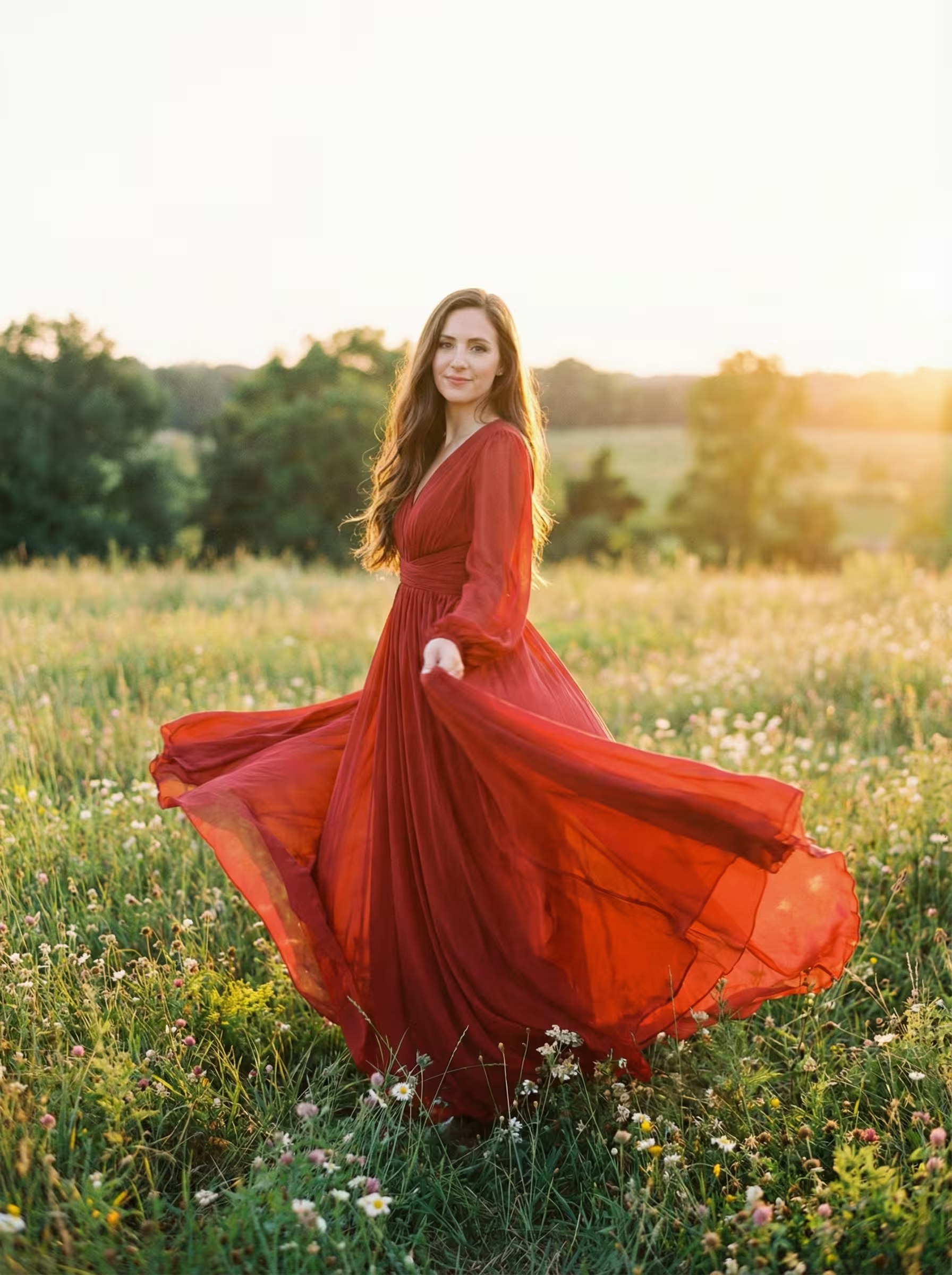
什麼是 Kling O1
快手革命性的統一多模態影片模型,正在重新定義AI影片創作
- 首款統一模型
- 7合1創意引擎
- 10張影像參考
- 思維鏈推理
Kling O1 係全球首款統一多模態影片模型,在7合1創意引擎中結合了生成同編輯能力。
Kling O1 的革命性功能
探索快手突破性的統一多模態影片模型,在一個強大的7合1創意引擎中結合生成同編輯功能
- 01
7合1創意引擎
全球首款統一模型,整合七種影片創作能力:文生影片、參考生成、關鍵幀創建、內容修改、風格轉換、鏡頭延伸等。一個模型無縫處理所有影片任務。
- 02
多參考支援
革命性的多輸入系統,支援最多10張參考影像同7個同時輸入。在單次生成中組合角色、環境、道具同風格,實現前所未有的創意控制同場景複雜度。
- 03
思維鏈推理
先進的推理架構,透過逐步邏輯處理理解複雜提示。提供卓越的運動精度、物理理解同連貫的動作序列,精確匹配您的創意意圖。
- 04
自然語言影片編輯
使用簡單的文本命令編輯影片,無需遮罩、關鍵幀或技術專業知識。描述諸如「添加太陽鏡」或「將背景更改為森林」等變化,觀看AI智慧轉換您的內容。
- 05
多模態視覺語言(MVL)
專有的MVL架構透過統一的理解系統處理文本、影像同影片。實現真正的多模態理解,所有輸入協同工作創建連貫、上下文感知的影片內容。
- 06
物理感知生成
對現實物理的深度理解確保物體自然交互、重力正確表現、材料真實響應。創建可信的運動動態,從流水到織物運動同物體碰撞。
- 07
角色一致性控制
在多次生成同場景中保持完美的角色身份。參考影像在整個影片項目中保留面部特徵、服裝同獨特特徵,具有行業領先的一致性。
- 08
風格與場景轉換
轉換影片美學、環境同視覺風格,同時保留核心運動同內容。無縫應用藝術風格、更改時間、修改天氣條件或將場景傳送到全新位置。
如何使用 Kling O1 進行圖生影片
掌握快手革命性的 Kling O1 模型,將靜態影像轉換為具有思維鏈推理的動態影片
- 01
上傳您的源影像
選擇一張高質量影像,清晰展示您的主體,具有良好的光線同構圖。Kling O1的思維鏈推理分析影像結構,識別角色、物體同環境背景等元素,以規劃連貫的運動同動畫。
- 02
製作詳細的運動提示詞
在提示詞中描述所需的運動同動作。具體說明運動類型:'女人緩緩轉頭微笑'、'樹葉在微風中輕輕搖曳'或'鏡頭緩慢向前推進'。Kling O1的MVL架構理解複雜指令以實現精確的動畫控制。
- 03
利用多參考保持一致性
對於需要角色或風格一致性的項目,將您的主影像同額外的參考影像結合。Kling O1同時支援最多10張參考影像,讓您在項目中的多個生成影片之間保持視覺連貫性。
如何使用 Kling O1 進行參考圖生影片
掌握快手革命性的 Kling O1 模型,從多張參考影像創建具有一致角色同風格的影片
- 01
上傳多張參考影像
選擇最多10張高質量參考影像嚟定義您的角色、風格或場景。Kling O1的7合1引擎同時分析所有參考圖,理解視覺關係,確保在生成的影片內容中保持一致的表現。
- 02
配置參考關係
指定每張參考圖點樣影響您的影片。為影像分配角色:主角、次要元素、風格指南或環境參考。Kling O1的MVL架構處理多達7個同時輸入,在整個生成過程中保持連貫的視覺身份。
- 03
生成保持角色一致性
描述您想要的影片場景同動作。Kling O1使用其多參考能力在所有幀中保持一致的角色外觀、服裝同風格。思維鏈推理確保流暢的過渡同自然的動作,同時保持參考保真度。
如何使用 Kling O1 進行自然語言影片編輯
掌握快手革命性的 Kling O1 模型,使用簡單的文本命令編輯影片,無需遮罩或關鍵幀
- 01
上傳您的源影片
選擇您想要編輯的影片。Kling O1的思維鏈推理將分析整個影片內容,理解場景構成、物體、角色同運動模式,實現無需手動選擇的精確自然語言編輯。
- 02
用自然語言描述您的編輯
簡單輸入您想要改變的內容:'把紅色汽車變成藍色'、'畀人物加上太陽眼鏡'或'將背景轉換為海灘場景'。Kling O1的MVL架構解釋複雜指令,在所有幀中應用時間一致性編輯。
- 03
審查同最佳化結果
預覽您編輯的影片,更改在整個過程中無縫應用。即使進行重大修改,Kling O1都能保持運動連續性同視覺連貫性。使用額外的文本命令迭代微調結果,無需重新開始。
如何使用 Kling O1 進行影片參考變換
掌握快手革命性的 Kling O1 模型,使用參考影像進行風格、角色同場景變換
- 01
上傳您的源影片
選擇您想要變換的影片。Kling O1的7合1引擎分析整個影片時間軸,理解運動模式、相機移動同場景動態,為無縫參考引導變換做準備。
- 02
添加用於變換的參考影像
上傳定義您期望變換的參考影像:角色外觀、藝術風格或環境場景。Kling O1同時支援最多10張參考影像,允許複雜的多元素變換同時保持影片連貫性。
- 03
生成變換後的影片
描述參考應點樣應用:'用參考1中的角色替換人物'、'將參考2的藝術風格應用到整個場景'。Kling O1的思維鏈推理確保平滑的風格轉換,同時保留原始運動同時間一致性。
Kling O1 YouTube 影片
觀看展示 Kling O1 革命性統一多模態影片能力的教程同演示
- The "Nano Banana" of AI Video is Here! - Theoretically Media
- Kling O1 Is Here & It's Insane! | fal Academy - fal
- Day 1: Introducing Kling O1 — Brand-New Creative Engine for Endless Possibilities! - Kling AI
- Kling O1 is Way More Powerful Than You Think - VEED STUDIO
- Kling O1 is wild! The most innovative AI video model - Alex Patrascu
Kling O1 YouTube 影片
觀看展示 Kling O1 革命性統一多模態影片能力的教程同演示
Kling O1 在 X 上的熱門評價
看看大家在 X (Twitter) 上對 Kling O1 的評價
價格
價格
選擇適合您的計劃。沒有隱藏費用,沒有意外。
一次性 支持加密貨幣支付 (BTC, USDT, ETH, 350+) · 月付帳單
免費版-一次性
免費試用
- 3 影片
- 32 圖片
- 多模型支援
- 文字轉影片
- 圖片轉影片
- 影片轉影片
顯示更多 (+11)
- 角色一致性
- AI 動畫生成器
- 模板與特效
- AI 影片增強
- 互動社區
- 更快生成速度
- 無浮水印輸出
- 更多鏡頭運動
- 影片隱私控制
- 複製保護
- 優先支援
專業版-1 月
熱門提升您的AI體驗
- 80 影片
- 800 圖片
- 3 任務(並行任務)
- 多模型支援
- 文字轉影片
- 圖片轉影片
顯示更多 (+12)
- 影片轉影片
- 角色一致性
- AI 動畫生成器
- 模板與特效
- AI 影片增強
- 互動社區
- 更快生成速度
- 無浮水印輸出
- 更多鏡頭運動
- 影片隱私控制
- 複製保護
- 優先支援
輕量版-1 月
開始您的AI之旅
- 30 影片
- 300 圖片
- 3 任務(並行任務)
- 多模型支援
- 文字轉影片
- 圖片轉影片
顯示更多 (+12)
- 影片轉影片
- 角色一致性
- AI 動畫生成器
- 模板與特效
- AI 影片增強
- 互動社區
- 更快生成速度
- 無浮水印輸出
- 更多鏡頭運動
- 影片隱私控制
- 複製保護
- 優先支援
- 銀行卡
- BTC, USDT, ETH 及 350+ 種加密貨幣已接受