









🎨 Seedream 5.0 Pro — ByteDance의 플래그십 이미지 모델: 최대 2K, 최고 수준의 타이포그래피와 다중 참조 편집!


AI 헤나 시착
손이나 신체 사진을 업로드하고 AI로 사실적인 헤나 배치를 미리 확인하세요. 실제 헤나를 적용하기 전에 다양한 메헨디 디자인, 스타일, 위치를 시도해 보세요.
헤나 디자인 시리즈
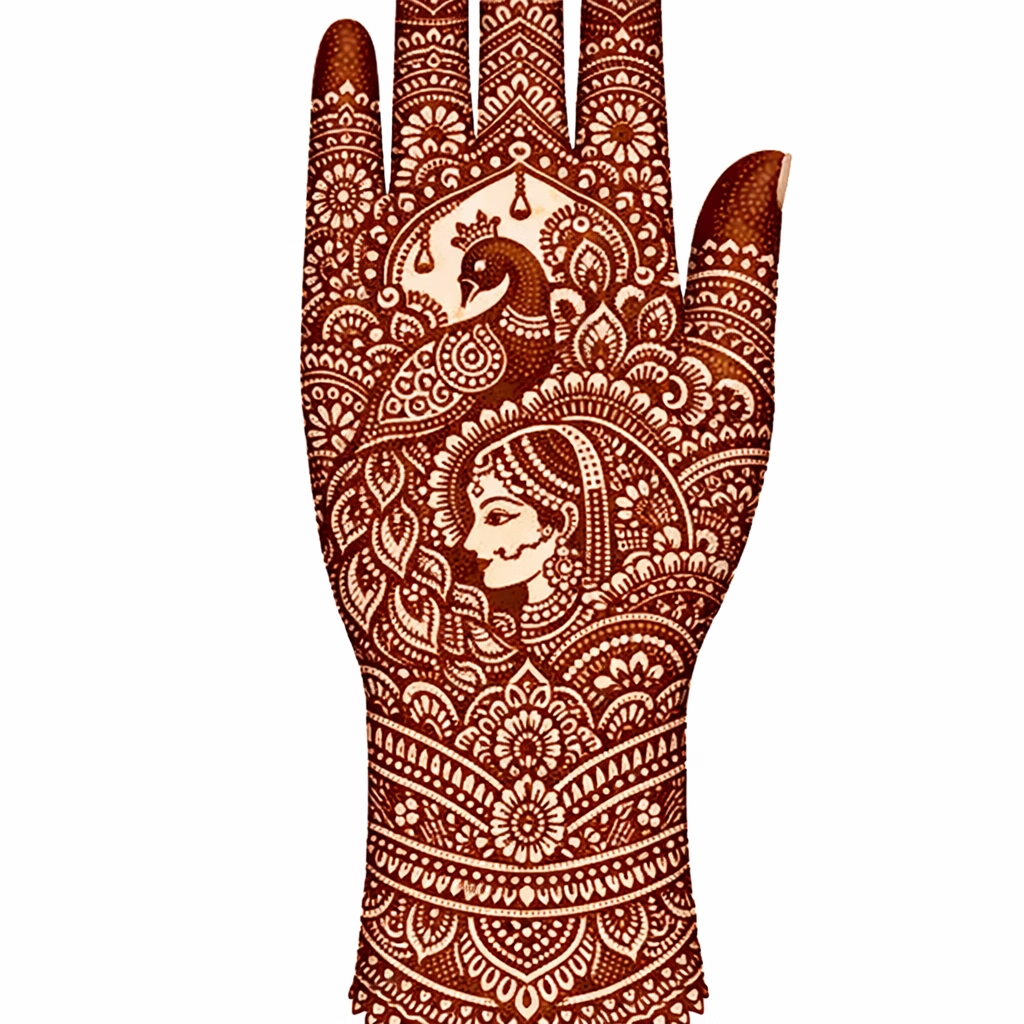
AI 헤나 체험 갤러리
AI가 실제 신체 사진에 헤나 디자인을 적용하는 모습을 확인해 보세요. 다양한 신체 부위에서 원본 사진과 헤나 미리보기 결과를 비교할 수 있습니다.
손등 헤나 미리보기
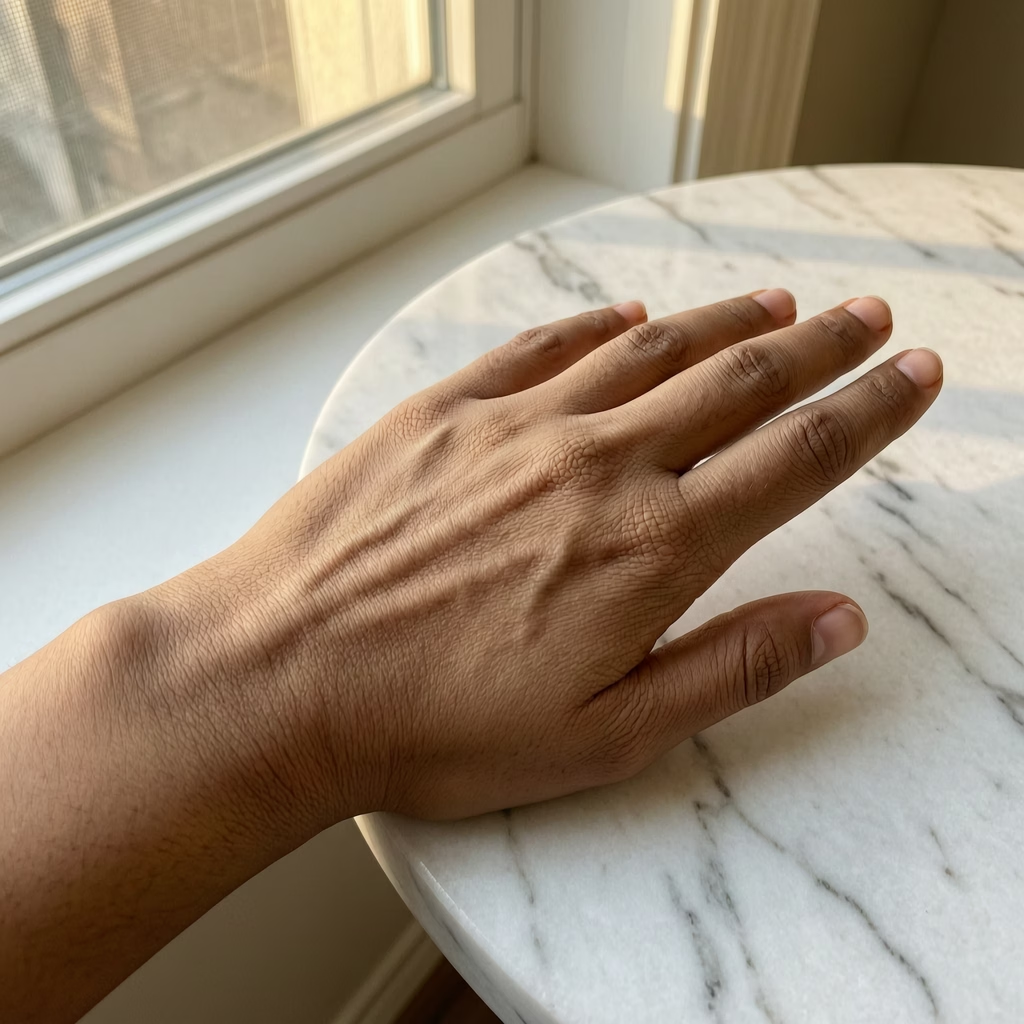
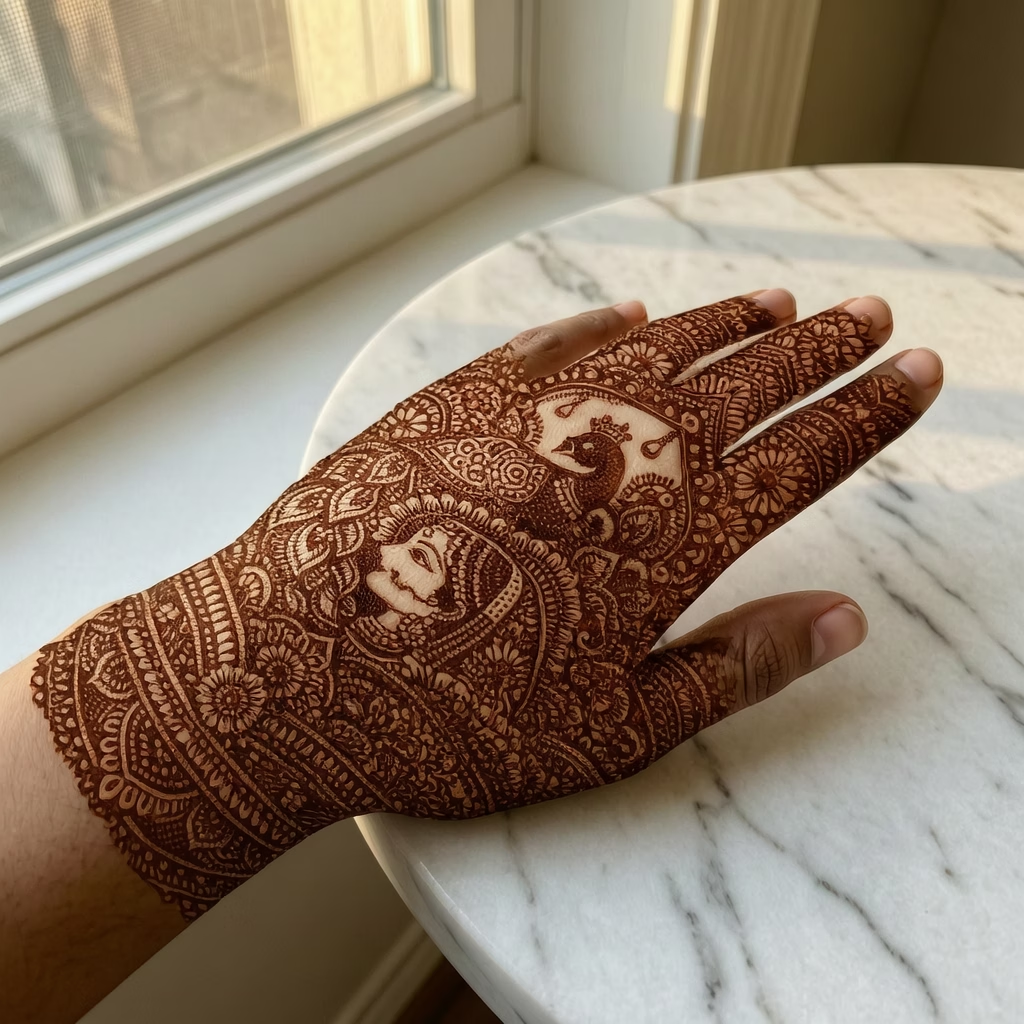
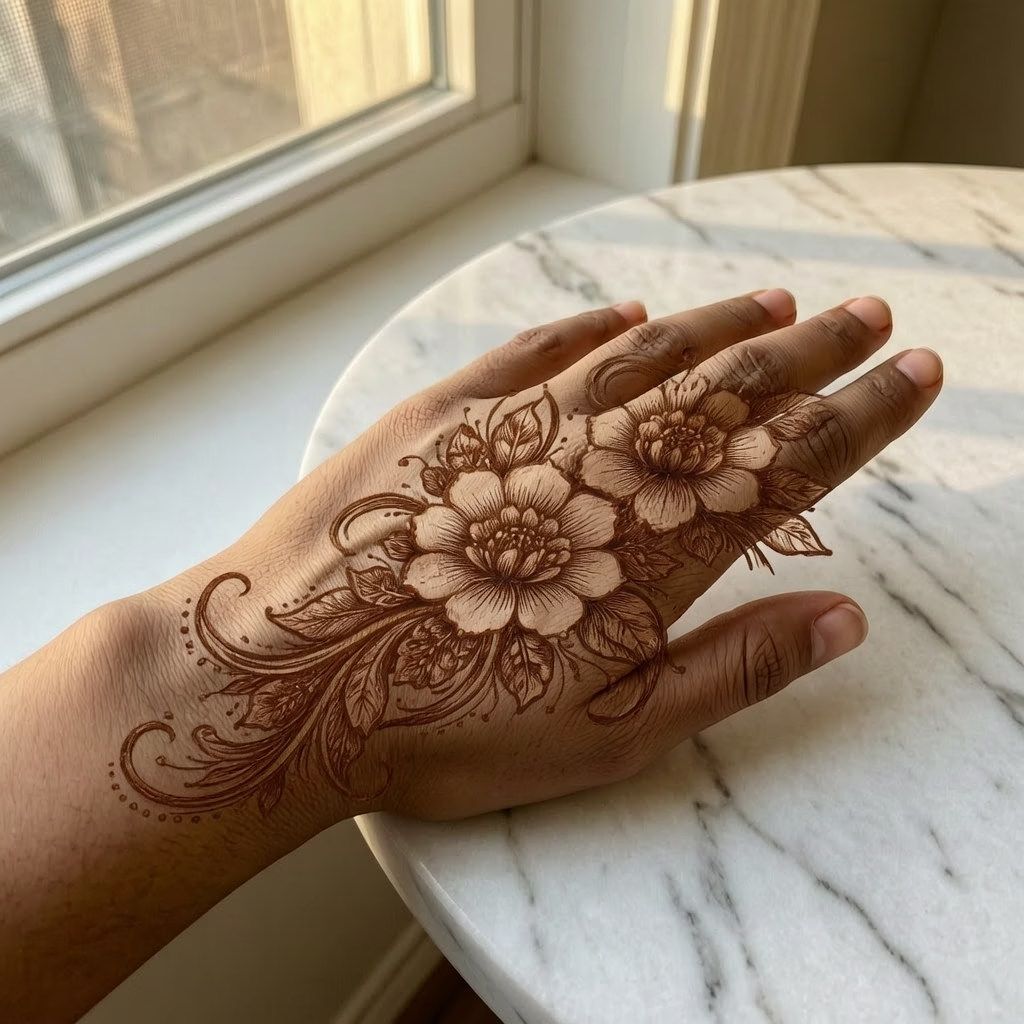
정교한 페이즐리와 만다라 문양이 돋보이는 손등의 클래식 헤나 디자인
AI 헤나 디자인 가상 체험 기능
손이나 몸 사진을 업로드하고 결정하기 전에 사실적인 헤나 및 메헨디 디자인을 미리 확인하세요.
- 01
사실적인 가상 체험
실제 사진에 헤나 및 메헨디 디자인을 자연스러운 피부 블렌딩과 정확한 염색 색상으로 미리보기
- 02
본인 특성 유지
AI가 손 모양, 피부톤, 포즈를 그대로 유지하면서 헤나 디자인만 적용합니다
- 03
모든 스타일과 위치
손등, 손바닥, 손가락, 팔, 발 등 다양한 위치에서 인도, 아랍, 모로코, 모던 디자인을 테스트하세요
- 04
레퍼런스 전송
헤나 디자인 사진을 업로드하면 손에 바로 적용하여 즉시 미리볼 수 있습니다
AI 헤나 가상 체험 사용법
네 가지 간단한 단계로 내 몸에 헤나 디자인을 미리 체험해 보세요
- 01
헤나 디자인 업로드하기
미리 보고 싶은 헤나 디자인을 업로드하세요. 직접 만든 디자인, 다운로드한 디자인, 또는 저희 AI 헤나 디자인 생성기로 만든 디자인을 사용할 수 있습니다. 지원 형식은 JPEG와 PNG입니다.
- 02
손/신체 사진 업로드하기 (선택)
헤나를 그리고 싶은 손, 팔 또는 신체 부위 사진을 선택적으로 업로드할 수 있습니다. 신체 사진을 제공하지 않으면 AI가 자동으로 사실적인 신체 미리보기를 생성합니다.
- 03
위치 및 설정 선택하기
손등, 손바닥, 손목, 팔뚝, 발, 발목 등 신체 부위를 선택하세요. 원하는 헤나 위치에 맞게 크기와 방향을 조정하세요.
- 04
미리보기 생성하기
생성 버튼을 클릭하면 헤나가 몸에 어떻게 보일지 사실적인 미리보기를 확인할 수 있습니다. AI가 피부 톤, 윤곽, 조명에 맞춰 디자인을 자연스럽게 합성해 생생한 결과를 만들어 냅니다.
AI 헤나 시착 자주 묻는 질문
요금
요금
당신에게 맞는 플랜을 선택하세요. 숨겨진 요금이나 예상치 못한 비용은 없습니다.
일회성 암호화폐 결제 지원 (BTC, USDT, ETH, 350+) · 월간 청구
무료-1회
구매 전 체험
- 최대 3 비디오
- 최대 32 이미지
- 다중 모델 지원
- 텍스트에서 비디오
- 이미지에서 비디오
- 비디오에서 비디오
더 보기 (+11)
- 일관된 캐릭터
- AI 애니메이션 생성기
- 템플릿 및 효과
- AI 비디오 향상
- 인터랙티브 커뮤니티
- 빠른 생성 속도
- 워터마크 없는 출력
- 더 많은 카메라 움직임
- 비디오 비공개 설정
- 복사 보호
- 우선 지원
Pro-1개월
인기AI 경험을 향상시키세요
- 최대 80 비디오
- 최대 800 이미지
- 3 작업(병렬 작업)
- 다중 모델 지원
- 텍스트에서 비디오
- 이미지에서 비디오
더 보기 (+12)
- 비디오에서 비디오
- 일관된 캐릭터
- AI 애니메이션 생성기
- 템플릿 및 효과
- AI 비디오 향상
- 인터랙티브 커뮤니티
- 빠른 생성 속도
- 워터마크 없는 출력
- 더 많은 카메라 움직임
- 비디오 비공개 설정
- 복사 보호
- 우선 지원
Lite-1개월
AI 여정을 시작하세요
- 최대 30 비디오
- 최대 300 이미지
- 3 작업(병렬 작업)
- 다중 모델 지원
- 텍스트에서 비디오
- 이미지에서 비디오
더 보기 (+12)
- 비디오에서 비디오
- 일관된 캐릭터
- AI 애니메이션 생성기
- 템플릿 및 효과
- AI 비디오 향상
- 인터랙티브 커뮤니티
- 빠른 생성 속도
- 워터마크 없는 출력
- 더 많은 카메라 움직임
- 비디오 비공개 설정
- 복사 보호
- 우선 지원
- Card
- BTC, USDT, ETH 및 350+ 암호화폐 결제 가능