











AI Logo 貼圖
上傳您嘅 Logo,用 AI 將其放置喺逼真嘅產品樣機上,如馬克杯、T恤、包裝等。即時預覽品牌喺真實產品上嘅效果。
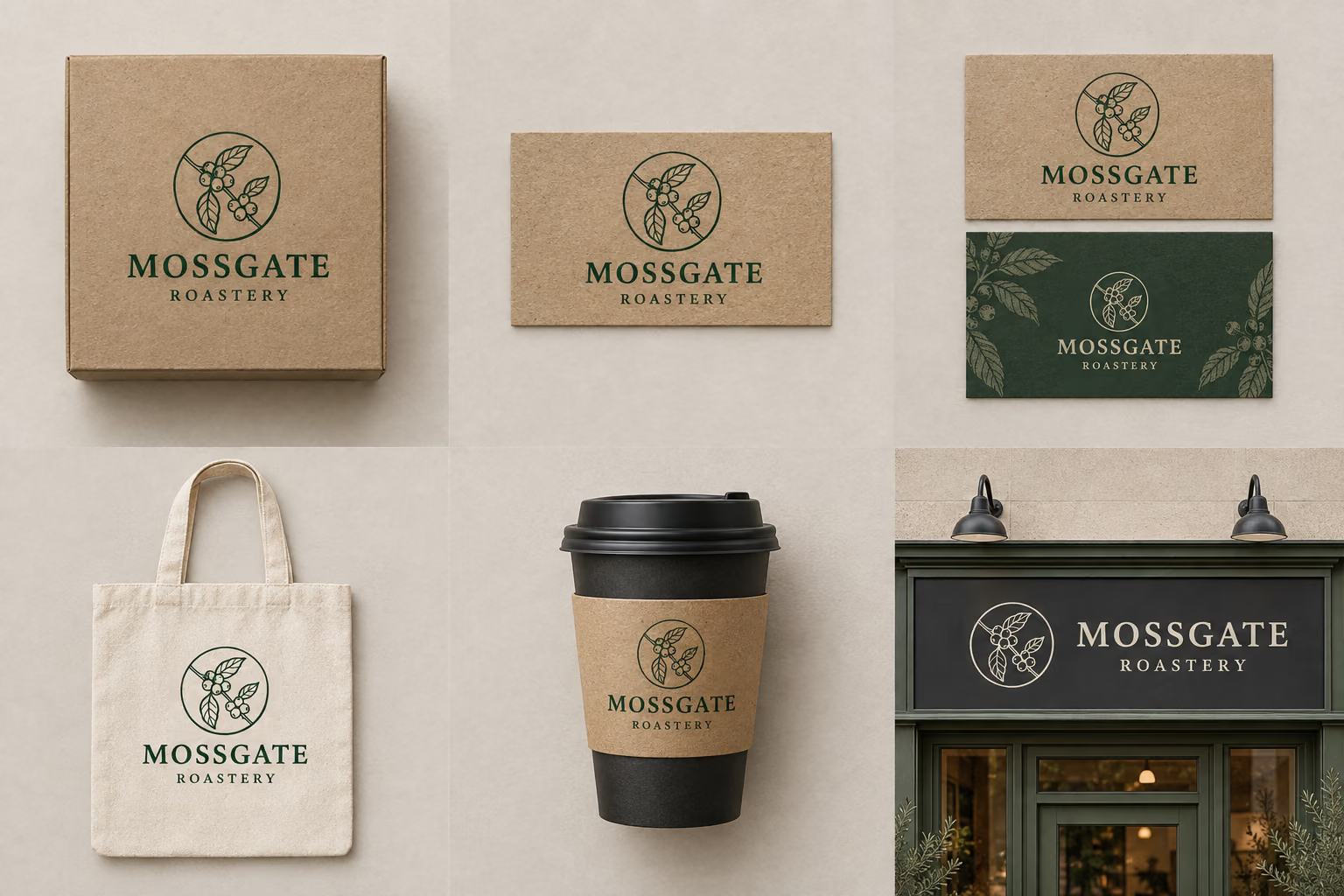

咖啡店 Logo 印喺陶瓷杯上
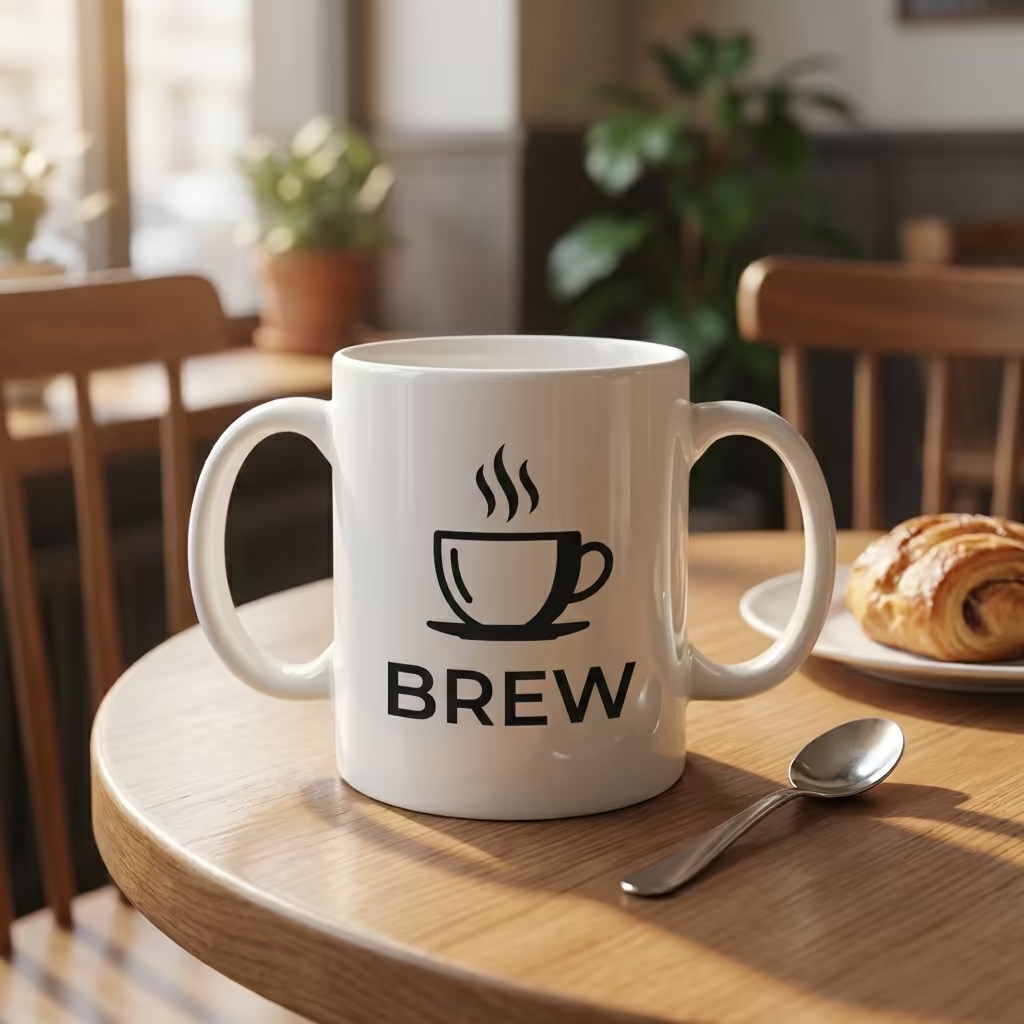
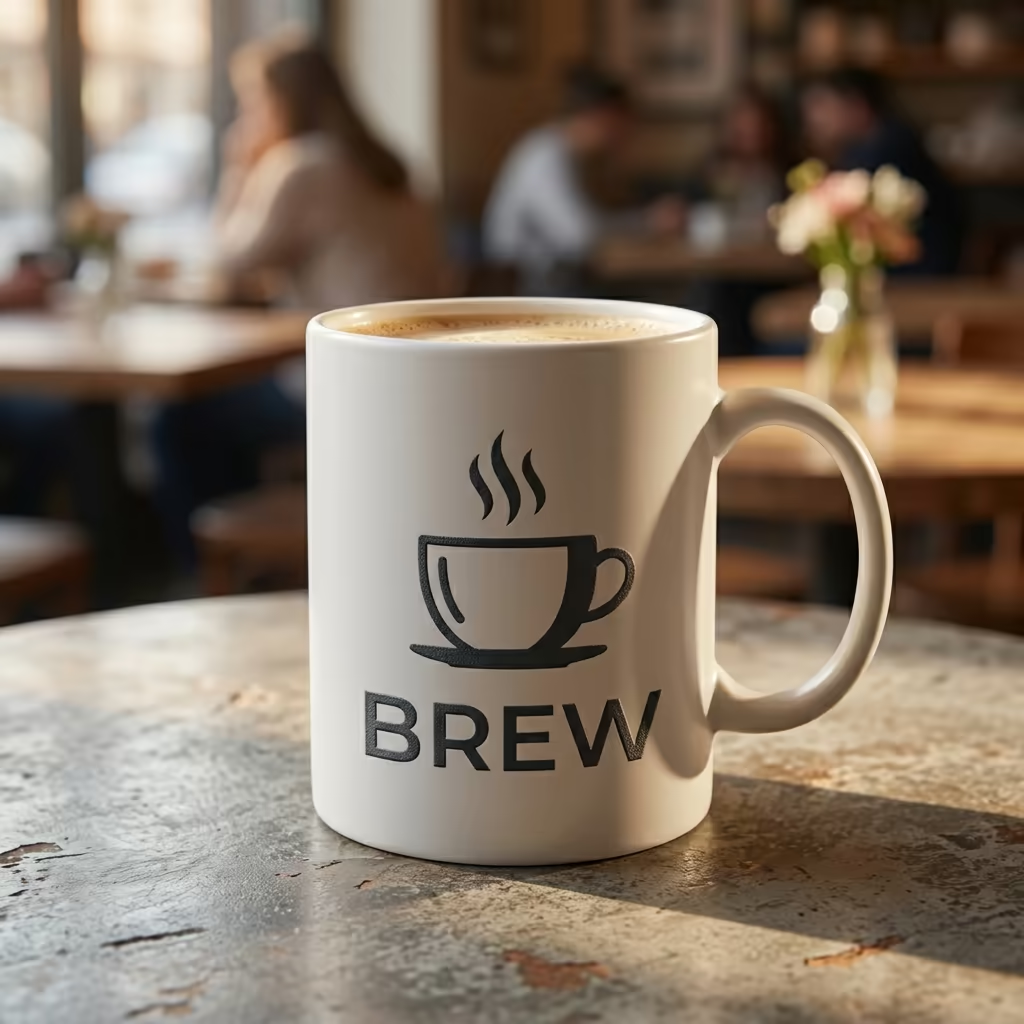
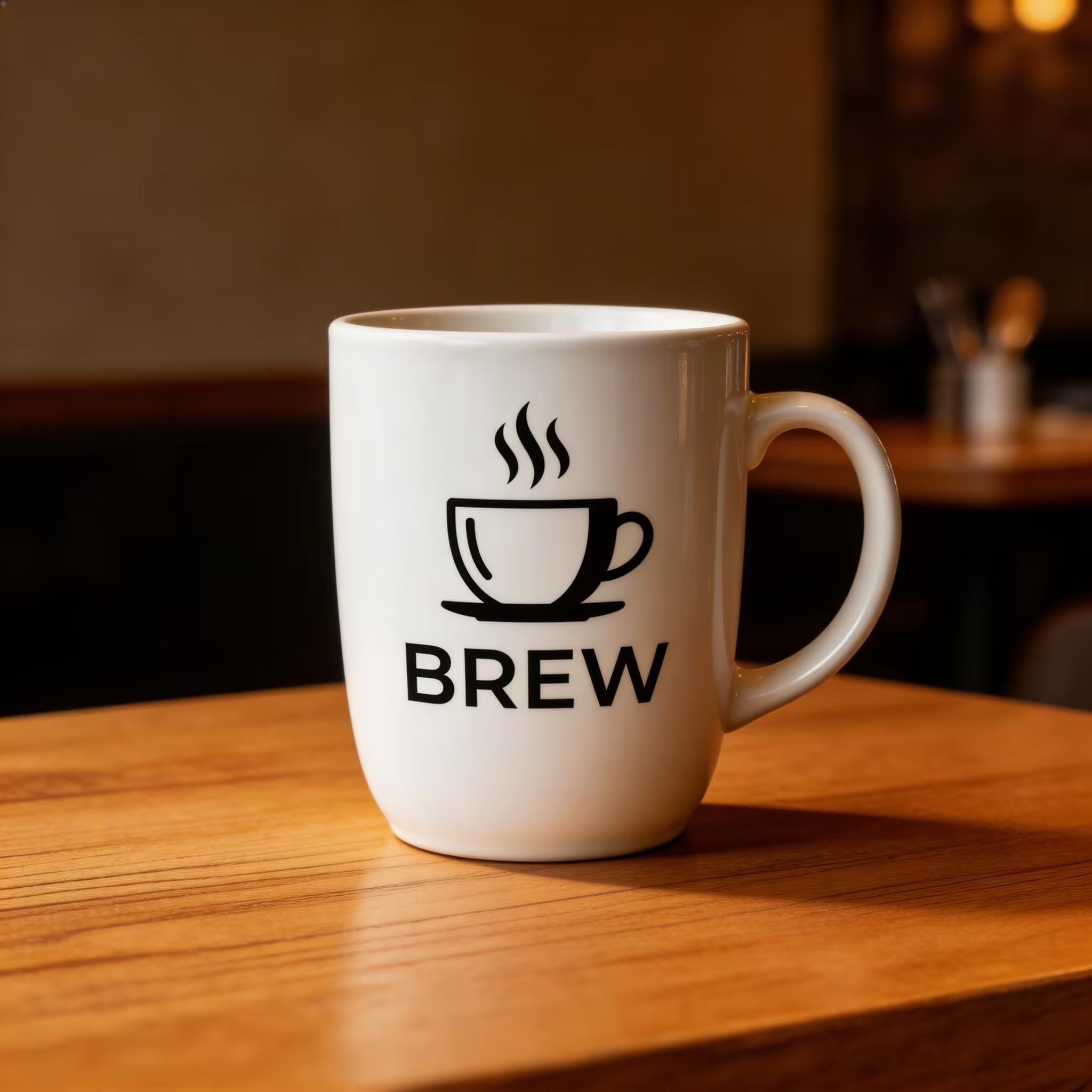
BREW 咖啡店蒸汽杯 Logo 擺放喺溫馨咖啡館環境入面嘅白色陶瓷杯上
AI Logo展示圖生成器 功能特色
Dreamega AI Logo展示圖生成器可將平面Logo直接合成到真實產品場景中:咖啡杯、T恤、店面招牌、名片、包裝盒等,自動還原表面弧度、光影與材質感,幫助本地設計師、品牌經理及電商賣家快速出圖、做提案及上架。
- Feature 01 / 05
真實產品上的逼真貼合效果
上載PNG或JPEG格式的Logo,AI會根據真實透視將其貼合在陶瓷咖啡杯、純棉T恤、玻璃店面、包裝盒等表面,自動生成高光、柔和陰影及曲面變形,效果媲美專業棚拍,無需在Photoshop逐張執圖。
- Feature 02 / 05
多元化產品及表面場景
涵蓋咖啡杯、連帽衫、手提袋、Cap帽、手機殼、卡片、Notebook貼紙、牆面招牌、霓虹燈牌、皮革壓印、木刻雕刻及戶外廣告牌等多種場景。一個Logo即可批量輸出多張展示圖,輕鬆組成一份完整的品牌Pitch Deck。
- Feature 03 / 05
材質與工藝效果真實到位
支援燙金、浮雕/凹印、刺繡、絲網印刷、霓虹光管等多種工藝還原。Dreamega會模擬不同材質對光線的反射特性,讓Logo呈現真實油墨、繡線或金屬質感,遠勝普通圖層疊加效果。
- Feature 04 / 05
可直接交付的高清畫質,最高支援4K
提供1K、2K、4K三種解像度輸出,方便放入Figma簡報、品牌手冊PDF、Behance作品集或Shopify商品頁。邊緣銳利、色彩準確,無論在打印評審或Retina屏幕上都耐看,是設計師及Agency交付客戶驗收的可靠成品。
- Feature 05 / 05
為設計師、品牌方及電商而設
無論你是Freelance設計師做VI提案、品牌經理推出周邊產品、廣告公司製作moodboard,還是中小電商賣家沒有攝影棚都要出主圖,AI Logo展示圖生成器都能在幾分鐘內,將一個Logo文件擴展成完整的視覺素材,毋須任何3D軟件基礎。
如何使用AI Logo樣機生成器
四個簡單步驟創建專業Logo樣機
上傳你嘅Logo
揀選並上傳你嘅Logo設計。透明或白色背景嘅乾淨Logo效果最佳。支援JPEG同PNG格式,推薦使用帶透明度嘅PNG格式。
選擇產品同表面
選擇樣機嘅產品類型同表面材質。選項包括名片、店面、商品(T恤、杯、手提袋)、包裝、招牌、車身貼、數碼屏幕同辦公文具。
選擇場景同燈光
選擇樣機嘅場景設定同燈光風格。由影樓攝影到生活場景,包括自然日光、影樓燈光同戲劇性聚光燈等多種光照條件。
生成樣機
點擊生成創建你嘅專業Logo樣機。AI以正確嘅透視、陰影同材質交互將你嘅Logo逼真咁放置喺所選表面上,呈現相片級真實效果。