









🎨 Seedream 5.5 — ByteDance's newest image model: native transparent backgrounds, up to 2K & editing with up to 10 references!


PixVerse V5.6 Studio-Grade AI Video Generator with Multilingual Audio Sync
Create stunning studio-grade videos with PixVerse V5.6. Featuring authentic multilingual vocals, 40% fewer artifacts, smooth cinematic motion, and native audio generation. Generate professional text-to-video and image-to-video content up to 10 seconds in 1080p HD with advanced camera controls and prompt reasoning enhancement.
PixVerse Model Series
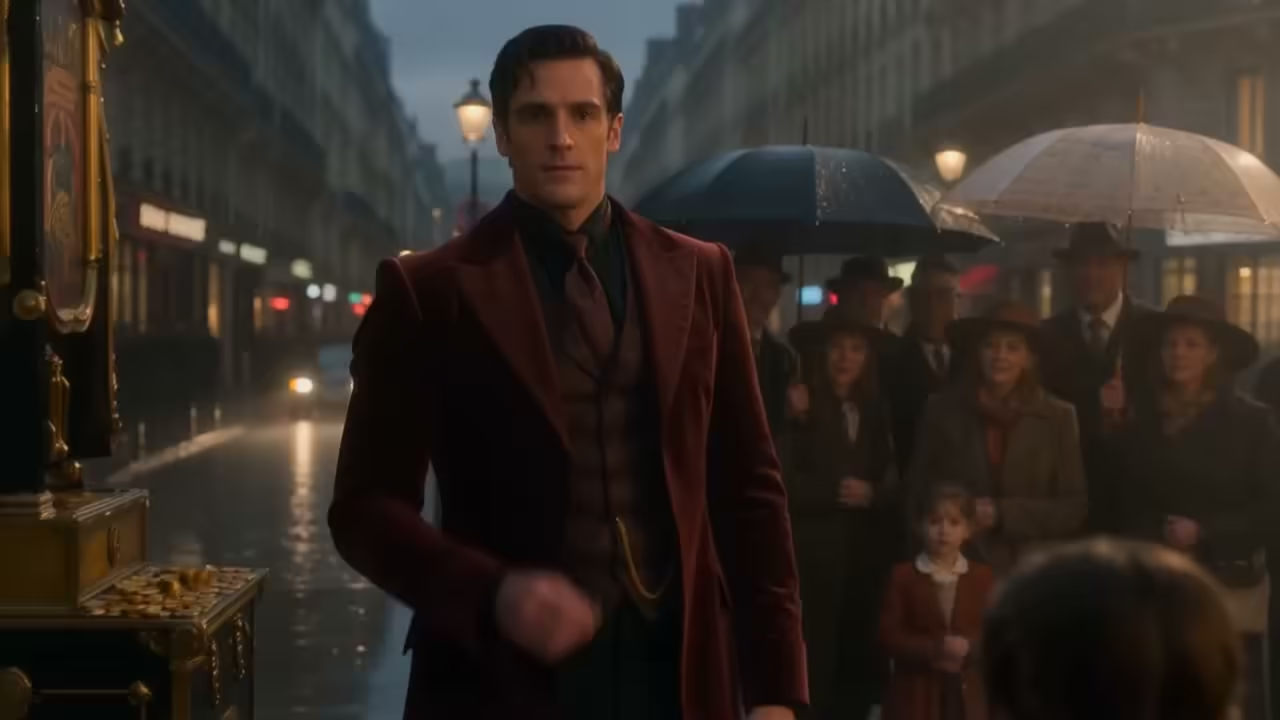
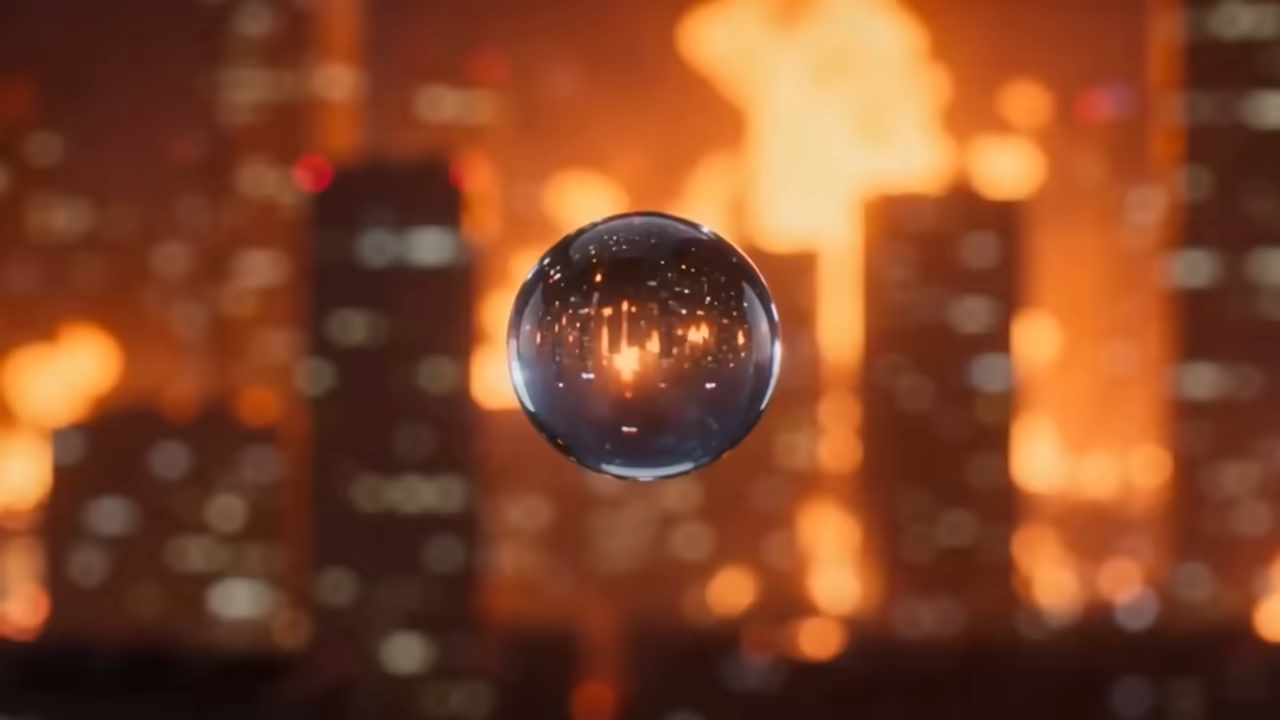
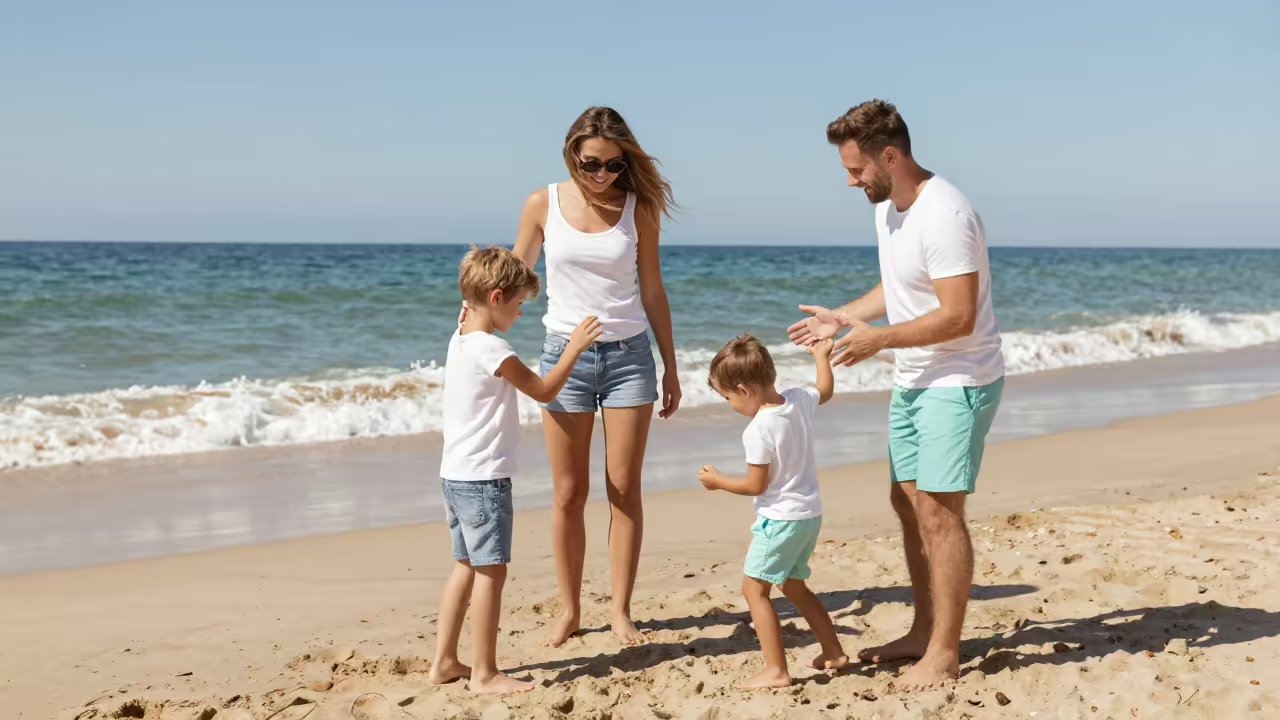
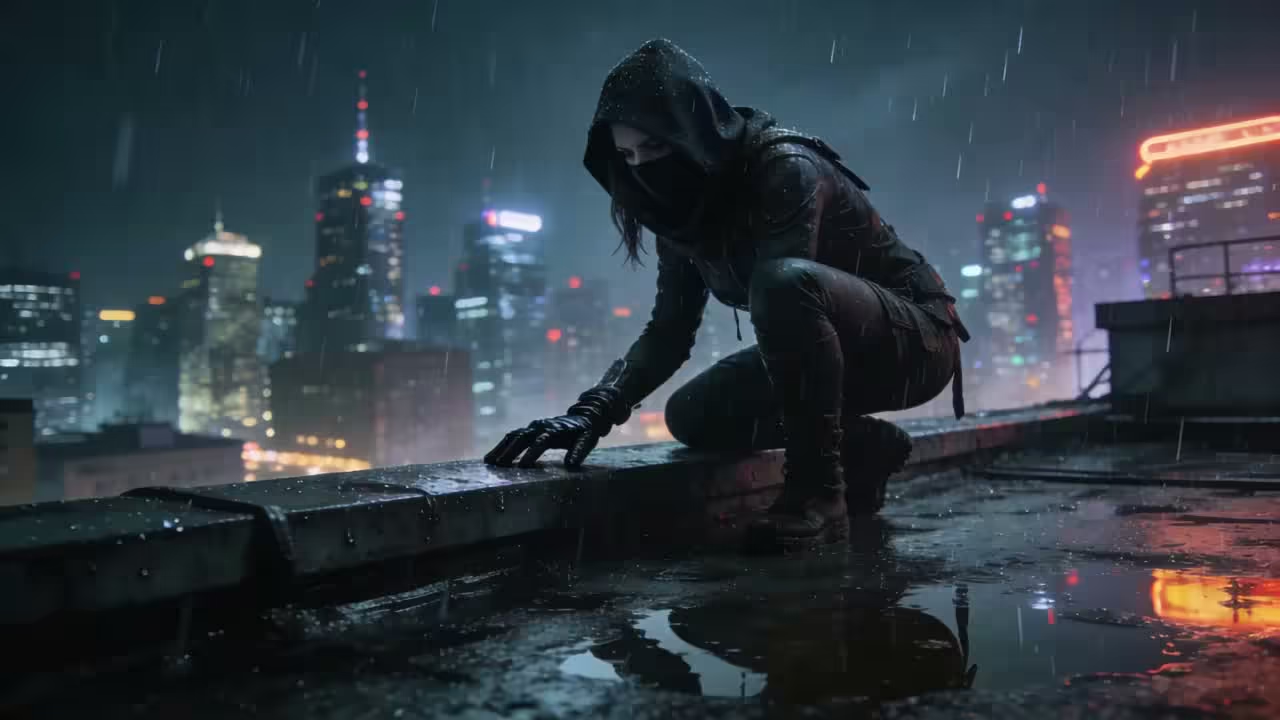
PixVerse V5.6 Text to Video Gallery
Experience PixVerse V5.6's studio-grade text-to-video generation with smooth cinematic motion, clean details, and 40% fewer artifacts.
Barista Latte Art
A barista pours intricate latte art in a cozy cafe with warm morning sunlight and gentle steam.
“Vertical video. A barista pours latte art in a cozy cafe. Hook (first second): extreme close-up of glossy espresso crema swirling as milk hits the surface. Camera: quick push-in to macro detail, then slow stabilized top-down shot as the rosette pattern forms, smooth motion for 5 seconds. Lighting: warm morning sunlight through window, soft shadows, gentle steam. Style: cinematic food videography, realistic liquids, crisp detail. Constraints: no scene cuts, no text.”
PixVerse V5.6 Image to Video Gallery
Transform static images into cinematic videos with PixVerse V5.6. Strong subject fidelity, smooth motion, and studio-grade output quality.
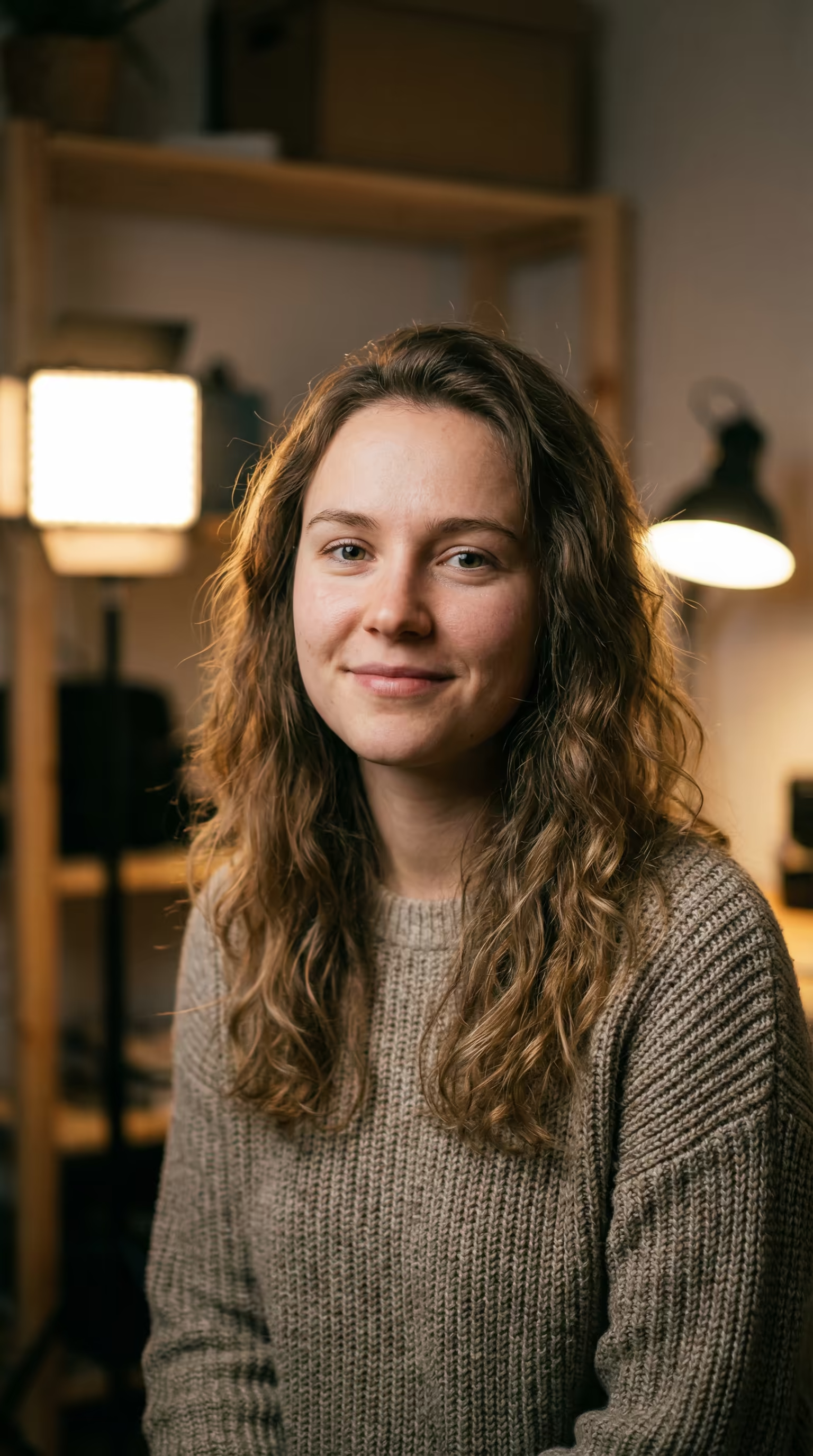
Animated Portrait
What's PixVerse V5.6
Studio-grade AI video generation with multilingual audio and dramatically reduced artifacts
- Up to 1080pHD Resolution
- 5-10sVideo Duration
- 40%Fewer Artifacts
- 20+Camera Controls
PixVerse V5.6 is PixVerse's latest diffusion-transformer hybrid model that delivers studio-grade visuals with authentic multilingual vocals, 40% fewer artifacts compared to previous versions, and cinematic motion quality for text-to-video and image-to-video generation.
PixVerse V5.6's Powerful Features
Discover the studio-grade capabilities that make PixVerse V5.6 a leading AI video generation model
- 01
Studio-Grade Visual Quality
Delivers cinematic visuals with 40% fewer artifacts than previous versions, producing cleaner details, sharper textures, and more consistent frames throughout the entire video.
- 02
Authentic Multilingual Vocals
Generates native-level voice audio with synchronized BGM, SFX, and character dialogue, creating a complete sound field that perfectly matches the visual action.
- 03
Smooth Cinematic Motion
Advanced diffusion-transformer hybrid core ensures reduced video drift where objects stay consistent between frames with natural physics-based movement and temporal coherence.
- 04
20+ Camera Controls
Over 20 professional cinematic lens controls including push-in, switching, shot scale changes, over-the-shoulder shots, close-ups, wide establishing shots, and action sequences.
- 05
Text-to-Video Generation
Transform detailed text prompts into realistic videos with enhanced semantic understanding that accurately interprets complex scenes, specific camera movements, and creative directions.
- 06
Image-to-Video Animation
Bring static images to life with text-guided animation while maintaining strong subject fidelity, locking onto facial features and textures to prevent morphing or distortion.
- 07
Flexible Resolution & Duration
Generate videos from 360p to 1080p in durations of 5, 8, or 10 seconds. Supports multiple aspect ratios including 16:9, 4:3, 1:1, 3:4, and 9:16 for any platform.
- 08
Prompt Reasoning Enhancement
Built-in thinking mode that enhances your prompt with internal reasoning and optimization, automatically improving prompt interpretation for better results without manual tweaking.



How to Use PixVerse V5.6 Text to Video
Generate stunning videos from text descriptions with studio-grade quality
- 01
Write Your Prompt
Enter a detailed text description of the video you want to create. Include camera movements, lighting, and character actions for best results. Enable Thinking Type for automatic prompt optimization.
- 02
Configure Settings
Select your preferred resolution (360p-1080p), duration (5, 8, or 10 seconds), and aspect ratio. Optionally enable audio generation for synchronized BGM, SFX, and dialogue.
- 03
Generate & Download
Click generate to create your video. PixVerse V5.6 will produce studio-grade output with smooth cinematic motion and clean details. Download or share your video when complete.

PixVerse V5.6 Popular Reviews on X
See what people are saying about PixVerse V5.6 on X (Twitter)
Explore other models
More top AI models you can try right here.
 NEW
FLUX 3
Black Forest Labs' multimodal video model: text, image, start-end frames and video extend with native audio, 5-20 seconds at up to 1080p
HappyHorse 1.0
#1 Alibaba video model, cinematic high-quality output
 NEW
Wan 3.0
Unified WAN model: text, image and reference to video, up to 30 seconds in one pass with native audio
 NEW
Kling 4.0 Flash
Kuaishou's 720p Kling model: 3–20s takes with native audio, references and video edit
 NEW
Veo 3.1
Google Veo 3.1 creates cinematic 1080p videos with native audio and lip-sync
 NEW
Gemini Omni 1.2 Flash
Google's fast video model with native audio: 3–15 s clips up to 4K, from text, images, references or an existing video
AI Pricing Plans
Flexible AI Pricing
Pay-as-you-go credits or subscription plans. No hidden fees, cancel anytime.
One Time supports crypto payment (BTC, USDT, ETH, 350+) · Monthly billing
Free-One Time
Try before you buy
- Up to 3 videos
- Up to 32 images
- Multi-Model Support
- Text to Video
- Image to Video
- Video to Video
Show more (+11)
- Consistent Character
- AI Animation Generator
- Templates & Effects
- AI Video Enhancers
- Interactive Community
- Faster Generation Speed
- No-watermark Outputs
- More Camera Movement
- Private Video Visibility
- Copy Protection
- Priority Support
Pro-1 Month
PopularElevate your AI experience
- Up to 80 videos
- Up to 800 images
- 3 tasks(Parallel Tasks)
- Multi-Model Support
- Text to Video
- Image to Video
Show more (+12)
- Video to Video
- Consistent Character
- AI Animation Generator
- Templates & Effects
- AI Video Enhancers
- Interactive Community
- Faster Generation Speed
- No-watermark Outputs
- More Camera Movement
- Private Video Visibility
- Copy Protection
- Priority Support
Lite-1 Month
Start your AI journey
- Up to 30 videos
- Up to 300 images
- 3 tasks(Parallel Tasks)
- Multi-Model Support
- Text to Video
- Image to Video
Show more (+12)
- Video to Video
- Consistent Character
- AI Animation Generator
- Templates & Effects
- AI Video Enhancers
- Interactive Community
- Faster Generation Speed
- No-watermark Outputs
- More Camera Movement
- Private Video Visibility
- Copy Protection
- Priority Support
- Card
- Crypto accepted (BTC, USDT, ETH, 350+)
Frequently Asked Questions
Common questions about PixVerse V5.6 AI video generation
Still have questions?