









🎨 Seedream 5.0 Pro — ByteDance's flagship image model: up to 2K, best-in-class typography & multi-reference editing!


Unlimited Kling O1 AI Video Generator
Kuaishou's revolutionary unified multimodal video model with 7-in-1 creative engine, multi-reference support for up to 10 images, Chain of Thought reasoning for superior motion accuracy, and natural language video editing without masking or keyframing.
Kling Model Series

Kling v3
Latest Kling video and image generation with top-tier quality
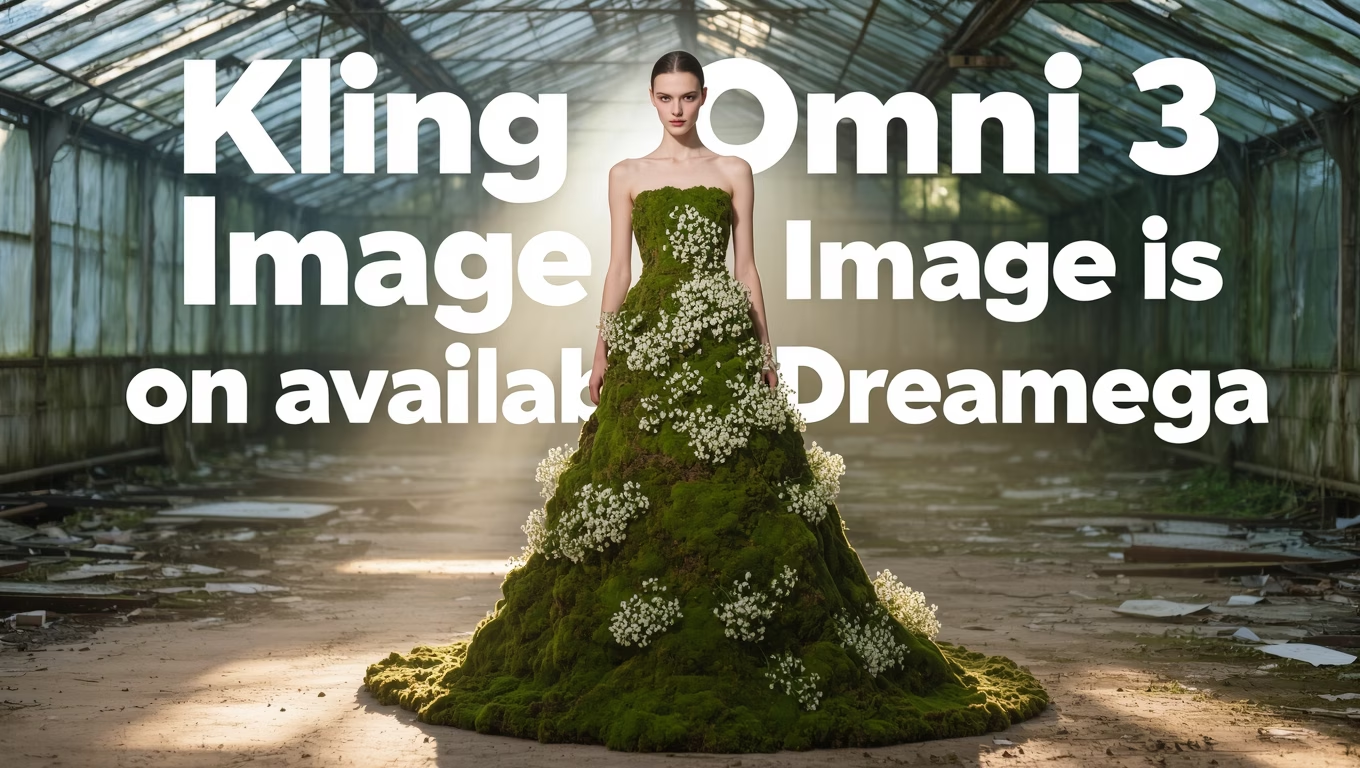
Kling O3
Advanced Kling model with video editing and reference capabilities
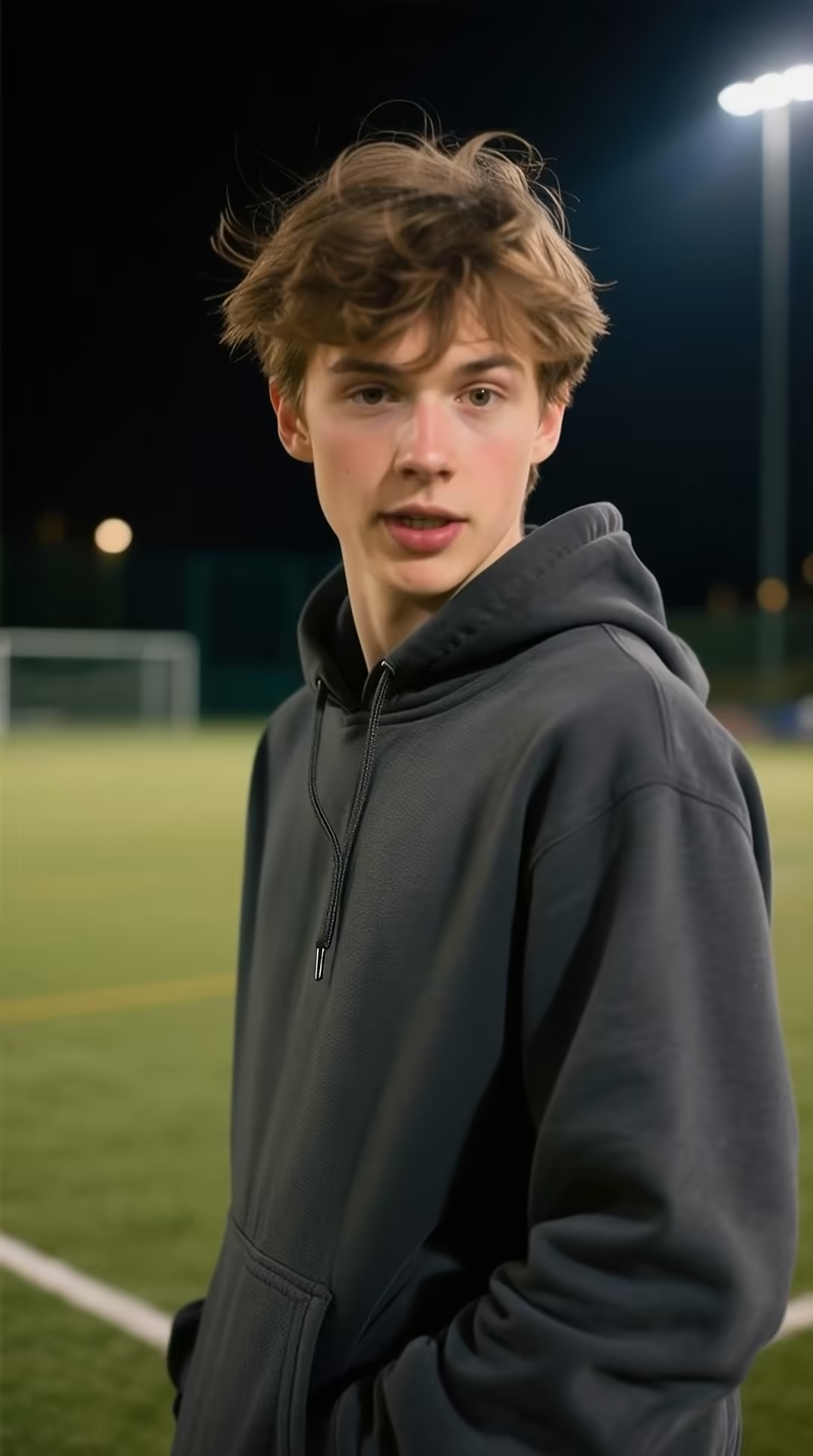
Kling v3 Motion
Precise motion control for Kling v3 video generation
Kling 2.6 Pro
Professional-grade Kling 2.6 video generation
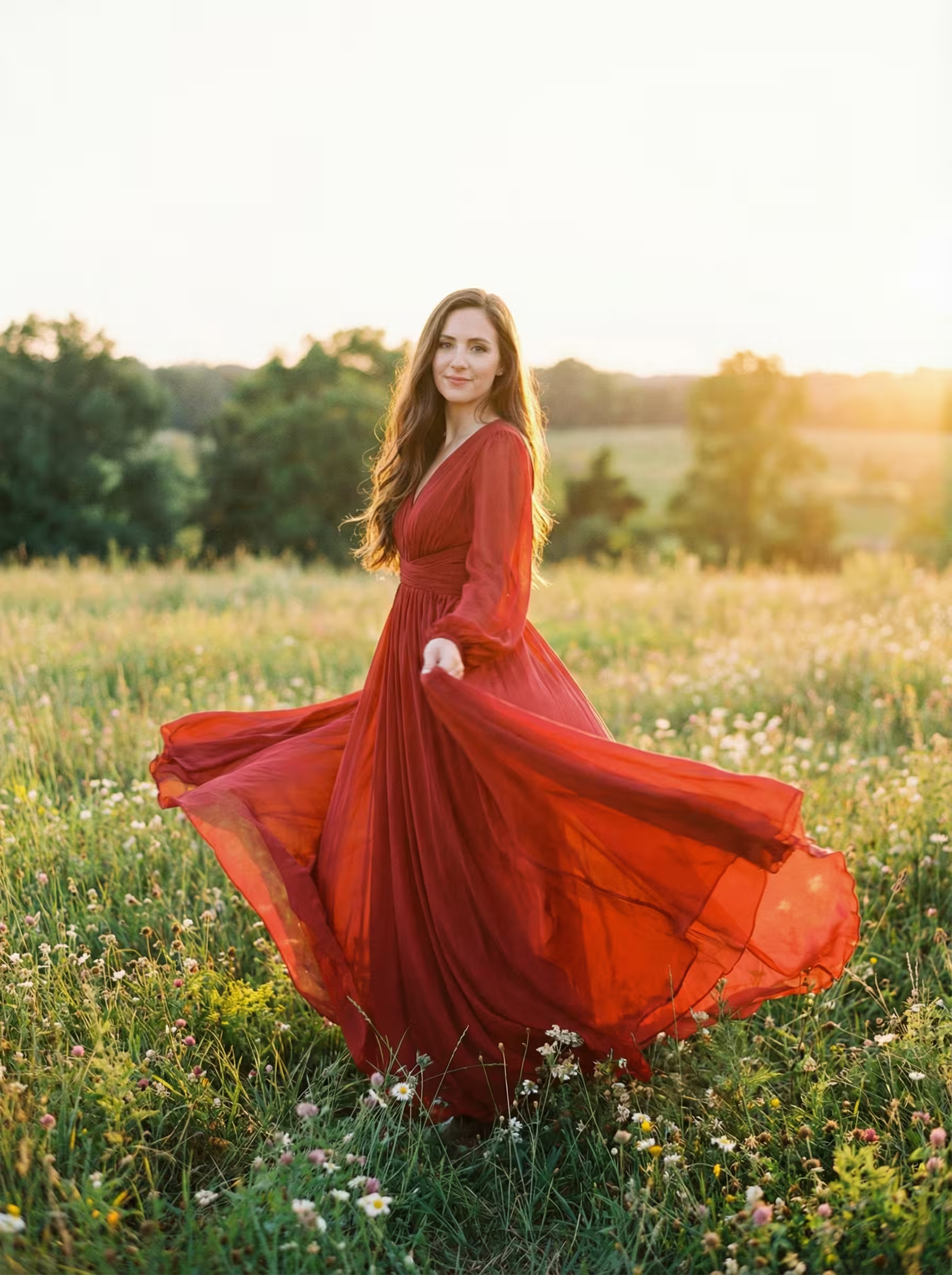
Kling 2.6 Motion
Motion control for Kling 2.6 video generation
Kling 2.5
Fast and efficient Kling 2.5 turbo video generation
Kling AI
Classic Kling AI video generation with multiple model versions
What's Kling O1
Kuaishou's revolutionary unified multimodal video model that's redefining AI video creation
- 1stUnified Model
- 7-in-1Creative Engine
- 10Image References
- CoTReasoning
Kling O1 is the world's first unified multimodal video model combining generation and editing in a 7-in-1 creative engine.
Kling O1's Revolutionary Features
Discover Kuaishou's groundbreaking unified multimodal video model that combines generation and editing in one powerful 7-in-1 creative engine
- 01
7-in-1 Creative Engine
World's first unified model consolidating seven video creation capabilities: text-to-video generation, reference-based generation, keyframe creation, content modification, style transformation, shot extension, and more. One model handles all video tasks seamlessly.
- 02
Multi-Reference Support
Revolutionary multi-input system supporting up to 10 reference images and 7 simultaneous inputs. Combine characters, environments, props, and styles in a single generation for unprecedented creative control and scene complexity.
- 03
Chain of Thought Reasoning
Advanced reasoning architecture that understands complex prompts through step-by-step logical processing. Delivers superior motion accuracy, physics understanding, and coherent action sequences that precisely match your creative intent.
- 04
Natural Language Video Editing
Edit videos using simple text commands without masking, keyframing, or technical expertise. Describe changes like 'add sunglasses' or 'change background to forest' and watch the AI transform your content intelligently.
- 05
Multimodal Visual Language (MVL)
Proprietary MVL architecture processes text, images, and videos through a unified understanding system. This enables true multimodal comprehension where all inputs work together to create coherent, contextually-aware video content.
- 06
Physics-Aware Generation
Deep understanding of real-world physics ensures objects interact naturally, gravity behaves correctly, and materials respond realistically. Creates believable motion dynamics from flowing water to fabric movement and object collisions.
- 07
Character Consistency Control
Maintain perfect character identity across multiple generations and scenes. Reference images preserve facial features, clothing, and distinctive characteristics throughout your entire video project with industry-leading consistency.
- 08
Style & Scene Transformation
Transform video aesthetics, environments, and visual styles while preserving core motion and content. Apply artistic styles, change time of day, modify weather conditions, or transport scenes to entirely new locations seamlessly.
How to Use Kling O1 for Image-to-Video Generation
Master Kuaishou's revolutionary Kling O1 model to transform static images into dynamic videos with Chain of Thought reasoning
- 01
Upload Your Source Image
Select a high-quality image that clearly shows your subject with good lighting and composition. Kling O1's Chain of Thought reasoning analyzes the image structure, identifying elements like characters, objects, and environmental context to plan coherent motion and animation.
- 02
Craft Detailed Motion Prompts
Describe the desired motion and action in your prompt. Be specific about movement types: 'woman slowly turns her head and smiles', 'leaves gently swaying in the breeze', or 'camera slowly pushes forward'. Kling O1's MVL architecture understands complex instructions for precise animation control.
- 03
Leverage Multi-Reference for Consistency
For projects requiring character or style consistency, combine your main image with additional reference images. Kling O1 supports up to 10 reference images simultaneously, allowing you to maintain visual coherence across multiple generated videos in your project.
How to Use Kling O1 for Reference-to-Video Generation
Master Kuaishou's revolutionary Kling O1 model to create videos from multiple reference images with consistent character and style
- 01
Upload Multiple Reference Images
Select up to 10 high-quality reference images that define your characters, styles, or scenes. Kling O1's 7-in-1 engine analyzes all references simultaneously to understand visual relationships, ensuring consistent representation across your generated video content.
- 02
Configure Reference Relationships
Specify how each reference should influence your video. Assign roles to images: main character, secondary elements, style guides, or environment references. Kling O1's MVL architecture processes up to 7 simultaneous inputs to maintain coherent visual identity throughout generation.
- 03
Generate with Character Consistency
Describe your desired video scene and actions. Kling O1 uses its multi-reference capability to maintain consistent character appearance, clothing, and style across all frames. The Chain of Thought reasoning ensures smooth transitions and natural movements while preserving reference fidelity.
How to Use Kling O1 for Natural Language Video Editing
Master Kuaishou's revolutionary Kling O1 model to edit videos using simple text commands without masking or keyframing
- 01
Upload Your Source Video
Select the video you want to edit. Kling O1's Chain of Thought reasoning will analyze the entire video content, understanding scene composition, objects, characters, and motion patterns to enable precise natural language editing without manual selection.
- 02
Describe Your Edit in Natural Language
Simply type what you want to change: 'change the red car to blue', 'add sunglasses to the person', or 'transform the background to a beach scene'. Kling O1's MVL architecture interprets complex instructions and applies edits with temporal consistency across all frames.
- 03
Review and Refine Results
Preview your edited video with changes applied seamlessly throughout. Kling O1 maintains motion continuity and visual coherence even with significant modifications. Iterate with additional text commands to fine-tune the result without starting over.
How to Use Kling O1 for Video Reference Transformation
Master Kuaishou's revolutionary Kling O1 model to transform videos using reference images for style, character, and scene changes
- 01
Upload Your Source Video
Select the video you want to transform. Kling O1's 7-in-1 engine analyzes the entire video timeline, understanding motion patterns, camera movements, and scene dynamics to prepare for seamless reference-guided transformation.
- 02
Add Reference Images for Transformation
Upload reference images that define your desired transformation: character appearances, artistic styles, or environmental scenes. Kling O1 supports up to 10 reference images simultaneously, allowing complex multi-element transformations while maintaining video coherence.
- 03
Generate Transformed Video
Describe how references should be applied: 'replace the person with the character in reference 1', 'apply the art style from reference 2 to the entire scene'. Kling O1's Chain of Thought reasoning ensures smooth style transfer while preserving original motion and temporal consistency.
Kling O1 YouTube Videos
Watch tutorials and demonstrations showcasing Kling O1's revolutionary unified multimodal video capabilities
- The "Nano Banana" of AI Video is Here! - Theoretically Media
- Kling O1 Is Here & It's Insane! | fal Academy - fal
- Day 1: Introducing Kling O1 — Brand-New Creative Engine for Endless Possibilities! - Kling AI
- Kling O1 is Way More Powerful Than You Think - VEED STUDIO
- Kling O1 is wild! The most innovative AI video model - Alex Patrascu
Kling O1 YouTube Videos
Watch tutorials and demonstrations showcasing Kling O1's revolutionary unified multimodal video capabilities
Kling O1 Popular Reviews on X
See what people are saying about Kling O1 on X (Twitter)
AI Pricing Plans
Flexible AI Pricing
Pay-as-you-go credits or subscription plans. No hidden fees, cancel anytime.
One Time supports crypto payment (BTC, USDT, ETH, 350+) · Monthly billing
Free-One Time
Try before you buy
- Up to 3 videos
- Up to 32 images
- Multi-Model Support
- Text to Video
- Image to Video
- Video to Video
Show more (+11)
- Consistent Character
- AI Animation Generator
- Templates & Effects
- AI Video Enhancers
- Interactive Community
- Faster Generation Speed
- No-watermark Outputs
- More Camera Movement
- Private Video Visibility
- Copy Protection
- Priority Support
Pro-1 Month
PopularElevate your AI experience
- Up to 80 videos
- Up to 800 images
- 3 tasks(Parallel Tasks)
- Multi-Model Support
- Text to Video
- Image to Video
Show more (+12)
- Video to Video
- Consistent Character
- AI Animation Generator
- Templates & Effects
- AI Video Enhancers
- Interactive Community
- Faster Generation Speed
- No-watermark Outputs
- More Camera Movement
- Private Video Visibility
- Copy Protection
- Priority Support
Lite-1 Month
Start your AI journey
- Up to 30 videos
- Up to 300 images
- 3 tasks(Parallel Tasks)
- Multi-Model Support
- Text to Video
- Image to Video
Show more (+12)
- Video to Video
- Consistent Character
- AI Animation Generator
- Templates & Effects
- AI Video Enhancers
- Interactive Community
- Faster Generation Speed
- No-watermark Outputs
- More Camera Movement
- Private Video Visibility
- Copy Protection
- Priority Support
- Card
- Crypto accepted (BTC, USDT, ETH, 350+)
Kling O1 Frequently Asked Questions
Still have questions?