











Unlimited Kling 2.6 Motion Control Video Generator
Transform still images into dynamic videos by transferring motion from reference clips. Upload a character image and a motion reference video (dance, action, gesture), and Kling 2.6 Motion Control extracts the movement to generate smooth, realistic animated videos. Available in Standard and Pro versions with durations up to 30 seconds.
Kling Model Series
Kling v3
Latest Kling video and image generation with top-tier quality
Kling O3
Advanced Kling model with video editing and reference capabilities
Kling v3 Motion
Precise motion control for Kling v3 video generation
Kling 2.6 Pro
Professional-grade Kling 2.6 video generation
Kling O1
Kling O1 with video editing and reference generation
Kling 2.5
Fast and efficient Kling 2.5 turbo video generation
Kling AI
Classic Kling AI video generation with multiple model versions
Motion Control Examples
See how Kling 2.6 Motion Control transfers motion from reference videos to animate still images
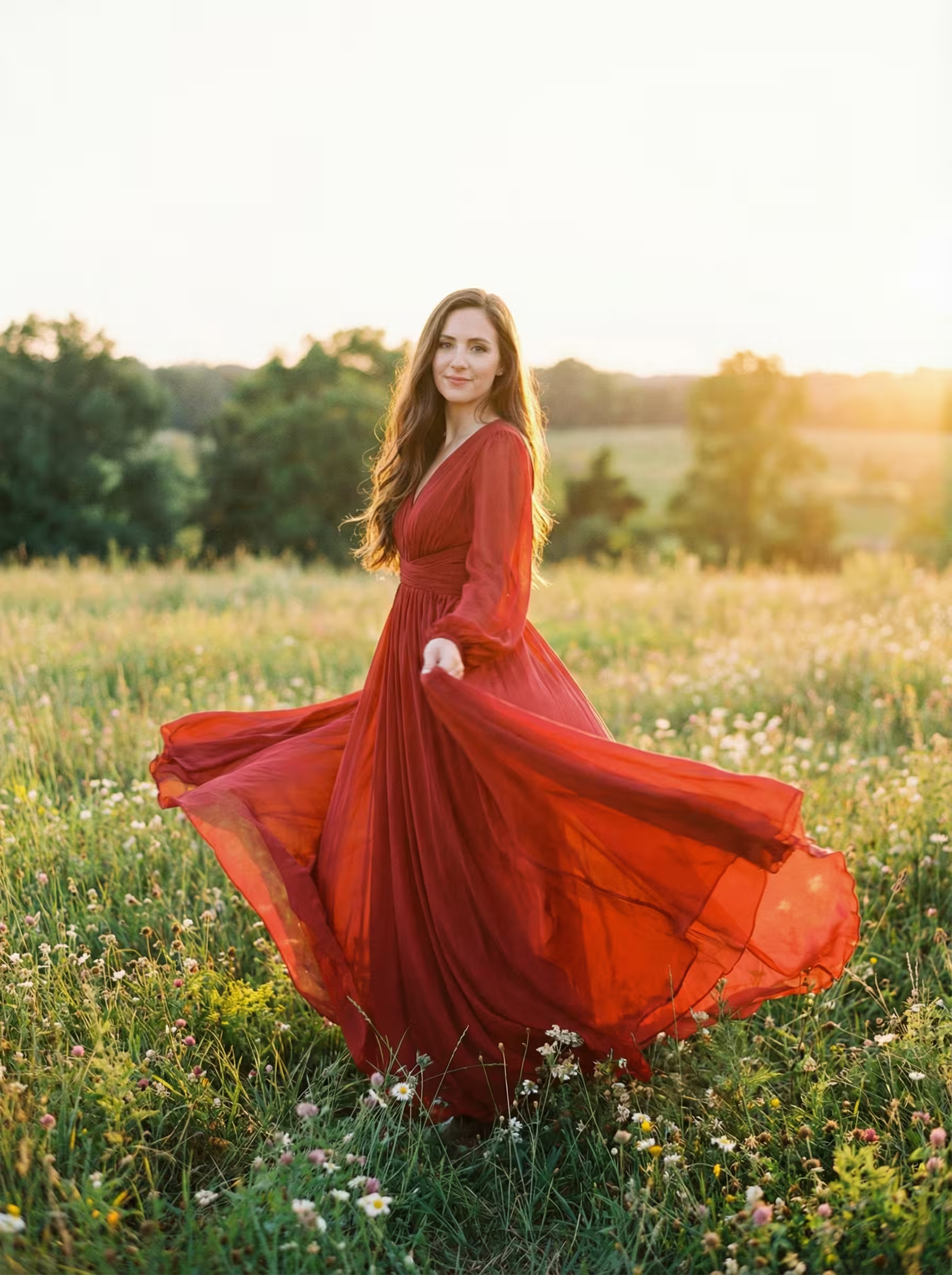
Pro Example 1
Kling 2.6 Motion Control YouTube Videos
Watch demonstrations and tutorials showcasing Kling 2.6 Motion Control's powerful motion transfer technology for animating still images
- MOTION CONTROL in Kling Video AI – Full Beginner Tutorial - AI. Now Y'Know
- NEW Kling 2.6 Motion Control is INSANE - Future of Film-making - Creative Pad Media
- Full Body Capture With Kling 2.6 Motion Control On OpenArt - OpenArt
- This is the Future of Music Videos: Kling 2.6 Multi-Angle Motion Control - Glif
Kling 2.6 Motion Control YouTube Videos
Watch demonstrations and tutorials showcasing Kling 2.6 Motion Control's powerful motion transfer technology for animating still images
Kling 2.6 Motion Control Popular Reviews on X
See what people are saying about Kling 2.6 Motion Control on X (Twitter)
What is Kling 2.6 Motion Control?
Advanced AI Motion Transfer Technology from Kuaishou
- · 01MotionTransfer
- · 022 TiersQuality Options
- · 0330sMax Duration
- · 04AudioPreservation
Kling 2.6 Motion Control is a specialized AI model enabling motion transfer from reference videos to static images with realistic animation results.
Kling 2.6 Motion Control Features
Discover powerful motion transfer technology that brings your still images to life with professional-grade animation
- Feature 01 / 10
Motion Transfer Technology
Advanced AI extracts motion patterns from reference videos and applies them to your still images. Dance moves, actions, and gestures are precisely captured and transferred to create natural-looking character animations.
- Feature 02 / 10
Dual Reference Input System
Upload both a character image and a motion reference video. The model analyzes the reference video's movements while preserving your character's appearance, creating a seamless fusion of identity and motion.
- Feature 03 / 10
Character Orientation Control
Choose whether the output character follows the orientation from your image or the reference video. This flexibility ensures the final animation matches your creative vision for pose and direction.
- Feature 04 / 10
Standard and Pro Quality Options
Select between Standard quality for faster generation and cost-efficiency, or Pro quality for superior motion accuracy and visual fidelity. Both versions deliver smooth, professional-grade animations.
- Feature 05 / 10
Extended Video Duration
Generate videos up to 30 seconds long, allowing for complete dance routines, extended action sequences, and more complex motion performances than typical AI video generators offer.
- Feature 06 / 10
Original Audio Preservation
Keep the original sound from your reference video in the generated output. Music, rhythm, and sound effects from dance videos transfer seamlessly to maintain the complete audiovisual experience.
- Feature 07 / 10
Prompt Enhancement Support
Add optional text prompts to guide the generation process. Describe specific details or modifications you want to see, giving you additional creative control over the final output.
- Feature 08 / 10
Multi-Format Compatibility
Supports popular image formats (PNG, JPEG) and video formats (MP4, MOV) for maximum workflow flexibility. Upload your existing content without format conversion headaches.
- Feature 09 / 10
Negative Prompt Control
Use negative prompts to exclude unwanted elements from your generated videos. Specify what you don't want to appear for more precise control over the final result.
- Feature 10 / 10
Realistic Motion Physics
The AI understands natural body mechanics and physics, ensuring transferred motions look believable with proper weight distribution, momentum, and timing in the generated animations.
Kling 2.6 Motion Control Frequently Asked Questions
Still have questions?
How to Use Kling 2.6 Motion Control
Transfer motion from reference videos to animate still images with professional-grade quality using Kling 2.6 Motion Control
Upload Your Reference Image
Select a high-quality character image that you want to animate. The image should have a clear, well-defined subject with good lighting and resolution. Portrait images, full-body shots, or character illustrations work best. The model will extract the character and apply motion to it while preserving visual details.
Flexible AI Pricing
Pay-as-you-go credits or subscription plans. No hidden fees, cancel anytime.
One Time supports crypto payment (BTC, USDT, ETH, 350+)
Monthly billing