


🎨 Seedream 5.0 Pro — ByteDance's flagship image model: up to 2K, best-in-class typography & multi-reference editing!


Seedance AI Video Generator - Seedance 2.5 & 2.0
Generate video with the whole Seedance family in one place. Seedance 2.5 is the recommended default, with native 30-second one-shot clips and 4K output; Seedance 2.0 sits alongside it with 2K cinema quality and native audio. Text-to-video and image-to-video, plus Turbo and Fast tiers when you want results sooner.
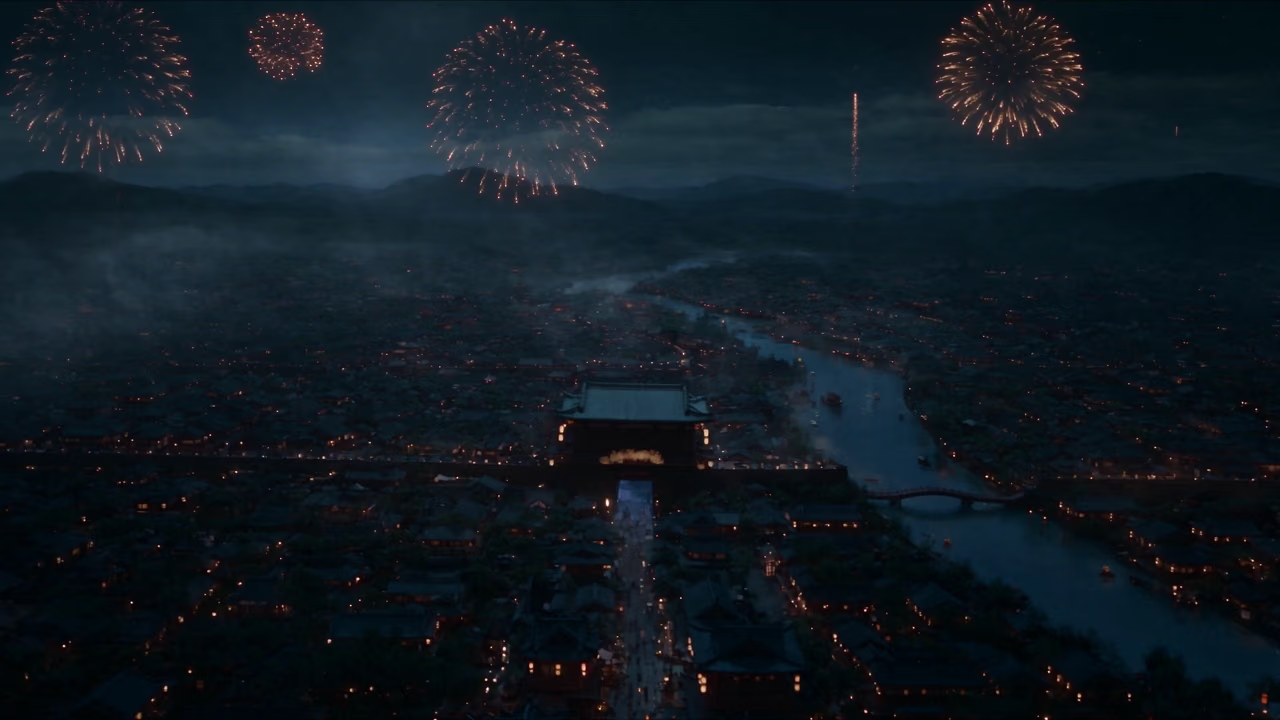
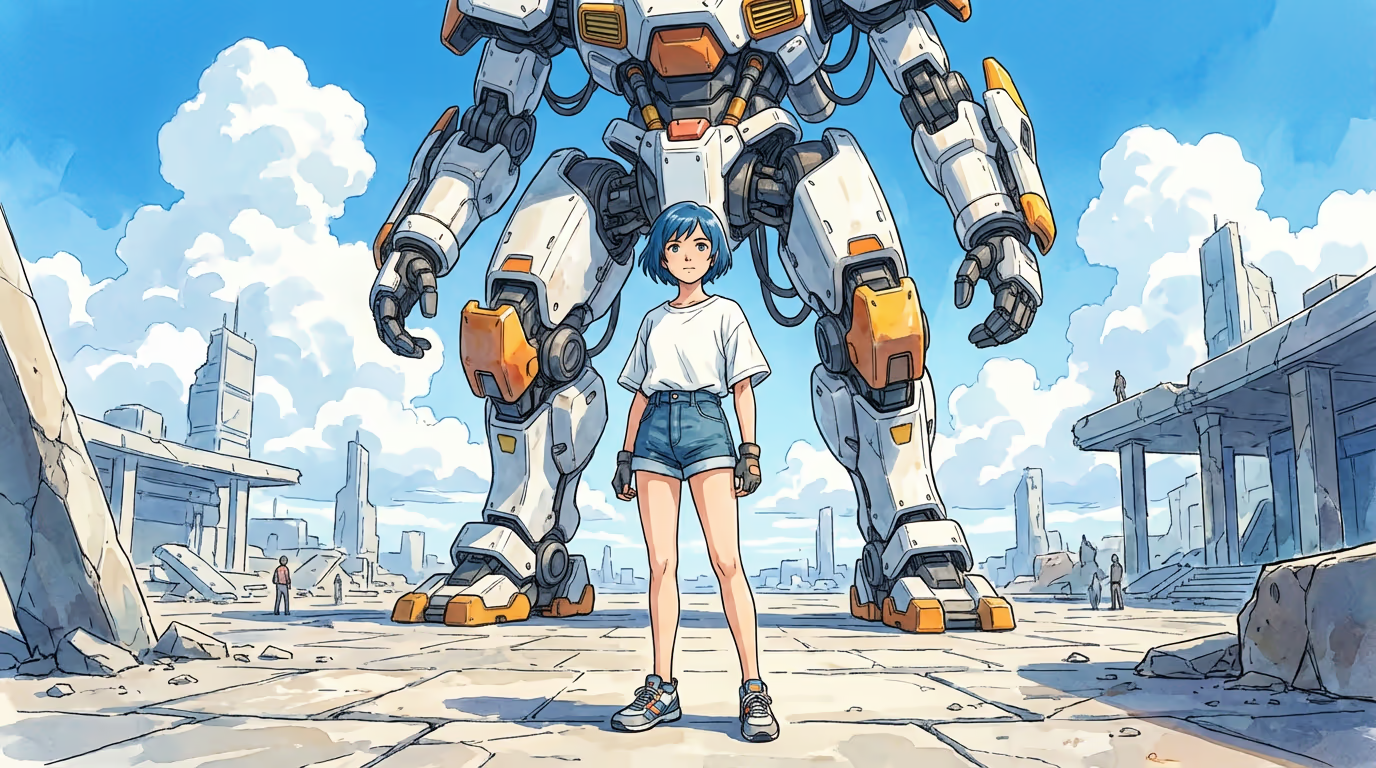
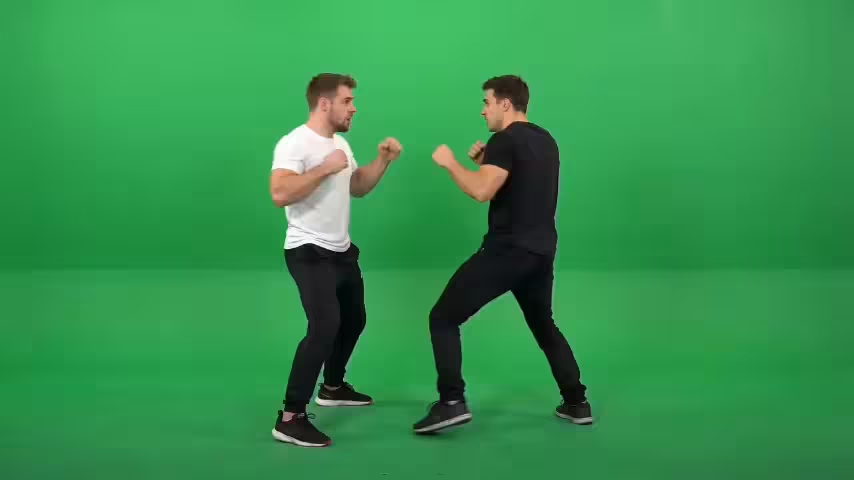
What's Seedance
ByteDance's family of video models, with Seedance 2.5 as the latest generation and Seedance 2.0 alongside it
- 30sOne-Shot Video
- 4KNative Resolution
- 50Reference Inputs
- 2.5 + 2.0Generations Available
Seedance is ByteDance's family of AI video models for text-to-video and image-to-video. Seedance 2.5 is the latest generation and the recommended starting point: it generates a native 30-second clip in a single pass, takes up to 50 multimodal reference inputs, and outputs native 4K. Seedance 2.0 sits alongside it with 2K cinema resolution, native audio, and phoneme-level lip sync in 8+ languages.
Seedance Features
What the Seedance family brings to text-to-video and image-to-video, across the 2.5 and 2.0 generations
- 01
Seedance 2.5 · Native 30-Second One-Shot Video
Generate a full 30-second clip in a single pass with no stitching or seams, including scene changes and tempo shifts rendered natively within one continuous shot.
- 02
Seedance 2.5 · Native 4K Cinema Quality
Produce native 4K output for professional, cinematic detail, with 480p, 720p and 1080p also available for faster, lighter renders.
- 03
Seedance 2.5 · Long-Form Shot Consistency
Keep characters, appearance, and scenes coherent across longer narratives with steadier identity and continuity throughout the full 30 seconds.
- 04
Seedance 2.5 · Up to 50 Multimodal Reference Inputs
Combine up to 50 reference inputs at once, including images, audio, and style references, a major step up from 12 in the previous generation.
- 05
Seedance 2.0 · 2K Cinema Resolution
Professional broadcast-quality output at 2048p resolution with crisp details and cinematic aesthetics, delivering 30% faster generation than competing models.
- 06
Seedance 2.0 · Phoneme-Level Lip Sync
Perfect audio-visual synchronization with phoneme-level lip-sync accuracy across 8+ languages, powered by simultaneous dual-branch rendering in the same latent space.
- 07
Seedance 2.0 · Audio-to-Video Generation
Industry-first capability to generate video scenes driven by uploaded voiceovers or soundtracks, enabling creator-directed narrative pacing and emotional resonance.
- 08
Seedance 2.0 · 12-File Multimodal Input
Upload up to 12 reference files simultaneously including images for style definition, videos for motion guidance, audio for rhythm control, and text prompts for scene direction.
- 09
Seedance 2.0 · Realistic Physics Simulation
Accurate simulation of physical laws including gravity, momentum, inertia, and causality in complex action sequences for natural motion dynamics.
- 10
Natural-Language Video Editing
Modify existing videos with simple text commands to replace elements, adjust scenes, change styles, or shift camera angles while preserving coherence.
- 11
Text-to-Video and Image-to-Video
Write a prompt or start from a still image - both workflows run right here, across Seedance 2.5 and Seedance 2.0, so you can switch generations without rebuilding your setup.
- 12
Fast and Turbo Speed Tiers
Seedance 2.5 adds a Turbo tier and Seedance 2.0 offers Fast, Turbo and Fast Turbo, so you can trade a little resolution for quicker, cheaper renders while you are still iterating.







How to Generate Text-to-Video with Seedance
Pick a generation, write your prompt, and render the clip without leaving this page
- 01
Pick Your Seedance Generation
Seedance 2.5 is the default here and the best place to start: one pass, a native 30-second clip, output up to 4K. Choose Seedance 2.0 instead when you want phoneme-level lip sync across 8+ languages, or scenes driven by a soundtrack you upload. Both generations have a Turbo tier, and 2.0 adds Fast and Fast Turbo for cheaper drafts.
- 02
Write the Prompt and Attach References
Describe the subject, the action, the camera move and the light you want. Reference files handle the rest: images to fix a look, video to steer motion, audio to set the rhythm. Seedance 2.5 takes up to 50 of them at once, Seedance 2.0 up to 12. Leave the audio switch on and the soundtrack is generated along with the picture.
- 03
Set Duration and Resolution, Then Generate
Pick an aspect ratio from 21:9 down to 9:16, a length (4 to 30 seconds on 2.5; 5, 10 or 15 on 2.0) and a resolution between 480p and 4K. Generate, watch it back, then sharpen the prompt or lock the seed and run it again. Drafting at 480p and re-rendering only the keeper at full resolution is the cheapest way to iterate.
How to Generate Image-to-Video with Seedance
Bring a still frame to life with either Seedance generation, right on this page
- 01
Upload Your Starting Frame
Drop in the still you want animated: a portrait, a product shot, a landscape, anything with room to move. Both generations also take an optional last frame, so you can set where the shot should land and let the model fill in everything between.
- 02
Choose a Generation and Describe the Motion
Seedance 2.5 is the default: a native 30-second take in a single pass, up to 4K, with character identity and the first frame held steady throughout. Pick Seedance 2.0 for its lip sync across 8+ languages, or its Fast and Fast Turbo tiers when you want cheap drafts. Then write what should happen, from how the subject moves to where the camera goes and how the light shifts.
- 03
Set Duration and Resolution, Then Generate
Length runs 4 to 30 seconds on Seedance 2.5 and 5, 10 or 15 on Seedance 2.0, at resolutions from 480p up to 4K. On 2.5 the output follows the aspect ratio of your input image, so the framing carries over untouched. Generate, review the motion, then rephrase the prompt or swap the starting frame until the movement feels right.
Seedance YouTube Videos
Watch community demonstrations and tutorials showcasing Seedance AI video generation
- How to Use Seedream 4.0 FREE | Create 4K, Consistent AI Images - Ed Harsh
- Stable Diffusion Seeds: (EXPLAINED!!) - Royal Skies
- How to Create Consistent AI Characters (Quickly & Easily) - Website Learners
- Google VEO 3 vs Kling vs Sora – The Ultimate AI Video Showdown! #veo3 #soraai #googleai #chatgpt - Koushik Mridha
Seedance YouTube Videos
Watch community demonstrations and tutorials showcasing Seedance AI video generation
SeeDance Popular Reviews on X
See what people are saying about SeeDance on X (Twitter)
Explore other models
More top AI models you can try right here.
 NEW
FLUX 3
Black Forest Labs' multimodal video model: text, image, start-end frames and video extend with native audio, 5-20 seconds at up to 1080p
HappyHorse 1.0
#1 Alibaba video model, cinematic high-quality output
 NEW
Wan 3.0
Unified WAN model: text, image and reference to video, up to 30 seconds in one pass with native audio
 NEW
Kling 4.0 Flash
Kuaishou's 720p Kling model: 3–20s takes with native audio, references and video edit
 NEW
Veo 3.1
Google Veo 3.1 creates cinematic 1080p videos with native audio and lip-sync
 NEW
Gemini Omni Flash
Google's fast multimodal short-video model with synchronized native audio, supporting text-to-video, image-to-video, reference-to-video, and video editing
AI Pricing Plans
Flexible AI Pricing
Pay-as-you-go credits or subscription plans. No hidden fees, cancel anytime.
One Time supports crypto payment (BTC, USDT, ETH, 350+) · Monthly billing
Free-One Time
Try before you buy
- Up to 3 videos
- Up to 32 images
- Multi-Model Support
- Text to Video
- Image to Video
- Video to Video
Show more (+11)
- Consistent Character
- AI Animation Generator
- Templates & Effects
- AI Video Enhancers
- Interactive Community
- Faster Generation Speed
- No-watermark Outputs
- More Camera Movement
- Private Video Visibility
- Copy Protection
- Priority Support
Pro-1 Month
PopularElevate your AI experience
- Up to 80 videos
- Up to 800 images
- 3 tasks(Parallel Tasks)
- Multi-Model Support
- Text to Video
- Image to Video
Show more (+12)
- Video to Video
- Consistent Character
- AI Animation Generator
- Templates & Effects
- AI Video Enhancers
- Interactive Community
- Faster Generation Speed
- No-watermark Outputs
- More Camera Movement
- Private Video Visibility
- Copy Protection
- Priority Support
Lite-1 Month
Start your AI journey
- Up to 30 videos
- Up to 300 images
- 3 tasks(Parallel Tasks)
- Multi-Model Support
- Text to Video
- Image to Video
Show more (+12)
- Video to Video
- Consistent Character
- AI Animation Generator
- Templates & Effects
- AI Video Enhancers
- Interactive Community
- Faster Generation Speed
- No-watermark Outputs
- More Camera Movement
- Private Video Visibility
- Copy Protection
- Priority Support
- Card
- Crypto accepted (BTC, USDT, ETH, 350+)

Seedance FAQ
Common questions about the Seedance family of video models
Still have questions?