









🎨 Seedream 5.0 Pro — ByteDance's flagship image model: up to 2K, best-in-class typography & multi-reference editing!


WAN 2.2 Animate - AI Character Animation & Video Character Replacement
WAN 2.2 Animate is Alibaba's revolutionary 14-billion parameter AI model specialized in character animation and video character replacement. Built on advanced Mixture-of-Experts (MoE) architecture, this Apache 2.0 licensed model excels at two core capabilities: animating static character photos with reference movements and seamlessly replacing characters in existing videos. With exceptional temporal stability, natural expression preservation, and consistent lighting adaptation, WAN 2.2 Animate delivers cinematic-quality character animation and replacement results.
WAN Model Series
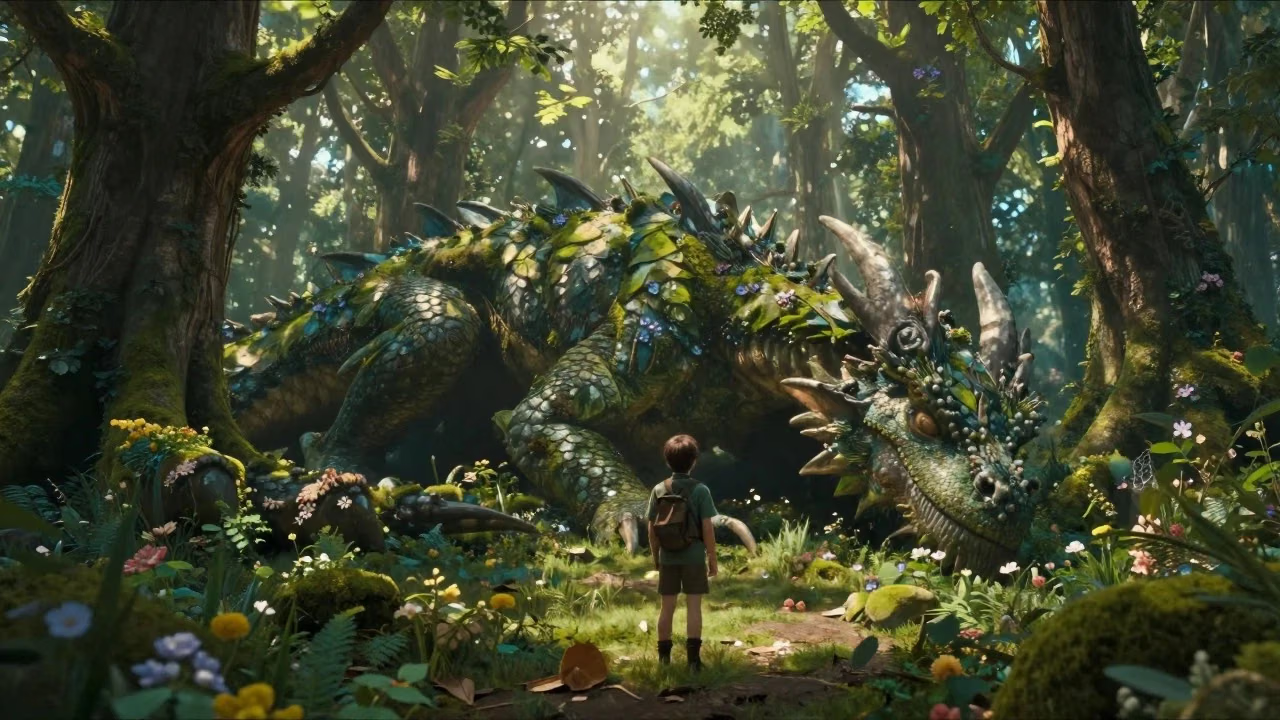
WAN 3.0
Unified WAN model: text, image and reference to video, up to 30 seconds in one pass with native audio
WAN 3.0 Prime
Faster Wan 3.0 tier with edit and extend
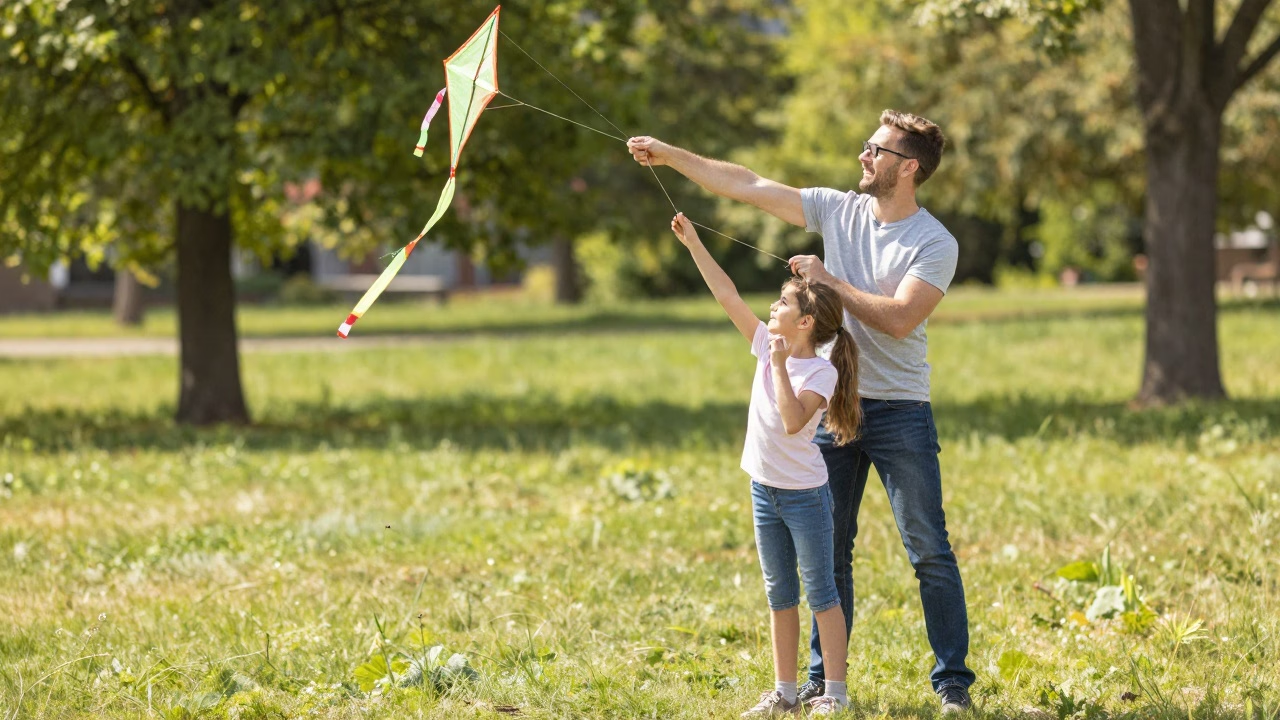
WAN 2.7
Latest WAN with text-to-image, image editing, and video generation
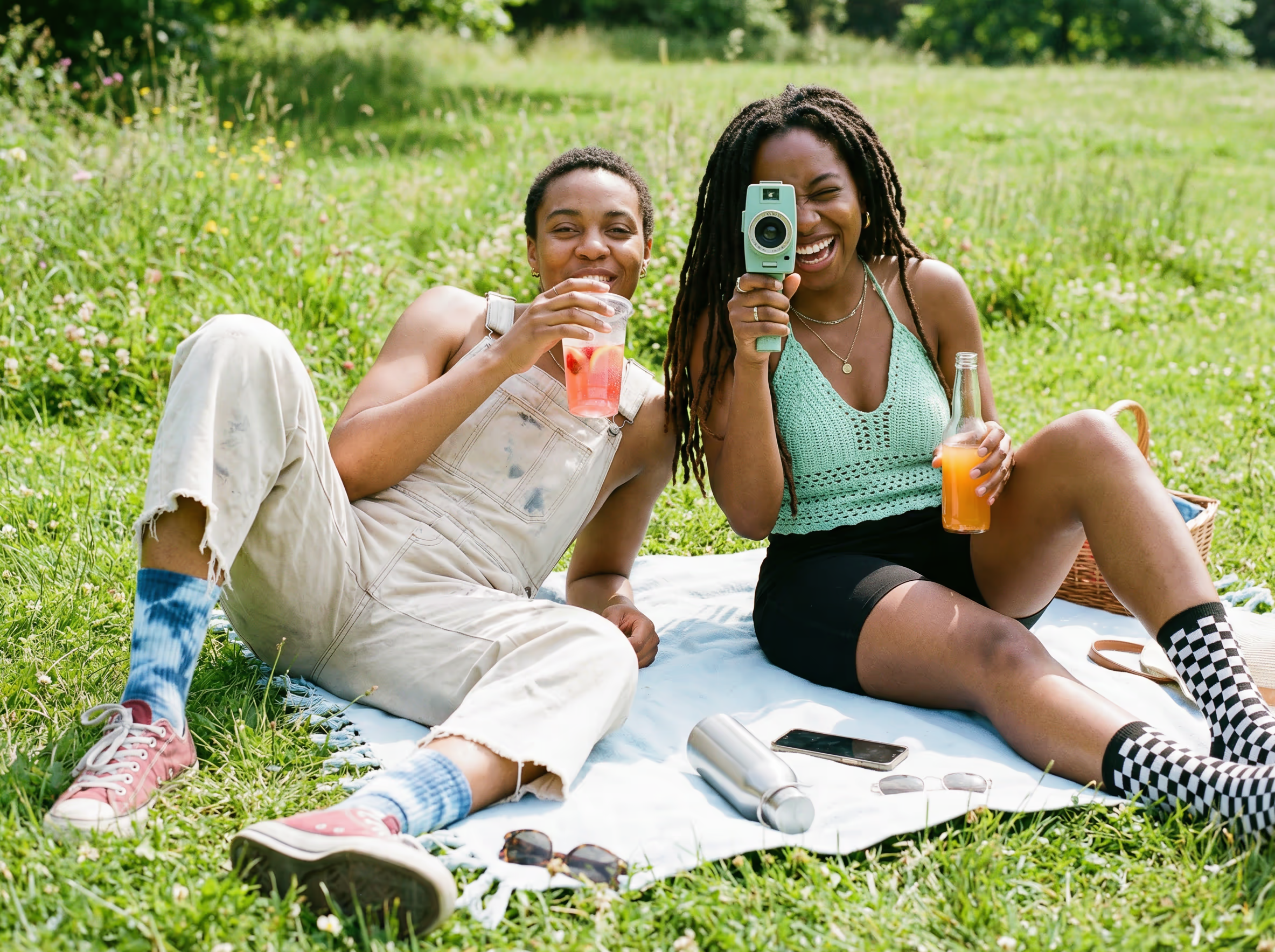
WAN 2.6
Enhanced video generation with reference-to-video and flash modes
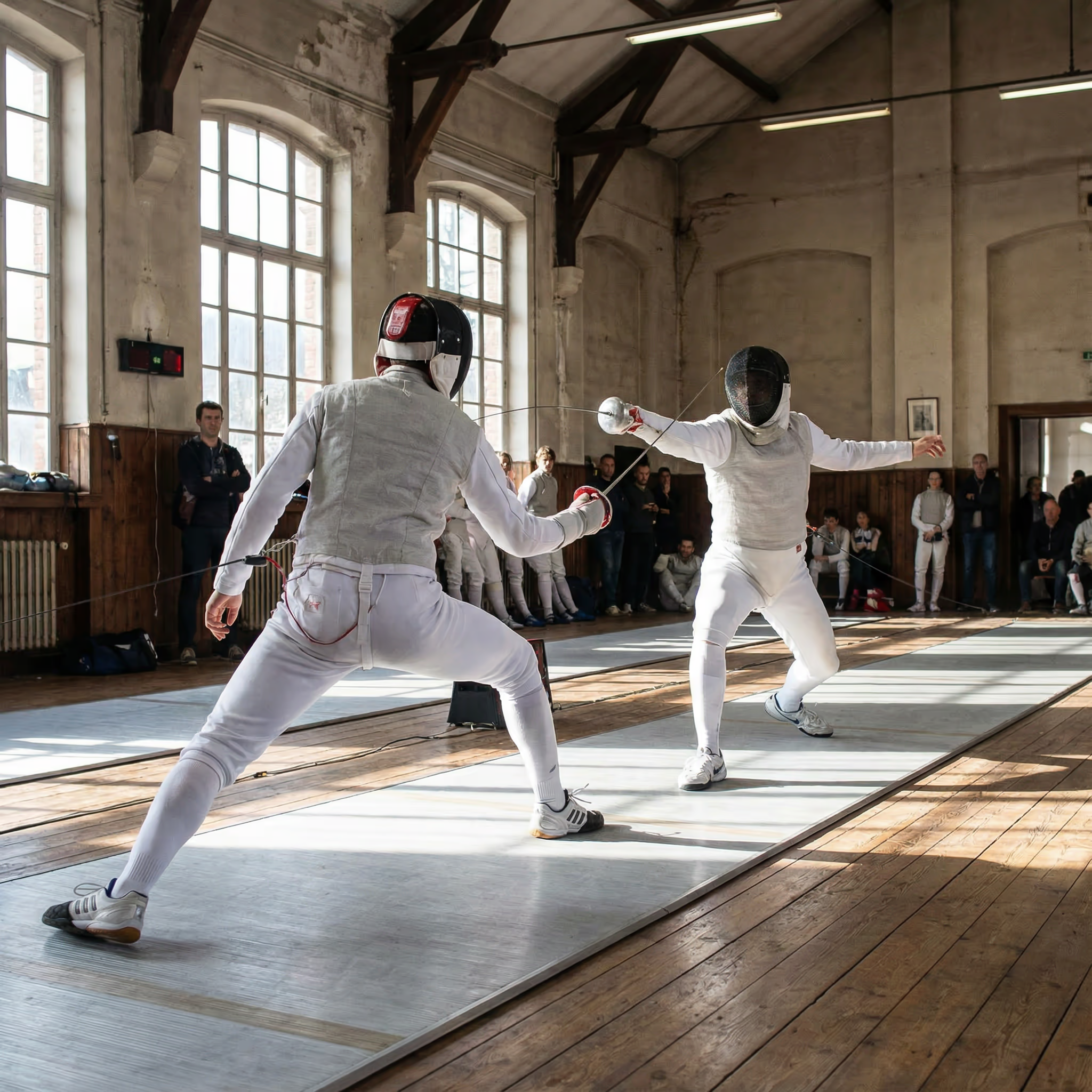
WAN 2.5
High-quality text-to-video and image-to-video generation
WAN 2.2
Versatile video generation with multiple aspect ratios
WAN 2.1
Foundation video generation model with text and image input
What's WAN 2.2 Animate
Advanced 14B parameter character animation AI model by Alibaba
- 14B ActiveParameters in 27B MoE
- 2 ModesAnimate & Replace
- 120 SecondsMaximum Duration
- Apache 2.0Commercial License
WAN 2.2 Animate features 14 billion active parameters within a 27B MoE architecture, bringing static character photos to life with dual-mode capability.
WAN 2.2 Animate's Powerful Features
Discover the advanced capabilities that make WAN 2.2 Animate exceptional for character animation
- 01
14B Parameter MoE Architecture
Built on advanced Mixture-of-Experts design with 27B total parameters but only 14B active per step, delivering exceptional animation quality while maintaining efficient inference performance and GPU memory optimization.
- 02
Dual Animation Modes
Supports both animate mode for bringing static photos to life with reference movements, and replace mode for seamlessly swapping characters in videos while preserving original scene lighting and motion dynamics.
- 03
Holistic Motion Replication
Precisely captures and transfers complete body movements and facial expressions from reference videos, ensuring natural and realistic character animation with exceptional attention to subtle gesture nuances and emotional expressions.
- 04
High Temporal Stability
Advanced frame consistency algorithms ensure smooth, flicker-free animations across extended sequences, maintaining coherent character appearance and movement flow even in complex dynamic scenes with challenging motion patterns.
- 05
Natural Expression Preservation
Intelligent facial feature tracking maintains authentic emotional expressions and micro-movements, delivering lifelike character animations that preserve the subtle details of human expressions including eye movements and lip synchronization.
- 06
Adaptive Lighting Integration
Automatically analyzes and replicates scene lighting conditions when replacing characters, ensuring seamless visual integration with consistent color tone, shadows, and highlights that match the original video environment perfectly.
- 07
Apache 2.0 Open Source
Released under permissive Apache 2.0 license enabling full commercial use, modification, and distribution rights. Access complete model weights and training methodology for custom implementations and research applications.
- 08
Flexible Resolution Support
Generate animations in multiple resolutions including 480p and 720p options, with support for videos up to 120 seconds in length, providing adaptable output quality for diverse use cases and platform requirements.
How to Use WAN 2.2 Animate
Step-by-step guide for creating character animations with WAN 2.2 Animate
- 01
Prepare Character Photo and Reference Video
Upload a clear character photo in PNG/JPG format and reference video in MP4/MOV/AVI. Match composition and aspect ratio between inputs for optimal animation results.
- 02
Choose Animation Mode and Configure Settings
Select Animate mode to bring photos to life or Replace mode to swap characters. Adjust resolution (480p/720p) and add optional prompt for guidance.
- 03
Generate and Download Animated Video
Click generate to start processing. Review the animated result with transferred movements and expressions, then download your cinematic-quality character animation.
Wan 2.2 Animate YouTube Videos
Watch demonstrations and tutorials showcasing Wan 2.2 Animate's powerful AI character animation and video-to-video transformation capabilities
- WAN 2.2 Animate: Replace Anyone With AI in ComfyUI - MDMZ
- Animate ANY Reference Image with a Video | WAN 2.2 ANIMATE ComfyUI (+workflow) - Max Novak
- This AI Tool Feels ILLEGAL(but it'll change content creation forever) | Wan 2.2 Animate Tutorial - 100x Engineers
- ComfyUI WAN 2.2 Animate: Workflow Power-up & More Animation Tips! - Nerdy Rodent
- Wan 2.2 Animate V2 Update And Video Detail Enhancer - This Trick Fixes Blurry Hands & Faces - Benji’s AI Playground
- Wan 2.2 Animate | How to use it for Completely free.. - Abhijeet Kalamkar - Ai Learners India
- WAN Animate just broke the internet (Open-Source Character Replacement) - Sirio
- This is the ultimate AI video tool. Wan Animate tutorial - AI Search
Wan 2.2 Animate YouTube Videos
Watch demonstrations and tutorials showcasing Wan 2.2 Animate's powerful AI character animation and video-to-video transformation capabilities
WAN 2.2 Animate Popular Reviews on X
See what people are saying about WAN 2.2 Animate on X (Twitter)
AI Pricing Plans
Flexible AI Pricing
Pay-as-you-go credits or subscription plans. No hidden fees, cancel anytime.
One Time supports crypto payment (BTC, USDT, ETH, 350+) · Monthly billing
Free-One Time
Try before you buy
- Up to 3 videos
- Up to 32 images
- Multi-Model Support
- Text to Video
- Image to Video
- Video to Video
Show more (+11)
- Consistent Character
- AI Animation Generator
- Templates & Effects
- AI Video Enhancers
- Interactive Community
- Faster Generation Speed
- No-watermark Outputs
- More Camera Movement
- Private Video Visibility
- Copy Protection
- Priority Support
Pro-1 Month
PopularElevate your AI experience
- Up to 80 videos
- Up to 800 images
- 3 tasks(Parallel Tasks)
- Multi-Model Support
- Text to Video
- Image to Video
Show more (+12)
- Video to Video
- Consistent Character
- AI Animation Generator
- Templates & Effects
- AI Video Enhancers
- Interactive Community
- Faster Generation Speed
- No-watermark Outputs
- More Camera Movement
- Private Video Visibility
- Copy Protection
- Priority Support
Lite-1 Month
Start your AI journey
- Up to 30 videos
- Up to 300 images
- 3 tasks(Parallel Tasks)
- Multi-Model Support
- Text to Video
- Image to Video
Show more (+12)
- Video to Video
- Consistent Character
- AI Animation Generator
- Templates & Effects
- AI Video Enhancers
- Interactive Community
- Faster Generation Speed
- No-watermark Outputs
- More Camera Movement
- Private Video Visibility
- Copy Protection
- Priority Support
- Card
- Crypto accepted (BTC, USDT, ETH, 350+)
Frequently Asked Questions
Common questions about WAN 2.2 Animate
Still have questions?