









🎨 Seedream 5.0 Pro — ByteDance's flagship image model: up to 2K, best-in-class typography & multi-reference editing!


Unlimited Kling 2.6 Video Generator
Create any video you want without restrictions. Kling 2.6 Pro features native audio-visual generation, producing cinematic 1080p videos up to 10 seconds with perfectly synchronized dialogue, sound effects, and ambient audio. Express your creativity freely with multi-character dialogue, singing, and rap sequences.
Kling Model Series

Kling v3
Latest Kling video and image generation with top-tier quality
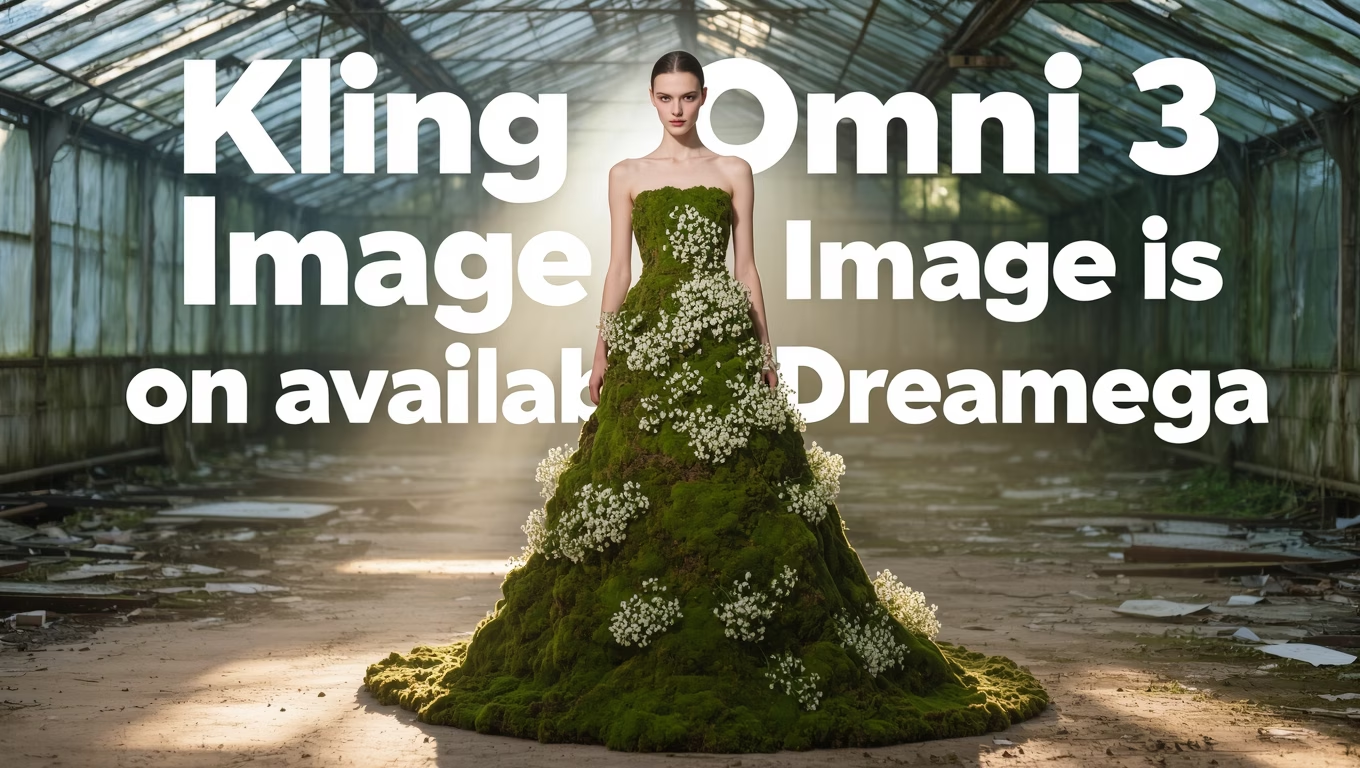
Kling O3
Advanced Kling model with video editing and reference capabilities
Kling v3 Motion
Precise motion control for Kling v3 video generation
Kling 2.6 Motion
Motion control for Kling 2.6 video generation
Kling O1
Kling O1 with video editing and reference generation
Kling 2.5
Fast and efficient Kling 2.5 turbo video generation
Kling AI
Classic Kling AI video generation with multiple model versions
What is Kling 2.6 Pro?
Understanding Kuaishou's Revolutionary AI Video Generation Model
- 1stNative Audio-Visual
- 1080pResolution
- 10sMax Duration
- Lip-SyncSpeech/Singing
Kling 2.6 Pro is the first AI model with native audio-visual generation, producing synchronized video and audio in a single pass with 1080p quality.
Key Features
- 01
Native Audio-Visual Generation
Revolutionary technology that generates synchronized video and audio in a single pass. Produces natural dialogue, sound effects, and ambient audio without separate audio generation steps, creating truly integrated audiovisual content.
- 02
Perfect Lip Synchronization
Industry-leading lip-sync technology ensures characters' mouth movements perfectly match generated speech. Whether speaking, singing, or rapping, facial animations remain natural and precisely timed with the audio track.
- 03
1080p High-Definition Output
Generates crystal-clear Full HD videos at 1080p resolution. Every frame maintains exceptional detail and visual clarity, suitable for professional content creation and social media publishing.
- 04
Multi-Language Voice Support
Supports both Chinese and English voice generation with native-quality pronunciation and natural intonation. Characters can speak, sing, or deliver dialogue in either language with authentic vocal expression.
- 05
Extended Video Duration
Create videos up to 10 seconds long with consistent quality throughout. Longer duration allows for complete scenes, meaningful dialogue exchanges, and more complex storytelling within a single generation.
- 06
Multi-Character Dialogue
Handles complex scenes with multiple characters speaking naturally. Each character maintains distinct voice characteristics while engaging in realistic conversations, debates, or group discussions.
- 07
15% Better Instruction Compliance
Improved understanding of complex prompts ensures more accurate video generation. Detailed scene descriptions, specific actions, and nuanced requests are interpreted and executed with greater precision than previous versions.
- 08
Singing and Rap Generation
Unique capability to generate characters performing musical content. From melodic singing to rhythmic rap sequences, characters deliver musical performances with proper timing, pitch, and expressive delivery.
- 09
Cinematic Motion Quality
Produces smooth, film-quality motion with stable camera movements and natural character animations. Action sequences, subtle gestures, and complex movements all render with professional-grade fluidity.
- 10
Ambient Sound Design
Automatically generates contextually appropriate ambient audio. Environmental sounds like wind, traffic, nature, or indoor ambience enhance the immersive quality of generated videos without manual audio editing.
How to Use Kling 2.6 Pro for Text-to-Video Generation
Master Kuaishou's latest flagship Kling 2.6 Pro model for creating high-quality videos with native audio-visual synchronization from text descriptions
- 01
Craft Detailed Prompts with Audio Context
Write comprehensive descriptions that include visual elements, actions, and audio cues. Example: 'A chef cooking in a busy kitchen, sizzling sounds from the pan, calling out orders, warm ambient lighting'. Kling 2.6 Pro generates videos with native audio that perfectly synchronizes with the visual content.
- 02
Configure Duration and Aspect Ratio
Select your preferred video duration (5 seconds or 10 seconds) and aspect ratio (16:9 for landscape, 9:16 for portrait, or 1:1 for square). The model outputs 1080p HD quality video with native audio synchronization for professional results.
- 03
Enable Audio and Optimize Settings
Toggle the sound option to enable native audio generation. Adjust the cfg_scale parameter to control how closely the output follows your prompt. Higher values produce more literal interpretations, while lower values allow more creative freedom.
How to Use Kling 2.6 Pro for Image-to-Video Generation
Transform static images into dynamic videos with native audio synchronization using Kuaishou's latest flagship Kling 2.6 Pro model
- 01
Select High-Quality Source Images
Upload clear, high-resolution images that serve as your starting point. Best results come from well-lit, sharp images with clear subjects. Kling 2.6 Pro works with various image formats and automatically optimizes the input for video generation with native audio.
- 02
Describe Desired Motion and Audio
Write detailed prompts specifying how you want the image to animate and what sounds should accompany it. Example: 'The person slowly turns their head and smiles, with soft background music and ambient sounds'. Kling 2.6 Pro generates synchronized audio that matches the visual motion.
- 03
Configure Settings and Generate
Select video duration (5 or 10 seconds), adjust cfg_scale for prompt adherence, and enable sound for native audio generation. The output maintains the original image's composition while adding realistic motion and synchronized environmental audio in 1080p HD quality.
Kling 2.6 Pro YouTube Videos
Watch demonstrations and tutorials showcasing Kling 2.6 Pro's powerful AI video generation with native audio capabilities
- How to Use Kling AI Video 2.6? Generate Native Audio, Text-to-Video & Image-to-Video (Full Guide) - Satyam AI
- STOP Wasting Credits & Become a Kling AI Master in 8 Minutes - Roboverse
- Kling AI + Nano Banana = The Future of AI Filmmaking (Full Process) - Tao Prompts
- VEO 3 vs Kling AI 2.1 - Grow With Kaz
- Hailuo 2.3 vs Sora 2 vs Veo 3.1 vs Kling 2.5: The Ultimate AI Video Generator Showdown - Dom the AI Tutor | Tech Tutor Zones
Kling 2.6 Pro YouTube Videos
Watch demonstrations and tutorials showcasing Kling 2.6 Pro's powerful AI video generation with native audio capabilities
Kling 2.6 Pro Popular Reviews on X
See what people are saying about Kling 2.6 Pro on X (Twitter)
AI Pricing Plans
Flexible AI Pricing
Pay-as-you-go credits or subscription plans. No hidden fees, cancel anytime.
One Time supports crypto payment (BTC, USDT, ETH, 350+) · Monthly billing
Free-One Time
Try before you buy
- Up to 3 videos
- Up to 32 images
- Multi-Model Support
- Text to Video
- Image to Video
- Video to Video
Show more (+11)
- Consistent Character
- AI Animation Generator
- Templates & Effects
- AI Video Enhancers
- Interactive Community
- Faster Generation Speed
- No-watermark Outputs
- More Camera Movement
- Private Video Visibility
- Copy Protection
- Priority Support
Pro-1 Month
PopularElevate your AI experience
- Up to 80 videos
- Up to 800 images
- 3 tasks(Parallel Tasks)
- Multi-Model Support
- Text to Video
- Image to Video
Show more (+12)
- Video to Video
- Consistent Character
- AI Animation Generator
- Templates & Effects
- AI Video Enhancers
- Interactive Community
- Faster Generation Speed
- No-watermark Outputs
- More Camera Movement
- Private Video Visibility
- Copy Protection
- Priority Support
Lite-1 Month
Start your AI journey
- Up to 30 videos
- Up to 300 images
- 3 tasks(Parallel Tasks)
- Multi-Model Support
- Text to Video
- Image to Video
Show more (+12)
- Video to Video
- Consistent Character
- AI Animation Generator
- Templates & Effects
- AI Video Enhancers
- Interactive Community
- Faster Generation Speed
- No-watermark Outputs
- More Camera Movement
- Private Video Visibility
- Copy Protection
- Priority Support
- Card
- Crypto accepted (BTC, USDT, ETH, 350+)
Frequently Asked Questions
Still have questions?