









🎨 Seedream 5.0 Pro — ByteDance's flagship image model: up to 2K, best-in-class typography & multi-reference editing!


PixVerse v5 Video Generator
Advanced multi-modal AI video generation with revolutionary motion quality enhancements, supporting text-to-video, image-to-video, and seamless transitions with professional-grade output up to 1080p resolution and multiple creative styles.
PixVerse Model Series
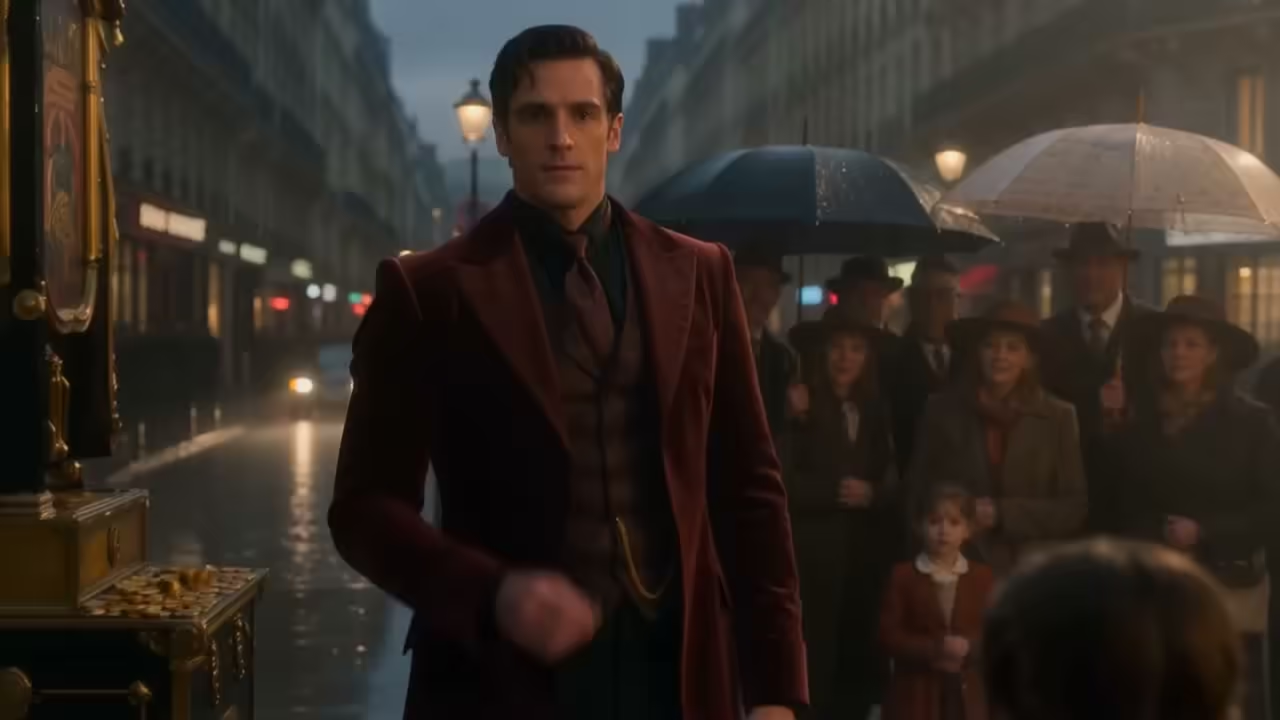
PixVerse C1
Film production AI video model with reference-guided generation
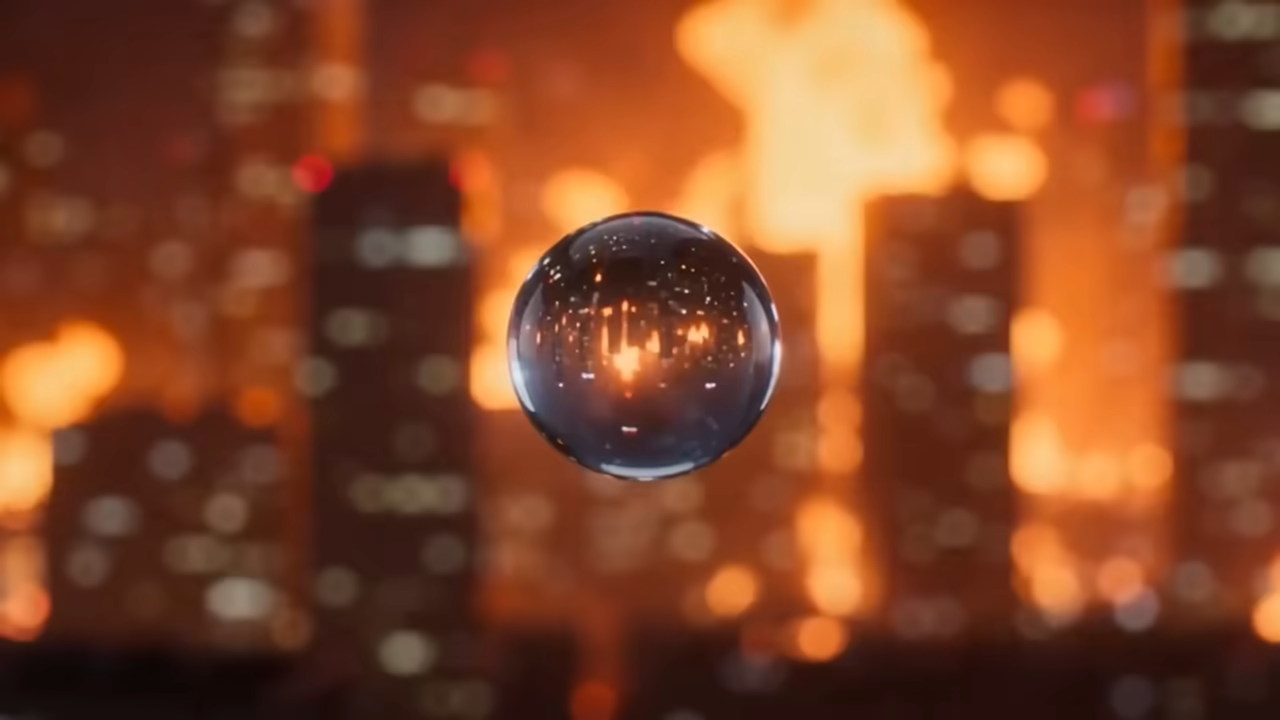
PixVerse v6
Latest PixVerse model with cutting-edge video generation capabilities
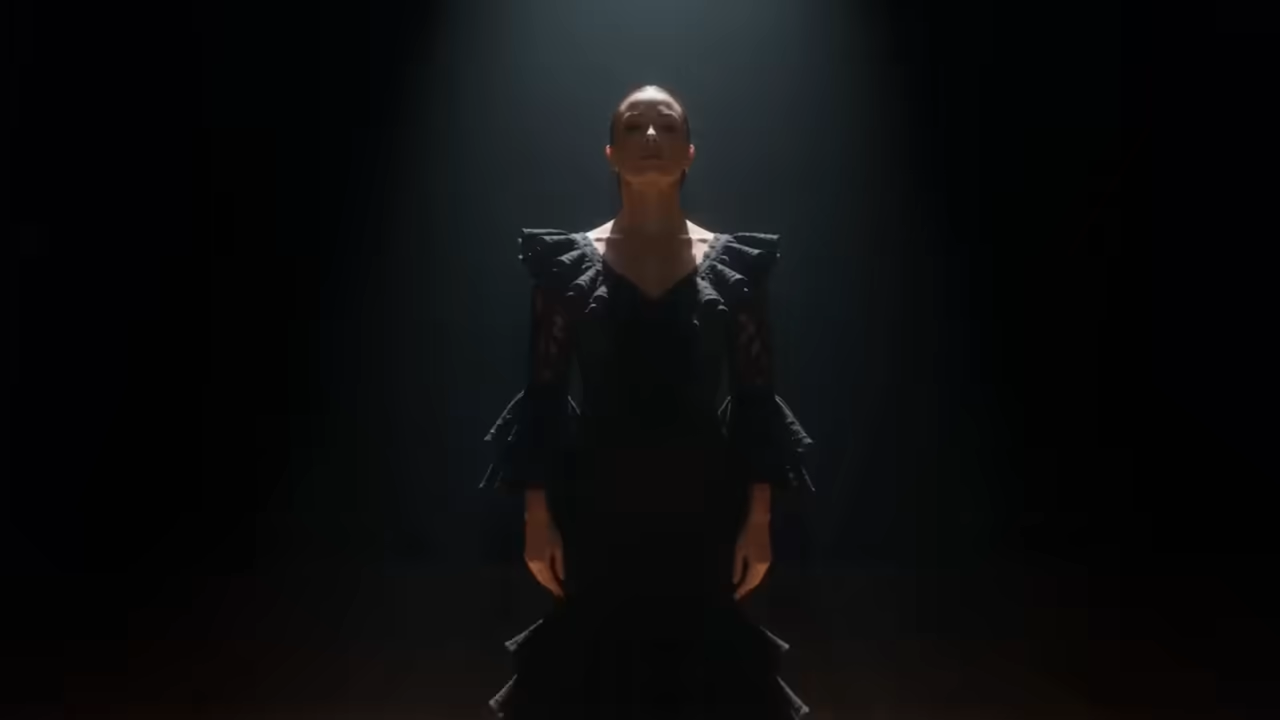
PixVerse v5.6
Enhanced video generation with improved motion and visual fidelity
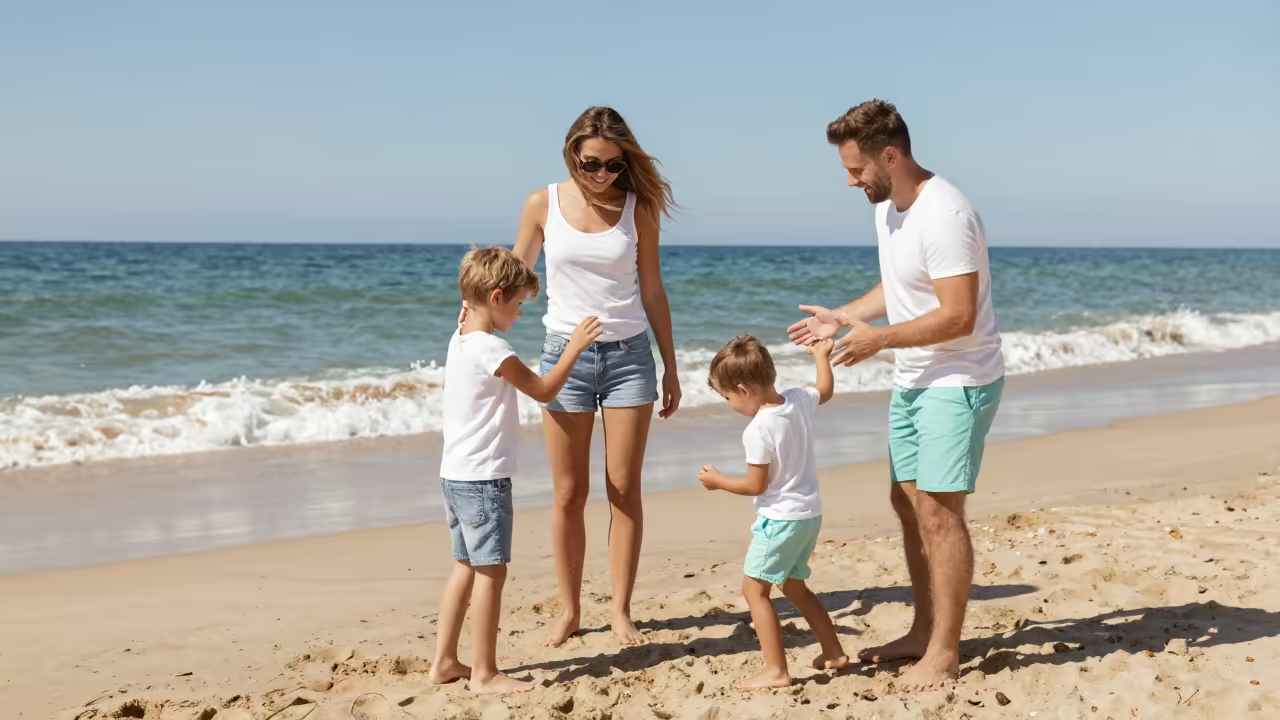
PixVerse v5.5
Advanced video generation with effects and transition support
What's PixVerse v5
The next generation of AI video creation technology
- EnhancedMotion Quality
- ProfessionalVisual Performance
- Multi-ModalText & Image Input
- ImprovedPrompt Accuracy
PixVerse v5 delivers unprecedented quality in AI video generation with significant improvements in motion quality, visual performance, and prompt accuracy. Transforms text and images into stunning videos with professional-grade results.
PixVerse v5's Powerful Features
Discover the advanced capabilities that make PixVerse v5 exceptional for AI video generation
- 01
Multi-Modal Input Support
Generate videos from text descriptions, images, or combine both inputs for enhanced creative control and versatility in content creation.
- 02
Enhanced Motion Quality
Experience more natural and expressive movements with smoother and coherent motion trajectories that bring scenes to life.
- 03
Superior Visual Performance
Achieve sharper resolution, richer details, and realistic textures with improved lighting for a cinematic finish.
- 04
Advanced Prompt Accuracy
Enjoy closer alignment between your prompts and generated videos, including precise character representation, styles, and environments.
- 05
Professional Resolution Output
Create videos in multiple resolutions from 360p to 1080p, supporting professional-quality output for various use cases.
- 06
Flexible Duration Options
Generate videos in 5-second or 8-second durations to match your specific content requirements and storytelling needs.
- 07
Multiple Aspect Ratios
Support for various aspect ratios including 16:9, 4:3, 1:1, 3:4, and 9:16 to fit different platforms and display requirements.
- 08
Artistic Style Control
Apply different artistic styles including anime, 3D animation, clay, comic, and cyberpunk to match your creative vision.
- 09
Seamless Transition Generation
Create smooth video transitions between two images with intelligent morphing and scene blending capabilities.
- 10
Consistent Frame Quality
Maintain stable style, color, and lighting consistency across all frames and scenes for professional-grade videos.
- 11
Rapid Generation Speed
Generate 360p videos in 5 seconds or 1080p videos in about one minute, optimizing for both speed and quality needs.
- 12
Advanced Seed Control
Use seed parameters for reproducible results and maintain consistency across multiple generation attempts with the same prompt.
How to Use PixVerse v5 Text-to-Video
Master text-to-video generation with PixVerse v5 for stunning AI-powered video creation
- 01
Write Your Video Description
Create a detailed text prompt (up to 2048 characters) describing your desired video. Be specific about actions, scenes, characters, and visual elements. PixVerse v5 works best with English prompts, though it supports multiple languages. Include details about lighting, camera angles, and mood for enhanced results.
- 02
Configure Video Settings
Select your preferred video specifications including resolution (360p to 1080p), aspect ratio (16:9, 4:3, 1:1, 3:4, 9:16), duration (5 or 8 seconds), and artistic style. Choose from Default, Anime, 3D Animation, Clay, Comic, or Cyberpunk styles. Optionally, set a seed value for reproducible results and add negative prompts to avoid unwanted elements.
- 03
Generate and Refine
Click generate to create your video. PixVerse v5 typically takes 5 seconds for 360p videos and about 1 minute for 1080p output. Review the generated video and refine your prompt or settings if needed. Use the seed control to maintain consistency across multiple generations, or modify parameters to explore different creative directions.
How to Use PixVerse v5 Image-to-Video
Transform static images into dynamic videos with PixVerse v5's advanced AI technology
- 01
Upload and Prepare Your Image
Upload a high-quality image in JPEG or PNG format. The image will serve as the starting frame for your video. Choose images with clear subjects and good composition for best results. For transition videos, upload both start and end images. Ensure your images are well-lit and have sufficient detail for the AI to interpret and animate effectively.
- 02
Write Descriptive Motion Prompt
Create a detailed text prompt (up to 2048 characters) describing how you want your image to come to life. Focus on specific movements, animations, and dynamic elements you want to see. Describe camera movements, object animations, environmental effects, and any transformations you envision. The more specific your description, the better PixVerse v5 can interpret and execute your creative vision.
- 03
Configure and Generate
Select your video specifications including aspect ratio, resolution (360p to 1080p), duration (5 or 8 seconds), and artistic style. Choose from various styles like Anime, 3D Animation, Clay, Comic, or Cyberpunk to match your aesthetic preference. Set a seed value for consistent results across multiple generations. Add negative prompts to avoid unwanted elements, then generate your animated video.
PixVerse V5 YouTube Videos
Watch demonstrations and tutorials showcasing PixVerse V5's powerful AI video generation capabilities
- PixVerse V5: Ultimate Powerful AI Video Generation Platform - Eigi and AI
- PixVerse V5 | Best AI Video Generator of 2025 - AI Zayan
- PixVerse V5: The AI Revolution in Video Creation - Web3World
- PixVerse V5 : Best AI Video Generator Using Images And Text | Review And Tutorial - AI Ninja
PixVerse V5 YouTube Videos
Watch demonstrations and tutorials showcasing PixVerse V5's powerful AI video generation capabilities
Pixverse V5 Popular Reviews on X
See what people are saying about Pixverse V5 on X (Twitter)
AI Pricing Plans
Flexible AI Pricing
Pay-as-you-go credits or subscription plans. No hidden fees, cancel anytime.
One Time supports crypto payment (BTC, USDT, ETH, 350+) · Monthly billing
Free-One Time
Try before you buy
- Up to 3 videos
- Up to 32 images
- Multi-Model Support
- Text to Video
- Image to Video
- Video to Video
Show more (+11)
- Consistent Character
- AI Animation Generator
- Templates & Effects
- AI Video Enhancers
- Interactive Community
- Faster Generation Speed
- No-watermark Outputs
- More Camera Movement
- Private Video Visibility
- Copy Protection
- Priority Support
Pro-1 Month
PopularElevate your AI experience
- Up to 80 videos
- Up to 800 images
- 3 tasks(Parallel Tasks)
- Multi-Model Support
- Text to Video
- Image to Video
Show more (+12)
- Video to Video
- Consistent Character
- AI Animation Generator
- Templates & Effects
- AI Video Enhancers
- Interactive Community
- Faster Generation Speed
- No-watermark Outputs
- More Camera Movement
- Private Video Visibility
- Copy Protection
- Priority Support
Lite-1 Month
Start your AI journey
- Up to 30 videos
- Up to 300 images
- 3 tasks(Parallel Tasks)
- Multi-Model Support
- Text to Video
- Image to Video
Show more (+12)
- Video to Video
- Consistent Character
- AI Animation Generator
- Templates & Effects
- AI Video Enhancers
- Interactive Community
- Faster Generation Speed
- No-watermark Outputs
- More Camera Movement
- Private Video Visibility
- Copy Protection
- Priority Support
- Card
- Crypto accepted (BTC, USDT, ETH, 350+)
PixVerse v5 Frequently Asked Questions
Get answers to common questions about PixVerse v5 AI video generation
Still have questions?