


🎨 Seedream 5.0 Pro — ByteDance's flagship image model: up to 2K, best-in-class typography & multi-reference editing!


Advanced Qwen Image AI Generator
Alibaba's revolutionary 20 billion parameter multimodal diffusion transformer with state-of-the-art text rendering capabilities. Excels at complex multi-line text integration in both alphabetic and logographic languages, professional image editing, style transfer, and object manipulation. Features Apache 2.0 license, superior Chinese text rendering, and advanced computer vision tasks including object detection and semantic segmentation.
What's Qwen Image
Alibaba's cutting-edge image generation AI with revolutionary text rendering
- AlibabaPowered by
- 20B ParamsScale
- Multi-languageExcellence
- Apache 2.0Open Source
Qwen Image is a 20 billion parameter multimodal diffusion transformer setting new standards for text integration, excelling in multi-line text rendering across alphabetic and logographic languages.
Qwen Image's Powerful Features
Discover the advanced capabilities that make Qwen Image exceptional for AI image generation
- 01
Advanced Text Rendering
Excel at rendering complex multi-line text in both alphabetic and logographic languages, including accurate Chinese character generation within images
- 02
20B Parameter Model
Leverage the power of a 20 billion parameter multimodal diffusion transformer for exceptional image quality and detail
- 03
Multi-Style Support
Generate images in various artistic styles, from photorealistic to abstract art, anime, and digital illustrations
- 04
Flexible Resolution
Support for custom image dimensions from 256x256 to 2048x2048 pixels, perfect for any use case
- 05
Flash Mode
Enable fast generation mode for quick iterations and rapid prototyping of your creative ideas
- 06
Prompt Translation
Built-in translation support to convert prompts to English for optimal results, supporting global users
- 07
Prompt Optimization
Intelligent prompt enhancement to improve generation quality and ensure better adherence to your vision
- 08
Adjustable Guidance
Fine-tune the guidance scale from 1 to 20 to control how closely the image follows your prompt
- 09
Variable Step Control
Customize inference steps from 10 to 50 for the perfect balance between quality and generation speed
- 10
Seed Reproducibility
Use seed values for consistent and reproducible results, essential for iterative design work
- 11
Apache 2.0 License
Open-source model with permissive Apache 2.0 license, suitable for both personal and commercial use
- 12
Credit-Based Pricing
Efficient credit system with dynamic pricing based on resolution, starting from just 5 credits per image











How to Use Qwen Image for Text-to-Image Generation
Master professional image generation with Qwen Image's advanced text rendering capabilities
- 01
Craft Your Detailed Prompt
Write descriptive prompts in any language - Qwen Image excels with both simple and complex descriptions. Include specific details about style, composition, lighting, and any text you want rendered in the image. The model's built-in translation ensures optimal results regardless of your input language.
- 02
Configure Generation Settings
Customize your image generation with Qwen Image's flexible parameters. Choose your desired resolution (256×256 to 2048×2048), adjust inference steps for quality-speed balance, and fine-tune guidance scale for prompt adherence. Enable Flash Mode for rapid iterations during creative exploration.
- 03
Generate and Refine Your Images
Generate your image and utilize Qwen Image's advanced editing capabilities if needed. The model's superior image editing features allow for style transfer, object manipulation, and text modifications while preserving the original semantic meaning. Use seed values for consistent results across iterations.
How to Use Qwen-Image for Image-to-Image
Master image-to-image transformation with Qwen-Image's advanced capabilities
- 01
Prepare Your Base Image
Start with a clear, high-quality image. Qwen-Image excels at preserving composition while transforming style elements based on your detailed prompts.
- 02
Write Detailed Prompts
Leverage Qwen-Image's advanced text rendering capabilities. Be specific: 'anime digital art style with vibrant colors and cel-shading' or 'photorealistic portrait with dramatic lighting'.
- 03
Adjust Strength Parameter
Use strength 0.2-0.4 for subtle style changes, 0.5-0.7 for moderate transformation, 0.8-0.9 for strong stylization while maintaining structure.
- 04
Optimize Results
Take advantage of Qwen-Image's 20B parameters for complex transformations. Experiment with detailed prompts and adjust strength for optimal balance between preservation and transformation.
Qwen Image YouTube Videos
Watch community demonstrations and tutorials showcasing Qwen's AI image generation and editing capabilities with Qwen Image model
- Qwen Image Edit 2509 Tutorial | Multi-Image Prompting in ComfyUI (8GB VRAM) - AIdea Lab
- ComfyUI Tutorial Series Ep 64 Nunchaku Qwen Image Edit 2509 - pixaroma
- This new free AI image generator is WILD! Qwen Image tutorial - AI Search
- Qwen-Image: Generation and Editing with Complex Text Rendering - PaperVideos
- 🚀 Meet Qwen-Image: Crafting with Native Text Rendering - Qwen
Qwen Image YouTube Videos
Watch community demonstrations and tutorials showcasing Qwen's AI image generation and editing capabilities with Qwen Image model
Qwen Image Popular Reviews on X
See what people are saying about Qwen Image on X (Twitter)
Explore other models
More top AI models you can try right here.
 NEW
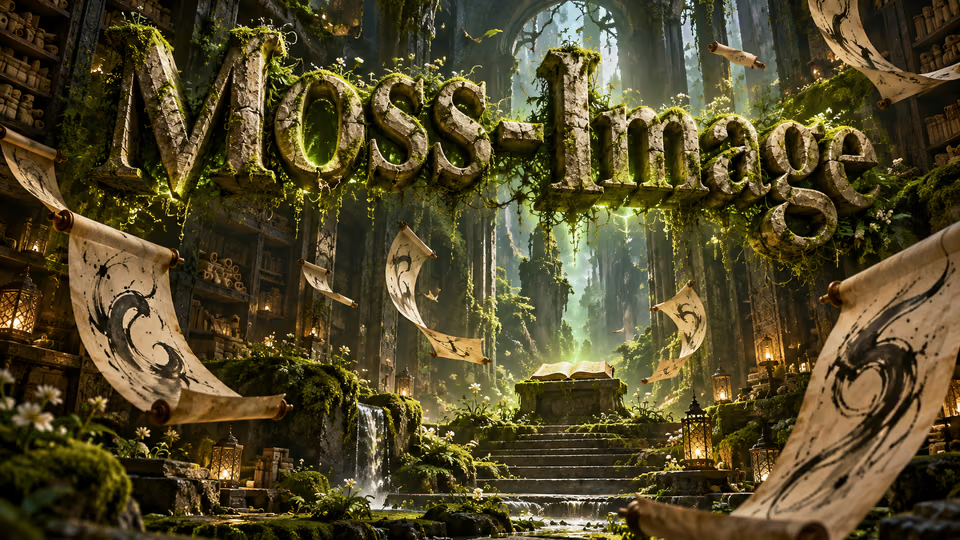
MOSS-Image
Chinese and English lettering, 15 aspect ratios and up to 2K images
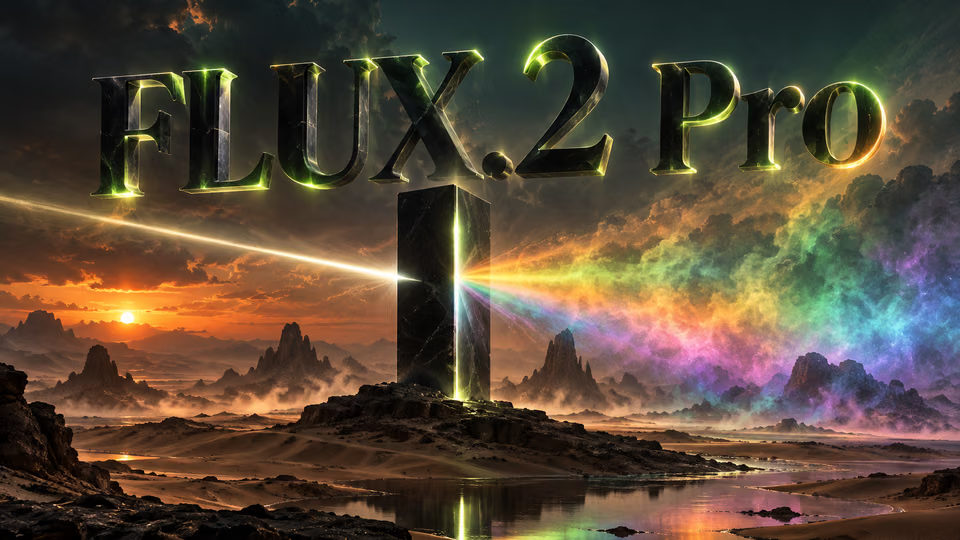
FLUX.2 Pro
Black Forest Labs flagship 32B parameter model with 4MP ultra-resolution and multi-reference support up to 10 images
 NEW
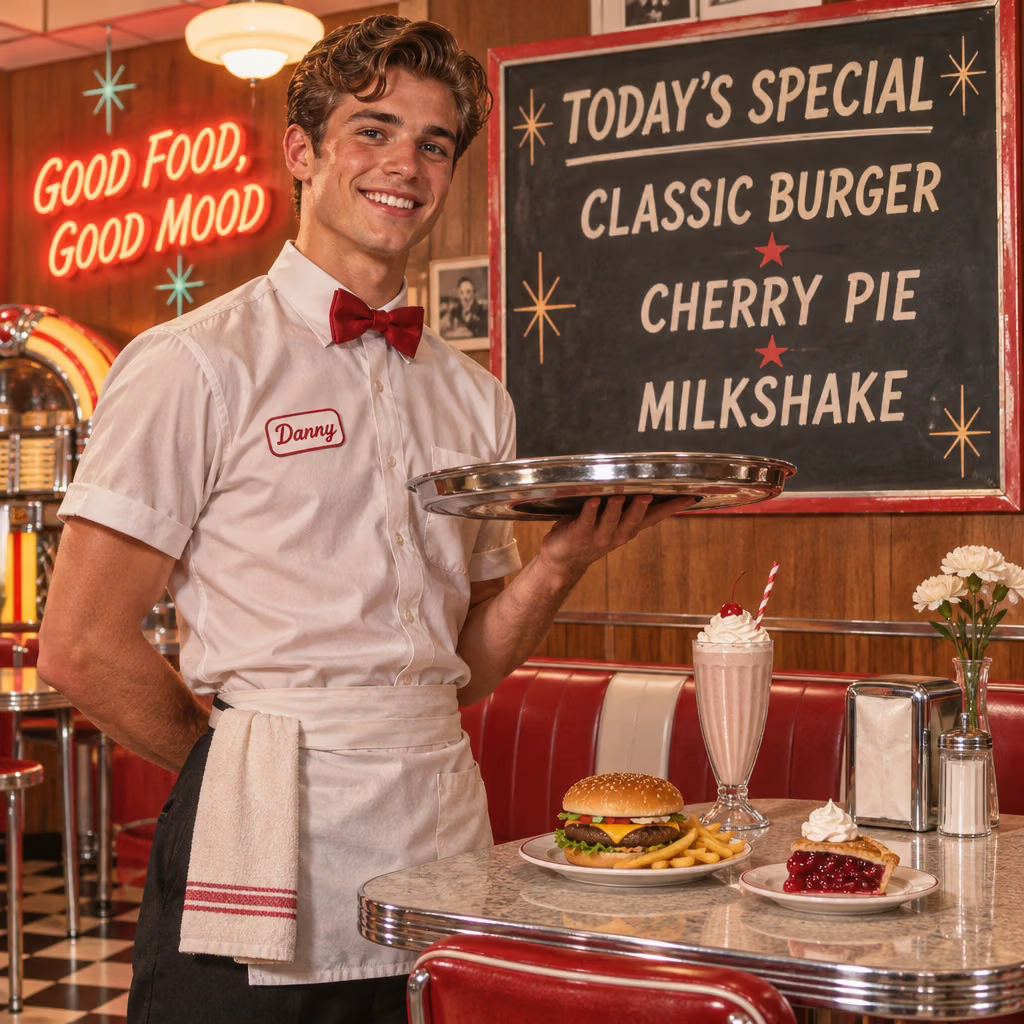
GPT Image 2.6
OpenAI's newest image models: Flare for quick iteration, Sunburst for detailed work and consistent edits
Z-Image Turbo
Alibaba's ultra-fast text-to-image model with sub-second generation and multiple acceleration modes
 NEW
Nano Banana 2.1
Google's newest Nano Banana: sharper text, 4-character consistency, 14 reference images and 1K-4K output at half the price
 NEW
Seedream 5.0 Pro
ByteDance's flagship Seedream model with the highest visual fidelity, best-in-class typography, and up to 2K output
AI Pricing Plans
Flexible AI Pricing
Pay-as-you-go credits or subscription plans. No hidden fees, cancel anytime.
One Time supports crypto payment (BTC, USDT, ETH, 350+) · Monthly billing
Free-One Time
Try before you buy
- Up to 3 videos
- Up to 32 images
- Multi-Model Support
- Text to Video
- Image to Video
- Video to Video
Show more (+11)
- Consistent Character
- AI Animation Generator
- Templates & Effects
- AI Video Enhancers
- Interactive Community
- Faster Generation Speed
- No-watermark Outputs
- More Camera Movement
- Private Video Visibility
- Copy Protection
- Priority Support
Pro-1 Month
PopularElevate your AI experience
- Up to 80 videos
- Up to 800 images
- 3 tasks(Parallel Tasks)
- Multi-Model Support
- Text to Video
- Image to Video
Show more (+12)
- Video to Video
- Consistent Character
- AI Animation Generator
- Templates & Effects
- AI Video Enhancers
- Interactive Community
- Faster Generation Speed
- No-watermark Outputs
- More Camera Movement
- Private Video Visibility
- Copy Protection
- Priority Support
Lite-1 Month
Start your AI journey
- Up to 30 videos
- Up to 300 images
- 3 tasks(Parallel Tasks)
- Multi-Model Support
- Text to Video
- Image to Video
Show more (+12)
- Video to Video
- Consistent Character
- AI Animation Generator
- Templates & Effects
- AI Video Enhancers
- Interactive Community
- Faster Generation Speed
- No-watermark Outputs
- More Camera Movement
- Private Video Visibility
- Copy Protection
- Priority Support
- Card
- Crypto accepted (BTC, USDT, ETH, 350+)

Frequently Asked Questions About Qwen Image
Get answers to common questions about Qwen Image AI model and its capabilities
Still have questions?