


🎨 Seedream 5.0 Pro — ByteDance's flagship image model: up to 2K, best-in-class typography & multi-reference editing!


Best Ideogram V3 AI Image Generator
Ideogram V3 is a state-of-the-art text-to-image model that generates high-quality, photorealistic images with exceptional text rendering capabilities. Features enhanced realism, superior typography, and professional-grade design generation.
What is Ideogram V3?
Ideogram V3 is a groundbreaking text-to-image AI model that excels at generating high-quality, photorealistic images with exceptional text rendering capabilities. Developed by Ideogram, this advanced model represents a significant leap forward in AI image generation technology.
- V3Version
- Text RenderingExcellence
- 3 Speed ModesFlexibility
- Style ReferenceInnovation
Ideogram V3 stands out by solving one of the most challenging problems in AI image generation: accurate text rendering. The model offers three speed modes and various aspect ratios for professional-grade visual content.
Ideogram V3's Powerful Features
Discover the revolutionary capabilities that make Ideogram V3 the ultimate choice for professional text-to-image generation with exceptional text rendering
- 01
Superior Text Rendering
Industry-leading typography generation with crisp, legible text that fits naturally into designs. Create professional logos, promotional posters, and product photography with perfect text integration.
- 02
Enhanced Photorealism
Generate images with stunning realism and creative designs. Advanced image-prompt alignment ensures outputs consistently match your vision with exceptional photorealistic quality.
- 03
Style Reference System
Upload up to 3 reference images to control aesthetic output. Specify styles that are difficult to describe with text, enabling efficient and expressive creative workflows.
- 04
Multi-Speed Generation
Choose from Turbo (fastest), Balanced (optimal), or Quality (premium) modes. Each mode optimized for different use cases with transparent credit pricing.
- 05
Professional Design Generation
Game-changing capabilities for graphic design, advertising, and marketing. Create landing page concepts, promotional materials, and brand assets with professional quality.
- 06
Style Library Access
Explore 4.3 billion style presets through Random style feature. Reuse discovered styles via unique Style Codes for consistent brand aesthetics.
- 07
Advanced Composition
Better understanding of spatial relationships, layering, and depth. Produces balanced and coherent compositions especially in complex prompts and dynamic scenes.
- 08
Magic Prompt Enhancement
Built-in prompt expansion system that intelligently enhances your descriptions for better results. Toggle on/off based on your creative needs.
- 09
Flexible Image Sizes
Support for multiple aspect ratios including Square, Square HD, Portrait (4:3, 16:9), and Landscape (4:3, 16:9) formats for diverse creative applications.
- 10
Batch Generation
Generate up to 4 images simultaneously with consistent quality. Perfect for creating variations and exploring different creative directions efficiently.
- 11
Reproducible Results
Seed-based generation control for consistent outputs. Use specific seeds to recreate successful generations or explore variations systematically.
- 12
Negative Prompt Control
Advanced filtering system to exclude unwanted elements from generations. Fine-tune outputs by specifying what you don't want to see in your images.










How to Use Ideogram V3
Learn how to create stunning AI-generated images with Ideogram V3's advanced text-to-image capabilities, featuring exceptional text rendering, multiple speed modes, and professional-quality results.
- 01
Write Your Prompt
- 02
Choose Rendering Speed
- 03
Select Image Style
- 04
Configure Advanced Settings
- 05
Add Negative Prompts (Optional)
- 06
Generate and Refine
How to Use Ideogram V3 Edit
Master AI-powered image editing with Ideogram V3 Edit's advanced inpainting technology. Learn to precisely modify specific regions of your images while maintaining quality and realism.
- 01
Upload Your Source Image
- 02
Create or Upload a Mask
- 03
Write Your Edit Prompt
- 04
Choose Rendering Quality
- 05
Configure Advanced Settings
- 06
Apply Negative Prompts
- 07
Review and Refine
How to Use Ideogram V3 Remix
Transform your images with AI-powered style remixing using Ideogram V3 Remix. Learn to apply new artistic styles, themes, and creative interpretations while preserving the core structure of your images.
- 01
Upload Your Reference Image
- 02
Craft Your Remix Prompt
- 03
Adjust Remix Strength
- 04
Select Rendering Speed
- 05
Configure Advanced Options
- 06
Apply Style Constraints
- 07
Generate and Compare
Ideogram v3 YouTube Videos
Watch demonstrations and tutorials showcasing Ideogram v3's photorealistic AI image generation capabilities
- The Most Photorealistic AI Image Generator Yet? Ideogram 3.0 Review - Prompt Engineering
- Introducing Ideogram 3.0 - Ideogram
- Is Ideogram 3.0 The Best A.I. Image Generator Yet? - Shirt School With Kerry Egeler
- Ideogram Tutorial: Pro AI Headshots in Seconds - Ideogram
- Quick Tutorial: Ideogram Character Consistency from One Image - Ideogram
Ideogram v3 YouTube Videos
Watch demonstrations and tutorials showcasing Ideogram v3's photorealistic AI image generation capabilities
Ideogram V3 Popular Reviews on X
See what people are saying about Ideogram V3 on X (Twitter)
Explore other models
More top AI models you can try right here.
 NEW
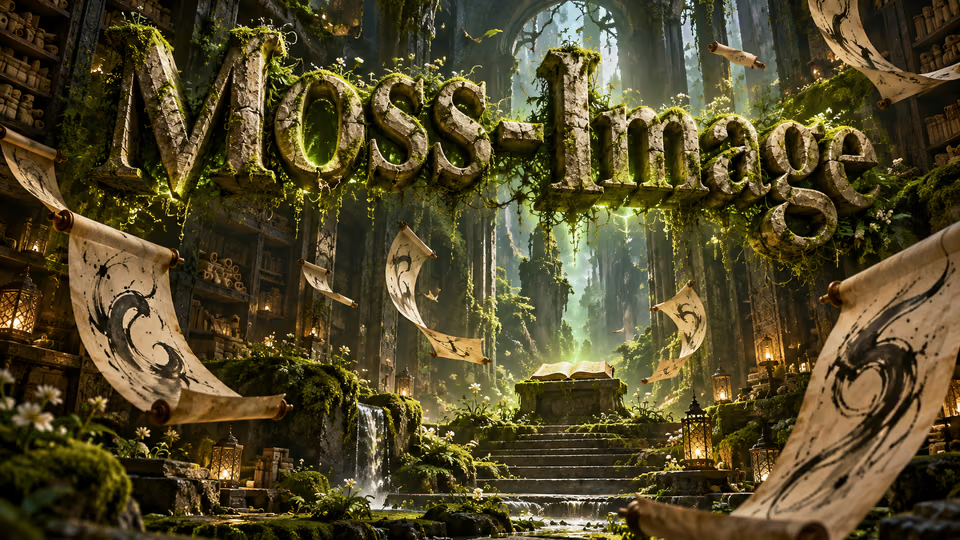
MOSS-Image
Chinese and English lettering, 15 aspect ratios and up to 2K images
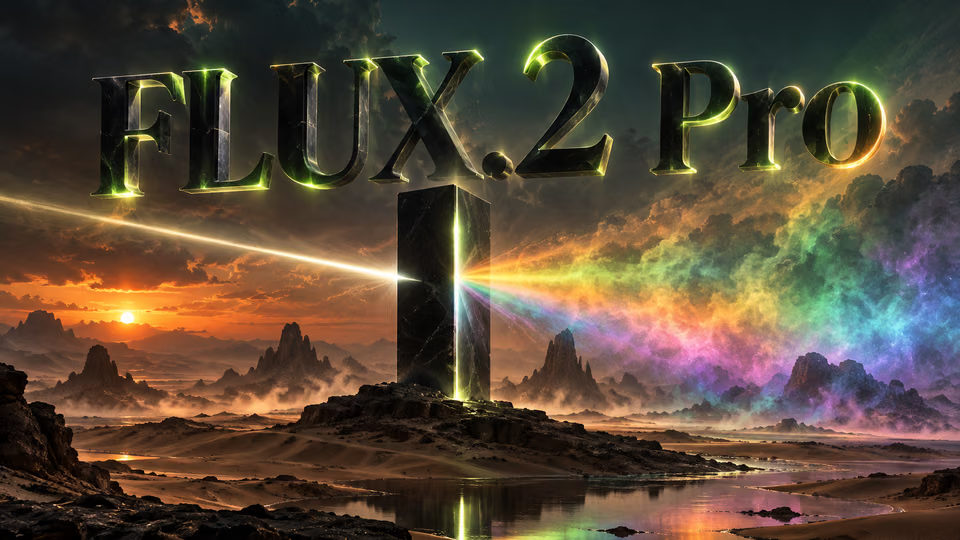
FLUX.2 Pro
Black Forest Labs flagship 32B parameter model with 4MP ultra-resolution and multi-reference support up to 10 images
 NEW
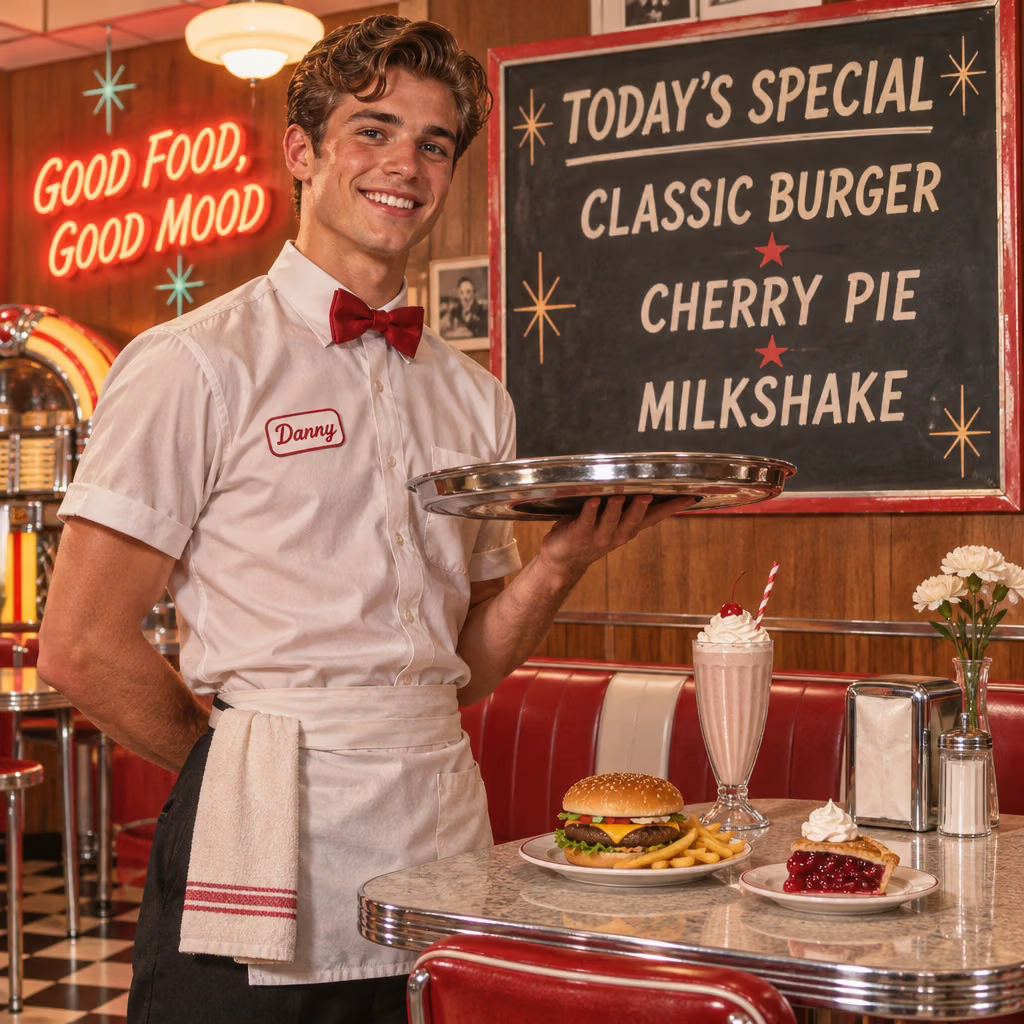
GPT Image 2.6
OpenAI's newest image models: Flare for quick iteration, Sunburst for detailed work and consistent edits
 NEW
Qwen Image 3
Alibaba's third-generation image model with ultra-long ~4.5K-token prompts for information-dense output and native text rendering across 12 languages and 20+ fonts
Z-Image Turbo
Alibaba's ultra-fast text-to-image model with sub-second generation and multiple acceleration modes
 NEW
Nano Banana 2.1
Google's newest Nano Banana: sharper text, 4-character consistency, 14 reference images and 1K-4K output at half the price
AI Pricing Plans
Flexible AI Pricing
Pay-as-you-go credits or subscription plans. No hidden fees, cancel anytime.
One Time supports crypto payment (BTC, USDT, ETH, 350+) · Monthly billing
Free-One Time
Try before you buy
- Up to 3 videos
- Up to 32 images
- Multi-Model Support
- Text to Video
- Image to Video
- Video to Video
Show more (+11)
- Consistent Character
- AI Animation Generator
- Templates & Effects
- AI Video Enhancers
- Interactive Community
- Faster Generation Speed
- No-watermark Outputs
- More Camera Movement
- Private Video Visibility
- Copy Protection
- Priority Support
Pro-1 Month
PopularElevate your AI experience
- Up to 80 videos
- Up to 800 images
- 3 tasks(Parallel Tasks)
- Multi-Model Support
- Text to Video
- Image to Video
Show more (+12)
- Video to Video
- Consistent Character
- AI Animation Generator
- Templates & Effects
- AI Video Enhancers
- Interactive Community
- Faster Generation Speed
- No-watermark Outputs
- More Camera Movement
- Private Video Visibility
- Copy Protection
- Priority Support
Lite-1 Month
Start your AI journey
- Up to 30 videos
- Up to 300 images
- 3 tasks(Parallel Tasks)
- Multi-Model Support
- Text to Video
- Image to Video
Show more (+12)
- Video to Video
- Consistent Character
- AI Animation Generator
- Templates & Effects
- AI Video Enhancers
- Interactive Community
- Faster Generation Speed
- No-watermark Outputs
- More Camera Movement
- Private Video Visibility
- Copy Protection
- Priority Support
- Card
- Crypto accepted (BTC, USDT, ETH, 350+)

Ideogram V3 - Frequently Asked Questions
Find answers to common questions about Ideogram V3 AI image generation model with superior text rendering
Still have questions?