









🎨 Seedream 5.0 Pro — ByteDance's flagship image model: up to 2K, best-in-class typography & multi-reference editing!


10 Stunning AI-Generated Calendar Designs for 2026: From Ghibli to Minimalist
Creating stunning 2026 calendars with AI has never been easier. Using Nano Banana 2 (Gemini 3 Pro Image), you can generate professional, print-ready calendar designs in various themes—from Studio Ghibli watercolors to minimalist modern aesthetics. This guide showcases 10 beautiful calendar themes you can create instantly.
The Complexity Challenge: Why Calendar Design Tests AI Reasoning
Calendar generation represents one of the most demanding challenges for AI image models, requiring a sophisticated blend of capabilities that showcase Gemini 3 Pro Image's advanced reasoning abilities:
Multi-Dimensional Complexity
1. Mathematical Precision Creating an accurate calendar isn't just about pretty visuals—it demands exact computational accuracy:
- Temporal calculations: Determining which day of the week each month starts on
- Date range validation: Ensuring correct day counts (28-31 days per month)
- Leap year awareness: Understanding that 2026 is NOT a leap year (February has 28 days)
- Weekly grid alignment: Properly positioning dates within the Sun-Sat week structure
2. Spatial Organization The AI must reason about complex layout structures:
- Grid mathematics: Arranging 12 months in 3×4, 4×3, 2×6, or 6×2 configurations
- Hierarchical information: Balancing month titles, date grids, and decorative elements
- Typography scaling: Ensuring date numbers remain readable while accommodating artwork
- Aspect ratio optimization: Adapting designs to different print formats (16:9, 9:16, 21:9, etc.)
3. Contextual Understanding Gemini 3 Pro Image demonstrates deep semantic reasoning by:
- Theme coherence: Maintaining consistent visual styles across all 12 months
- Seasonal appropriateness: Matching imagery to time periods (winter scenes in January, autumn in October)
- Cultural awareness: Understanding calendar conventions and user expectations
- Aesthetic balance: Harmonizing functional readability with artistic expression
Why This Showcases Advanced AI Capabilities
Traditional AI image models struggle with calendars because they require:
Structured Data Interpretation: Unlike freeform creative images, calendars must follow rigid rules. The model must understand and apply constraints like "January 2026 starts on Thursday" while simultaneously creating beautiful artwork.
Multi-Step Reasoning: Generating a 12-month calendar involves sequential logic:
- Calculate starting weekday for each month
- Determine number of days per month
- Arrange dates in proper weekly grid
- Apply visual theme consistently
- Balance aesthetics with functionality
Long-Context Processing: Managing information across 12 different cells, each containing unique artwork and accurate date data, tests the model's ability to maintain coherence across extended outputs.
Failure Mode Avoidance: One incorrect date placement can invalidate an entire calendar. Gemini 3 Pro Image's reliability in handling these requirements demonstrates robust quality control.
Real-World Impact
This complexity makes calendar generation an excellent litmus test for AI capabilities applicable to:
- Data visualization: Charts, graphs, and infographics requiring precision
- Instructional design: Multi-step tutorials and educational materials
- Product catalogs: Grid-based layouts with consistent formatting
- Event planning: Schedules, timelines, and organizational tools
By mastering calendar generation, Gemini 3 Pro Image proves its readiness for professional design workflows requiring both creative excellence and technical accuracy.
Why AI-Generated Calendars?
Traditional calendar design requires graphic design expertise and expensive software. AI democratizes this process by offering:
- Print-Ready Quality: High-resolution outputs suitable for professional printing
- Accurate Date Grids: Properly formatted calendars with correct 2026 weekday starts
- Themed Consistency: Unified visual styles across all 12 months
- Rapid Iteration: Test multiple designs in minutes
- Full Customization: Easy modifications to colors, layouts, and themes
Understanding Calendar Layouts
Grid Layout Options
- 3×4 Grid (3 rows, 4 columns): Balanced and compact
- 4×3 Grid: Vertical emphasis for portrait orientations
- 2×6 Grid: Ultra-wide for large wall displays
- 6×2 Grid: Tall vertical poster for doors
Aspect Ratio Selection
- 16:9: Standard widescreen, versatile
- 9:16: Vertical format, mobile-friendly
- 21:9: Panoramic for large walls
- 1:1: Square for social media
- 3:4 or 4:3: Traditional print ratios
10 Stunning 2026 Calendar Themes
1. Studio Ghibli Watercolor Calendar
Dreamy watercolor aesthetics featuring beloved characters from Totoro, Spirited Away, and more.
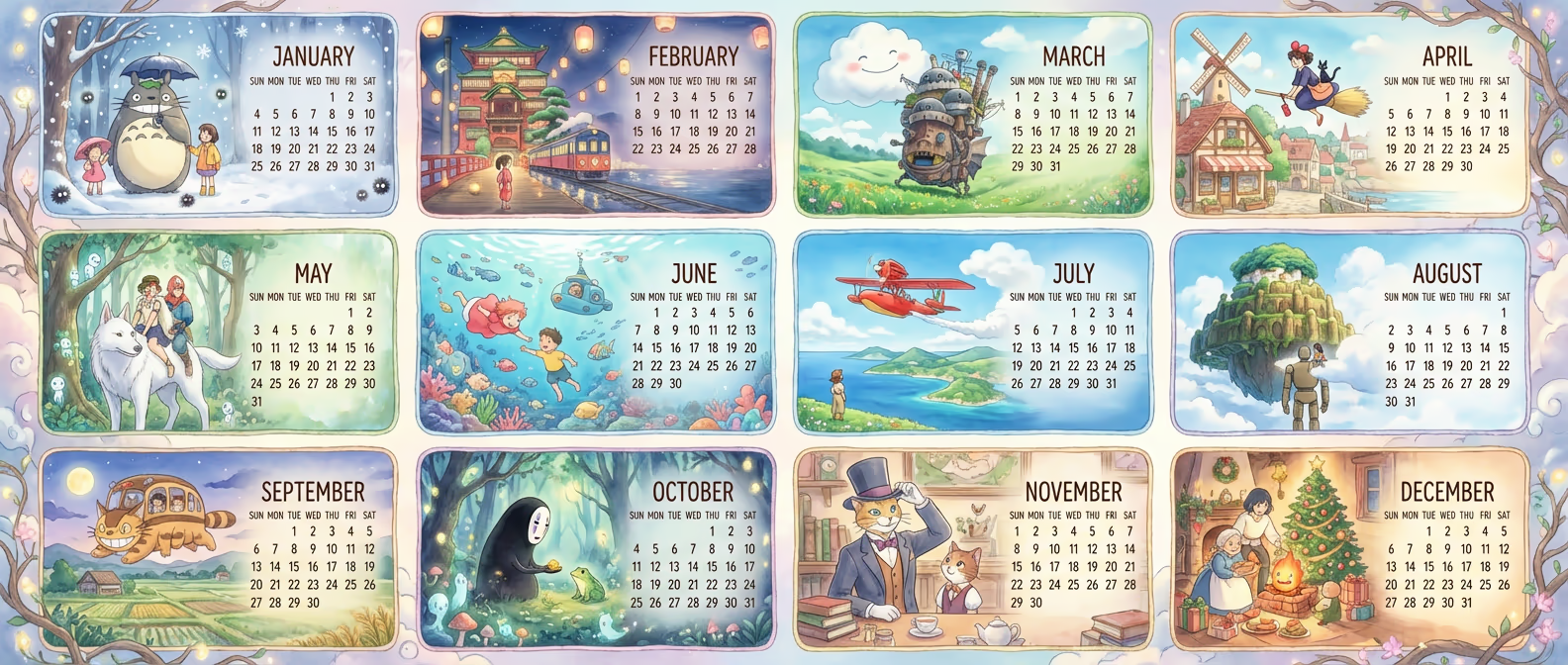
Try generating your own Studio Ghibli calendar:
Best For: Anime enthusiasts, children's rooms, creative workspaces
2. Minimalist Modern Calendar
Clean geometric shapes and sophisticated pastel palettes for contemporary spaces.
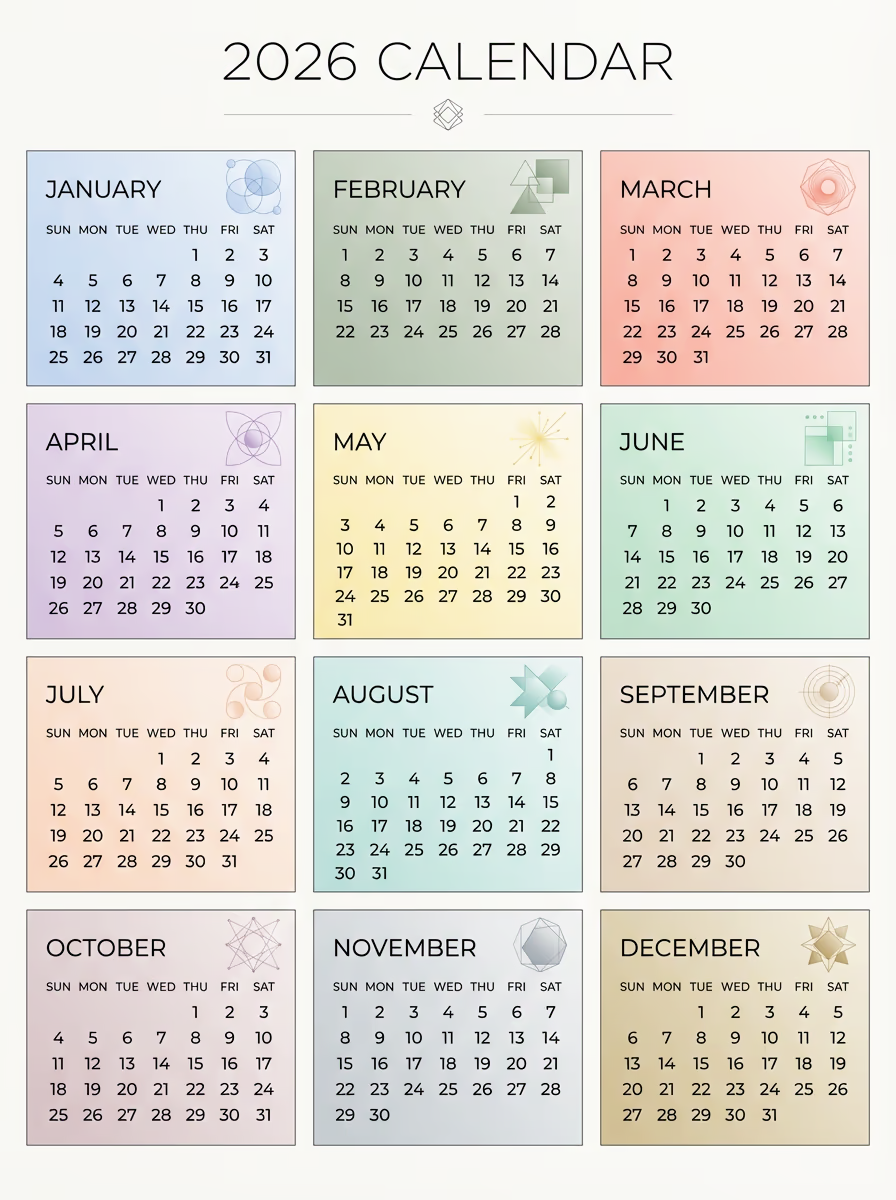
Try generating your own minimalist calendar:
Best For: Modern offices, minimalist homes, contemporary interiors
3. Floral Botanical Calendar
Vintage watercolor flowers celebrating each season's botanical beauty.
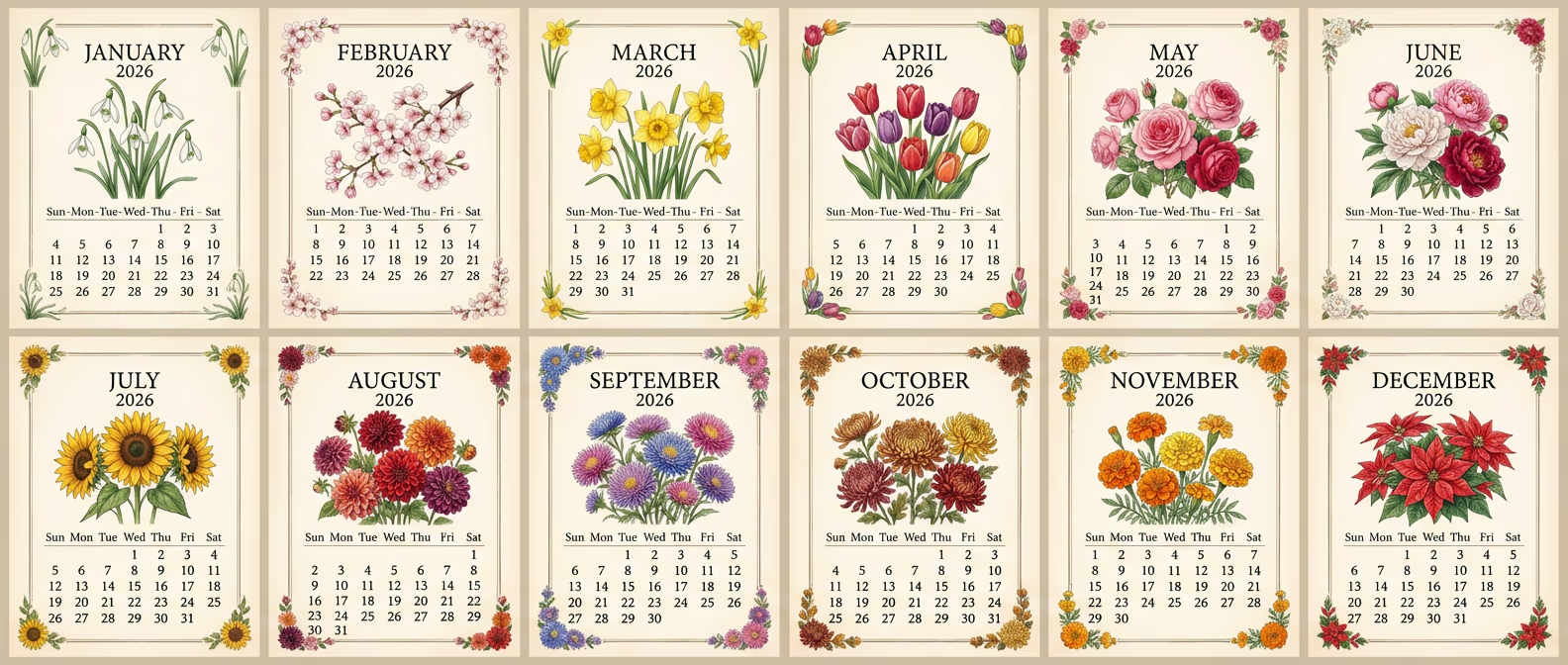
Try generating your own botanical calendar:
Best For: Garden enthusiasts, vintage decor lovers, botanical collectors
4. Retro 1970s Calendar
Groovy patterns with warm oranges, mustard yellows, and avocado greens.
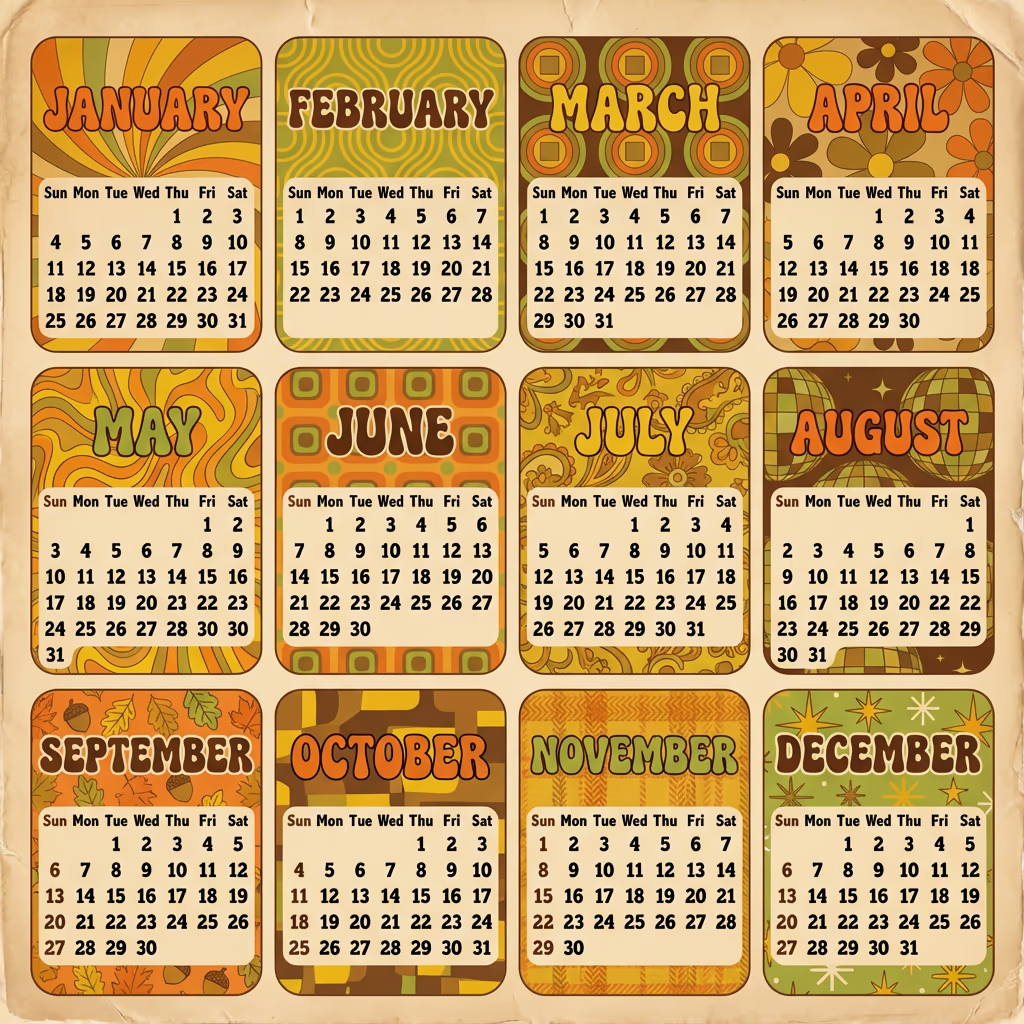
Try generating your own retro calendar:
Best For: Retro enthusiasts, vintage collectors, nostalgic spaces
5. Zodiac Astrology Calendar
Mystical celestial designs with constellation patterns and zodiac symbolism.
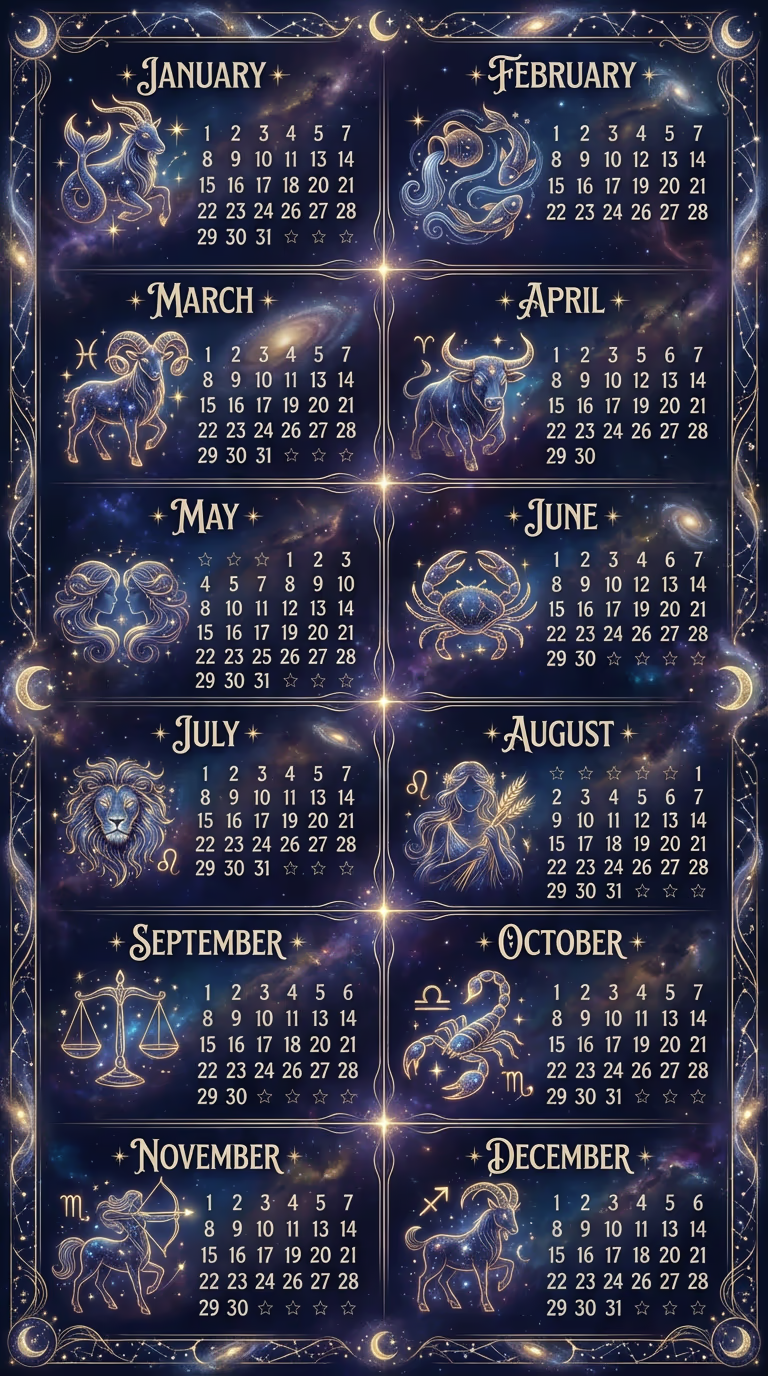
Try generating your own zodiac calendar:
Best For: Astrology enthusiasts, spiritual spaces, bedroom decor
6. Pixel Art Gaming Calendar
8-bit nostalgia with classic gaming themes and neon colors.
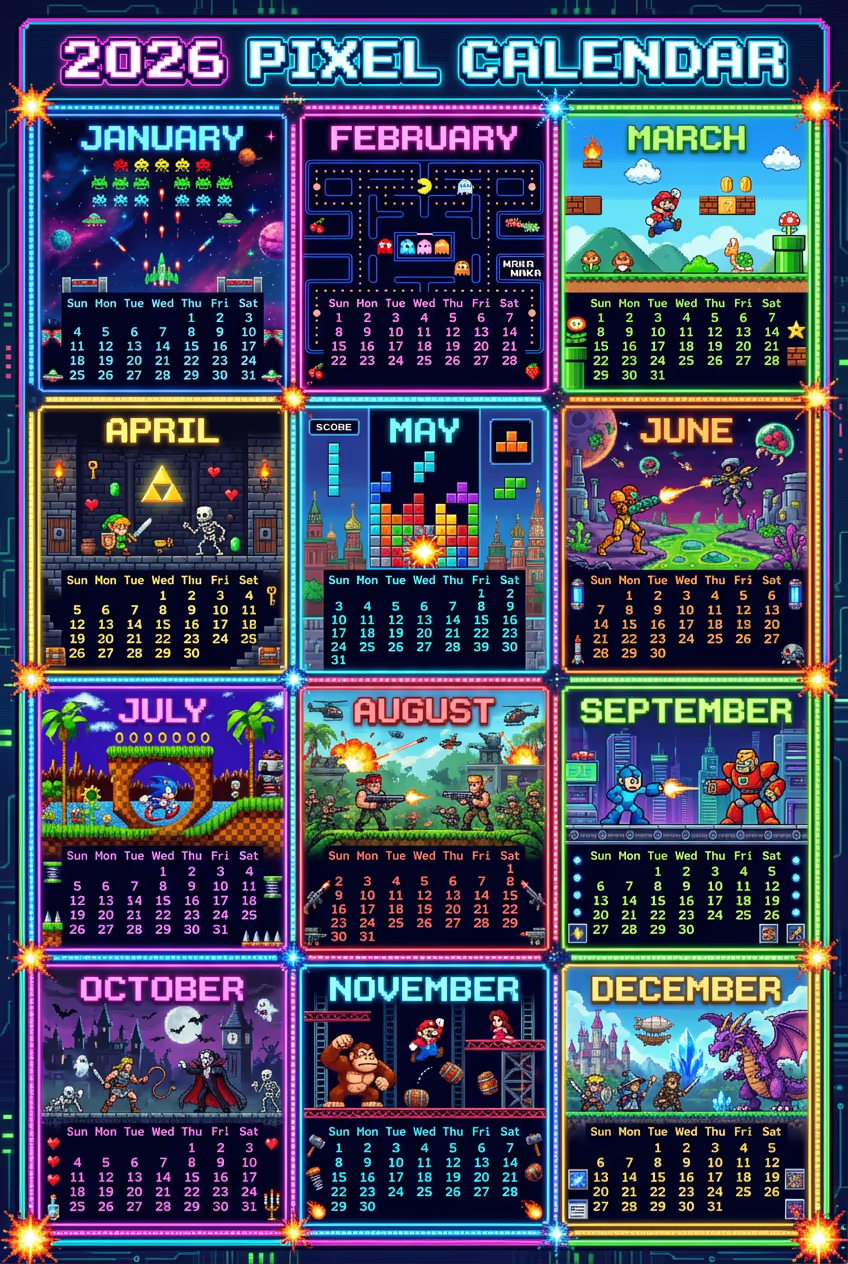
Try generating your own pixel art calendar:
Best For: Gamers, retro gaming fans, game room decor
7. Kawaii Cute Animals Calendar
Adorable Japanese-style animals with pastel rainbow colors and sparkles.
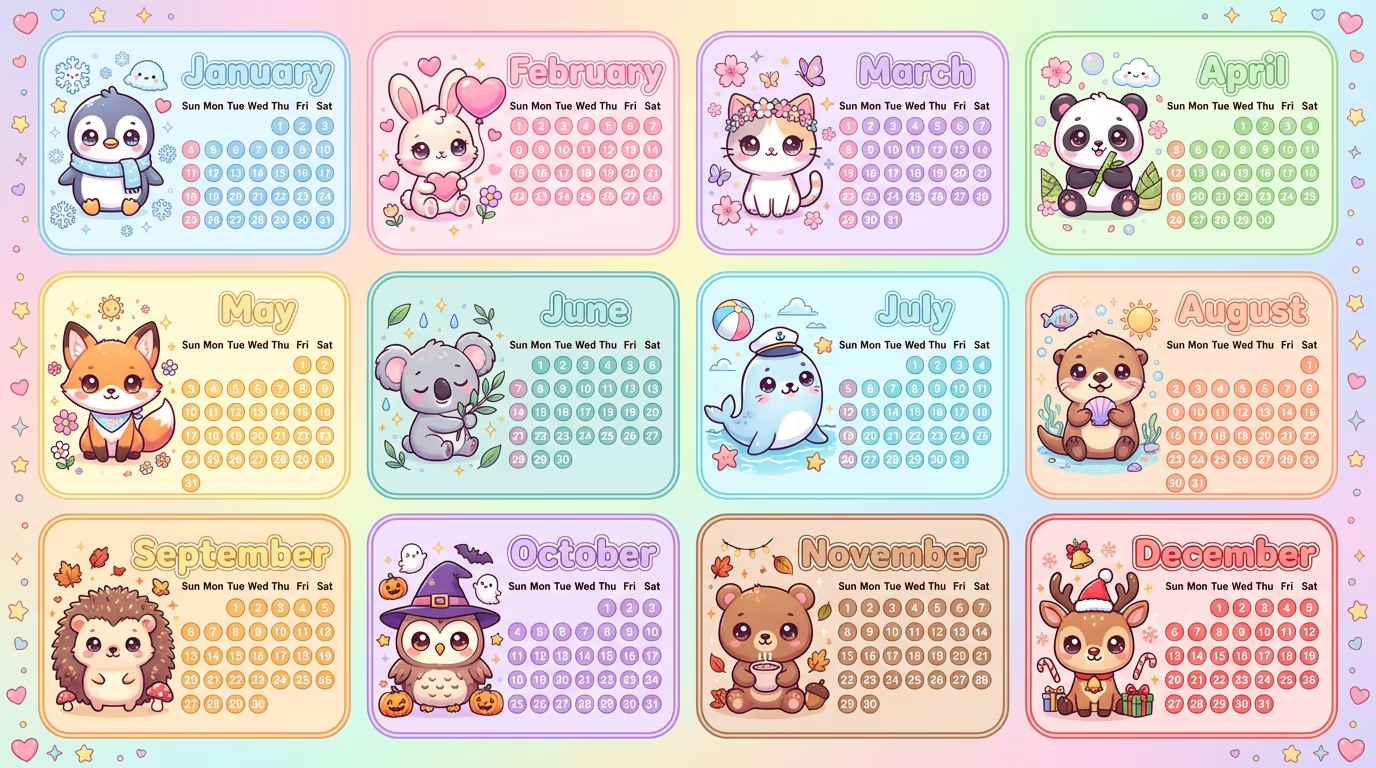
Try generating your own kawaii calendar:
Best For: Children's rooms, kawaii lovers, cheerful spaces
8. Travel Photography Calendar
Journey through iconic world destinations with breathtaking photography.
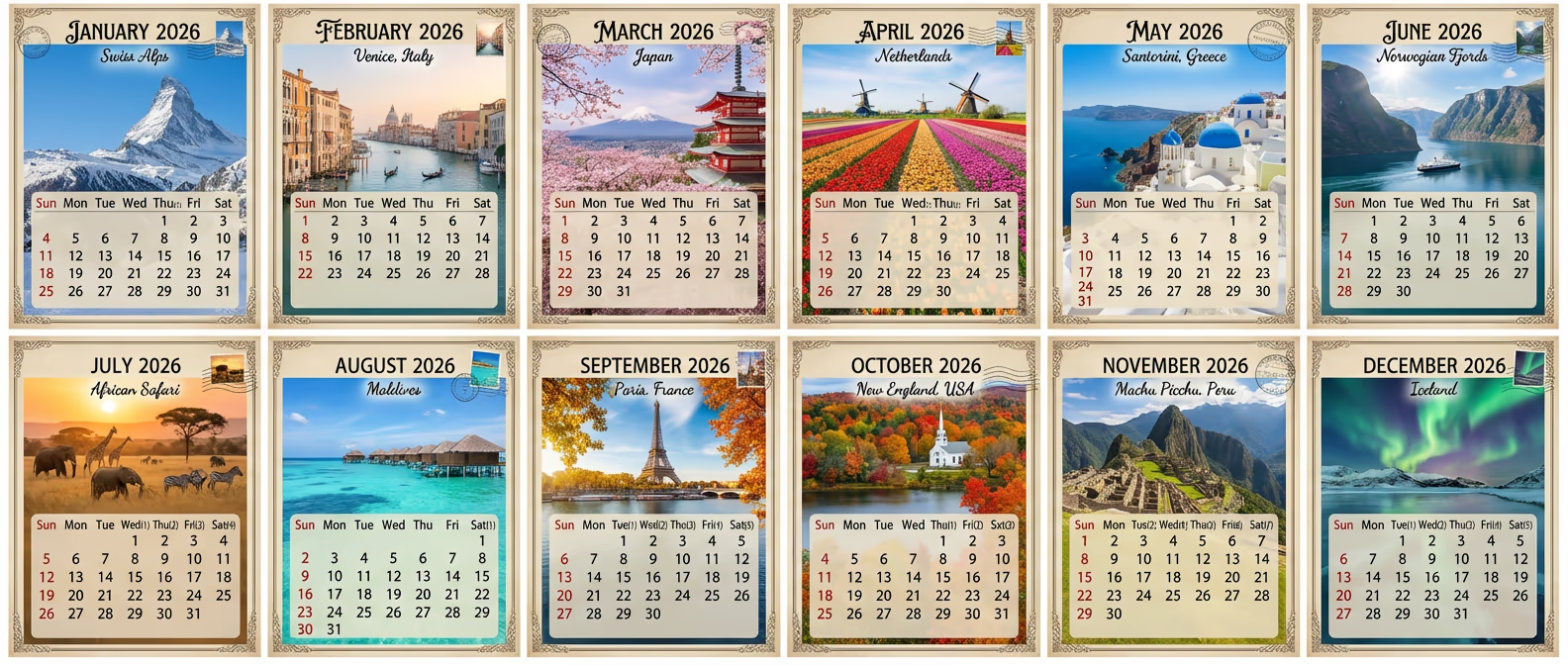
Try generating your own travel calendar:
Best For: Travel enthusiasts, wanderlust inspiration, office spaces
9. Art Deco Luxury Calendar
1920s glamour with geometric patterns and metallic gold accents.
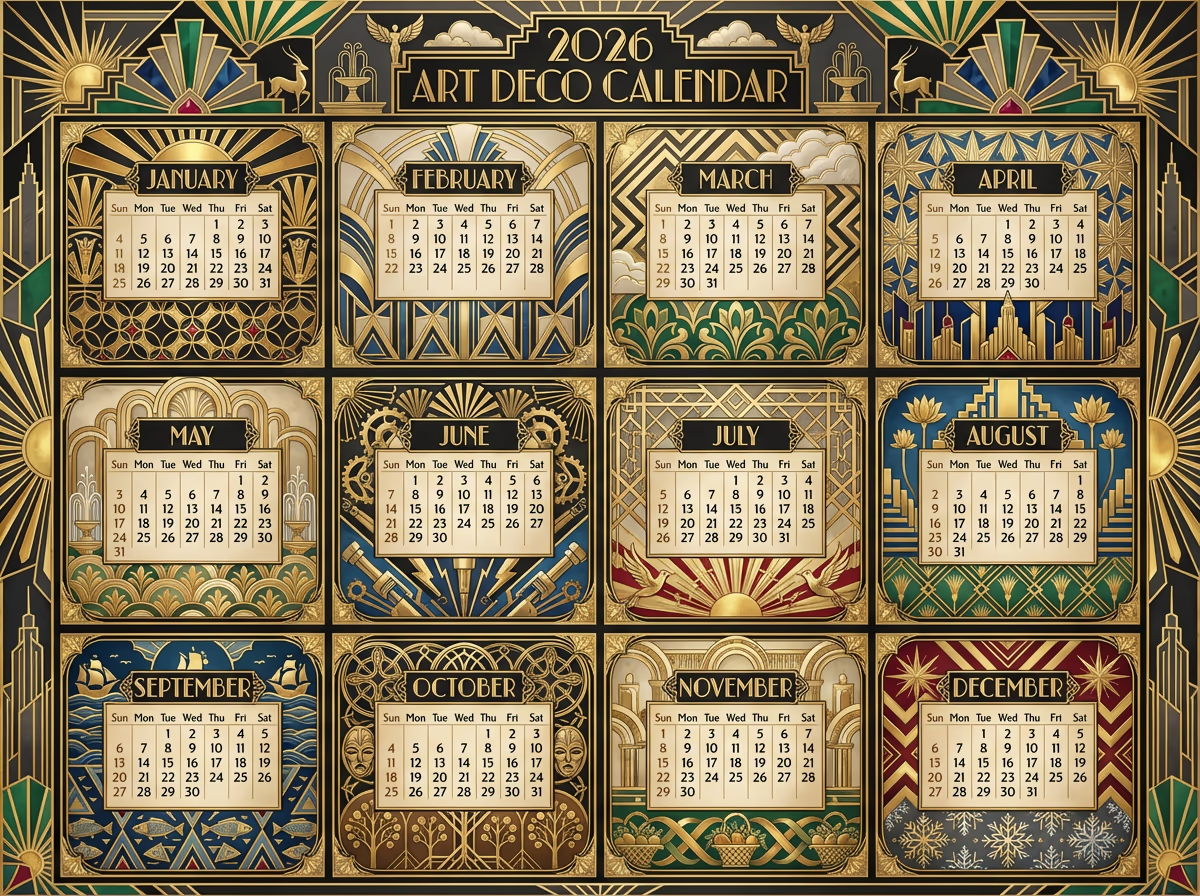
Try generating your own Art Deco calendar:
Best For: Luxury interiors, elegant offices, sophisticated spaces
10. Disney Magic Calendar
Colorful vertical poster featuring beloved Disney characters and magic.
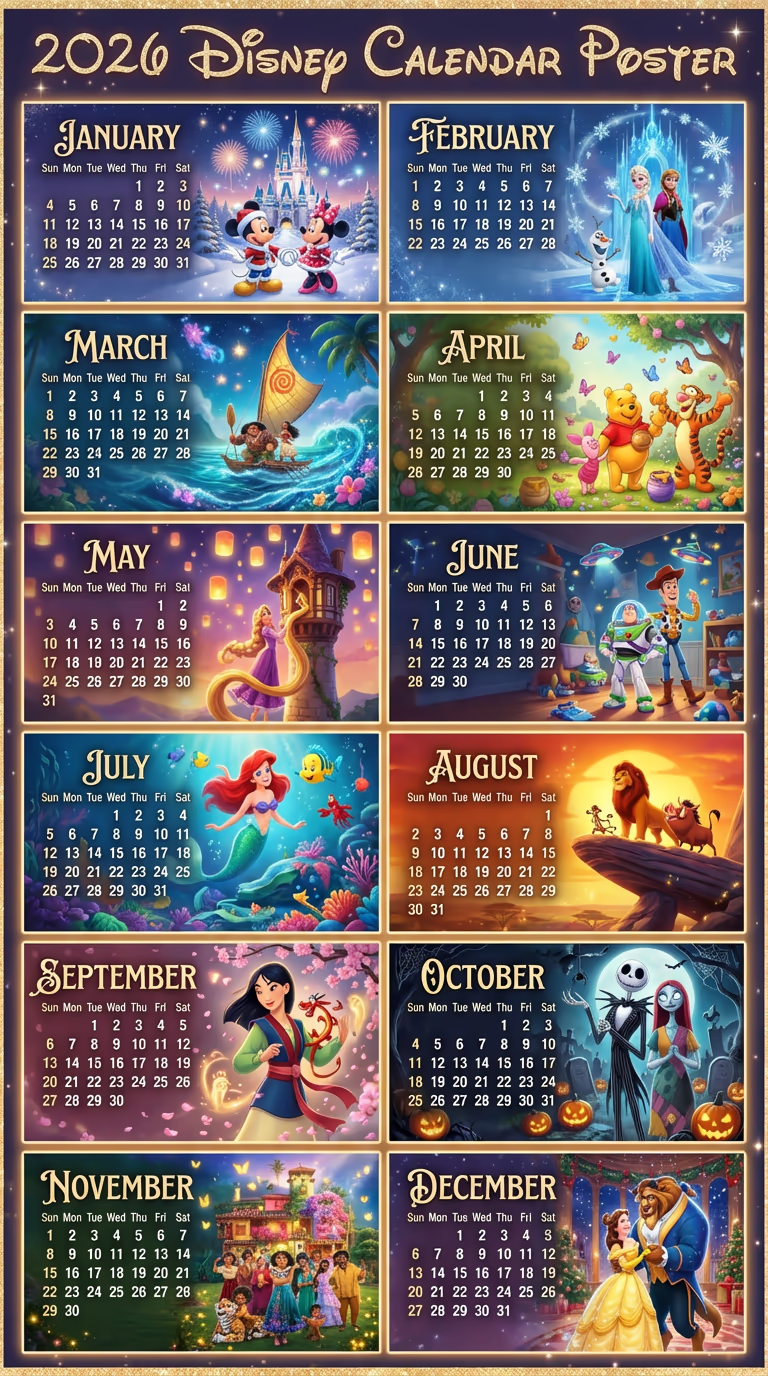
Try generating your own Disney calendar:
Best For: Disney fans, children's rooms, playful spaces
Critical 2026 Date Facts
When generating calendars, accuracy is essential:
2026 Key Information:
- Not a leap year: February has 28 days (not 29)
- Week structure: Sun–Mon–Tue–Wed–Thu–Fri–Sat
- Starting weekdays:
- January: Thursday
- February: Sunday
- March: Sunday
- April: Wednesday
- May: Friday
- June: Monday
- July: Wednesday
- August: Saturday
- September: Tuesday
- October: Thursday
- November: Sunday
- December: Tuesday
Prompt Optimization Tips
Essential Elements to Include
- Year and date requirements with explicit accuracy expectations
- Exact grid layout (rows × columns)
- Aspect ratio for intended display format
- Weekday order (Sun through Sat)
- Visual style with specific aesthetic descriptions
- Typography preferences (fonts, sizes, readability)
- Color palettes for each month or overall theme
- Layout structure detailing what each cell contains
Common Mistakes to Avoid
- Wrong starting weekdays for months
- February day count errors (28, not 29 for 2026)
- Vague grid descriptions without row/column specs
- Mismatched aspect ratios for intended use
- Overcrowded designs sacrificing date readability
Printing Recommendations
Resolution Guidelines
- Letter (8.5"×11"): 2550×3300px at 300 DPI
- Tabloid (11"×17"): 3300×5100px at 300 DPI
- Poster (18"×24"): 5400×7200px at 300 DPI
- Large (24"×36"): 7200×10800px at 300 DPI
Paper Selection by Theme
- Matte: Minimalist, Art Deco, Professional
- Glossy: Travel, Kawaii, Disney
- Textured: Botanical, Vintage, Retro
- Canvas: Ghibli, Art Deco, Travel
Commercial Applications
Business Use Cases
- Custom gifts: Personalized family or pet calendars
- Marketing materials: Branded company calendars
- Retail products: Print-on-demand designs
- Corporate tools: Employee engagement calendars
Customization Ideas
- Add company branding and logos
- Match brand color guidelines
- Integrate holiday markers
- Create multi-language versions
Conclusion
AI-powered calendar design makes professional-quality calendars accessible to everyone. With Nano Banana 2 (Gemini 3 Pro Image), you can generate accurate, beautifully themed 2026 calendars in minutes.
Start with any theme above, customize the prompts to match your vision, and create calendars for personal use, gifts, or commercial products. The possibilities are limitless!
Ready to design your 2026 calendar? Try the interactive generators above and bring your creative vision to life.