









🎨 Seedream 5.0 Pro — ByteDance's flagship image model: up to 2K, best-in-class typography & multi-reference editing!


AI Henna Try-On
Upload your hand or body photo and preview realistic henna placements with AI. Try different mehndi designs, styles, and positions before applying real henna.
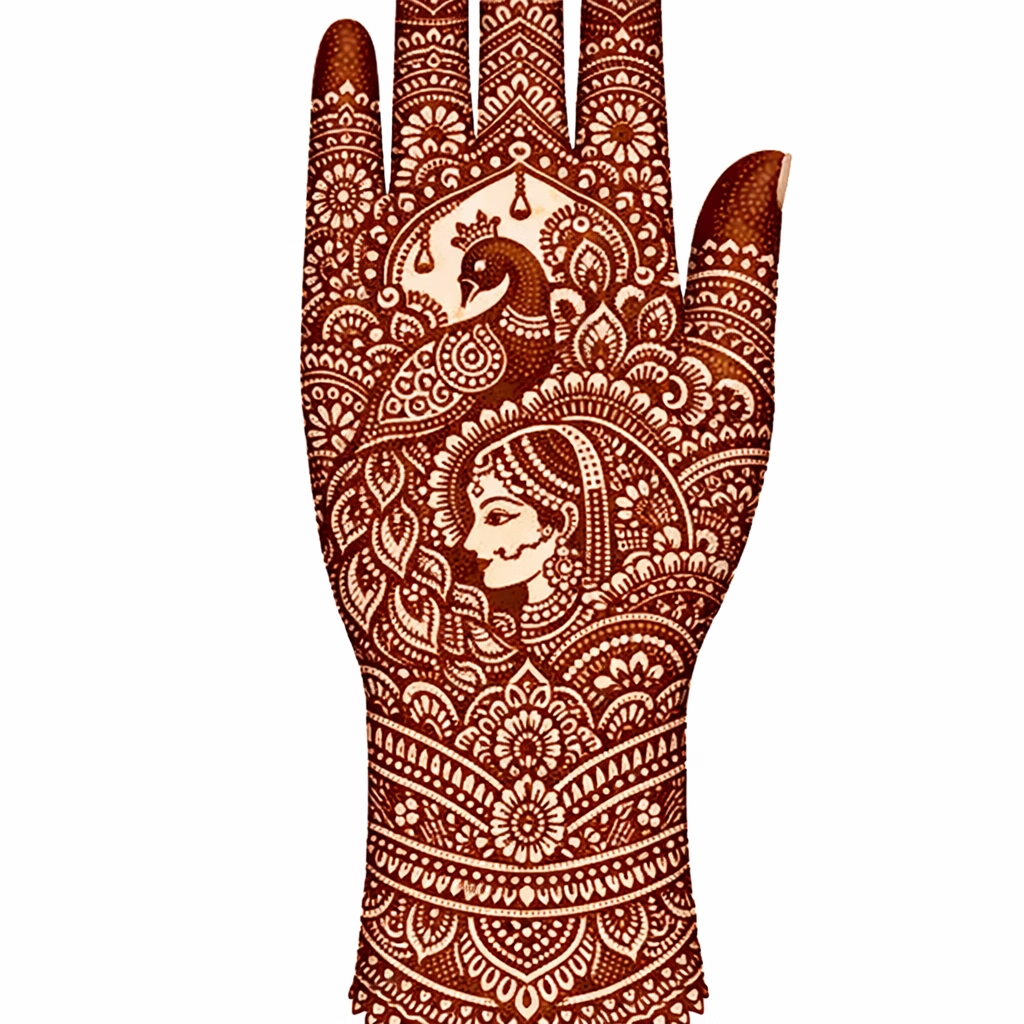
AI Henna Try-On Gallery
See how AI applies henna designs onto real body photos. Compare original photos with henna preview results across different body placements.
Back of Hand Henna Preview
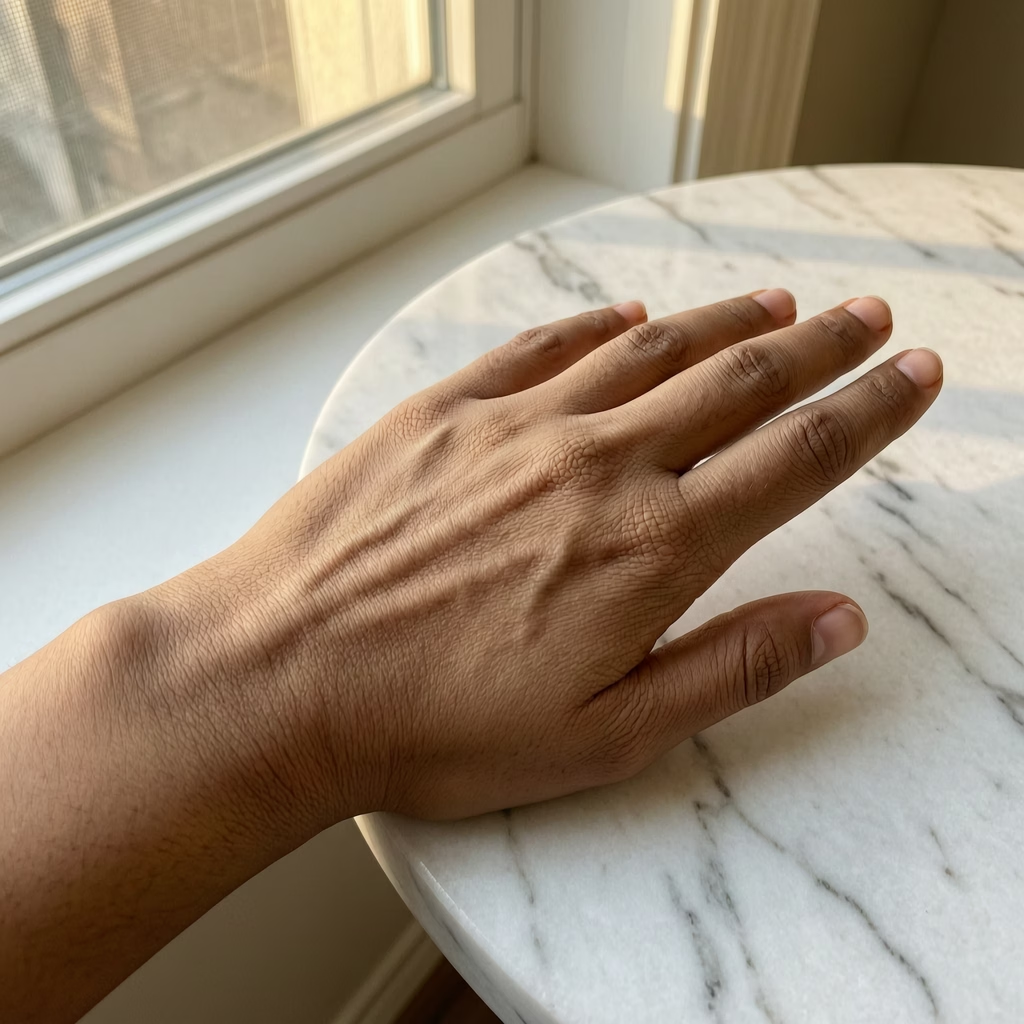
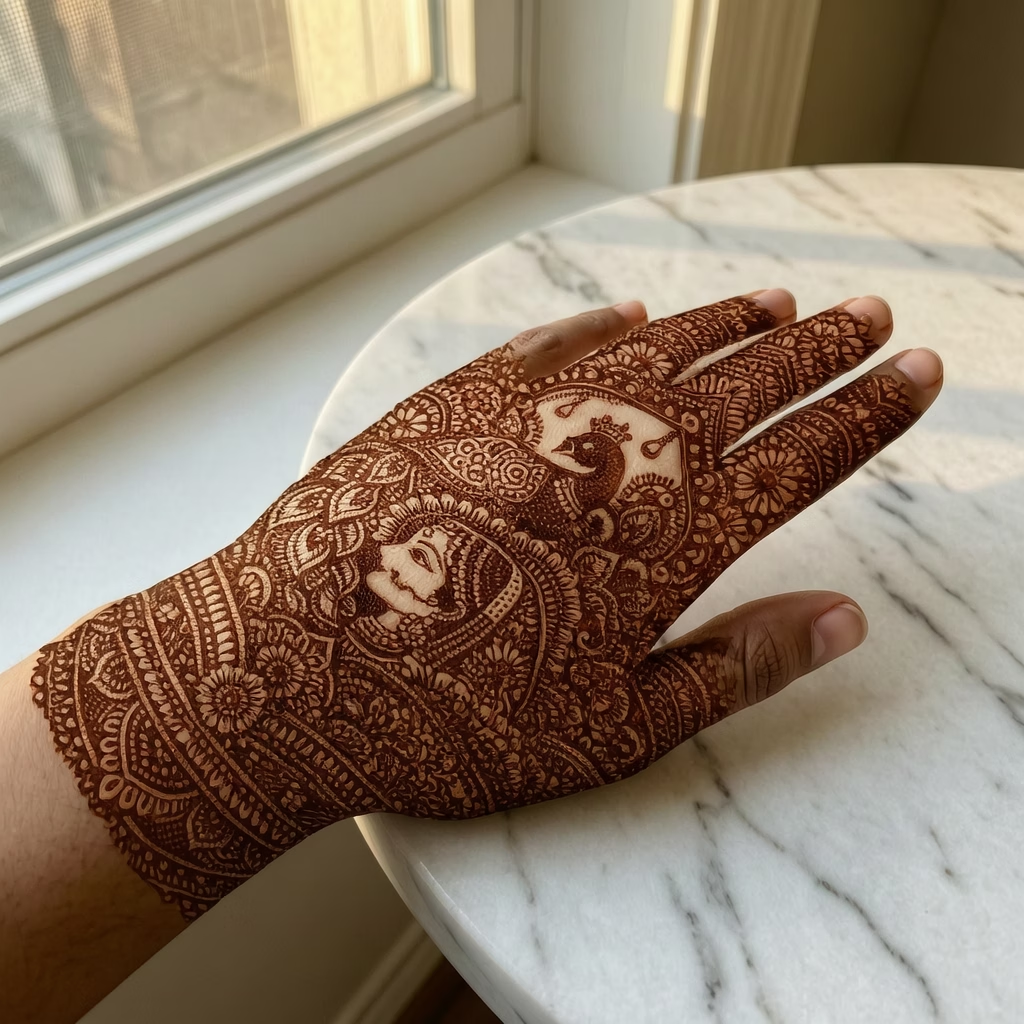
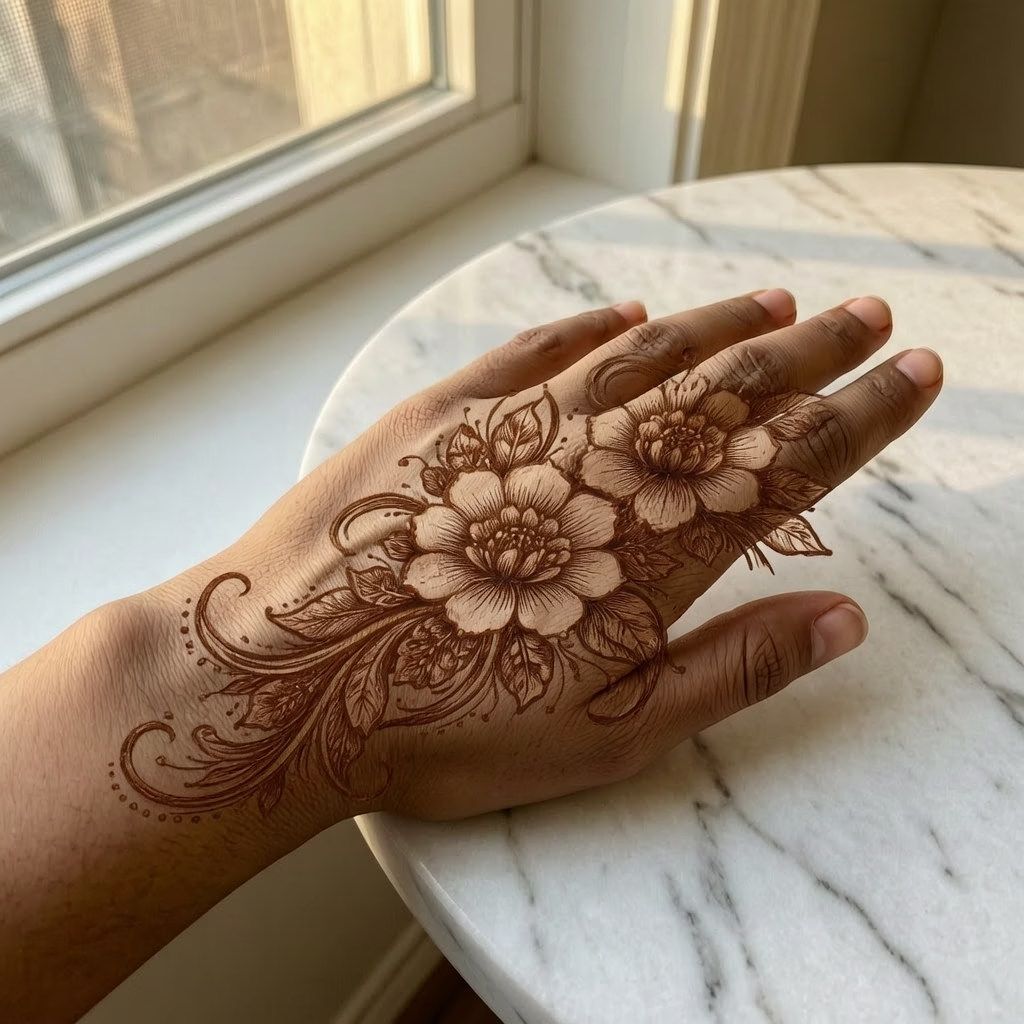
Classic henna placement on the back of the hand with intricate paisley and mandala motifs
AI Henna Design Try-On Features
Upload your hand or body photo and preview realistic henna and mehndi designs. See how any design looks on your skin before committing.
- 01
Realistic Try-On
Preview henna and mehndi designs on your real photo with natural skin blending and accurate stain color
- 02
Identity Preservation
AI keeps your hand shape, skin tone and pose untouched while applying the henna design
- 03
Any Style or Placement
Test Indian, Arabic, Moroccan and modern designs across hands, palms, fingers, arms, feet and more
- 04
Reference Transfer
Upload any henna design photo and apply it directly to your hand for an instant preview
How to Use AI Henna Try-On
Preview henna designs on your body in four simple steps
- 01
Upload Henna Design
Upload the henna design you want to preview. This can be a design you created, downloaded, or generated with our AI Henna Design Generator. Supported formats include JPEG and PNG.
- 02
Upload Hand/Body Photo (Optional)
Optionally upload a photo of your hand, arm, or the body area where you want the henna placed. If no body photo is provided, the AI will generate a realistic body preview automatically.
- 03
Choose Placement & Settings
Select the body placement area such as back of hand, palm, wrist, forearm, foot, or ankle. Adjust size and orientation to match your desired henna placement.
- 04
Generate Preview
Click generate to see a realistic preview of how the henna will look on the body. The AI blends the design naturally with skin tone, contours, and lighting for a lifelike result.
AI Henna Try-On FAQ
AI Pricing Plans
Flexible AI Pricing
Pay-as-you-go credits or subscription plans. No hidden fees, cancel anytime.
One Time supports crypto payment (BTC, USDT, ETH, 350+) · Monthly billing
Free-One Time
Try before you buy
- Up to 3 videos
- Up to 32 images
- Multi-Model Support
- Text to Video
- Image to Video
- Video to Video
Show more (+11)
- Consistent Character
- AI Animation Generator
- Templates & Effects
- AI Video Enhancers
- Interactive Community
- Faster Generation Speed
- No-watermark Outputs
- More Camera Movement
- Private Video Visibility
- Copy Protection
- Priority Support
Pro-1 Month
PopularElevate your AI experience
- Up to 80 videos
- Up to 800 images
- 3 tasks(Parallel Tasks)
- Multi-Model Support
- Text to Video
- Image to Video
Show more (+12)
- Video to Video
- Consistent Character
- AI Animation Generator
- Templates & Effects
- AI Video Enhancers
- Interactive Community
- Faster Generation Speed
- No-watermark Outputs
- More Camera Movement
- Private Video Visibility
- Copy Protection
- Priority Support
Lite-1 Month
Start your AI journey
- Up to 30 videos
- Up to 300 images
- 3 tasks(Parallel Tasks)
- Multi-Model Support
- Text to Video
- Image to Video
Show more (+12)
- Video to Video
- Consistent Character
- AI Animation Generator
- Templates & Effects
- AI Video Enhancers
- Interactive Community
- Faster Generation Speed
- No-watermark Outputs
- More Camera Movement
- Private Video Visibility
- Copy Protection
- Priority Support
- Card
- Crypto accepted (BTC, USDT, ETH, 350+)