











AI Logo Mockup
Upload your logo and place it on realistic product mockups like mugs, t-shirts, and packaging with AI. Preview your brand on real-world products instantly.
Logo Series
AI Logo Mockup Generator Gallery
See how AI places logos onto realistic product mockups. Compare original logos with mockup results across multiple AI models.
Coffee Shop Logo on Ceramic Mug
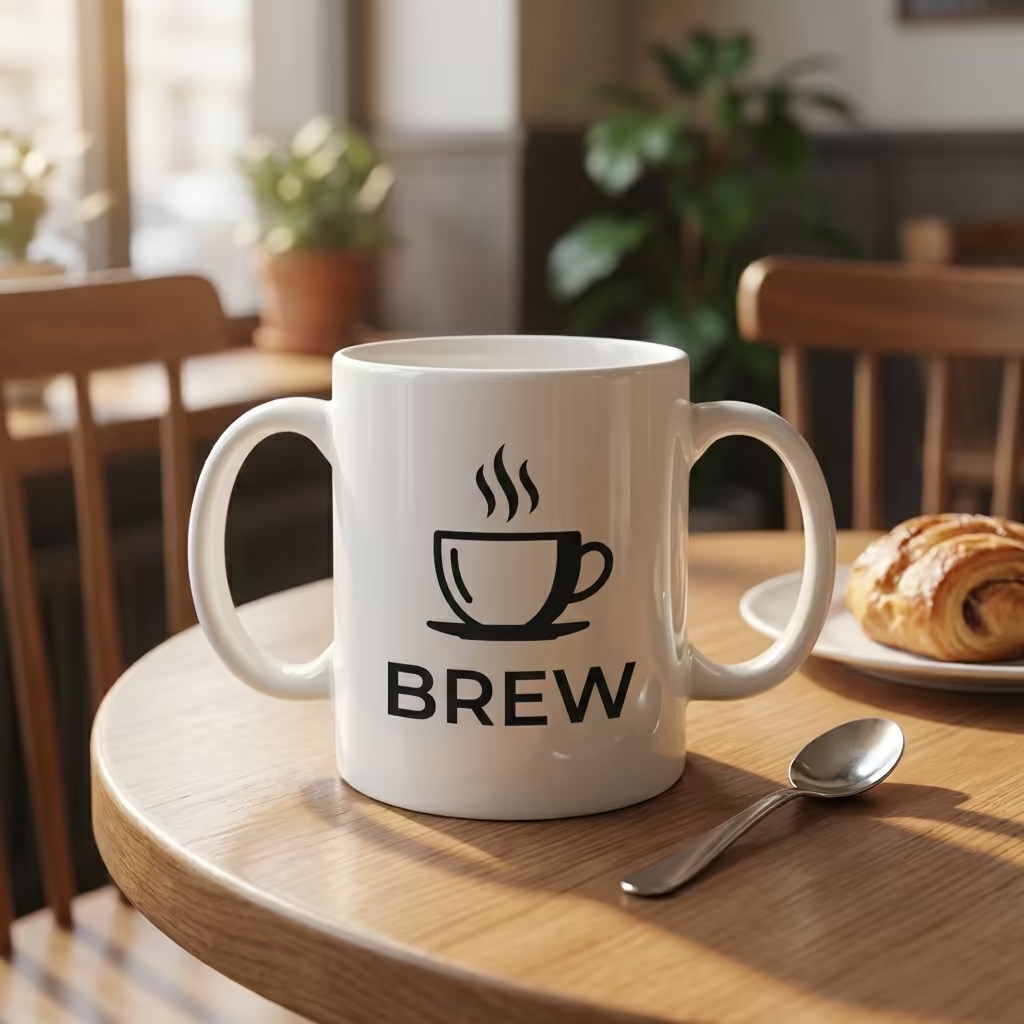
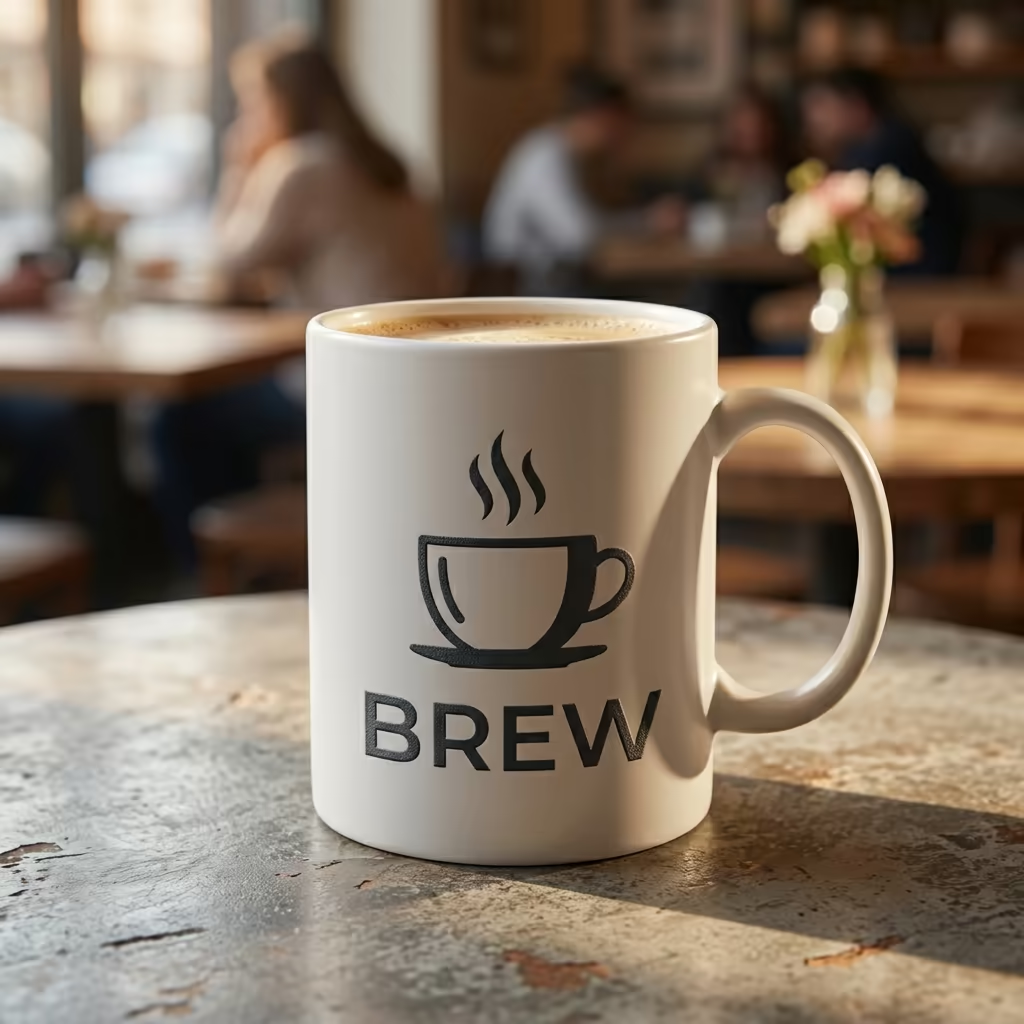
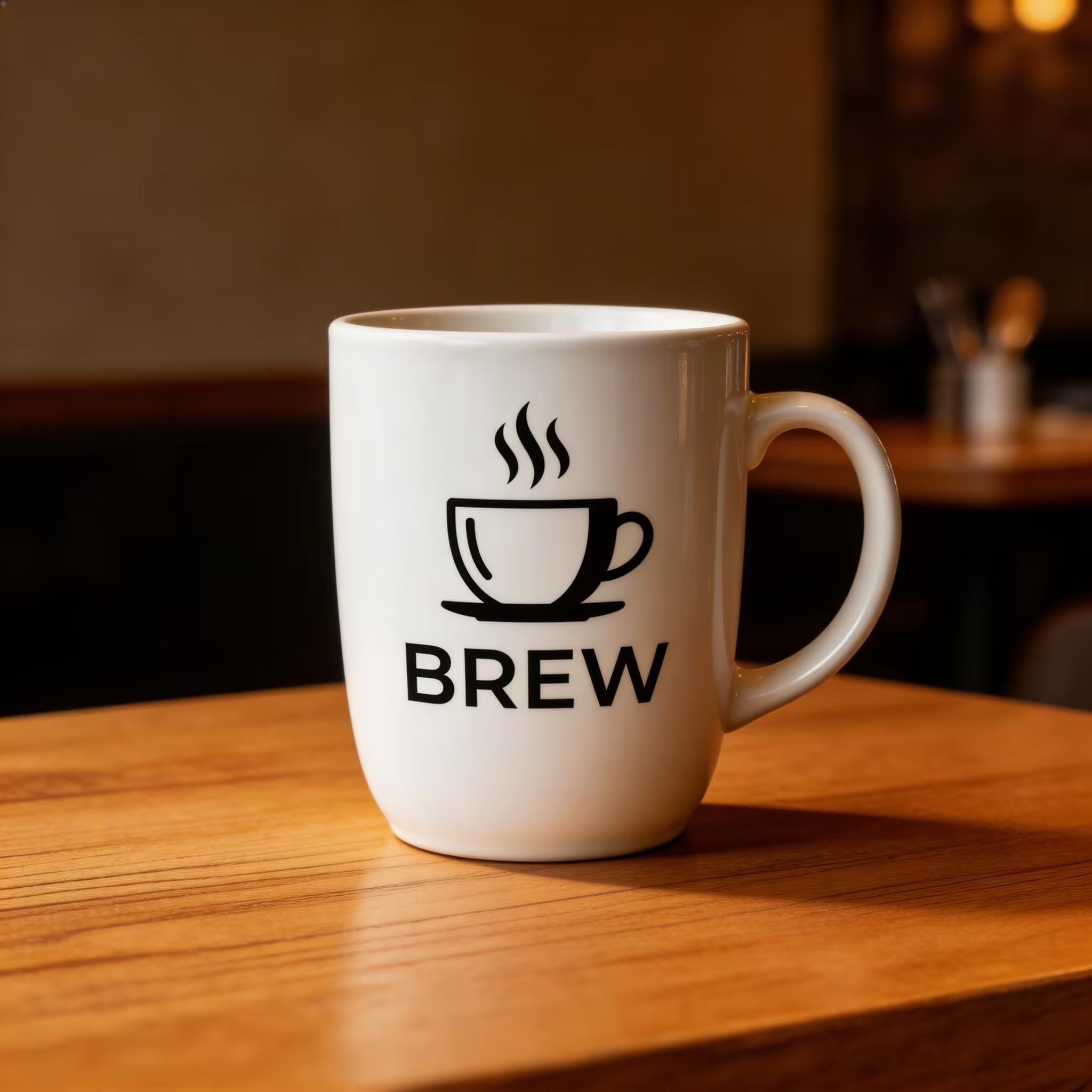
BREW coffee shop logo with steaming cup icon placed onto a white ceramic mug in a cozy cafe setting
AI Logo Mockup Generator Features
Turn any flat logo file into client-ready, photorealistic product mockups. Dreamega's AI Logo Mockup Generator wraps your brand around real-world surfaces — coffee mugs, t-shirts, storefront signage, business cards, packaging — with accurate curvature, lighting, and material response, so freelance designers, brand managers, and e-commerce owners can pitch and publish faster.
- Feature 01 / 05
Photorealistic Placement on Real Products
Upload a PNG or JPEG and the AI maps your logo onto ceramic mugs, cotton t-shirts, glass storefronts, and packaging boxes with true-to-life perspective. Highlights, soft shadows, and surface curvature are rendered automatically, so the result looks shot in a studio rather than composited in Photoshop.
- Feature 02 / 05
Massive Library of Product Surfaces
Choose from coffee mugs, hoodies, tote bags, baseball caps, phone cases, business cards, laptop stickers, wall signs, neon signs, embossed leather, engraved wood, and outdoor billboards. One logo, dozens of mockups — perfect for building a complete brand presentation deck in a single session.
- Feature 03 / 05
Authentic Material & Finish Effects
Go beyond flat printing with realistic finishes: gold foil stamping, embossed and debossed relief, stitched embroidery on caps and hoodies, screen-printed cotton texture, and glowing neon on brick. Dreamega understands how each material catches light, so your logo behaves like real ink, thread, or metal.
- Feature 04 / 05
Client-Presentation Quality, Up to 4K
Render mockups at 1K, 2K, or 4K resolution, ready to drop into Figma slides, brand guideline PDFs, Behance cases, or Shopify product pages. Crisp edges and accurate color reproduction hold up under print review and on retina displays, giving designers and agencies a credible deliverable for client sign-off.
- Feature 05 / 05
Built for Designers, Brands, and E-commerce
Whether you are a freelance designer pitching a new identity, a brand manager rolling out merchandise, an agency building moodboards, or an e-commerce owner shooting product photos without a studio, the AI Logo Mockup Generator turns one logo file into a full visual campaign in minutes — no 3D software required.
How to Use AI Logo Mockup Generator
Create professional logo mockups in four simple steps
Upload Your Logo
Select and upload your logo design. The AI works best with clean logos on transparent or white backgrounds. Supported formats include JPEG and PNG, with PNG recommended for logos with transparency.
Choose Product & Surface
Select the product type and surface material for your mockup. Options include business cards, storefronts, merchandise (t-shirts, mugs, bags), packaging, signage, vehicle wraps, digital screens, and office stationery.
Select Scene & Lighting
Choose a scene setting and lighting style for your mockup. Options range from studio photography to lifestyle environments, with various lighting conditions including natural daylight, studio lighting, and dramatic spotlights.
Generate Mockup
Click generate to create your professional logo mockup. The AI realistically places your logo on the chosen surface with proper perspective, shadows, and material interaction for a photorealistic result.
AI Logo Mockup Generator FAQ
Flexible AI Pricing
Pay-as-you-go credits or subscription plans. No hidden fees, cancel anytime.
One Time supports crypto payment (BTC, USDT, ETH, 350+)
Monthly billing