









🎨 Seedream 5.0 Pro — ByteDance's flagship image model: up to 2K, best-in-class typography & multi-reference editing!


AI Sketch to Image
Upload one sketch and get a finished image back in its own aspect ratio. Your linework decides form and proportion — the prompt only says how to present it, in material, light and context.
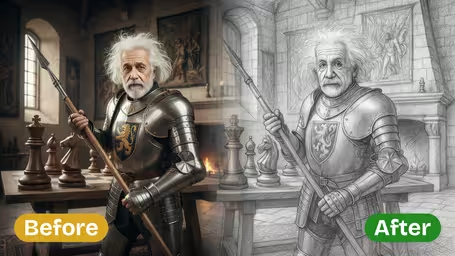
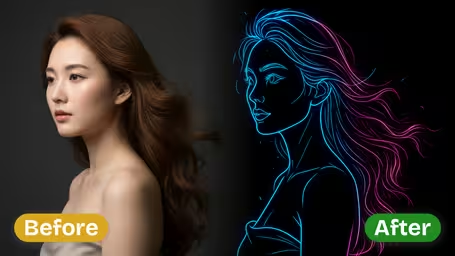
AI Sketch to Image Gallery
See the same sketch resolved into a finished render across four output modes — architecture, product design, concept art and interior visualization.
Fineliner Sketch to Architectural Render
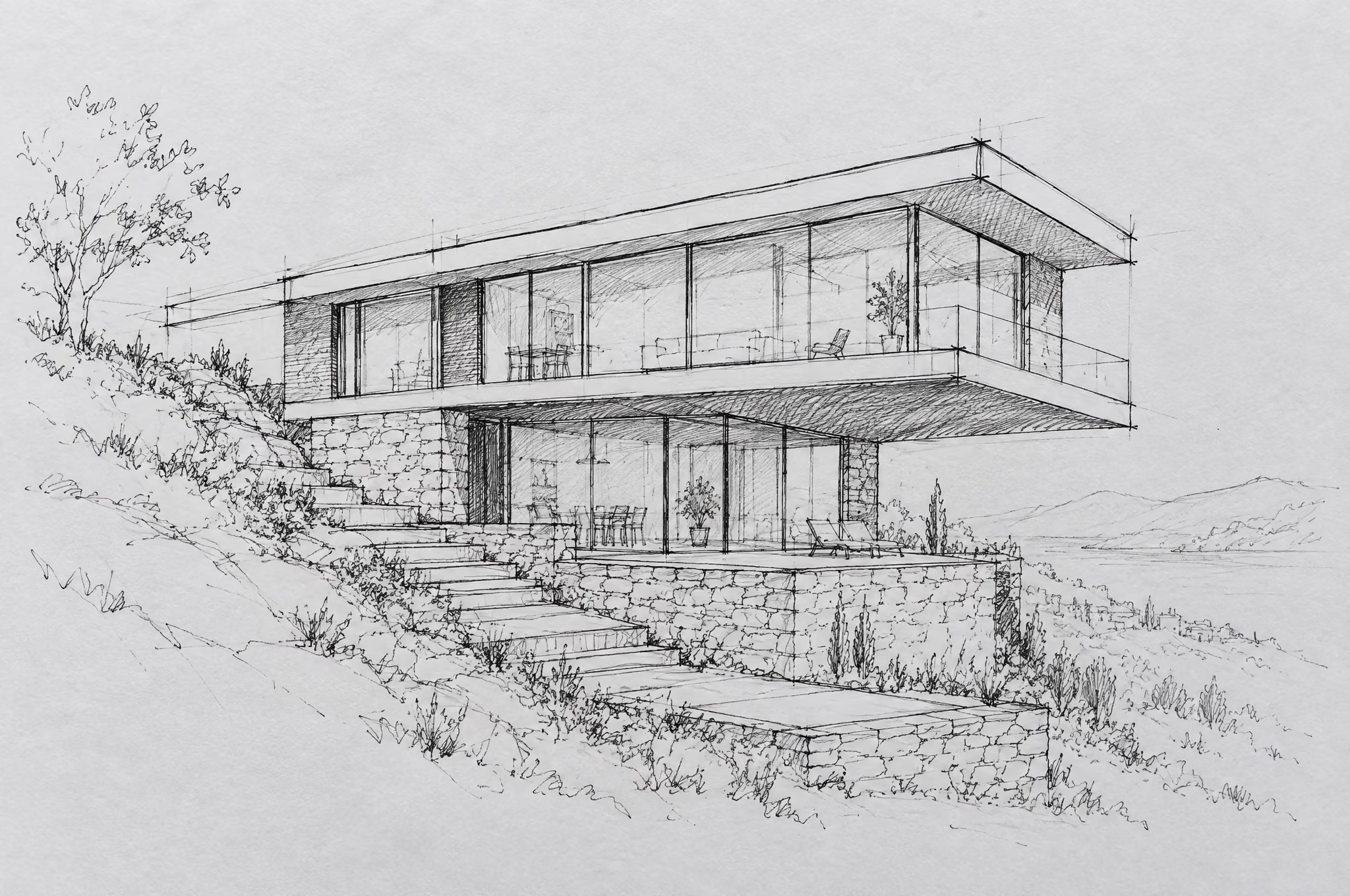
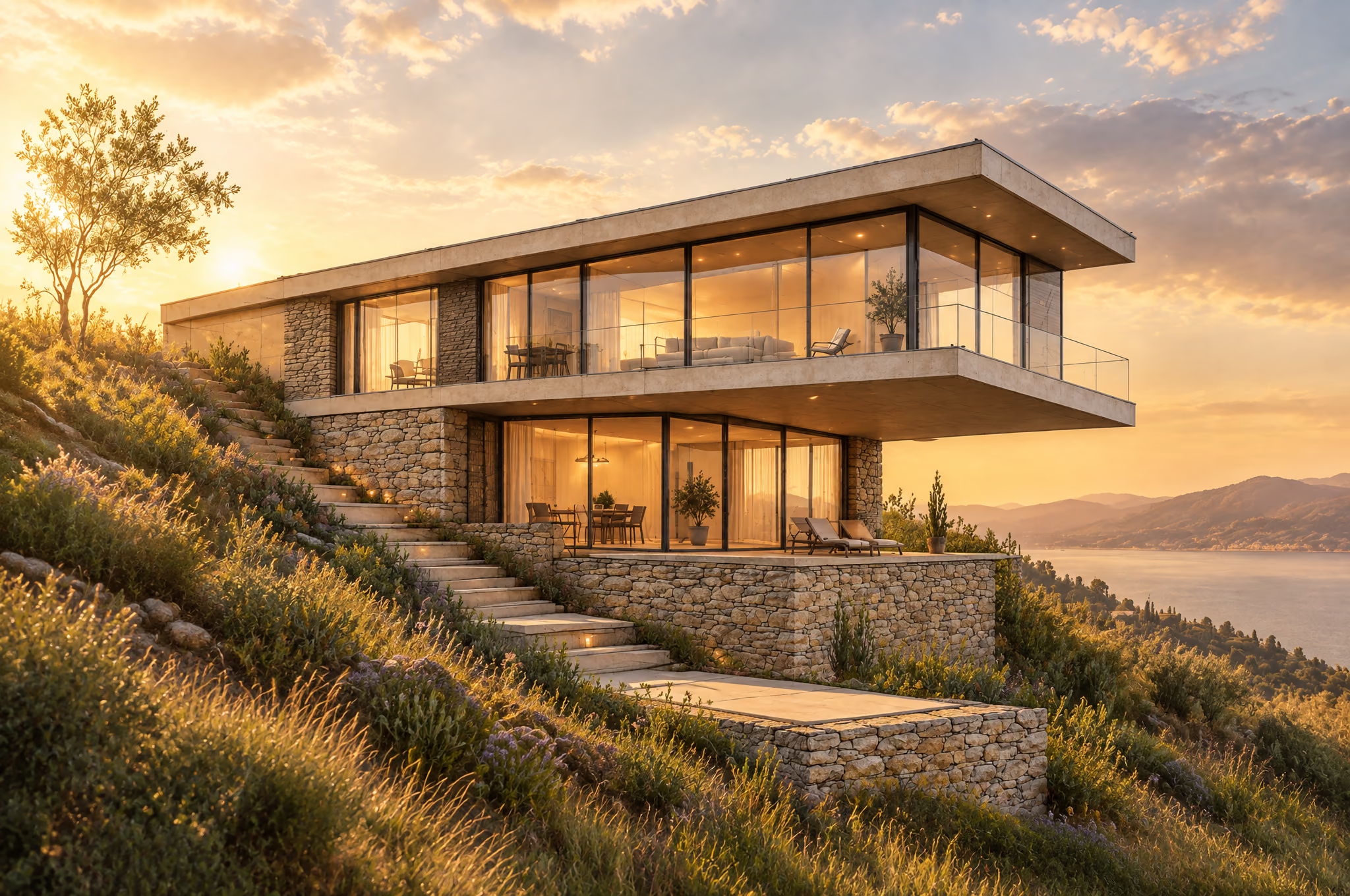
A hand-drawn fineliner concept sketch of a cantilevered modern hillside house becomes a photoreal architectural exterior render in golden-hour light, with the linework's proportions held exactly.
AI Sketch to Image Features
One sketch in, one finished image out — in your drawing's own aspect ratio. Photoreal, concept art, arch-viz or product renders, all driven by your own linework.
- 01
Your Sketch Leads
The linework you upload decides form and proportion; the prompt only describes material, light and context. Short, specific briefs beat long ones almost every time.
- 02
Six Output Modes
Render as a photoreal photograph, fantasy concept art, an architectural exterior or interior view, a studio product shot with resolved colour, material and finish, or technical illustration.
- 03
Line Fidelity Control
Choose keep linework exact to hold your proportions precisely, balanced interpretation for a cleaner result, or loose reimagining when you want the model to explore beyond the drawing.
- 04
Two Engine Tiers
Flare renders fast and is free for everyone; Sunburst is the precise Pro tier. Both run GPT-Image 2.5 and cost the same credits at every resolution.


How to Use AI Sketch to Image
Turn your drawing into a finished render in four steps
- 01
Upload Your Sketch
Add one sketch, line drawing, floor plan or napkin concept as a JPG or PNG. Clean, readable line art gives the strongest results.
- 02
Pick Output Mode and Style
Choose a photoreal photo, fantasy concept art, an architectural exterior or interior render, a studio product shot with CMF, or technical illustration, then add style and lighting tags.
- 03
Set Line Fidelity and Engine
Decide how closely to follow your lines — keep linework exact, balanced interpretation or loose reimagining — then pick Flare for speed or Sunburst, the precise Pro tier.
- 04
Generate and Download
Render at 1K for free, or at 2K and 4K on Pro. The result keeps your sketch's own aspect ratio and downloads in a single click.
AI Sketch to Image FAQ
AI Pricing Plans
Flexible AI Pricing
Pay-as-you-go credits or subscription plans. No hidden fees, cancel anytime.
One Time supports crypto payment (BTC, USDT, ETH, 350+) · Monthly billing
Free-One Time
Try before you buy
- Up to 3 videos
- Up to 32 images
- Multi-Model Support
- Text to Video
- Image to Video
- Video to Video
Show more (+11)
- Consistent Character
- AI Animation Generator
- Templates & Effects
- AI Video Enhancers
- Interactive Community
- Faster Generation Speed
- No-watermark Outputs
- More Camera Movement
- Private Video Visibility
- Copy Protection
- Priority Support
Pro-1 Month
PopularElevate your AI experience
- Up to 80 videos
- Up to 800 images
- 3 tasks(Parallel Tasks)
- Multi-Model Support
- Text to Video
- Image to Video
Show more (+12)
- Video to Video
- Consistent Character
- AI Animation Generator
- Templates & Effects
- AI Video Enhancers
- Interactive Community
- Faster Generation Speed
- No-watermark Outputs
- More Camera Movement
- Private Video Visibility
- Copy Protection
- Priority Support
Lite-1 Month
Start your AI journey
- Up to 30 videos
- Up to 300 images
- 3 tasks(Parallel Tasks)
- Multi-Model Support
- Text to Video
- Image to Video
Show more (+12)
- Video to Video
- Consistent Character
- AI Animation Generator
- Templates & Effects
- AI Video Enhancers
- Interactive Community
- Faster Generation Speed
- No-watermark Outputs
- More Camera Movement
- Private Video Visibility
- Copy Protection
- Priority Support
- Card
- Crypto accepted (BTC, USDT, ETH, 350+)