









🎨 Seedream 5.0 Pro — ByteDance's flagship image model: up to 2K, best-in-class typography & multi-reference editing!


AI Family Photo Time Jump
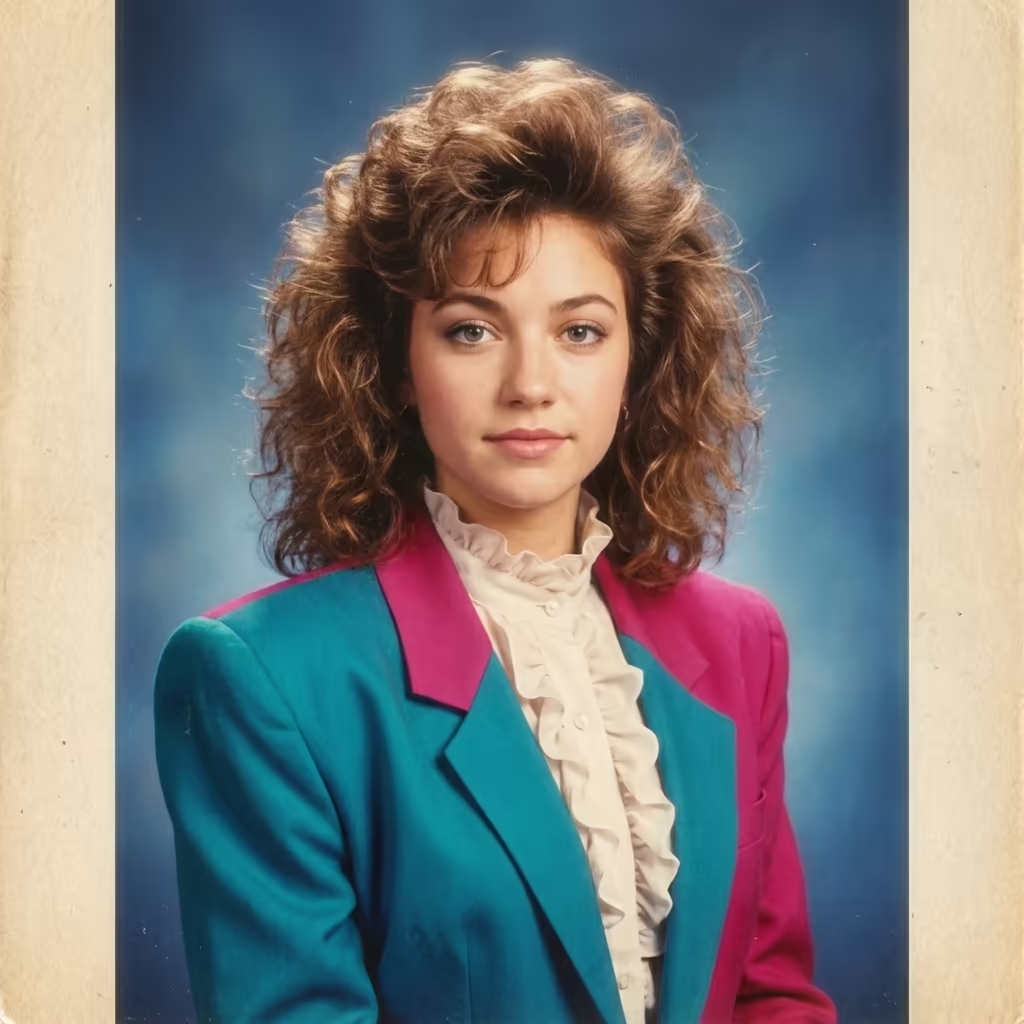
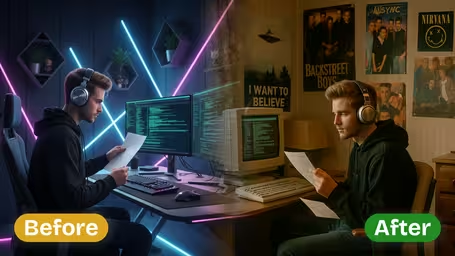
Upload one family or childhood photo and move the whole picture forward 10, 20 or 30 years — or bring the kids in it up to the present day. Everyone keeps their face, their place in the frame and the original crop.
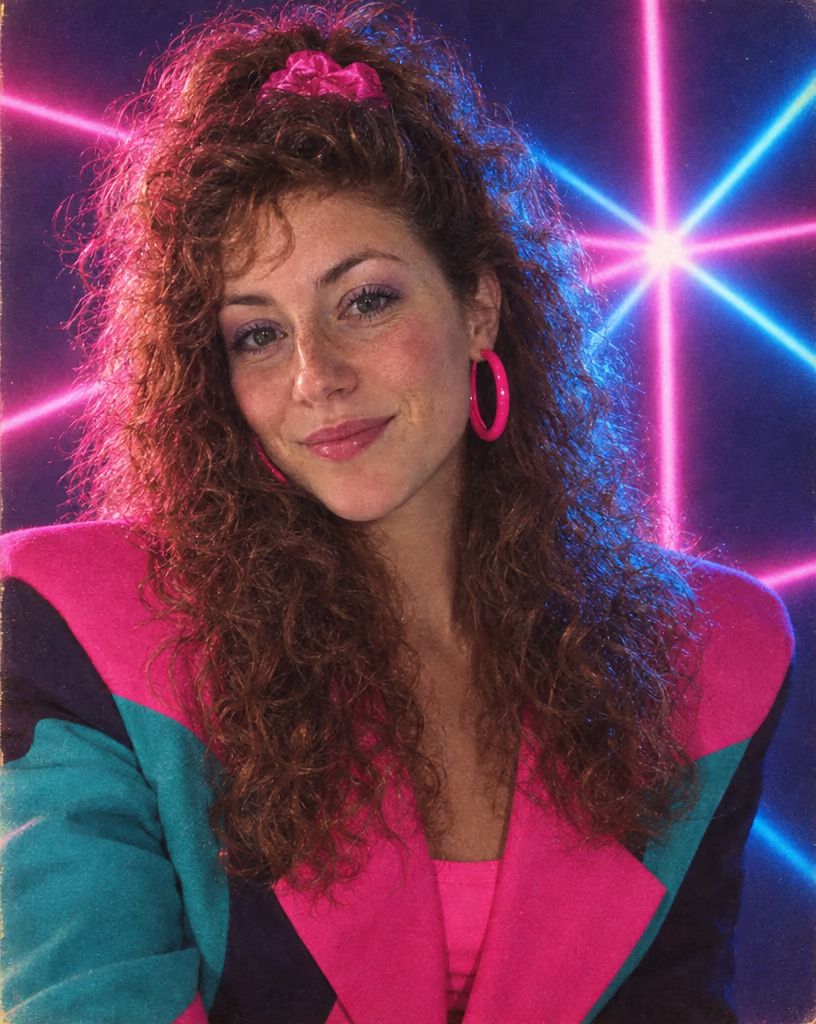
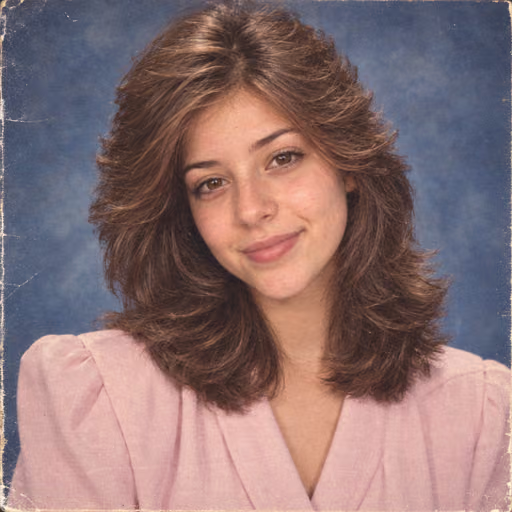
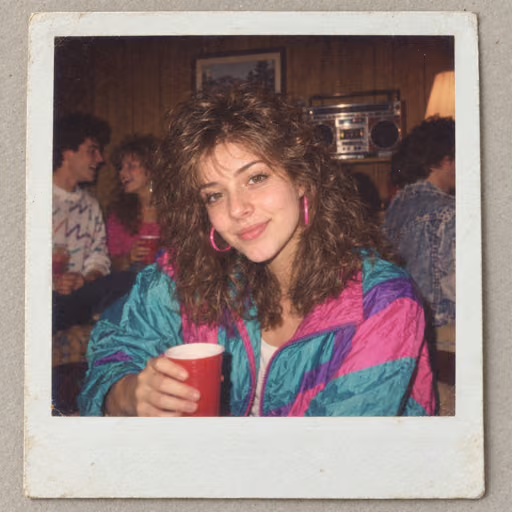
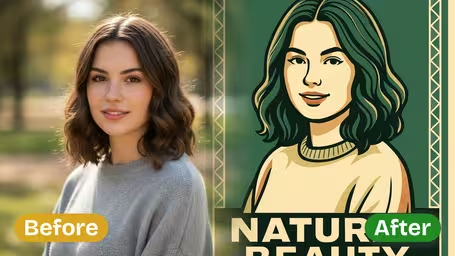

AI Family Photo Time Jump Gallery
Move a whole photo through time — forward or back — while every person in it stays recognisably themselves.
A Couple Twenty Years Later
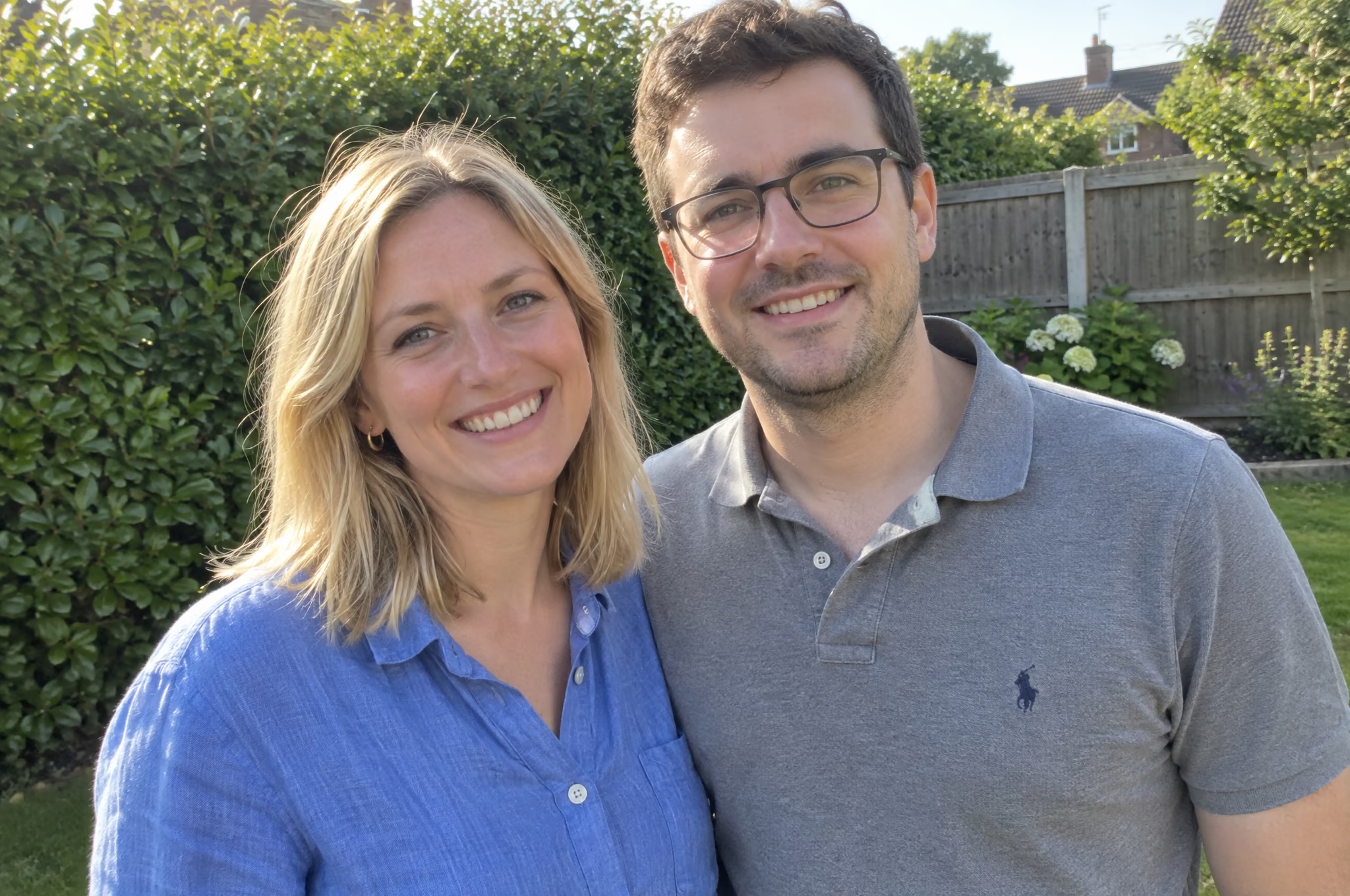
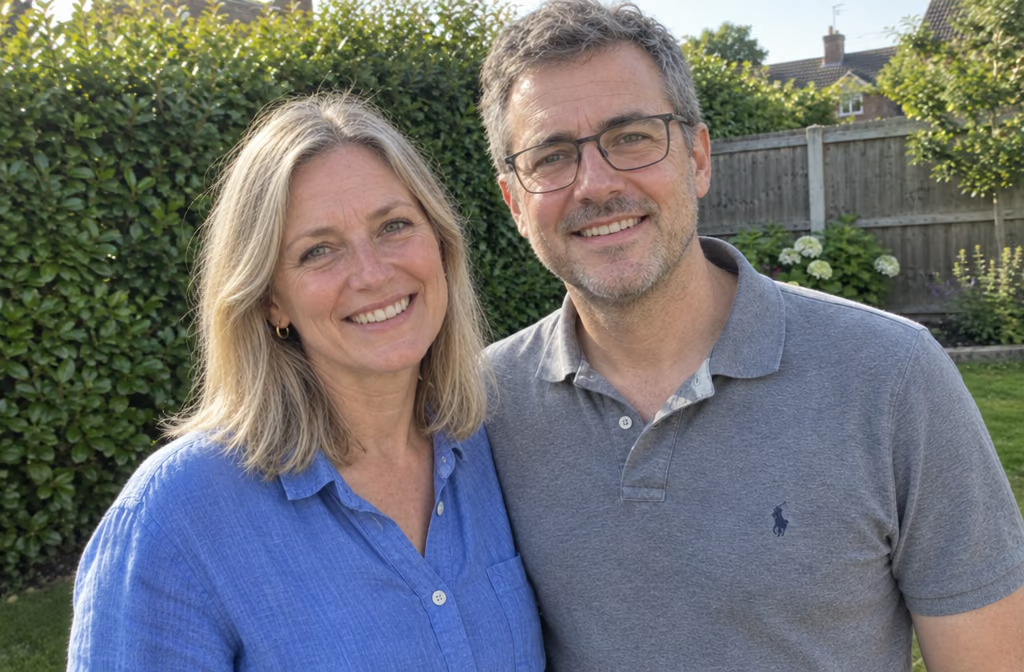
A garden snapshot advanced 20 years with both faces held, the background untouched and the framing matched so it reads as a true then-and-now.
AI Family Photo Time Jump Features
One photo in, one photo out — same people, same arrangement, same framing, years later. Built on GPT-Image 2.5, with a precise tier for the hard part: holding several faces at once.
- 01
Every Face Held Together
Set how many people are in the shot, from one to eight. Naming the count is what makes the model carry each face through the jump; two to five works best.
- 02
Five Ways to Travel
Jump the photo forward ten, twenty or thirty years, bring the children in it up to the present day, or roll everyone back twenty years instead.
- 03
Real Aging Markers
Each jump applies documented facial changes: expression lines first, then nasolabial folds as the malar fat pad descends, tear troughs and temporal hollowing, later jowling and brow ptosis.
- 04
Rephotography Finish
Hold the original framing, pose and lighting so the pair reads as a true then-and-now, or restage the shot on location, on modern digital, or as a studio portrait.




How to Use AI Family Photo Time Jump
Turn one photo into a then-and-now pair in four steps
- 01
Upload the Photo
Upload one group or childhood photo as JPG or PNG. Sharp, evenly lit faces at roughly the same size in frame give the cleanest result.
- 02
Pick the Jump
Choose how far to travel: ten, twenty or thirty years forward, the children in the photo grown up today, or everyone twenty years younger.
- 03
Count the People
Set how many people are in the frame, then add optional aging, photo-treatment or wardrobe direction to steer grey hair, film grain or clothing.
- 04
Generate and Compare
Generate the edit, then set the original and the result side by side. The output keeps the source aspect ratio, so the two frames line up.

AI Family Photo Time Jump FAQ
AI Pricing Plans
Flexible AI Pricing
Pay-as-you-go credits or subscription plans. No hidden fees, cancel anytime.
One Time supports crypto payment (BTC, USDT, ETH, 350+) · Monthly billing
Free-One Time
Try before you buy
- Up to 3 videos
- Up to 32 images
- Multi-Model Support
- Text to Video
- Image to Video
- Video to Video
Show more (+11)
- Consistent Character
- AI Animation Generator
- Templates & Effects
- AI Video Enhancers
- Interactive Community
- Faster Generation Speed
- No-watermark Outputs
- More Camera Movement
- Private Video Visibility
- Copy Protection
- Priority Support
Pro-1 Month
PopularElevate your AI experience
- Up to 80 videos
- Up to 800 images
- 3 tasks(Parallel Tasks)
- Multi-Model Support
- Text to Video
- Image to Video
Show more (+12)
- Video to Video
- Consistent Character
- AI Animation Generator
- Templates & Effects
- AI Video Enhancers
- Interactive Community
- Faster Generation Speed
- No-watermark Outputs
- More Camera Movement
- Private Video Visibility
- Copy Protection
- Priority Support
Lite-1 Month
Start your AI journey
- Up to 30 videos
- Up to 300 images
- 3 tasks(Parallel Tasks)
- Multi-Model Support
- Text to Video
- Image to Video
Show more (+12)
- Video to Video
- Consistent Character
- AI Animation Generator
- Templates & Effects
- AI Video Enhancers
- Interactive Community
- Faster Generation Speed
- No-watermark Outputs
- More Camera Movement
- Private Video Visibility
- Copy Protection
- Priority Support
- Card
- Crypto accepted (BTC, USDT, ETH, 350+)