











Seedance 2.0 Video Edit - Instruction-Based Video-to-Video Editing by ByteDance
Edit any existing video with a single text prompt. ByteDance Seedance 2.0's video-to-video mode lets you replace objects, change the scene, time, weather, or style, and swap subjects—all while preserving the original motion, camera movement, and composition. Built on ByteDance Seed's unified multimodal architecture for cinematic, motion-stable output across Standard, Fast, Turbo, and Mini tiers.
Seedance Model Series
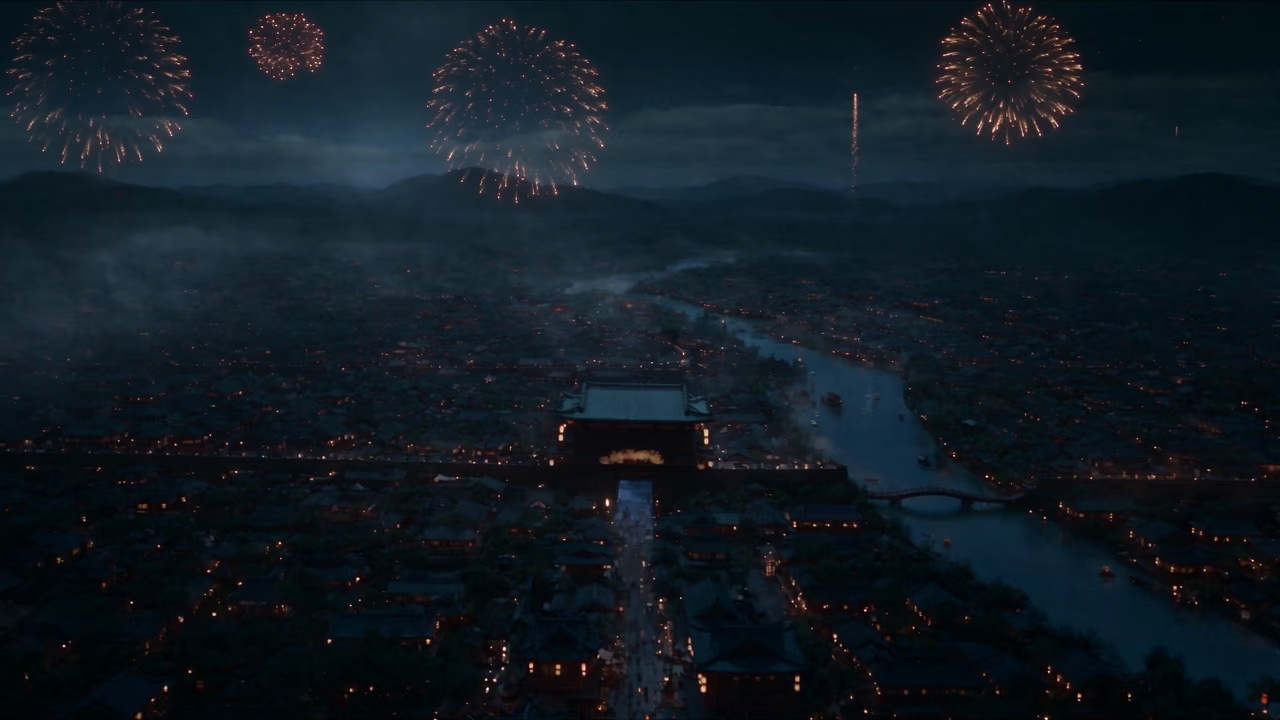
Seedance 2.5
Native 30-second one-shot video with 4K output and strong long-form consistency

Seedance Pro 1.5
Professional video generation with text, image, and video extend modes
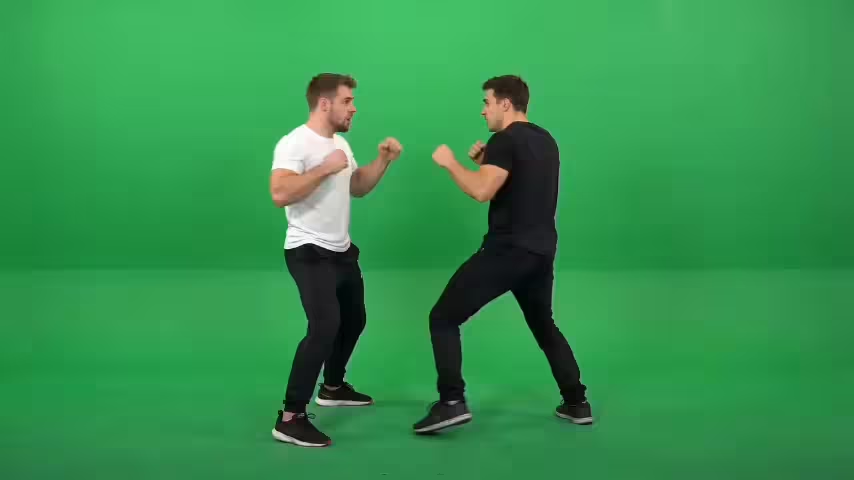
Seedance 2.0
Next-gen video creation with creative generation and editing
Seedance
Family hub - try Seedance 2.5 and 2.0 side by side
AI Video Editing
Edit any video with a single prompt: change the weather, restyle scenes, swap subjects, and transform your footage
Rainy Night Restyle
Change the time to a rainy night. Change the car to pure black.
What's Seedance 2.0 Video Edit
Prompt-driven AI video editing that restyles scenes, swaps subjects, and transforms footage while keeping the original motion stable
- · 014KResolution
- · 024Tiers
- · 03MotionStable
- · 041Prompt Edit
Seedance 2.0 Video Edit is ByteDance's AI video editor that transforms existing footage with a single natural-language prompt. Change weather and lighting, replace subjects, restyle scenes, and enhance environments while keeping the original motion, structure, and camera movement stable, with output up to 4K across four quality tiers.
Seedance 2.0 Video Edit Features
Discover the instruction-based video-to-video editing capabilities of ByteDance Seedance 2.0
- Feature 01 / 08
Instruction-Based Editing
Edit any source video with a single text prompt—describe the change in natural language and Seedance 2.0 applies it directly to your footage.
- Feature 02 / 08
Motion & Camera Preservation
Keeps the original motion, camera movement, and composition intact so your edits blend seamlessly without breaking the shot's dynamics.
- Feature 03 / 08
Object Replacement & Swapping
Replace or swap objects and subjects in a scene—change a car, an outfit, or a character—while the surrounding action stays consistent.
- Feature 04 / 08
Scene, Time & Weather Control
Transform the environment by changing the time of day, weather, or season without re-shooting or rendering the video from scratch.
- Feature 05 / 08
Style Transformation
Restyle footage into new visual aesthetics—cinematic, animated, or artistic looks—while retaining the underlying structure and timing.
- Feature 06 / 08
Cinematic Motion Stability
Built on ByteDance Seed's unified multimodal architecture for cinematic, motion-stable output with temporally coherent frames.
- Feature 07 / 08
Flexible Speed Tiers
Choose Standard, Fast, Turbo, Mini, or Mini-Turbo to balance speed, cost, and quality for every editing job.
- Feature 08 / 08
Multiple Resolutions & Durations
Export edited video at multiple resolutions and durations to fit any platform or delivery requirement.
Frequently Asked Questions
Common questions about Seedance 2.0 Video Edit
Still have questions?
How to Use Seedance 2.0 Video Edit
Transform your videos with a single prompt in three simple steps
Upload Source Video
Upload the source video you want to edit. Seedance preserves its original motion, structure, and camera movement while you transform it.
Flexible AI Pricing
Pay-as-you-go credits or subscription plans. No hidden fees, cancel anytime.
One Time supports crypto payment (BTC, USDT, ETH, 350+)
Monthly billing