











AI Face Editor
Customize facial features with AI — reshape face contours, adjust eyes, nose, lips, and skin tone to create your ideal portrait. Upload a photo or describe your character from scratch, then let AI bring your vision to life in seconds.
AI Face Editor Gallery
Explore AI face editing results across different facial features. See how the face editor transforms eye color, skin tone, facial structure, and more.
Eye Color Transformation
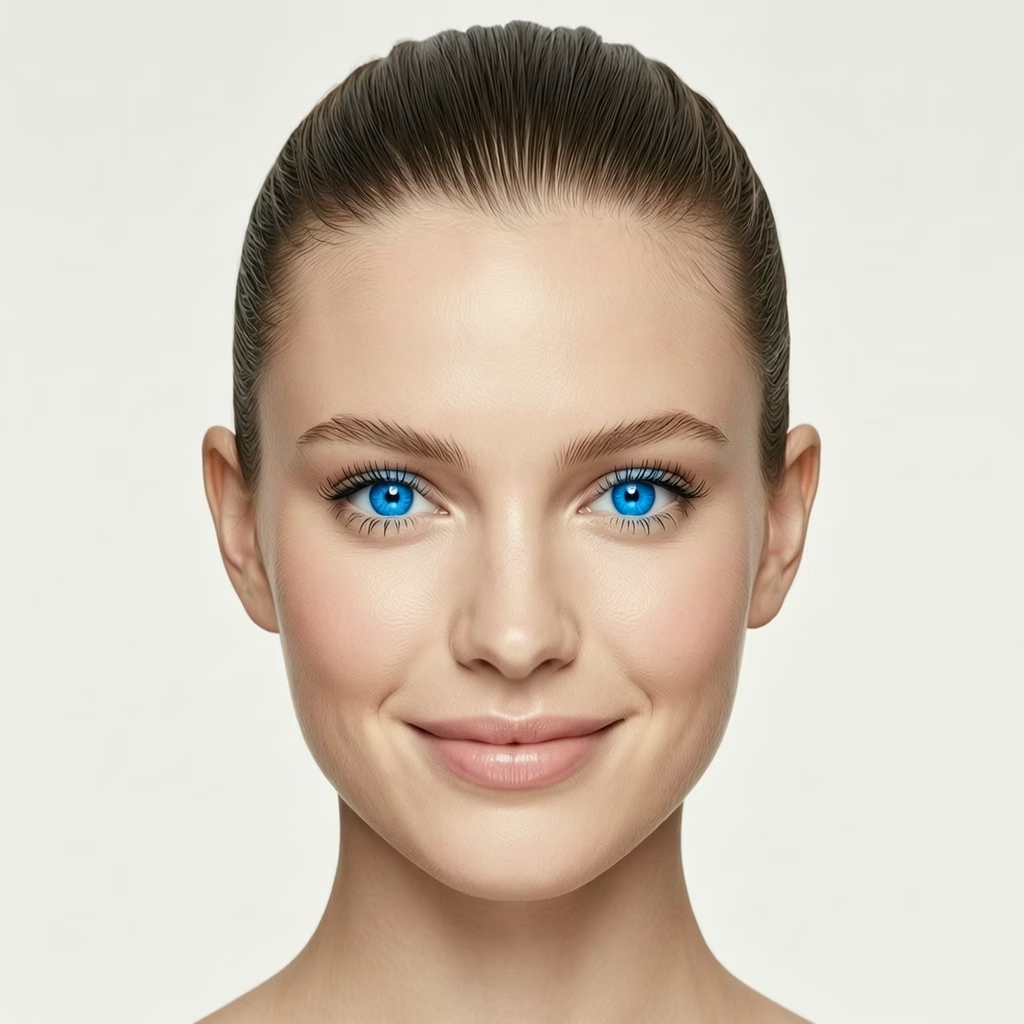
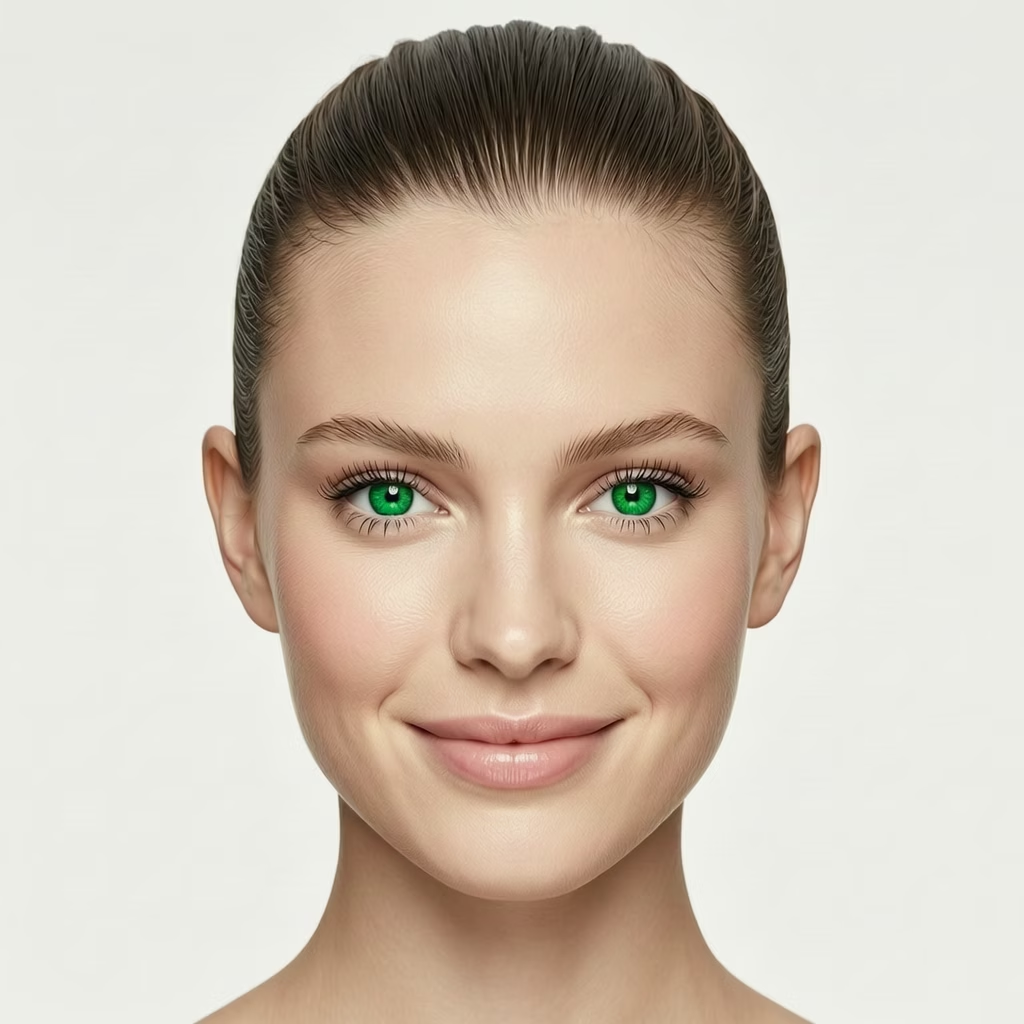
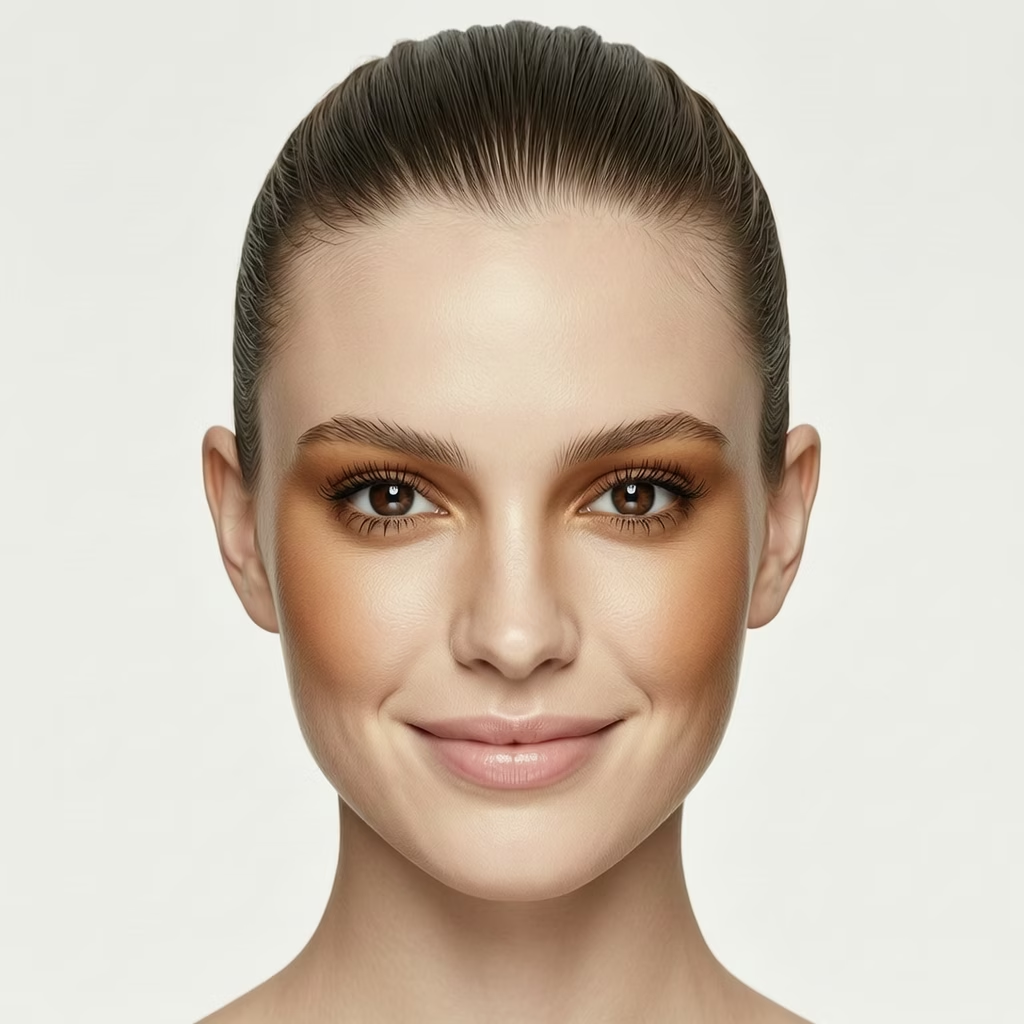
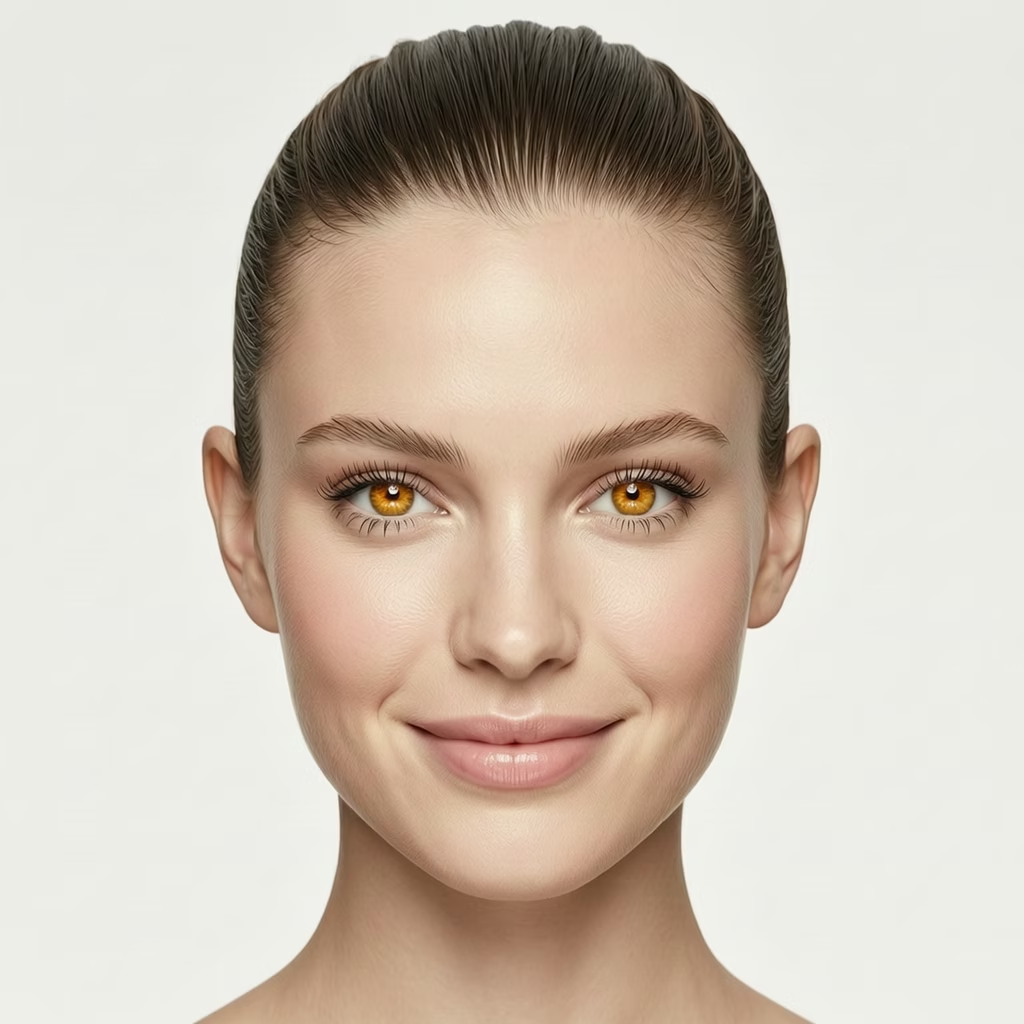
Change eye color naturally while preserving iris texture and light reflections
AI Face Editor Features
Dreamega's AI Face Editor delivers studio-quality portrait retouching at the click of a button. Refine facial features, polish skin, and craft glamour-shot results suitable for headshots, dating profiles, and social-ready imagery — without ever stepping into a photo studio.
- Feature 01 / 05
Studio-Grade Skin Smoothing
Even out skin tone, soften blemishes, and balance highlights while preserving natural pores and texture. Every retouch keeps the authenticity of your portrait, delivering the polished finish of a magazine cover rather than a plastic, over-edited look.
- Feature 02 / 05
Refine Jawline, Cheekbones & Face Shape
Sculpt definition into your portrait with precise control over jawline, cheekbones, forehead, and overall face proportion. Choose from sharp, soft, V-shaped, or rounded looks to match the contour you want — perfect for professional headshots that command attention.
- Feature 03 / 05
Eye Enhancement & Color Adjustment
Brighten and reshape the eyes that anchor every great portrait. Switch between almond, round, phoenix, or hooded shapes, and explore eye colors from blue and hazel to amber. Subtle adjustments instantly elevate the expressiveness of any portrait.
- Feature 04 / 05
Makeup-Style Touchups for Lips & Brows
Apply digital retouching that mirrors the work of a professional makeup artist. Adjust lip fullness, eyebrow arch, and feature symmetry to achieve a camera-ready look without filters or makeup — ideal for portraits that need to feel naturally beautiful, not edited.
- Feature 05 / 05
Headshots Ready for LinkedIn & Social
Generate share-worthy portraits in seconds for LinkedIn profiles, dating apps, talent submissions, or Instagram avatars. High-resolution outputs preserve every refinement at print quality, making each image suitable for professional use across every platform.
How to Use AI Face Editor
Create your custom portrait in three simple steps
Upload a Photo or Describe Your Character
Upload a portrait photo you'd like to edit, or enter a text description to create a face from scratch. You can describe features like age, gender, hairstyle, and overall appearance.
Select Facial Features to Customize
Choose the facial features you want to adjust — face shape (oval, round, square, heart), eye shape and color, nose style, lip fullness, skin tone, and more. Fine-tune each detail to match your vision.
Generate Your Customized Portrait
Click generate and let the AI create your personalized portrait. Preview the result, then download it in high resolution for use in projects, social media, or character design.
AI Face Editor FAQ
Flexible AI Pricing
Pay-as-you-go credits or subscription plans. No hidden fees, cancel anytime.
One Time supports crypto payment (BTC, USDT, ETH, 350+)
Monthly billing