01/ FEATURE
Comprehensive Asset Lineage
Every AI-generated asset keeps its full creation path: original inputs, model used, parameters. Iterate intelligently from any point in history.
🎨 Seedream 5.0 Pro — ByteDance's flagship image model: up to 2K, best-in-class typography & multi-reference editing!


Every image, video, music track, and voice clip you generate or upload lives here — primed for reuse. Browse, organize, and pull any asset back into a new creation with one click.
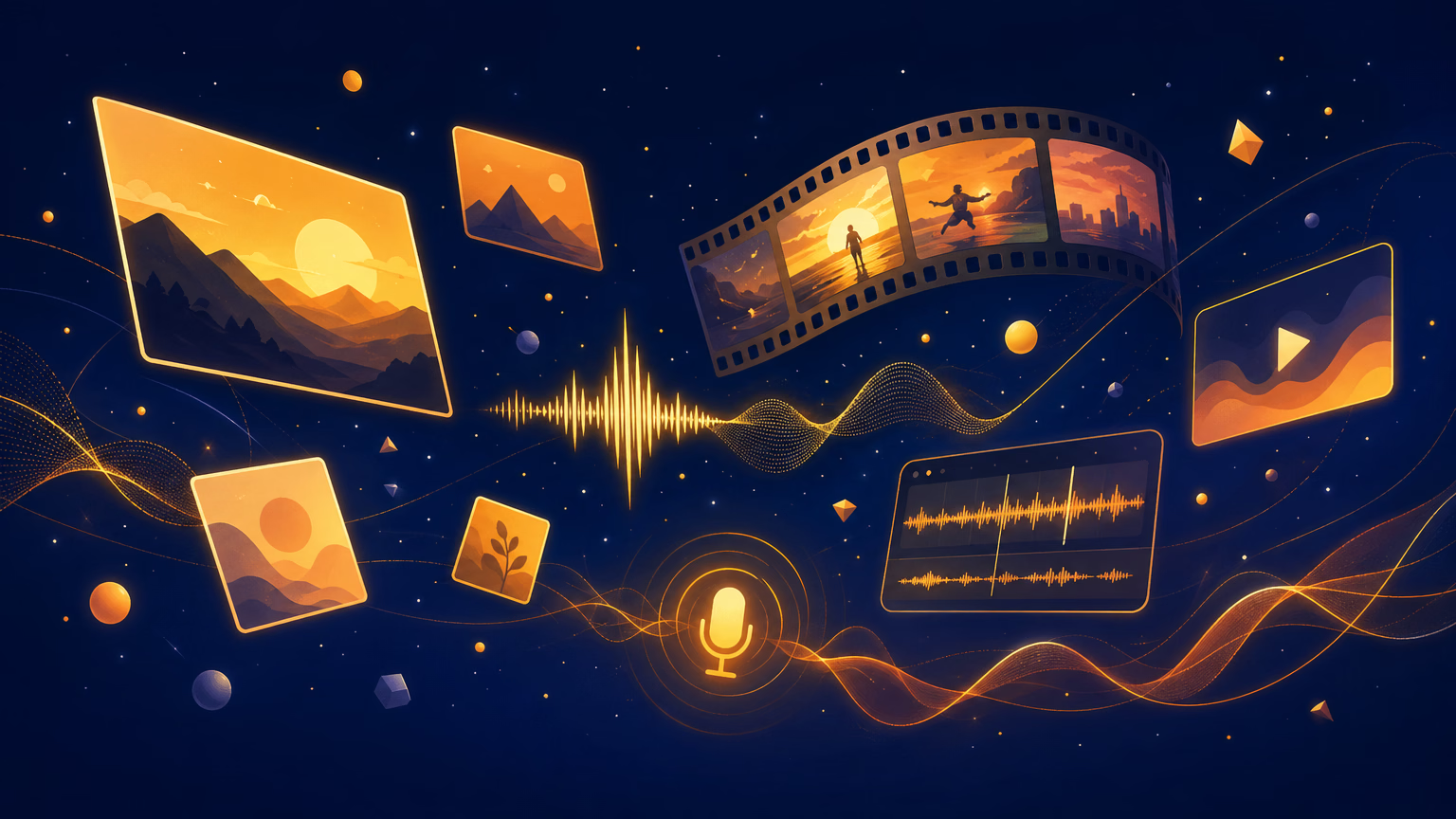
More than storage — every asset is a building block ready to flow into your next creation.
Every AI-generated asset keeps its full creation path: original inputs, model used, parameters. Iterate intelligently from any point in history.
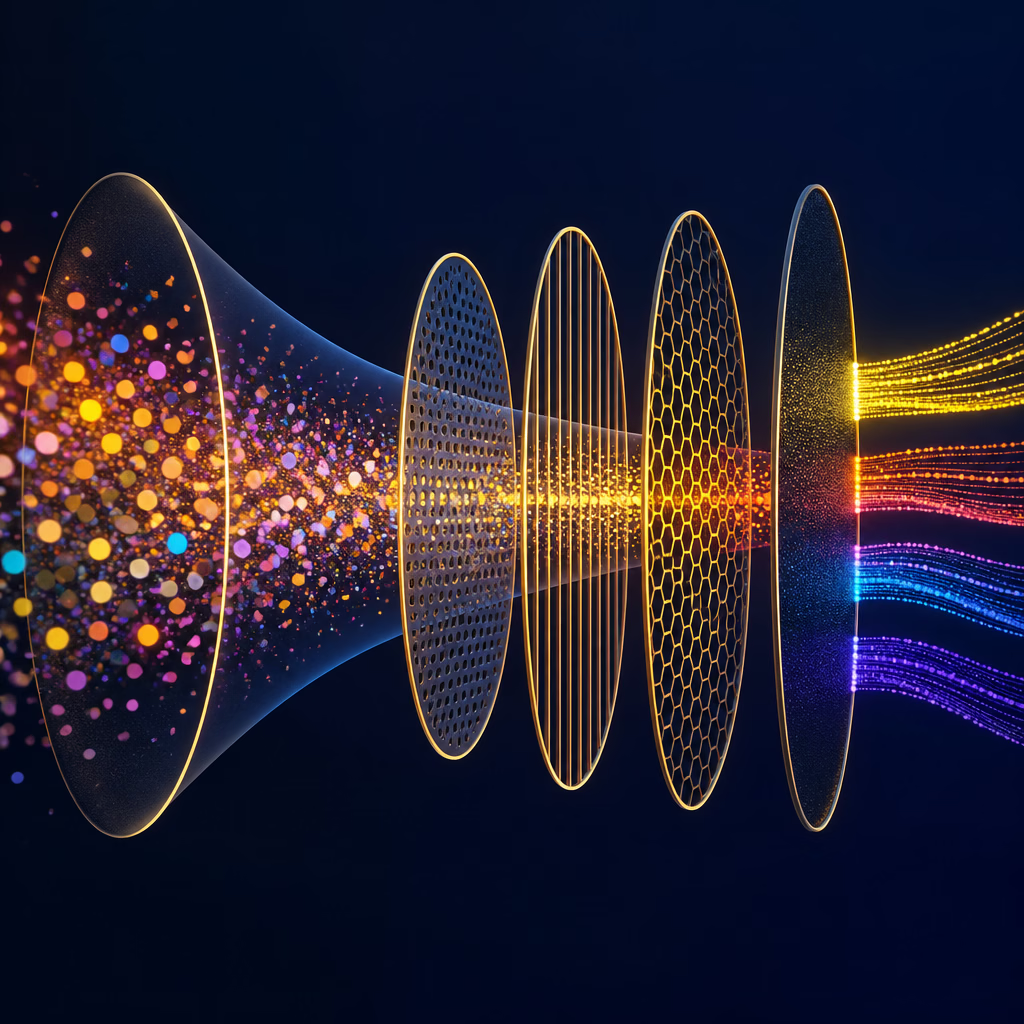
Filter by source, media type, or status. Spend less time searching, more time turning saved assets into new content.

Open any asset directly in our creation tools with one click. Edit, adjust, or use it as the starting point for something new.

Combine generated voiceovers with videos, layer music tracks, use an image as a base for animation — assets flow freely between every tool.
From asset to active material in four steps.
Everything you generate or upload is automatically saved to your personal library, instantly ready for the next project.
Switch between My Generation and My Upload, then narrow by media type — Image, Video, Music, Voice — to find exactly what you need.
View how each asset was made: prompt, model, parameters. Understand the DNA of every creation to repurpose with confidence.
Pull any asset back into a tool to remix, refine, or combine. Your library becomes the launchpad for your next creation.
Still have questions?
Stop hunting for past creations. Let every asset be a launchpad for the next one.
We use essential storage to run the service. Optional analytics, advertising and convenience features stay off until you choose to enable them. Privacy policy