


🎨 Seedream 5.0 Pro — ByteDance's flagship image model: up to 2K, best-in-class typography & multi-reference editing!


Gemini Omni Flash - Google's Fast Omnimodal AI Video Generator with Native Audio
Gemini Omni Flash is Google's fast, omnimodal short-video model that generates cinematic 3-10 second clips with synchronized native audio. One page brings together Text-to-Video, Image-to-Video, Reference-to-Video, and Video Edit, delivering affordable 16:9 or 9:16 output with no coldstarts.
Short Videos with Synchronized Audio
Explore Gemini Omni Flash across text, image, reference, and video inputs — every clip generated with natural motion and synchronized audio.
Wizard Cat's Spell
A fluffy black cat dressed as a tiny wizard tries to cast a spell in an old library. The spell goes wrong and turns floating books into glowing fish swimming through the air. The cat looks shocked, then proudly pretends it meant to do that. Magical comedy, warm fantasy lighting, cinematic.
What is Gemini Omni Flash
Google's fast, omnimodal short-video model that generates cinematic clips with synchronized native audio
- AudioNative Sync
- 4Capabilities
- 10sMax Duration
- 16:9 / 9:16Aspect Ratios
Gemini Omni Flash is Google's fast, omnimodal short-video model that turns text, images, reference photos, or an existing video into cinematic 3 to 10 second clips with synchronized native audio. It combines Text-to-Video, Image-to-Video, Reference-to-Video, and Video Edit in one place, delivering affordable 16:9 or 9:16 output with no coldstarts, ideal for social content, prototyping, and creative iteration.
Gemini Omni Flash Features
Discover the fast, omnimodal video capabilities of Google's Gemini Omni Flash
- 01
Text-to-Video
Turn a simple text prompt into a short cinematic clip with synchronized native audio, ideal for quickly bringing an idea to life for social content or prototyping.
- 02
Image-to-Video
Animate a still image into a living scene, adding natural motion and matching native audio while preserving the look and composition of your source photo.
- 03
Reference-to-Video
Guide generation with one or more reference images so your subject, style, or character identity stays consistent across the finished clip.
- 04
Video Edit
Edit an existing video with a natural-language instruction to restyle scenes, swap elements, or refine details without starting from scratch.
- 05
Native Synchronized Audio
Every clip is generated with built-in synchronized audio, so dialogue, ambience, and sound effects are matched to the visuals with no extra step.
- 06
Cinematic Short Clips
Produce polished 3 to 10 second clips with a cinematic feel, perfect for reels, ads, storyboards, and fast creative iteration.
- 07
16:9 and 9:16 Output
Choose widescreen 16:9 for landscape storytelling or vertical 9:16 for mobile-first social platforms, all from the same model.
- 08
Fast and Affordable, No Coldstarts
Billed per second of generated video and running without coldstarts, Gemini Omni Flash keeps budget-friendly, quick multimodal video within reach.






How to Use Gemini Omni Text to Video
Generate short videos with synchronized audio from a text prompt
- 01
Write Your Prompt
Write your text prompt describing the scene, and include audio direction such as dialogue, sound effects, or background music.
- 02
Choose Aspect Ratio & Duration
Select your preferred aspect ratio and clip duration to frame your story exactly the way you want.
- 03
Generate Video with Synced Audio
Generate your short video with natural motion and perfectly synchronized audio, then download the finished clip.



How to Use Gemini Omni Image to Video
Animate a still image into a short clip with synchronized audio
- 01
Upload an Image
Upload a source image as the starting frame for your animated clip in JPG, PNG, or WEBP format.
- 02
Describe the Motion & Audio
Describe how the scene should move and add audio direction such as ambient sound, dialogue, or music.
- 03
Generate the Animated Clip
Generate your animated clip with lifelike motion and synchronized audio, then download the finished video.

Explore other models
More top AI models you can try right here.
 NEW
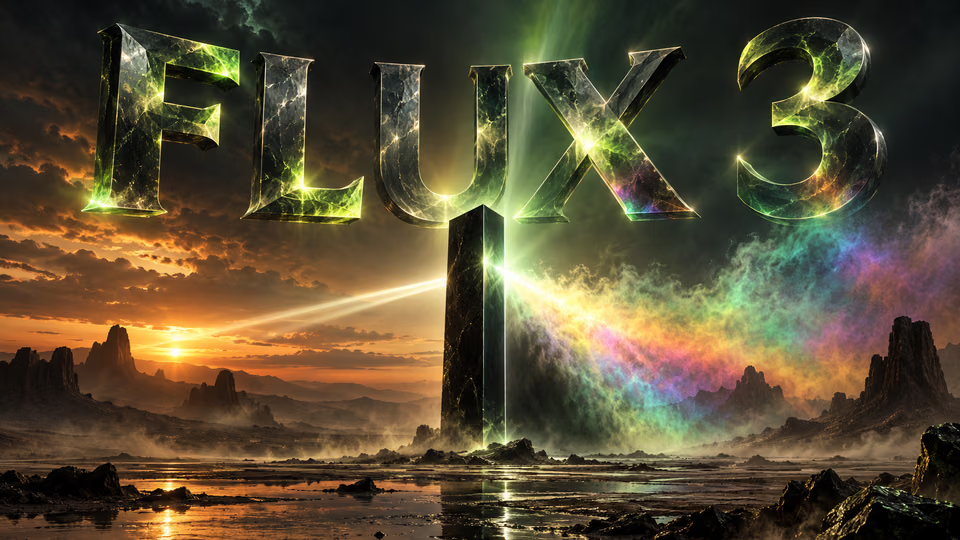
FLUX 3
Black Forest Labs' multimodal video model: text, image, start-end frames and video extend with native audio, 5-20 seconds at up to 1080p
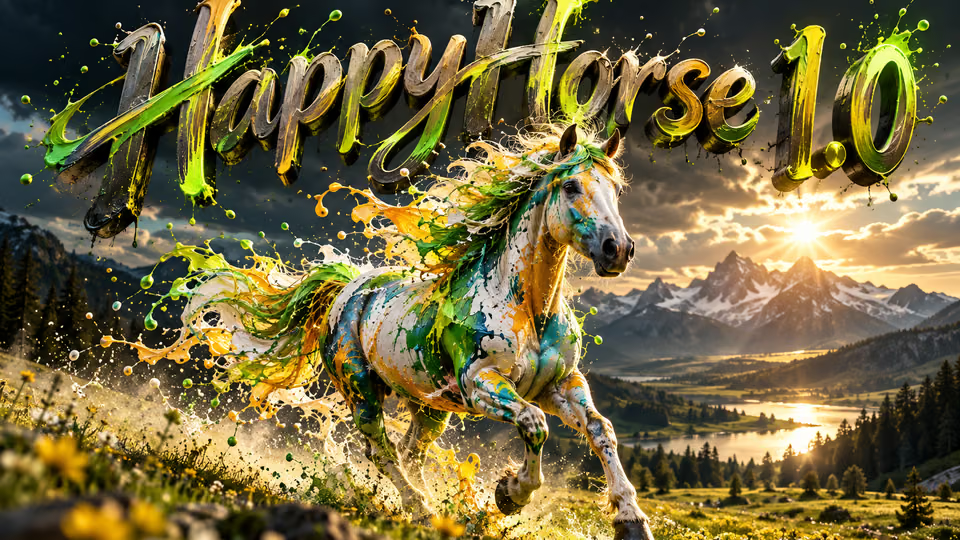
HappyHorse 1.0
#1 Alibaba video model, cinematic high-quality output
 NEW
Wan 3.0
Unified WAN model: text, image and reference to video, up to 30 seconds in one pass with native audio
 NEW
Kling 4.0 Flash
Kuaishou's 720p Kling model: 3–20s takes with native audio, references and video edit
 NEW
Veo 3.1
Google Veo 3.1 creates cinematic 1080p videos with native audio and lip-sync
 HOT
Sora 2
OpenAI's revolutionary video generation model with synchronized audio and enhanced physics accuracy
AI Pricing Plans
Flexible AI Pricing
Pay-as-you-go credits or subscription plans. No hidden fees, cancel anytime.
One Time supports crypto payment (BTC, USDT, ETH, 350+) · Monthly billing
Free-One Time
Try before you buy
- Up to 3 videos
- Up to 32 images
- Multi-Model Support
- Text to Video
- Image to Video
- Video to Video
Show more (+11)
- Consistent Character
- AI Animation Generator
- Templates & Effects
- AI Video Enhancers
- Interactive Community
- Faster Generation Speed
- No-watermark Outputs
- More Camera Movement
- Private Video Visibility
- Copy Protection
- Priority Support
Pro-1 Month
PopularElevate your AI experience
- Up to 80 videos
- Up to 800 images
- 3 tasks(Parallel Tasks)
- Multi-Model Support
- Text to Video
- Image to Video
Show more (+12)
- Video to Video
- Consistent Character
- AI Animation Generator
- Templates & Effects
- AI Video Enhancers
- Interactive Community
- Faster Generation Speed
- No-watermark Outputs
- More Camera Movement
- Private Video Visibility
- Copy Protection
- Priority Support
Lite-1 Month
Start your AI journey
- Up to 30 videos
- Up to 300 images
- 3 tasks(Parallel Tasks)
- Multi-Model Support
- Text to Video
- Image to Video
Show more (+12)
- Video to Video
- Consistent Character
- AI Animation Generator
- Templates & Effects
- AI Video Enhancers
- Interactive Community
- Faster Generation Speed
- No-watermark Outputs
- More Camera Movement
- Private Video Visibility
- Copy Protection
- Priority Support
- Card
- Crypto accepted (BTC, USDT, ETH, 350+)

Frequently Asked Questions
Common questions about Gemini Omni Flash video generation
Still have questions?