









🎨 Seedream 5.0 Pro — ByteDance's flagship image model: up to 2K, best-in-class typography & multi-reference editing!


Unlimited Kling 3.0 Motion Control Video Generator
Transform still images into dynamic videos by transferring motion from reference clips. Upload a character image and a motion reference video (dance, action, gesture), and Kling 3.0 Motion Control extracts the movement to generate smooth, realistic animated videos. Available in Standard and Pro versions with durations up to 30 seconds.
Kling Model Series

Kling v3
Latest Kling video and image generation with top-tier quality
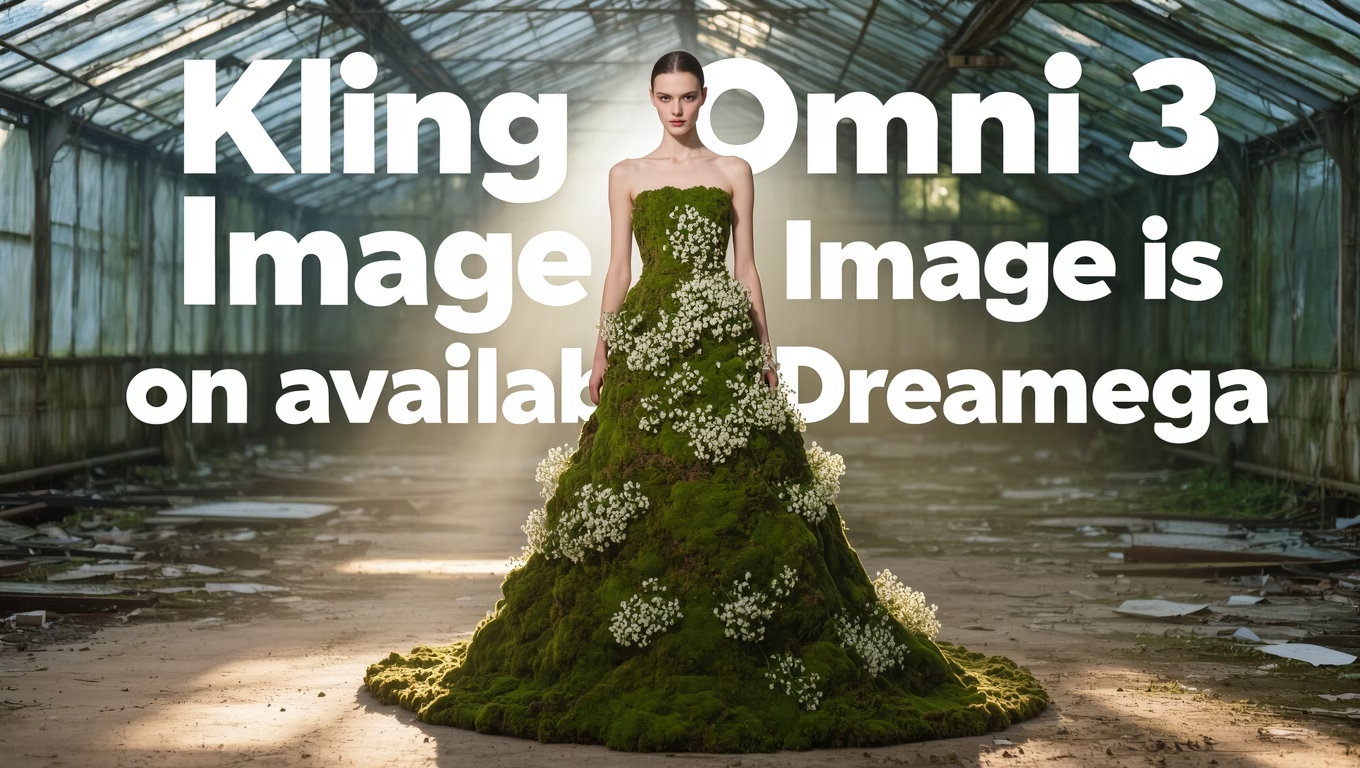
Kling O3
Advanced Kling model with video editing and reference capabilities
Kling 2.6 Pro
Professional-grade Kling 2.6 video generation
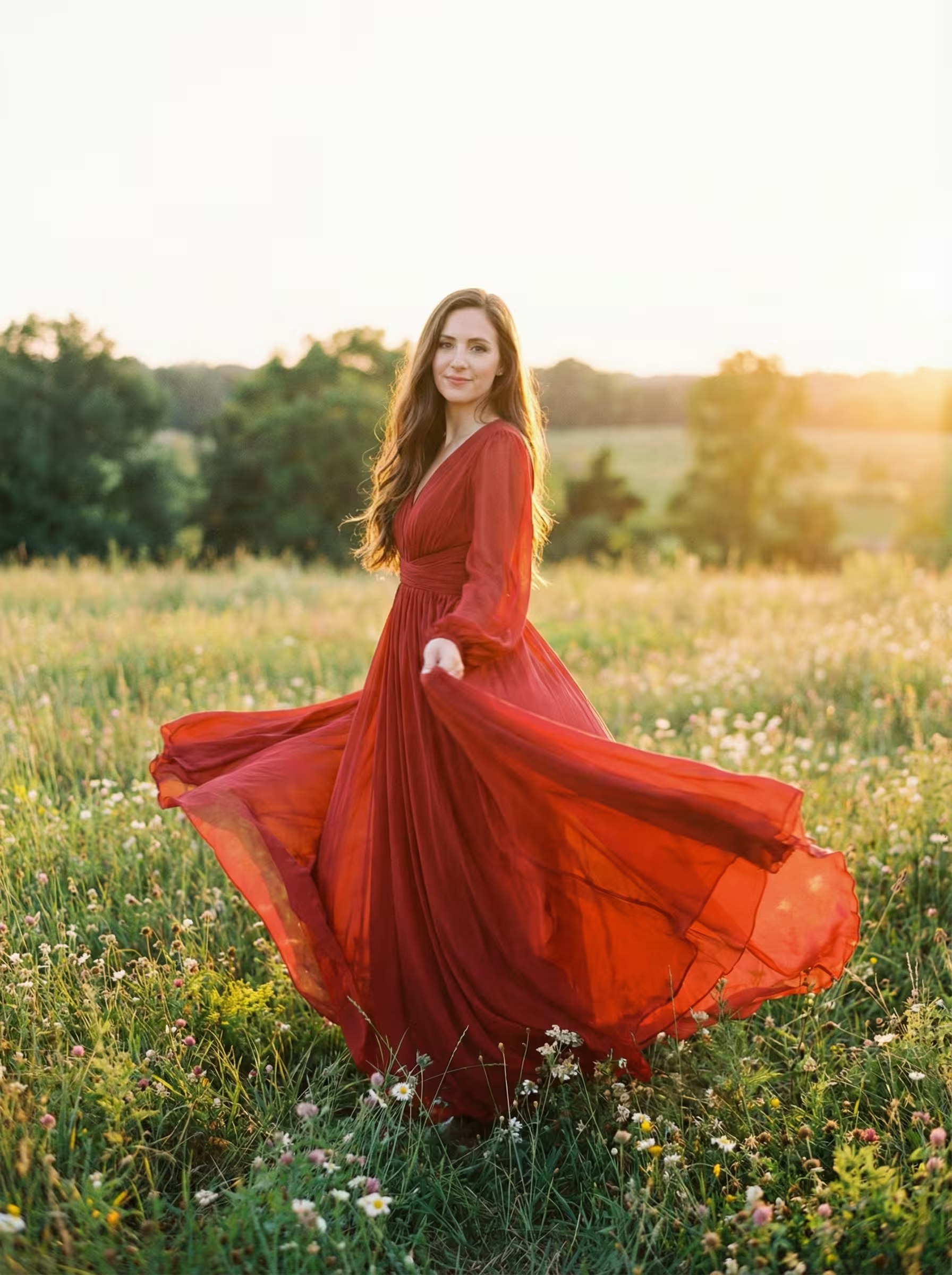
Kling 2.6 Motion
Motion control for Kling 2.6 video generation
Kling O1
Kling O1 with video editing and reference generation
Kling 2.5
Fast and efficient Kling 2.5 turbo video generation
Kling AI
Classic Kling AI video generation with multiple model versions
Consistent Facial Identity from Any Angle
Kling 3.0 Motion Control preserves facial identity across all angles and movements, ensuring the character looks consistent throughout the generated video

Soccer Boy Motion Transfer (With Element)
Complex Emotions, Faithfully Reproduced
Kling 3.0 Motion Control preserves complex emotions during motion transfer, faithfully reproducing subtle facial expressions and emotional nuances in the generated video
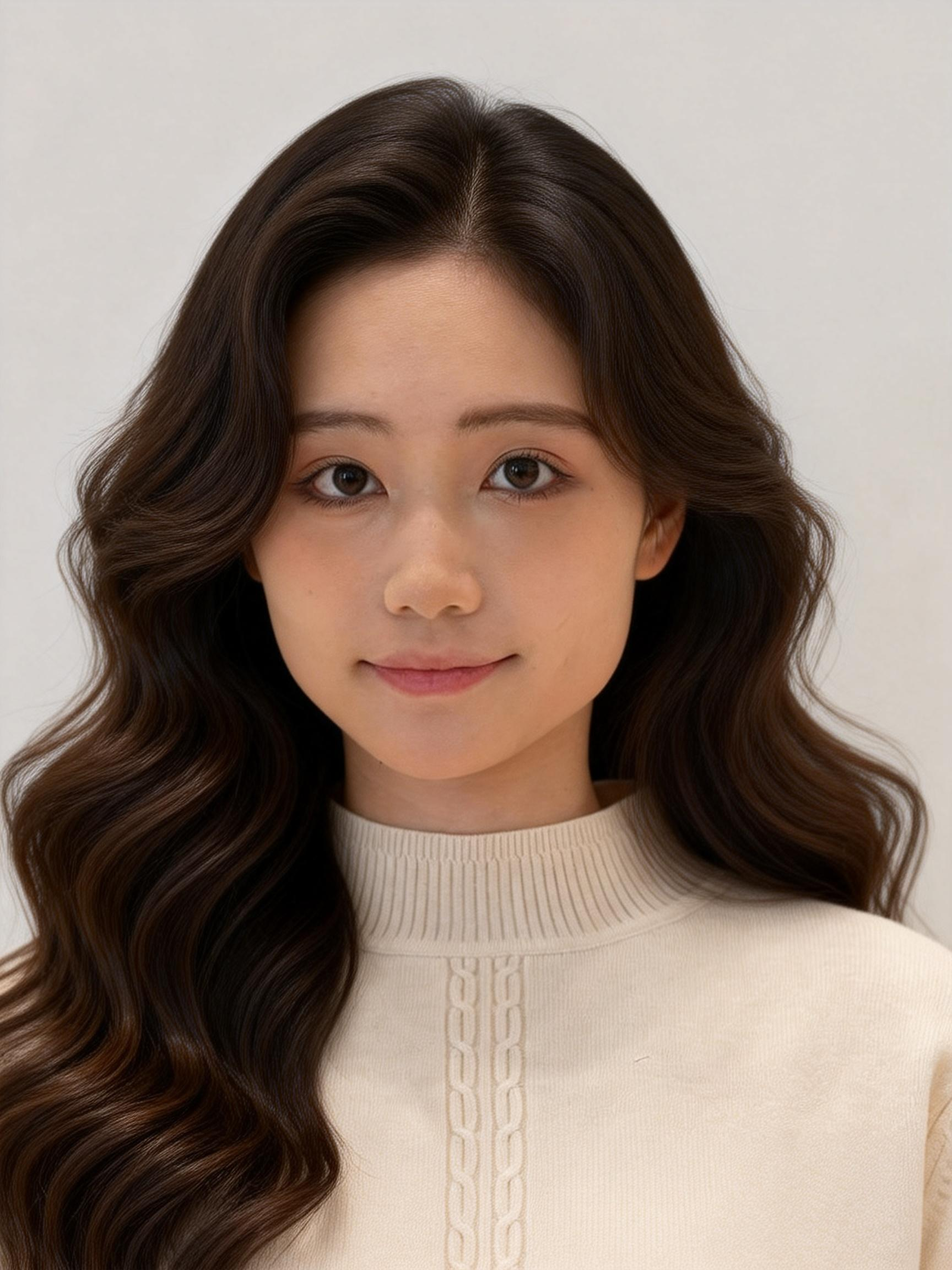
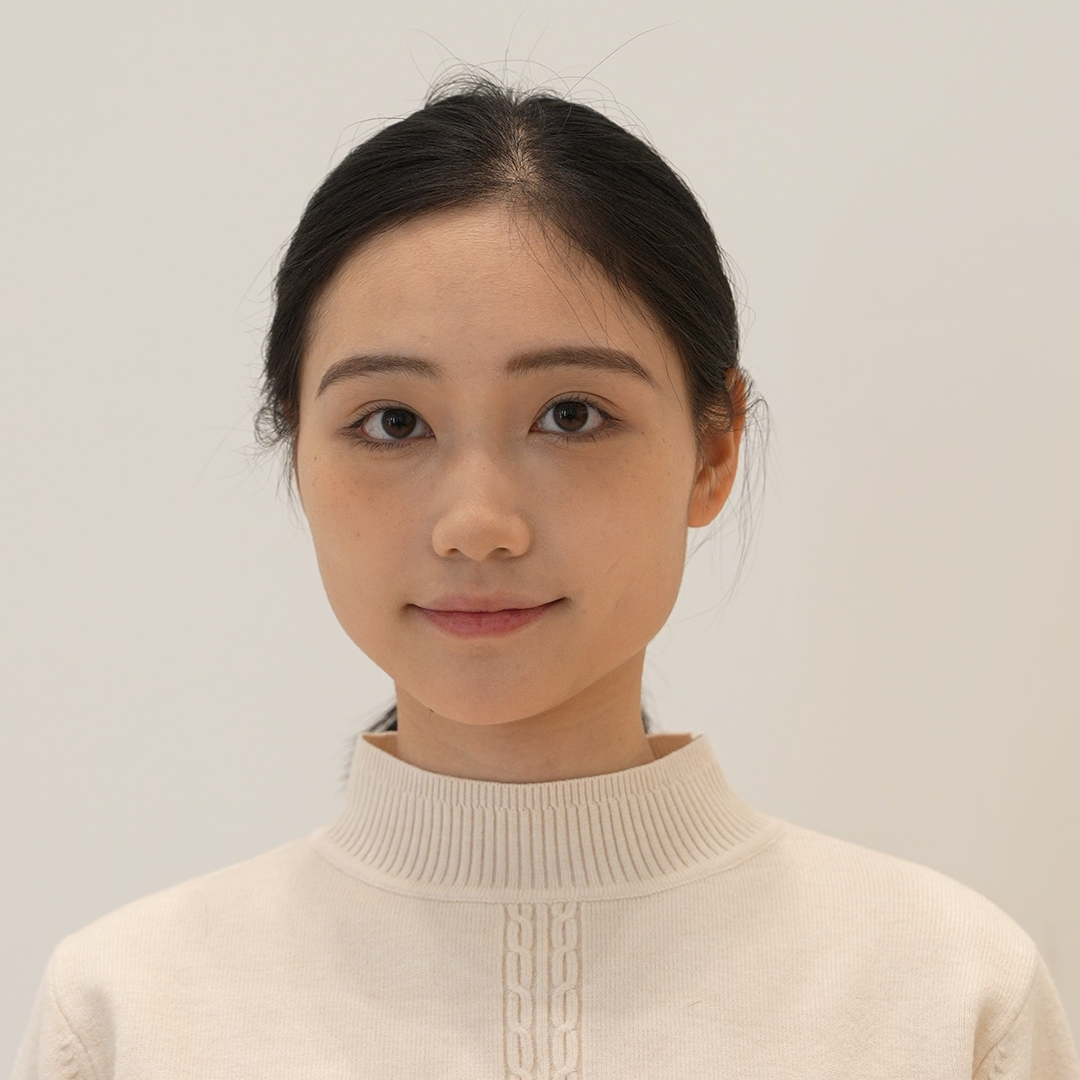
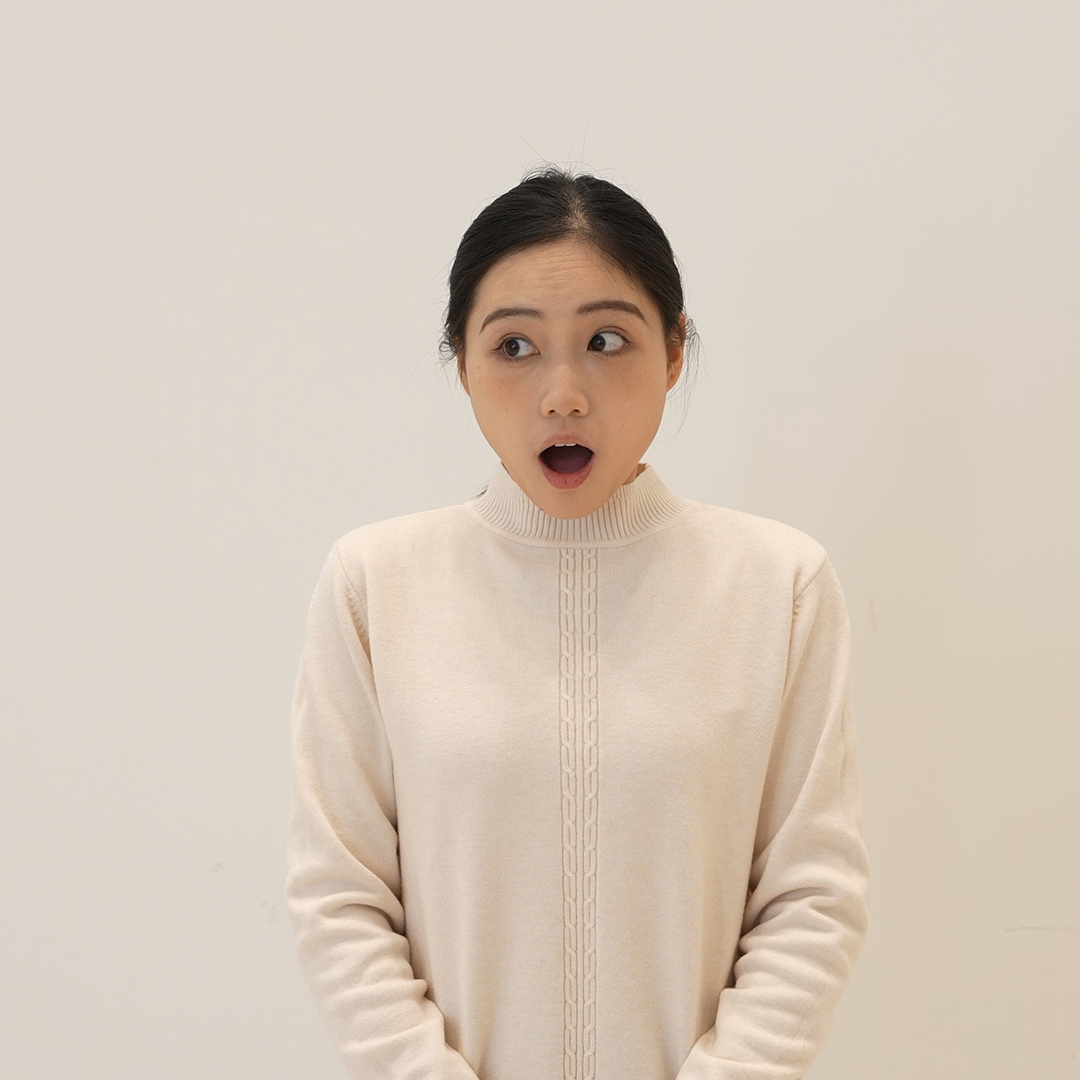
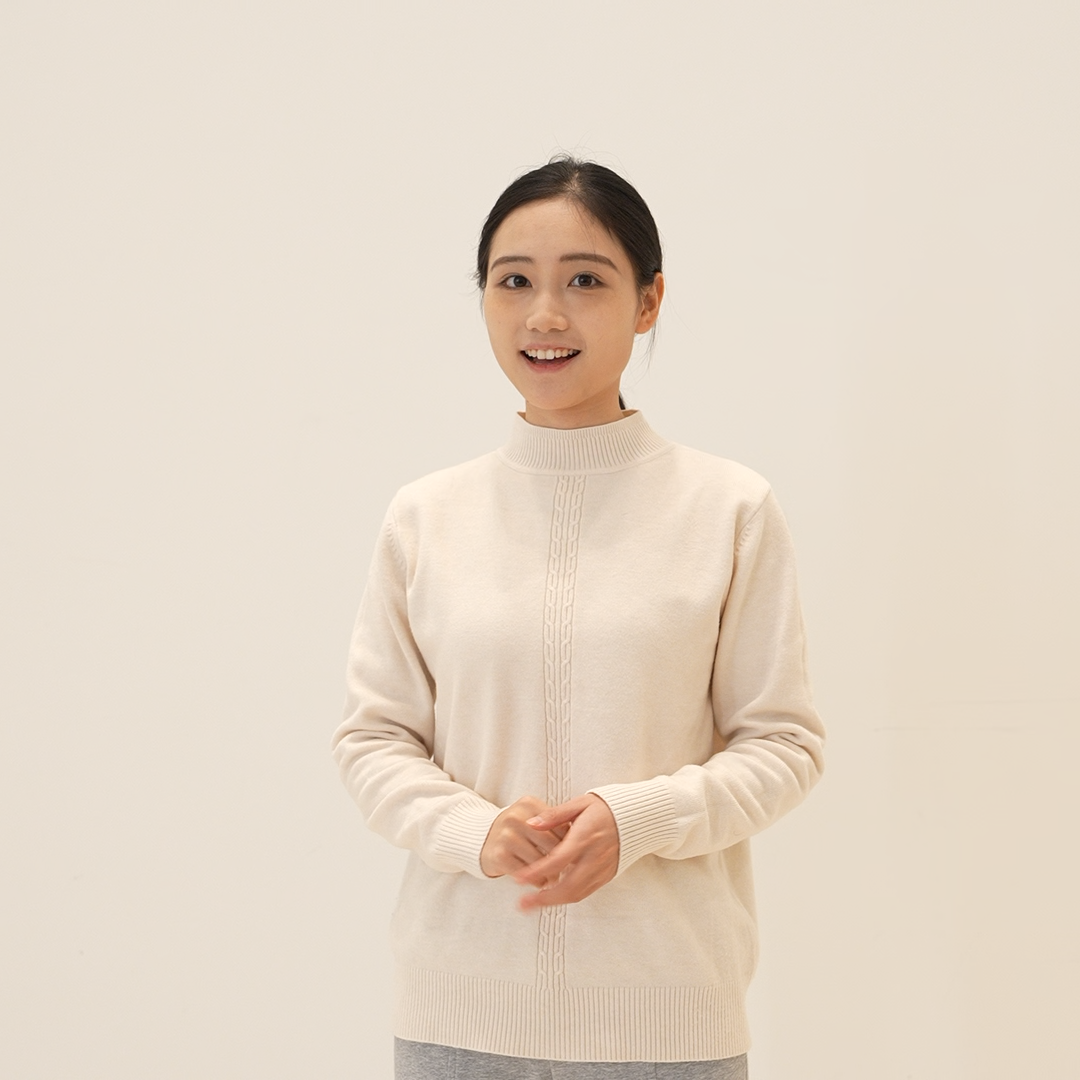
Fresh Girl Emotion Transfer (With Element)
Face Occlusion, High-Fidelity Restoration
Kling 3.0 Motion Control preserves facial identity even when the face is partially occluded by objects such as fans, hands, or accessories, delivering high-fidelity restoration in the generated video

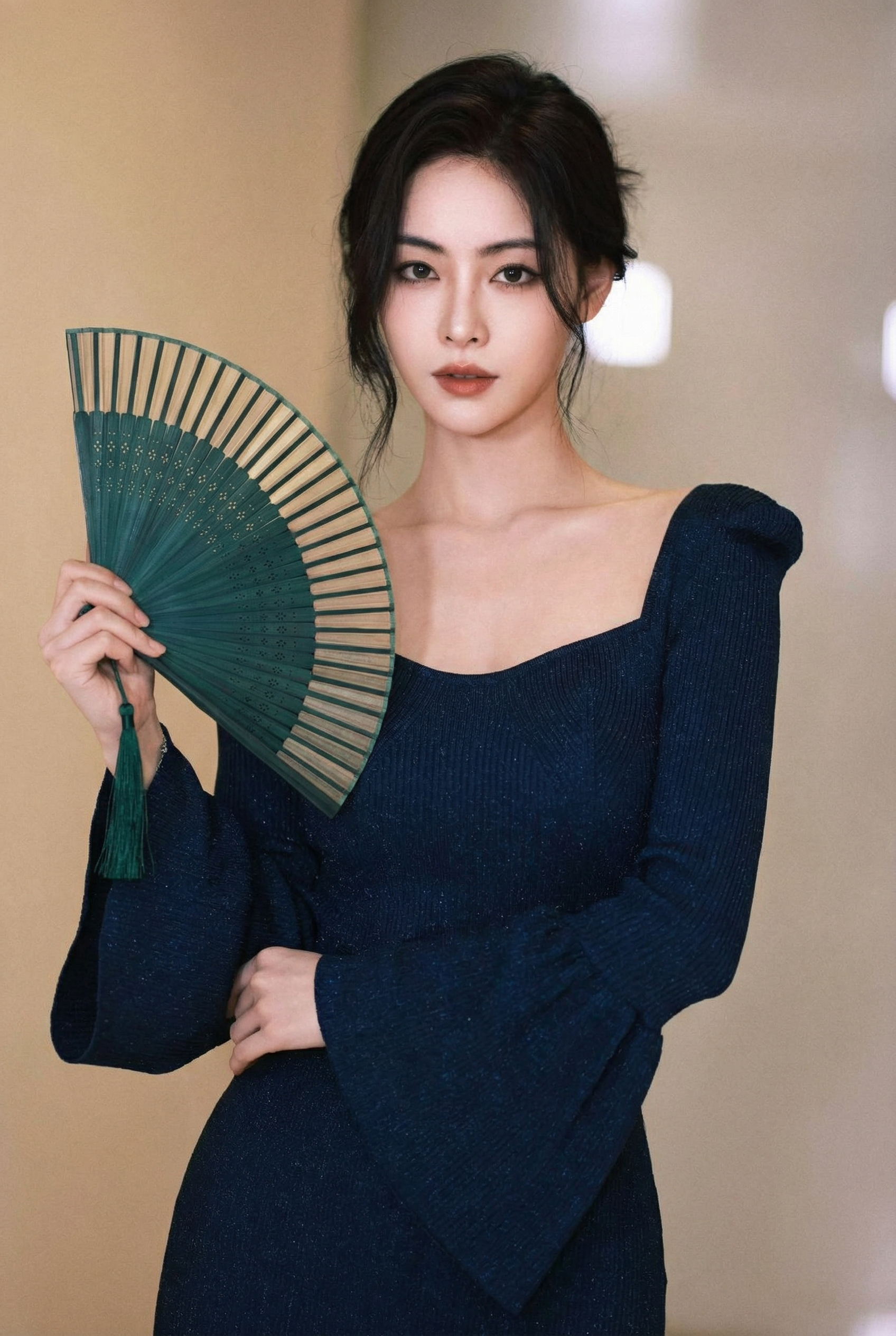

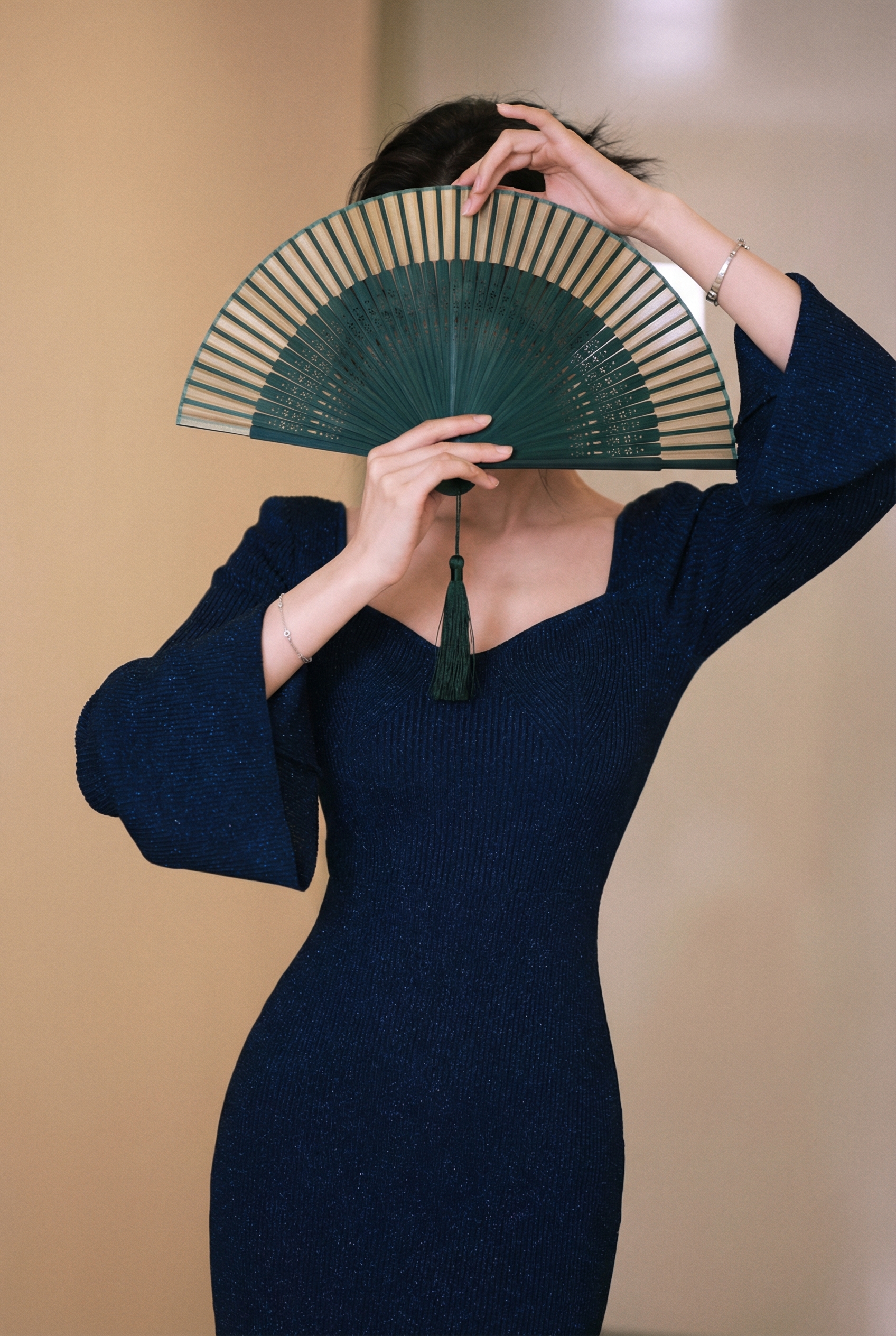
Fan Occlusion Restoration (With Element)
Consistent Facial Clarity Across Dynamic Framing
Kling 3.0 Motion Control maintains sharp, consistent facial details even with dramatic camera movements and changing shot compositions, ensuring clarity throughout dynamic framing
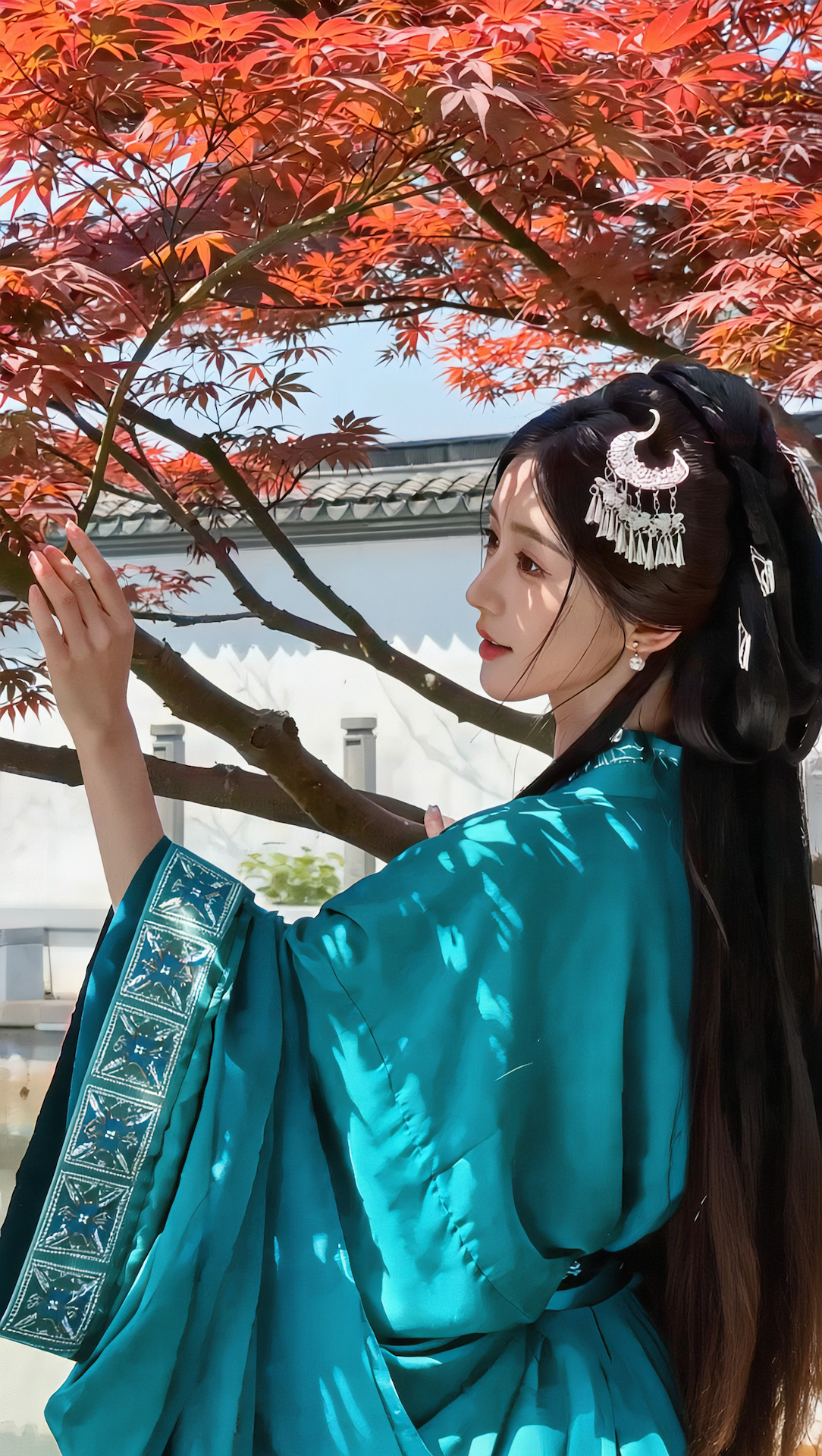
Smile Close-up Dynamic Framing (With Element)
What is Kling 3.0 Motion Control?
Advanced AI Motion Transfer Technology from Kuaishou
- MotionTransfer
- 1080pResolution
- 30sMax Duration
- AudioPreservation
Kling 3.0 Motion Control is a specialized AI model enabling motion transfer from reference videos to static images with realistic animation results.
Kling 3.0 Motion Control Features
Discover powerful motion transfer technology that brings your still images to life with professional-grade animation
- 01
Motion Transfer Technology
Advanced AI extracts motion patterns from reference videos and applies them to your still images. Dance moves, actions, and gestures are precisely captured and transferred to create natural-looking character animations.
- 02
Dual Reference Input System
Upload both a character image and a motion reference video. The model analyzes the reference video's movements while preserving your character's appearance, creating a seamless fusion of identity and motion.
- 03
Character Orientation Control
Choose whether the output character follows the orientation from your image or the reference video. This flexibility ensures the final animation matches your creative vision for pose and direction.
- 04
Standard and Pro Quality Options
Select between Standard quality for faster generation and cost-efficiency, or Pro quality for superior motion accuracy and visual fidelity. Both versions deliver smooth, professional-grade animations.
- 05
Extended Video Duration
Generate videos up to 30 seconds long, allowing for complete dance routines, extended action sequences, and more complex motion performances than typical AI video generators offer.
- 06
Original Audio Preservation
Keep the original sound from your reference video in the generated output. Music, rhythm, and sound effects from dance videos transfer seamlessly to maintain the complete audiovisual experience.
- 07
Prompt Enhancement Support
Add optional text prompts to guide the generation process. Describe specific details or modifications you want to see, giving you additional creative control over the final output.
- 08
Multi-Format Compatibility
Supports popular image formats (PNG, JPEG) and video formats (MP4, MOV) for maximum workflow flexibility. Upload your existing content without format conversion headaches.
- 09
Negative Prompt Control
Use negative prompts to exclude unwanted elements from your generated videos. Specify what you don't want to appear for more precise control over the final result.
- 10
Realistic Motion Physics
The AI understands natural body mechanics and physics, ensuring transferred motions look believable with proper weight distribution, momentum, and timing in the generated animations.
How to Use Kling 3.0 Motion Control
Transfer motion from reference videos to animate still images with professional-grade quality using Kling 3.0 Motion Control
- 01
Upload Your Reference Image
Select a high-quality character image that you want to animate. The image should have a clear, well-defined subject with good lighting and resolution. Portrait images, full-body shots, or character illustrations work best. The model will extract the character and apply motion to it while preserving visual details.
- 02
Upload Motion Reference Video
Provide a video that contains the motion you want to transfer. This can be a dance video, action clip, gesture recording, or any movement sequence. The model will analyze the motion patterns in the video and extract the movement to apply to your character image. Video formats MP4 and MOV are supported.
- 03
Configure Settings and Generate
Set the character orientation to match your source (image or video perspective). Optionally add a text prompt to guide the generation and adjust additional settings. Both versions support 5-30 seconds with per-second pricing. Enable 'Keep Original Sound' to preserve the audio from your reference video.
Kling 3.0 Motion Control YouTube Videos
Watch demonstrations and tutorials showcasing Kling 3.0 Motion Control's powerful motion transfer technology for animating still images
- Kling Motion Control 3.0: Professional Motion Capture, Reimagined! - Kling AI
- This Is How To Use Kling 3.0 Like A PRO (The Only Guide You Need) - Sebastien Jefferies
- Kling 3.0 - Multi Shot Mode | Magnific Academy Tutorial - Magnific
- AI Video Just Leveled Up | Kling Motion Control 3.0 on WaveSpeedAI 🚀 - WaveSpeedAI
- Kling 3.0 Review: Realism, Camera Moves, and Emotion Tested - Higgsfield AI
Kling 3.0 Motion Control YouTube Videos
Watch demonstrations and tutorials showcasing Kling 3.0 Motion Control's powerful motion transfer technology for animating still images
Kling 3.0 Motion Control Popular Reviews on X
See what people are saying about Kling 3.0 Motion Control on X (Twitter)
AI Pricing Plans
Flexible AI Pricing
Pay-as-you-go credits or subscription plans. No hidden fees, cancel anytime.
One Time supports crypto payment (BTC, USDT, ETH, 350+) · Monthly billing
Free-One Time
Try before you buy
- Up to 3 videos
- Up to 32 images
- Multi-Model Support
- Text to Video
- Image to Video
- Video to Video
Show more (+11)
- Consistent Character
- AI Animation Generator
- Templates & Effects
- AI Video Enhancers
- Interactive Community
- Faster Generation Speed
- No-watermark Outputs
- More Camera Movement
- Private Video Visibility
- Copy Protection
- Priority Support
Pro-1 Month
PopularElevate your AI experience
- Up to 80 videos
- Up to 800 images
- 3 tasks(Parallel Tasks)
- Multi-Model Support
- Text to Video
- Image to Video
Show more (+12)
- Video to Video
- Consistent Character
- AI Animation Generator
- Templates & Effects
- AI Video Enhancers
- Interactive Community
- Faster Generation Speed
- No-watermark Outputs
- More Camera Movement
- Private Video Visibility
- Copy Protection
- Priority Support
Lite-1 Month
Start your AI journey
- Up to 30 videos
- Up to 300 images
- 3 tasks(Parallel Tasks)
- Multi-Model Support
- Text to Video
- Image to Video
Show more (+12)
- Video to Video
- Consistent Character
- AI Animation Generator
- Templates & Effects
- AI Video Enhancers
- Interactive Community
- Faster Generation Speed
- No-watermark Outputs
- More Camera Movement
- Private Video Visibility
- Copy Protection
- Priority Support
- Card
- Crypto accepted (BTC, USDT, ETH, 350+)
Kling 3.0 Motion Control Frequently Asked Questions
Still have questions?