











AI Nail Art Try-On
Upload your hand photo and preview how any nail art design looks on your nails. Realistic virtual try-on with natural blending. See before you salon.
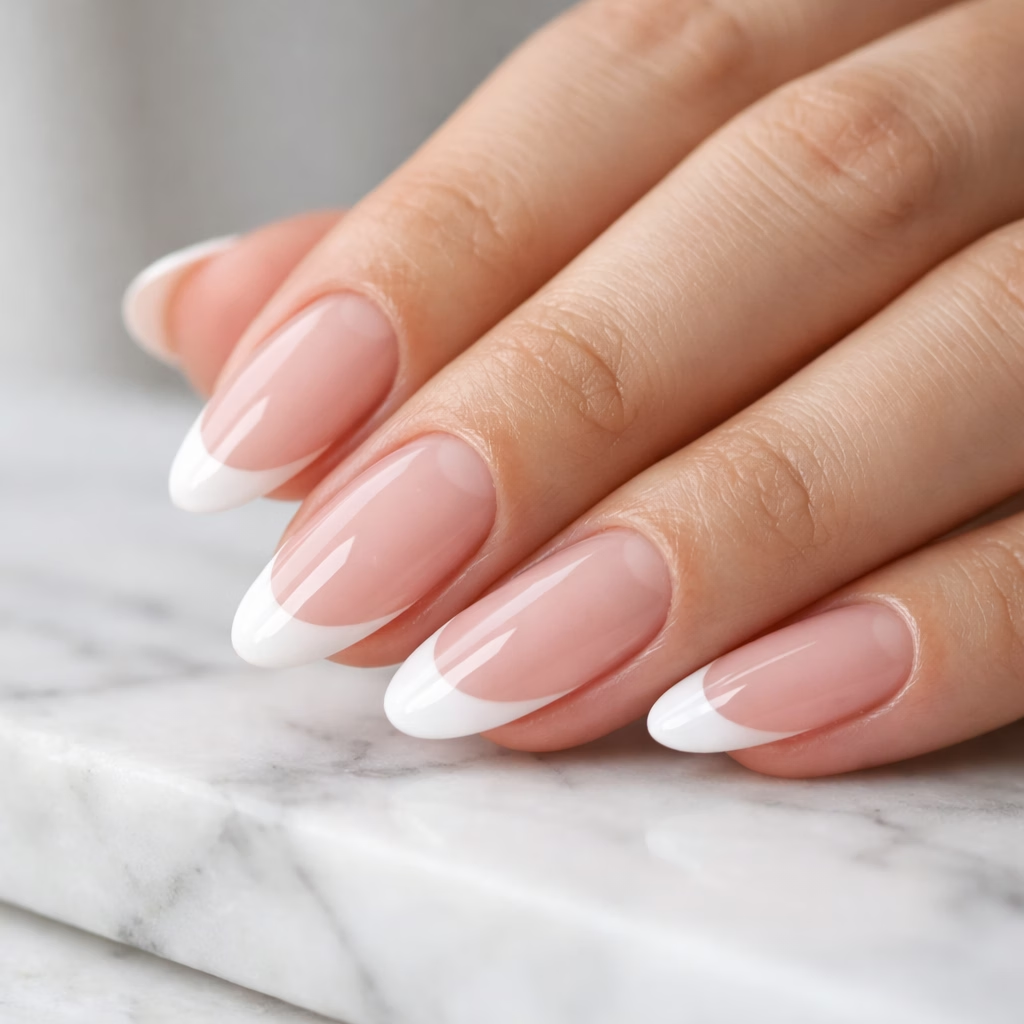
AI Nail Art Try-On Gallery
See how AI applies nail art designs onto real hand photos. Compare original hands with manicure results across different styles.
French Tips Try-On
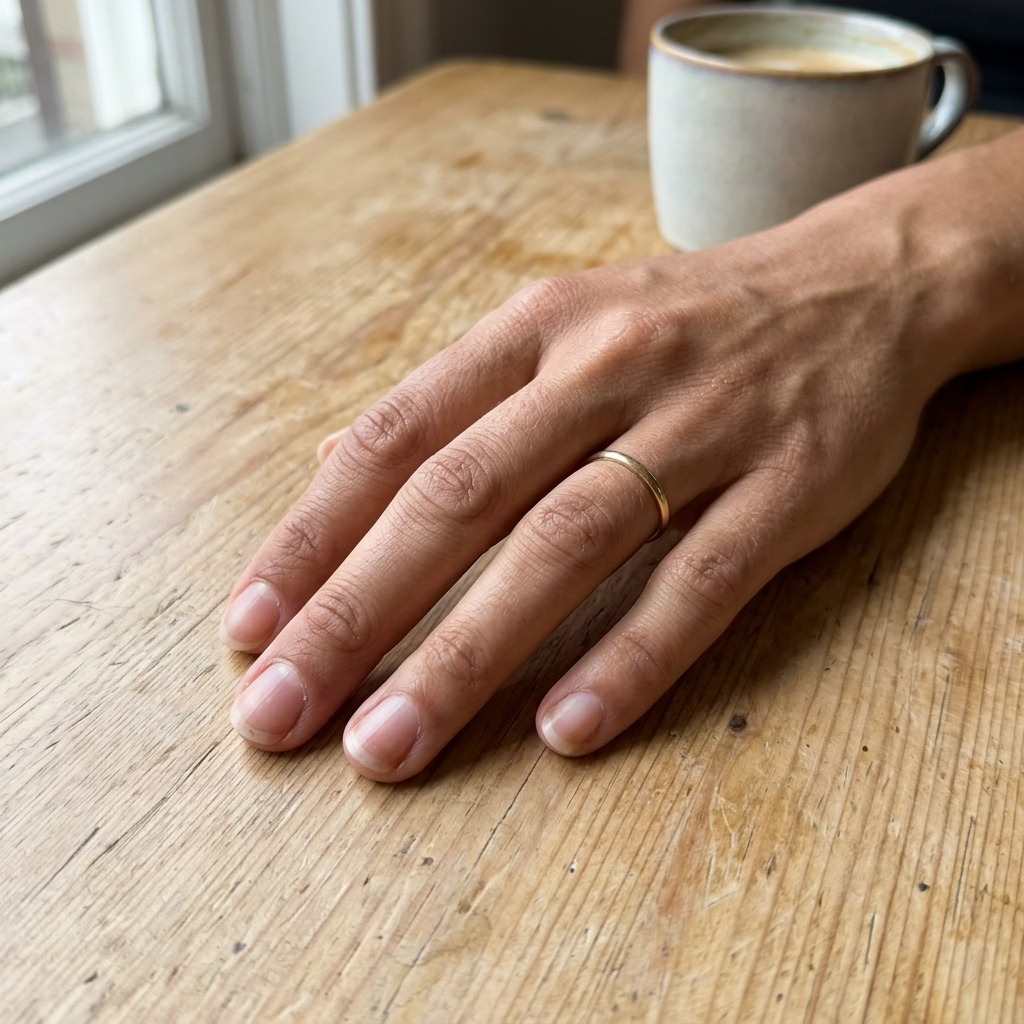
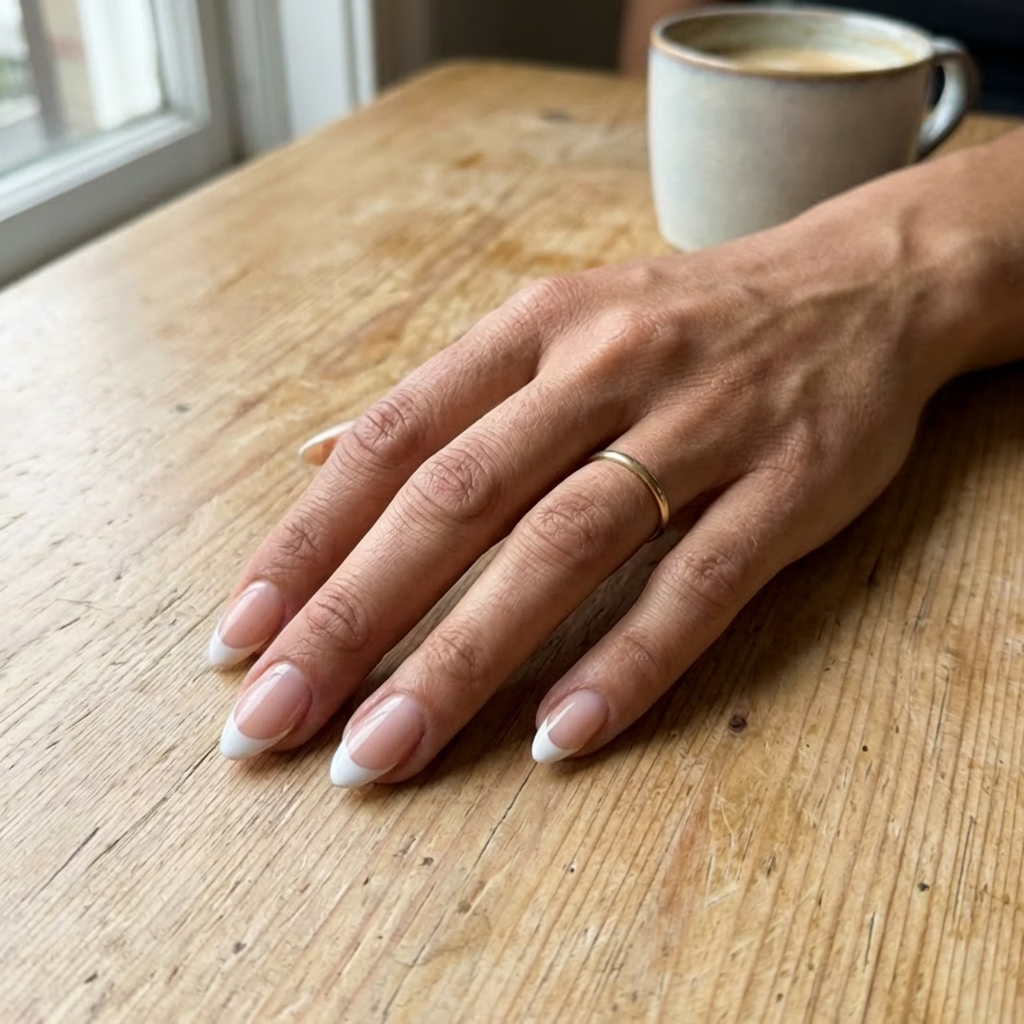
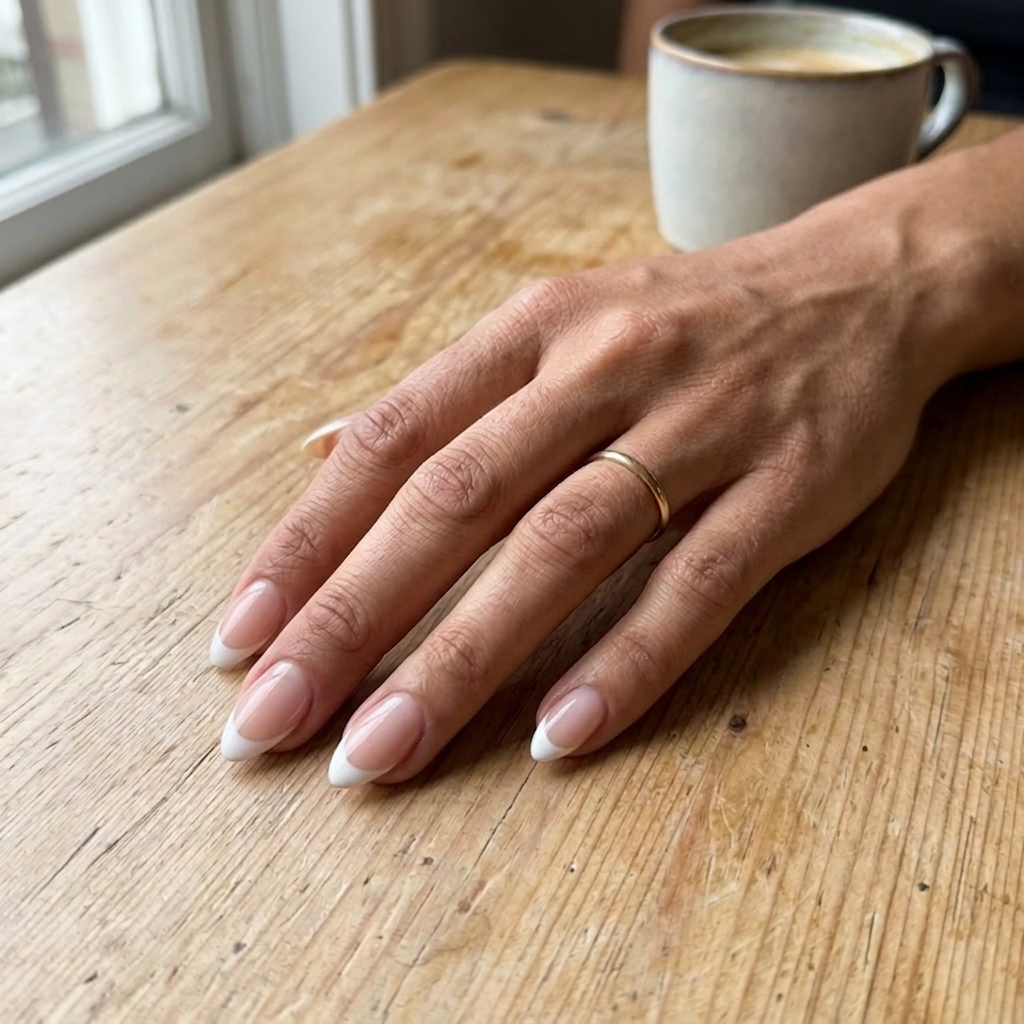
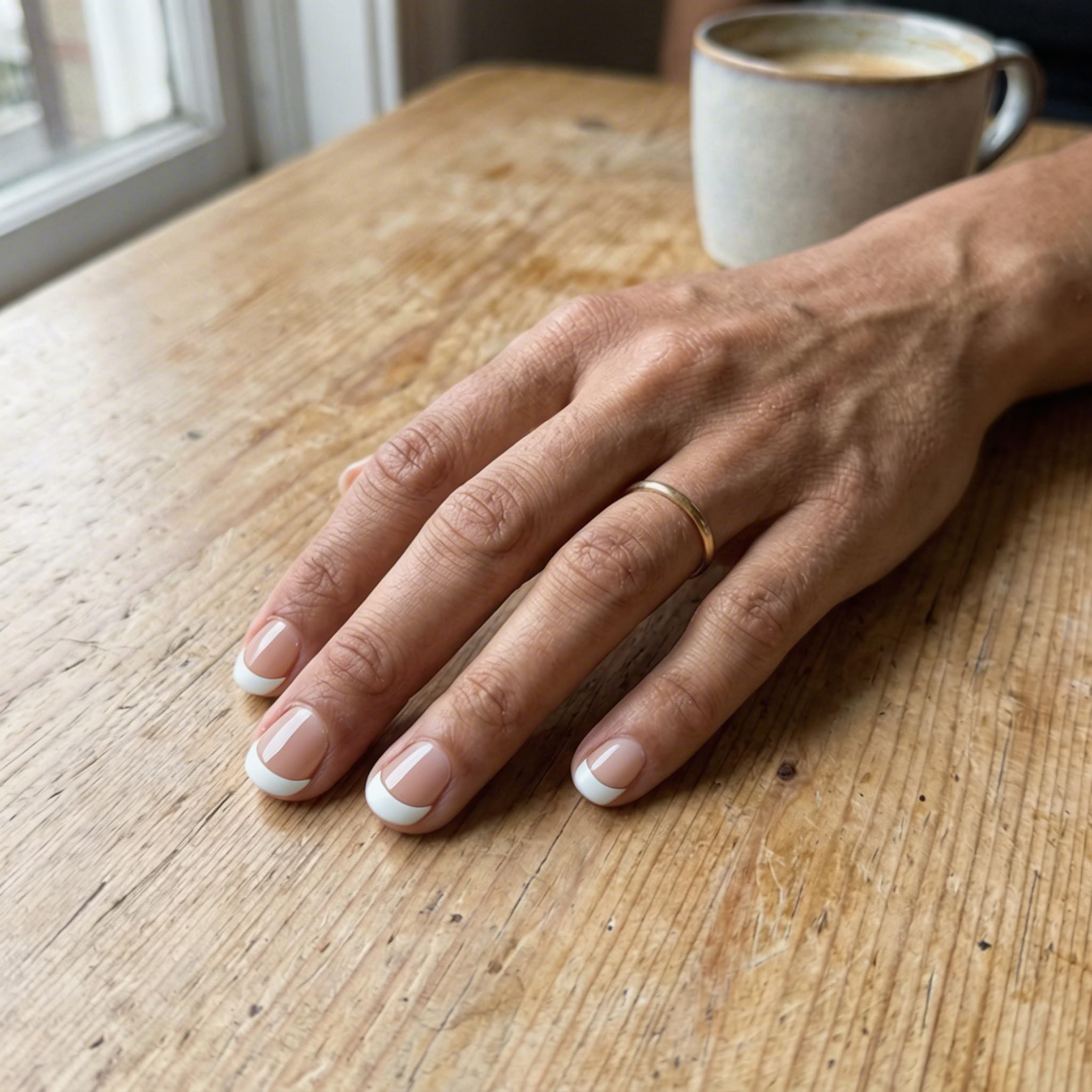
Classic French tip manicure applied to bare natural nails
AI Nail Art Try-On Features
See how any nail art design will look on your own hands before you sit in the salon chair. Dreamega's AI Nail Art Try-On maps designs onto your real hand photo with realistic shape, lighting, and skin tone — so you can decide with confidence.
- Feature 01 / 05
Preview on Your Own Hand Photo
Unlike standalone design generators, this is a true virtual try-on. Upload a photo of your actual hand and see the nail art rendered onto your real fingers — your skin tone, your nail shape, your perspective — for an honest preview of how the look will sit on you.
- Feature 02 / 05
Realistic Nail-Shape Adaptation
The AI detects each nail individually and adapts the design to its true shape, length, and curvature. French tips, ombre gradients, and 3D embellishments wrap naturally around almond, square, oval, and stiletto nails — no flat stickers, no awkward edges.
- Feature 03 / 05
Lighting and Skin Tone Matched
Glossy, matte, chrome, holographic — every finish is rendered in the exact lighting of your photo, with shadows and reflections that match your skin. The result blends so seamlessly it looks like you already had the manicure done.
- Feature 04 / 05
Decide Before You Book the Salon
Save hours of indecision and avoid regret. Try on five different designs in minutes, screenshot your favorites, and walk into your appointment with a clear reference image for your nail technician — no more guessing from Pinterest boards.
- Feature 05 / 05
Try Any Design You Find
Bring a screenshot from Instagram, a photo from a salon menu, or a design generated with our AI Nail Art Generator — anything goes. The try-on transfers the colors, patterns, and finish of the reference design onto your nails so you can compare looks side by side.
How to Use AI Nail Art Try-On
Preview nail art on your hands in four simple steps
Upload Nail Design Image
Upload the nail art design you want to preview. This can be a design you created, downloaded, or generated with our AI Nail Art Generator. Supported formats include JPEG and PNG.
Upload Hand Photo (Optional)
Optionally upload a photo of your hand where you want the nail art applied. If no hand photo is provided, the AI will generate a realistic hand preview automatically.
Customize & Select Model
Adjust settings and select the AI model for generating your try-on preview. Different models offer varying levels of realism and detail to suit your needs.
Generate & Preview
Click generate to see a realistic preview of how the nail art will look on your nails. The AI blends the design naturally with your skin tone, nail shape, and lighting for a lifelike result.
AI Nail Art Try-On FAQ
Flexible AI Pricing
Pay-as-you-go credits or subscription plans. No hidden fees, cancel anytime.
One Time supports crypto payment (BTC, USDT, ETH, 350+)
Monthly billing