









🎨 Seedream 5.0 Pro — ByteDance's flagship image model: up to 2K, best-in-class typography & multi-reference editing!


ID Photo Series
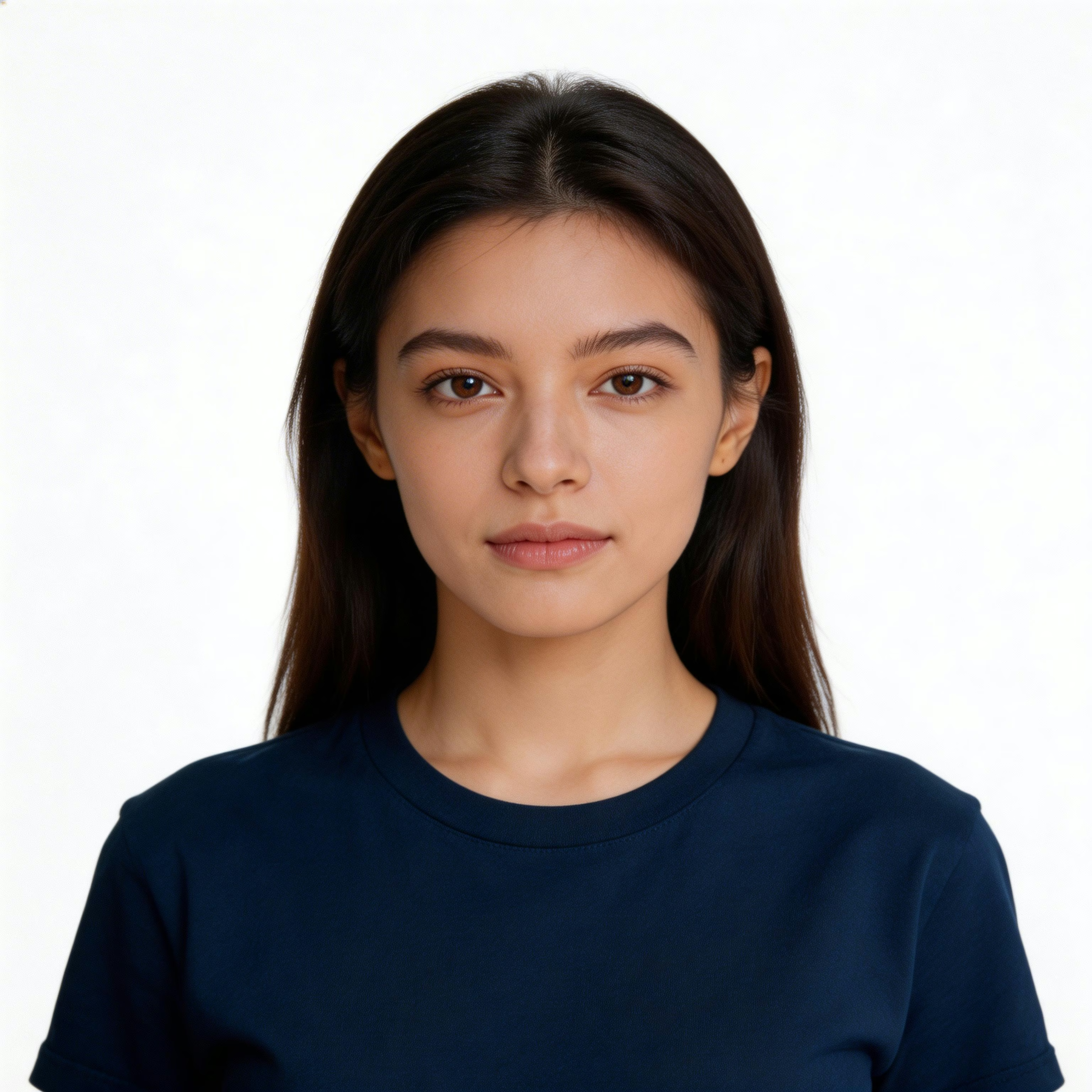


AI ID Photo Generator — Before & After
See how AI transforms everyday photos into professional ID photos. From casual selfies to passport-ready portraits in seconds.
Tourist Selfie → CN 1-inch 25×35mm
CN 1-inch 25×35mm · Head 65% · 5R (5×7") — 6×3 = 18 photos
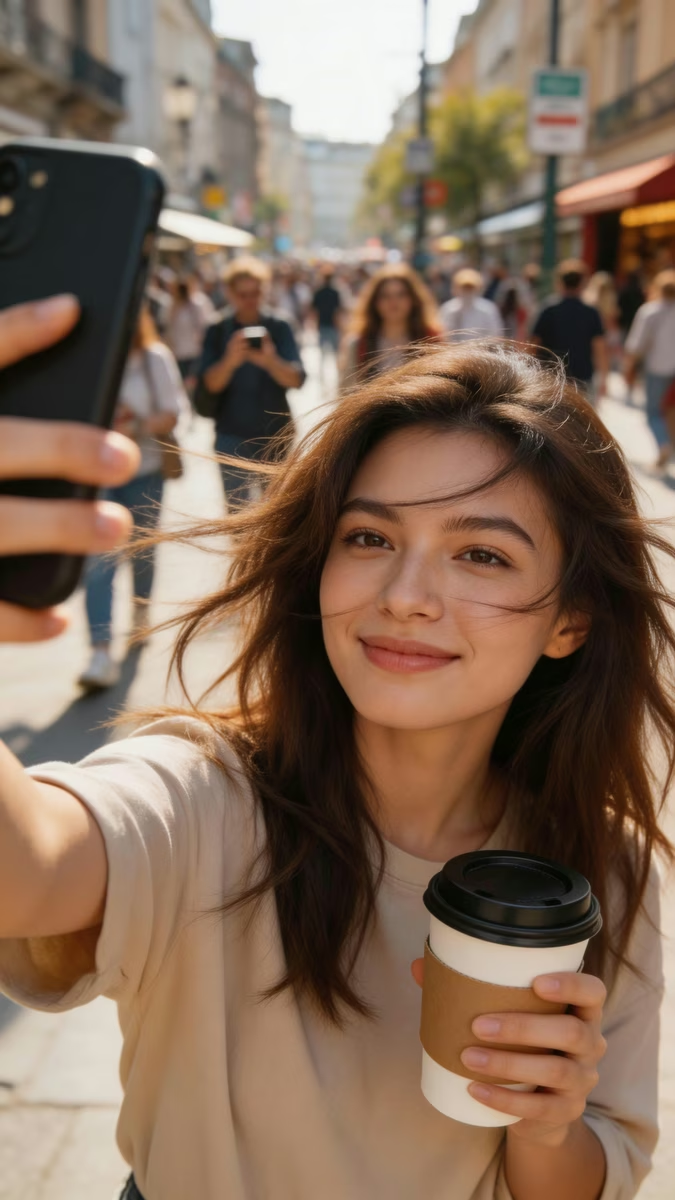
Upload Photo
Original photo uploaded by user

AI Enhancement
Background removal, hair cleanup, clothing adjustment
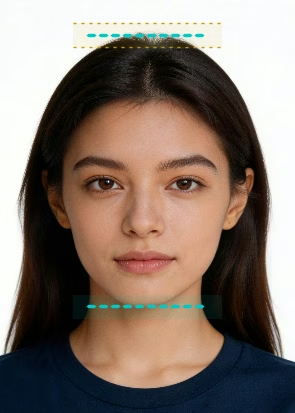
Smart Crop
Auto-fit to CN 1-inch 25×35mm — head 60-71%
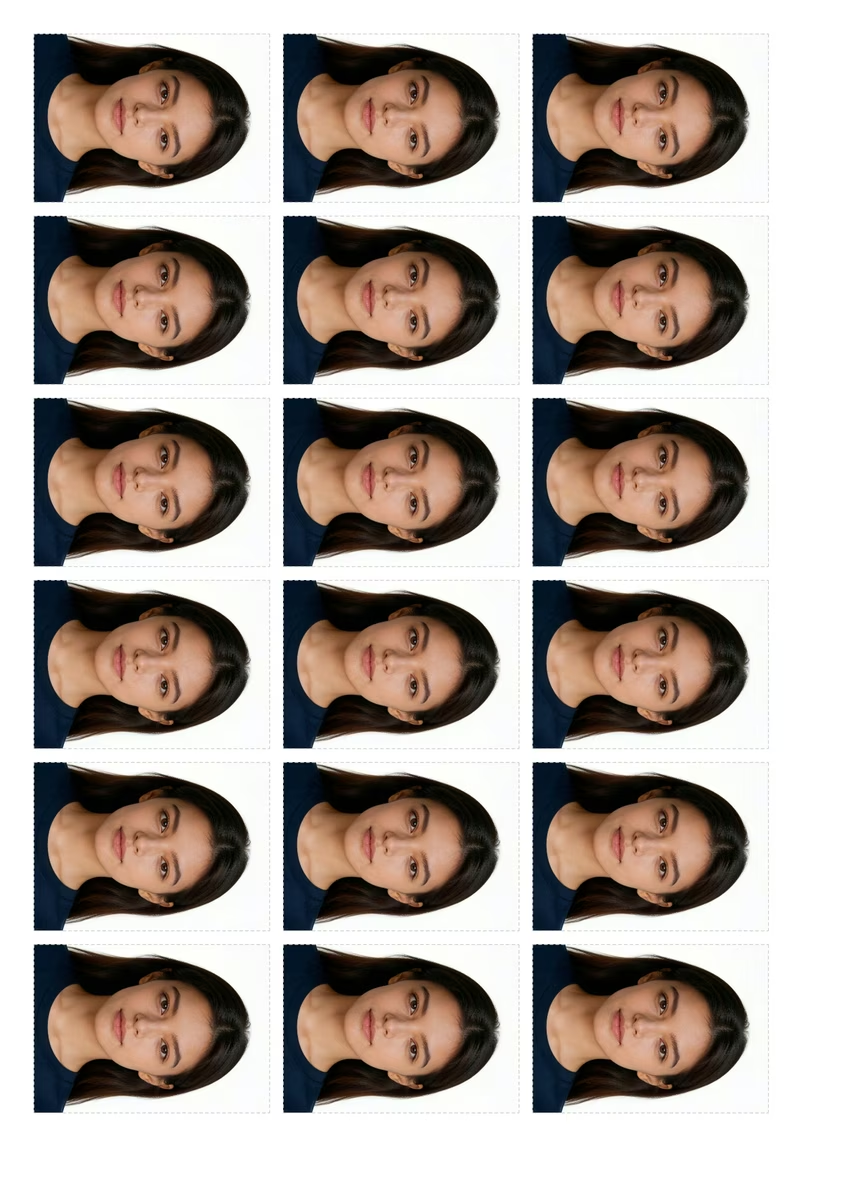
Print Layout
5R (5×7") — 6×3 = 18 photos
What's ID Photo Print Layout Tool
Arrange multiple ID photos on a printable sheet with cut guides - free, precise, and print-ready
- MultiPhoto Layout
- CutGuide Lines
- 300 DPIPrint Quality
- FreeNo Sign-up
ID Photo Print Layout Tool arranges multiple copies of your ID photo onto a standard paper size sheet (A4, 4x6, etc.) with precise cut guides at 300 DPI, ready for home or professional printing.
ID Photo Print Layout Features
Arrange and print ID photos on standard paper sizes at home
- 01
Auto Layout
Automatically arrange multiple ID photos on a single sheet to minimize paper waste
- 02
Multiple Paper Sizes
Support for 4R, 5R, 6R, A4, A5, Letter, and other standard paper sizes
- 03
Cut Lines
Printed cut guides and alignment marks for easy and precise trimming
- 04
Batch Copies
Set the number of copies per sheet — print 4, 6, 8, or more photos at once
- 05
300 DPI Output
Export at 300 DPI resolution for sharp, professional-quality prints
- 06
Home Printing
Print directly on your home printer or save as PDF for professional print shops




ID Photo Print Frequently Asked Questions
Still have questions?
AI Pricing Plans
Flexible AI Pricing
Pay-as-you-go credits or subscription plans. No hidden fees, cancel anytime.
One Time supports crypto payment (BTC, USDT, ETH, 350+) · Monthly billing
Free-One Time
Try before you buy
- Up to 3 videos
- Up to 32 images
- Multi-Model Support
- Text to Video
- Image to Video
- Video to Video
Show more (+11)
- Consistent Character
- AI Animation Generator
- Templates & Effects
- AI Video Enhancers
- Interactive Community
- Faster Generation Speed
- No-watermark Outputs
- More Camera Movement
- Private Video Visibility
- Copy Protection
- Priority Support
Pro-1 Month
PopularElevate your AI experience
- Up to 80 videos
- Up to 800 images
- 3 tasks(Parallel Tasks)
- Multi-Model Support
- Text to Video
- Image to Video
Show more (+12)
- Video to Video
- Consistent Character
- AI Animation Generator
- Templates & Effects
- AI Video Enhancers
- Interactive Community
- Faster Generation Speed
- No-watermark Outputs
- More Camera Movement
- Private Video Visibility
- Copy Protection
- Priority Support
Lite-1 Month
Start your AI journey
- Up to 30 videos
- Up to 300 images
- 3 tasks(Parallel Tasks)
- Multi-Model Support
- Text to Video
- Image to Video
Show more (+12)
- Video to Video
- Consistent Character
- AI Animation Generator
- Templates & Effects
- AI Video Enhancers
- Interactive Community
- Faster Generation Speed
- No-watermark Outputs
- More Camera Movement
- Private Video Visibility
- Copy Protection
- Priority Support
- Card
- Crypto accepted (BTC, USDT, ETH, 350+)