









🎨 Seedream 5.0 Pro — ByteDance's flagship image model: up to 2K, best-in-class typography & multi-reference editing!


Free GPT Image 2.5 Generator - Flare for Speed, Sunburst for Precision Editing
GPT Image 2.5 is OpenAI's image family released on 8 September 2026, and Dreamega gives you both API models in one place. Flare is OpenAI's default choice for most applications — the speed-optimised tier that runs at 50% lower latency than GPT Image 2, ideal for social content, product imagery, visual search and high-volume generation. Sunburst is the quality-optimised tier, built for premium workflows that need tighter control across edits, such as campaign creative and polished product shots. Both generate from text and edit existing images, support mask-guided inpainting, add the new xhigh and max quality tiers, and output up to 4K. No watermark, unlimited generations.
GPT Image Model Series
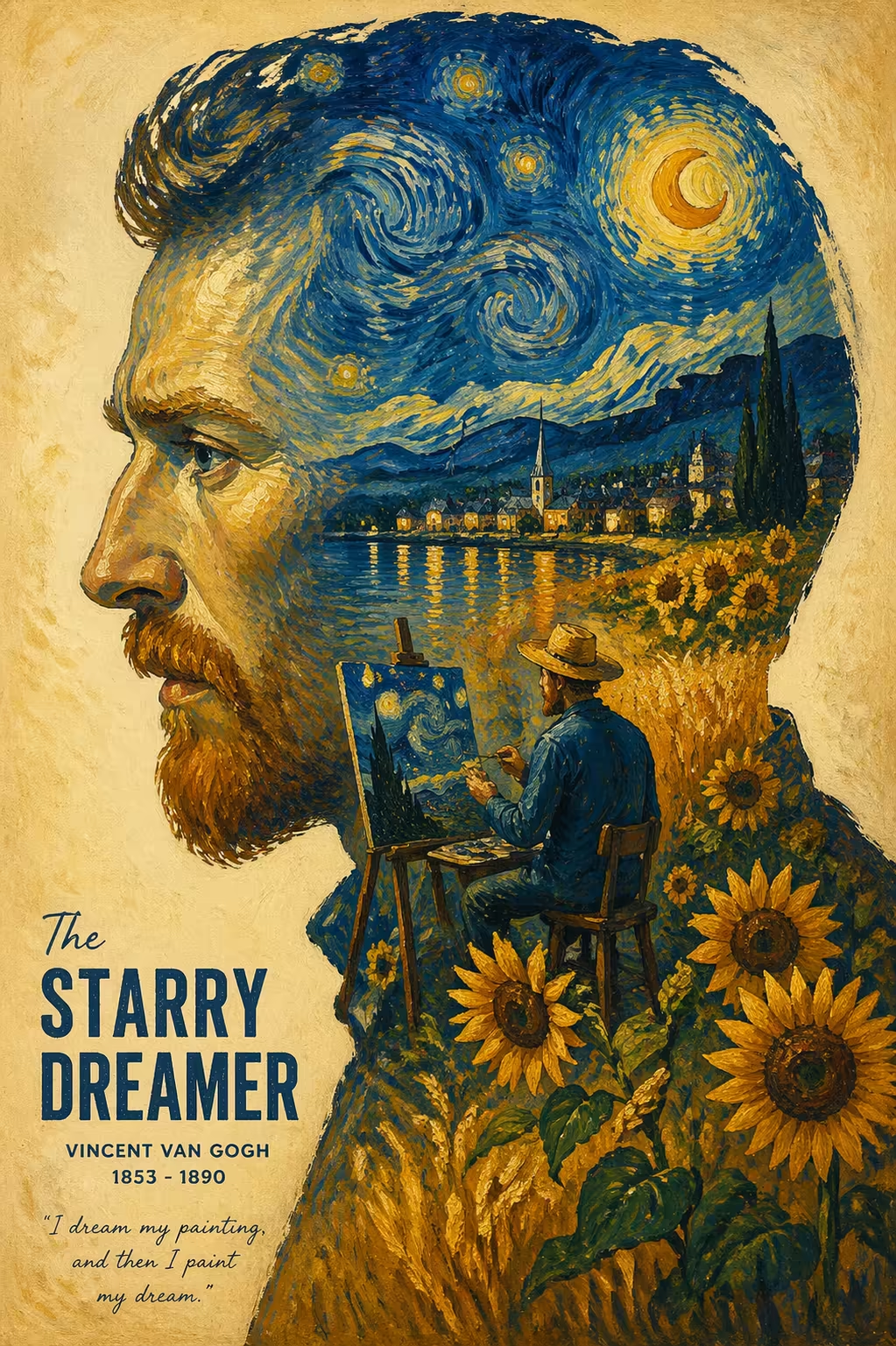
GPT Image 2
Industry-leading 99% text rendering, multi-image generation and precision editing
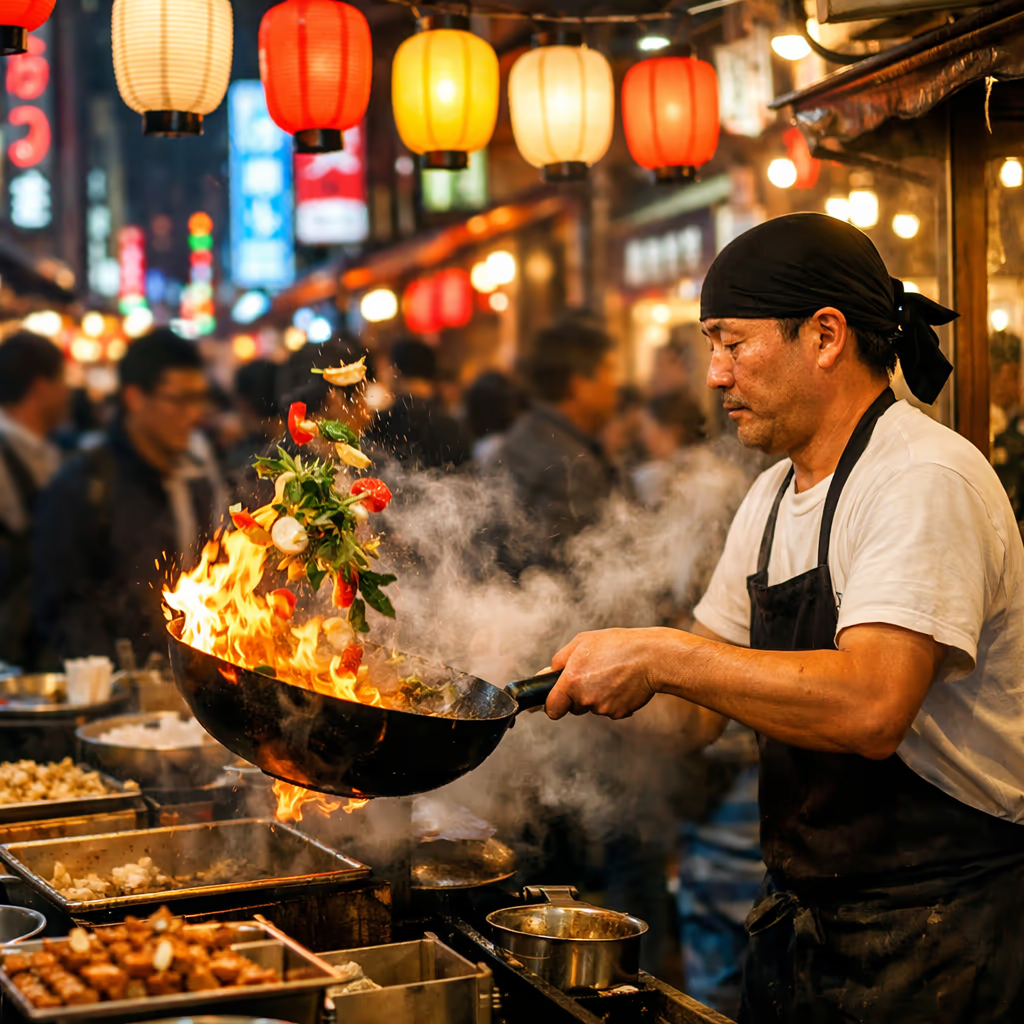
GPT Image 1.5
Latest GPT Image model with enhanced generation quality
GPT-4o Image
GPT-4o powered image generation and editing
AI Image Templates
100+ ready-to-use AI image templates powered by GPT Image 2 and more
GPT Image 2.5 Text to Image Gallery
Every image below was generated with gpt-image-2.5-flare through Dreamega at 2K, straight from the prompt shown. Flare is OpenAI's speed-optimised tier, running at 50% lower latency than GPT Image 2 with the sharper detail and stronger style adherence of the 2.5 generation.

Neon Night Market
Multilingual neon signage rendered cleanly across a rain-washed alley, with photoreal reflections and depth.
“Cinematic wide shot of a rain-washed night market alley, dense hanging signage stacked overhead — glowing signs reading "HARBOUR NOODLE HOUSE", "汤面 · 24H", "ICE BAR", "LOTTERY 彩票" and a vertical banner "第七街夜市" — steam rising from a noodle stall, reflections pooling on the wet cobblestones, teal and magenta neon against warm tungsten, anamorphic flare, 35mm, shallow depth of field”
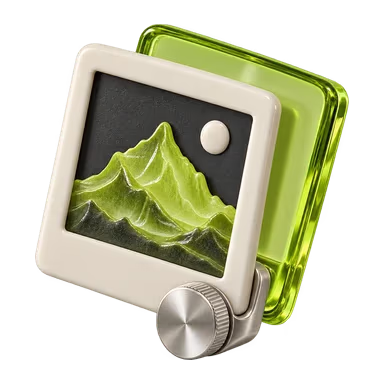
GPT Image 2.5 Image Edit Gallery
Each pair below was edited with gpt-image-2.5-sunburst, the precision tier built for tighter control across edits. One instruction changes one thing — composition, lighting and every untouched pixel stay as they were.


Product Colourway Swap
What's GPT Image 2.5
OpenAI's September 2026 image models — Flare for fast everyday generation, Sunburst for precision editing
- 2API Models
- 50%Lower Latency
- 5Quality Tiers
- 4KMax Resolution
GPT Image 2.5 is OpenAI's image generation and editing family, launched on 8 September 2026 alongside ChatGPT Images 2.5. It ships as two API models: gpt-image-2.5-flare, the default choice for most applications, optimised for speed and running at 50% lower latency than GPT Image 2; and gpt-image-2.5-sunburst, optimised for quality and built for premium visual workflows that benefit from tighter control across edits. Both generate images from text and edit existing ones, support inpainting, and add two new quality tiers — xhigh and max — above the ceiling of earlier GPT Image models.
GPT Image 2.5's Powerful Features
What OpenAI shipped on 8 September 2026 with gpt-image-2.5-flare and gpt-image-2.5-sunburst
- 01
Two Models, One Workflow
Flare handles fast everyday generation while Sunburst handles precision editing. Switch between them on the same prompt without leaving the page or rebuilding your setup.
- 02
50% Lower Latency
Flare is the speed-optimised tier and runs at 50% lower latency than GPT Image 2, which makes it the practical choice for high-volume generation, visual search and rapid prototyping.
- 03
Precision Localized Editing
Sunburst is the precision tier, spending more time per image so campaign creative and polished product shots keep tighter control across every edit you apply.
- 04
Sharper Detail, Stronger Style
GPT Image 2.5 improves on sharpness of fine detail and on how closely output follows a requested style, compared with the GPT Image 2 generation it replaces.
- 05
Mask-Based Inpainting
Both models support inpainting on the image edits endpoint. Supply a mask with an alpha channel to point the model at the region you want redrawn, then describe the change in the prompt.
- 06
Output Up to 4K
Five quality tiers from low to max, square, landscape and portrait presets, plus custom sizes in multiples of 16 from 1:3 to 3:1 and up to 3840 pixels per edge.
- 07
Dependable Text Rendering
Headlines, product labels, signage and interface copy come out legible, so posters, packaging mockups and UI screens are usable without a manual typography pass.
- 08
Consistent Across Edit Turns
Repeated editing turns stay consistent with the reference image, so you can iterate on one asset through several instructions without the subject drifting.




GPT Image 2.5 YouTube Videos
Hands-on demonstrations, comparisons and walkthroughs of OpenAI's GPT Image 2.5 Flare and Sunburst models
- Introducing GPT-Image-2.5 in the API - OpenAI
- Introducing ChatGPT Images 2.5 - OpenAI
- Sketch with ChatGPT Images 2.5 - OpenAI
- Templates with ChatGPT Images 2.5 - OpenAI
- I Tested GPT Image 2 vs New 2.5 (it's not even close) - Brendan Jowett
- GPT-IMAGE 2.5: The New King of AI Images! - Theoretically Media
GPT Image 2.5 YouTube Videos
Hands-on demonstrations, comparisons and walkthroughs of OpenAI's GPT Image 2.5 Flare and Sunburst models
AI Pricing Plans
Flexible AI Pricing
Pay-as-you-go credits or subscription plans. No hidden fees, cancel anytime.
One Time supports crypto payment (BTC, USDT, ETH, 350+) · Monthly billing
Free-One Time
Try before you buy
- Up to 3 videos
- Up to 32 images
- Multi-Model Support
- Text to Video
- Image to Video
- Video to Video
Show more (+11)
- Consistent Character
- AI Animation Generator
- Templates & Effects
- AI Video Enhancers
- Interactive Community
- Faster Generation Speed
- No-watermark Outputs
- More Camera Movement
- Private Video Visibility
- Copy Protection
- Priority Support
Pro-1 Month
PopularElevate your AI experience
- Up to 80 videos
- Up to 800 images
- 3 tasks(Parallel Tasks)
- Multi-Model Support
- Text to Video
- Image to Video
Show more (+12)
- Video to Video
- Consistent Character
- AI Animation Generator
- Templates & Effects
- AI Video Enhancers
- Interactive Community
- Faster Generation Speed
- No-watermark Outputs
- More Camera Movement
- Private Video Visibility
- Copy Protection
- Priority Support
Lite-1 Month
Start your AI journey
- Up to 30 videos
- Up to 300 images
- 3 tasks(Parallel Tasks)
- Multi-Model Support
- Text to Video
- Image to Video
Show more (+12)
- Video to Video
- Consistent Character
- AI Animation Generator
- Templates & Effects
- AI Video Enhancers
- Interactive Community
- Faster Generation Speed
- No-watermark Outputs
- More Camera Movement
- Private Video Visibility
- Copy Protection
- Priority Support
- Card
- Crypto accepted (BTC, USDT, ETH, 350+)
Frequently Asked Questions
Common questions about GPT Image 2.5 generation and editing
Still have questions?