


🎨 Seedream 5.5 — ByteDance's newest image model: native transparent backgrounds, up to 2K & editing with up to 10 references!


PixVerse V6 Multi-Shot AI Video Generator with Native Audio
Create professional multi-shot videos up to 15 seconds in 1080p with PixVerse V6. Featuring native audio-visual generation, improved camera control, consistent character emotions across scenes, realistic physics simulation, and multilingual text overlay support. Generate seamless text-to-video and image-to-video content with cinematic multi-shot storytelling.
PixVerse Model Series
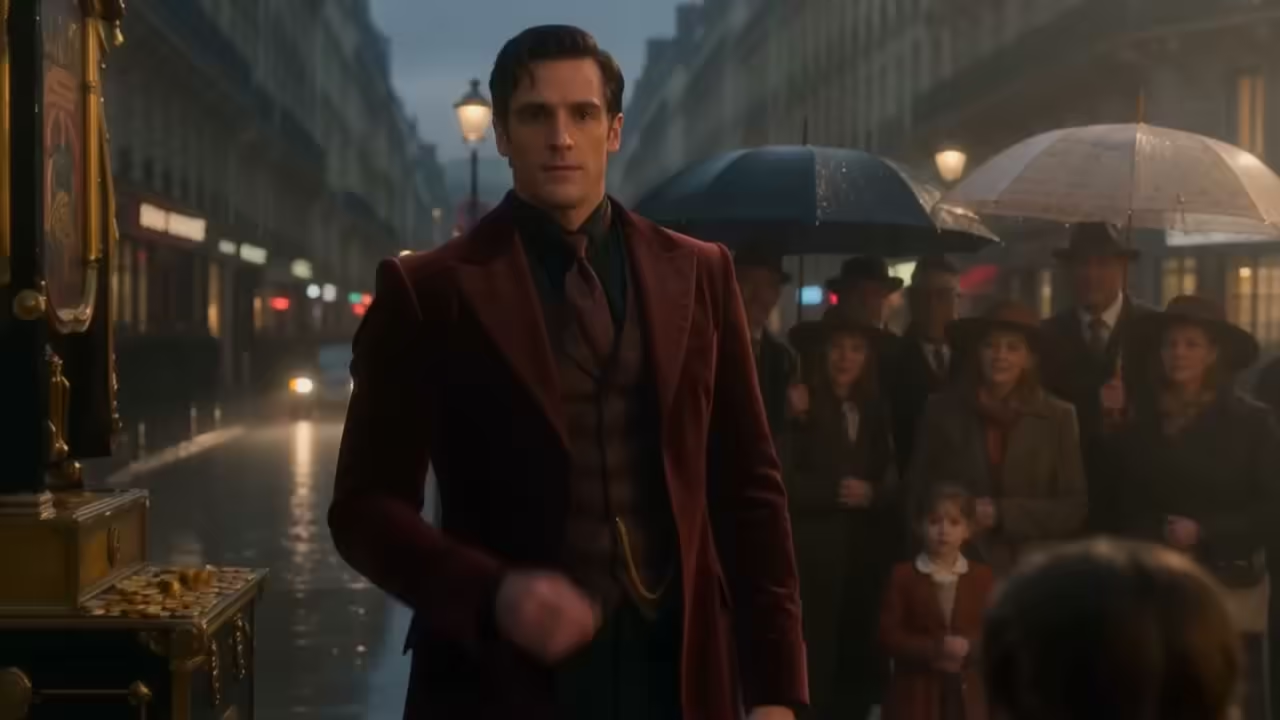
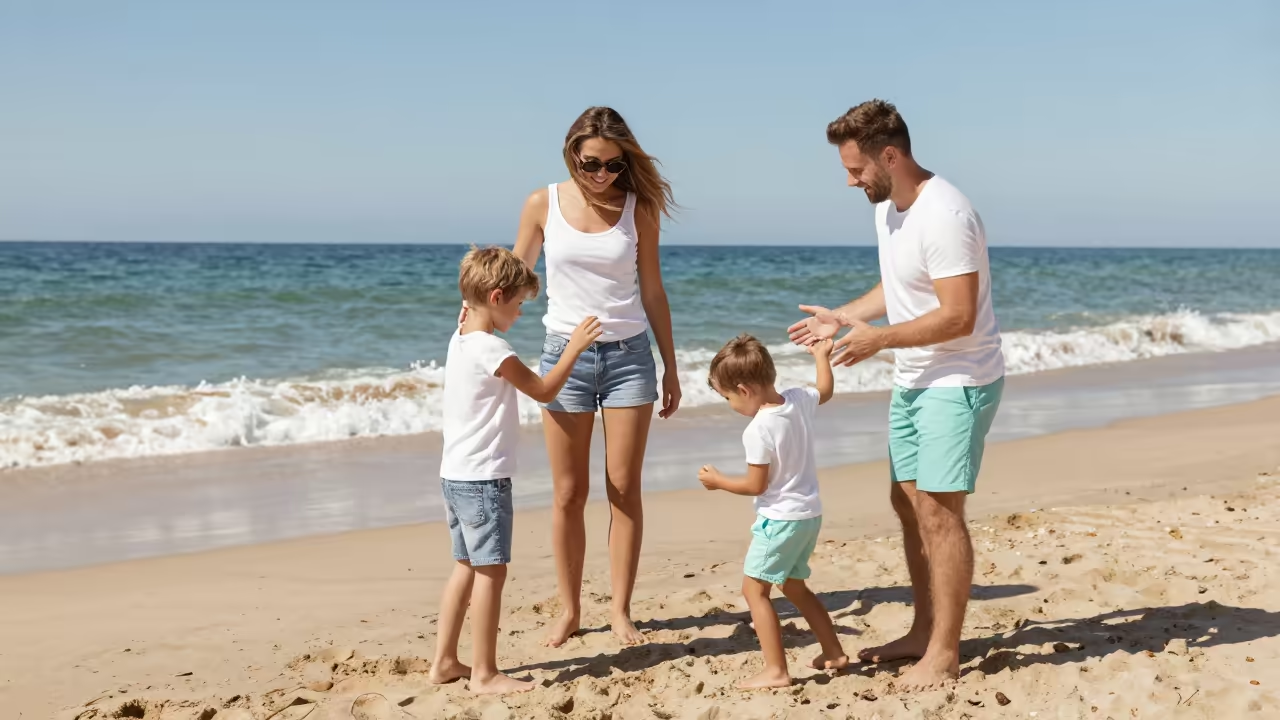
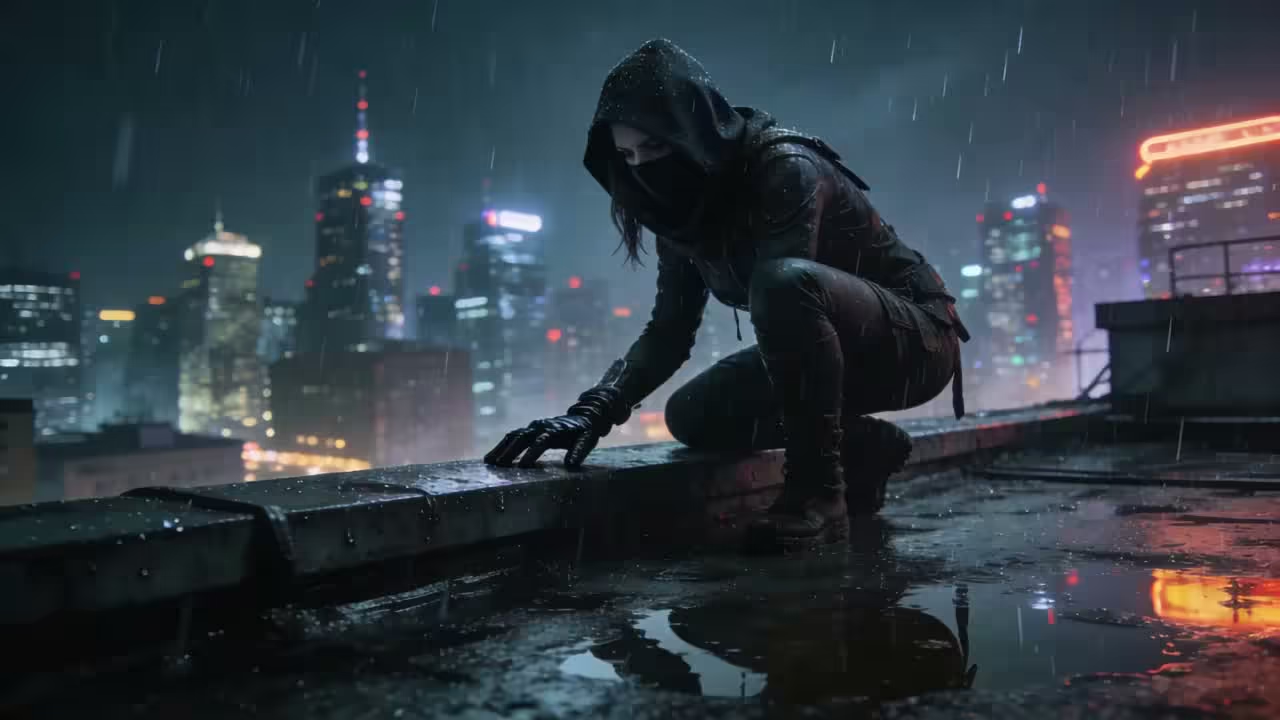
PixVerse V6 Video Showcase
Explore PixVerse V6's AI video capabilities — text-to-video, image-to-video, transitions, and video extend.
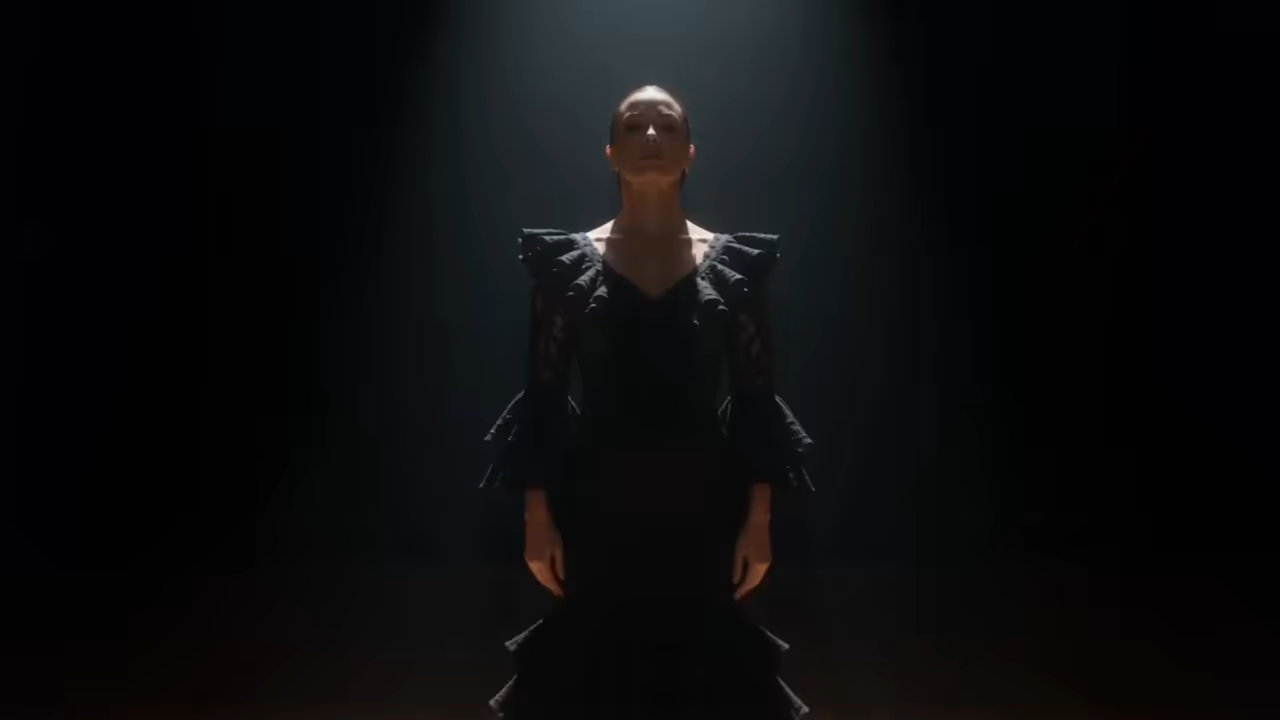
Flamenco Dancer
A flamenco dancer at center stage transforms stillness into fury in one continuous breath.
“A flamenco dancer stands completely still at center stage, spotlight on. For three seconds: nothing. Then her fingers begin — just the fingers — curling outward like smoke. The movement travels up her arms, into her shoulders, her chest expanding. By the time her foot stamps, the camera has already pulled back to reveal the full stage. One continuous breath becoming fury.”
What's PixVerse V6
Next-generation multi-shot AI video generation with native audio and cinematic character performance
- 15sMax Duration
- 1080pHD Resolution
- Multi-ShotScene Engine
- 20+Camera Controls
PixVerse V6 is PixVerse's flagship video generation model that produces multi-shot 15-second 1080p videos with native audio from a single prompt, featuring improved camera control, character emotion continuity, and realistic physics simulation.
PixVerse V6 Key Features
Explore PixVerse V6's groundbreaking capabilities including multi-shot video generation, native audio-visual sync, and advanced cinematic controls for professional-grade AI filmmaking
- 01
Multi-Shot Video Generation
Generate continuous multi-shot short films up to 15 seconds in 1080p from a single prompt, featuring smooth scene transitions and coherent narrative flow throughout.
- 02
Native Audio-Visual Sync
Audio and video generated simultaneously including background music, sound effects, and dialogue — no separate editing or audio production required for complete productions.
- 03
Advanced Camera Control
Camera tracking, perspective shifts, and environmental reveals rendered with greater accuracy and fewer artifacts, with over 20 professional cinematic lens control options.
- 04
Character Emotion Continuity
Facial expressions and body language maintain reliable continuity through scene changes, preserving consistent character identity and emotional coherence across multiple shots.
- 05
Realistic Physics Engine
Physical interactions between objects behave with improved realism — collisions, movement, and spatial relationships are rendered accurately and consistently throughout entire scenes.
- 06
Multilingual Text in Video
Generate precise multilingual text within videos featuring accurate placement and style consistency, supporting English, Chinese, and numerous other languages seamlessly.
- 07
Text & Image to Video
Both text-to-video and image-to-video modes with enhanced semantic understanding for complex scenes, cinematic camera movements, and nuanced creative directions.
- 08
Developer & Agentic Access
CLI integration for developer and agentic workflows, fully compatible with coding agents enabling automated video generation pipelines and programmatic content creation.





How to Use PixVerse V6 Text to Video
Generate multi-shot cinematic videos from text descriptions with native audio
- 01
Write Your Prompt
Describe your video scene including camera movements, character actions, and dialogue. PixVerse V6 supports multi-shot narratives from a single detailed prompt.
- 02
Configure Settings
Choose resolution (360p-1080p), duration (up to 15 seconds), and aspect ratio. Enable native audio for automatic BGM, sound effects, and synchronized dialogue.
- 03
Generate & Download
Click generate to create your multi-shot video with native audio. PixVerse V6 delivers cinematic quality with consistent characters and realistic physics. Download when ready.


PixVerse V6 YouTube Videos
Watch community tutorials and reviews showcasing PixVerse V6's capabilities
- PixVerse V6 Released - Generate Cinematic Videos - VideoConia
- PixVerse V6: Unexpectedly So Good - Skill Destiny
- The Last Move! Don't Miss it. AI Short dramatic action story #movie #PixverseV6 #action #animation - Jesna's Creative Hub — Ambient & Relax Music
PixVerse V6 YouTube Videos
Watch community tutorials and reviews showcasing PixVerse V6's capabilities
PixVerse V6 Popular Reviews on X
See what people are saying about PixVerse V6 on X (Twitter)
Explore other models
More top AI models you can try right here.
 NEW
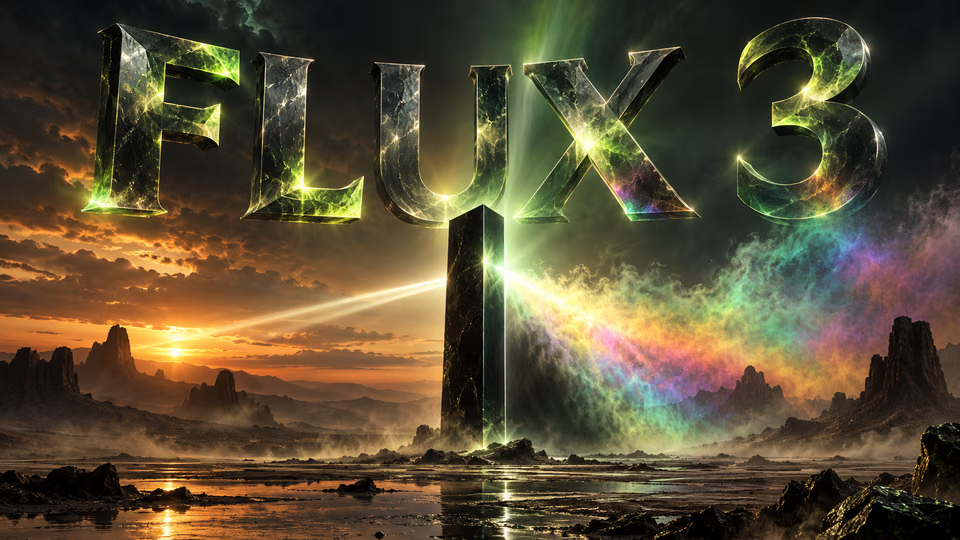
FLUX 3
Black Forest Labs' multimodal video model: text, image, start-end frames and video extend with native audio, 5-20 seconds at up to 1080p
HappyHorse 1.0
#1 Alibaba video model, cinematic high-quality output
 NEW
Wan 3.0
Unified WAN model: text, image and reference to video, up to 30 seconds in one pass with native audio
 NEW
Kling 4.0 Flash
Kuaishou's 720p Kling model: 3–20s takes with native audio, references and video edit
 NEW
Veo 3.1
Google Veo 3.1 creates cinematic 1080p videos with native audio and lip-sync
 NEW
Gemini Omni 1.2 Flash
Google's fast video model with native audio: 3–15 s clips up to 4K, from text, images, references or an existing video
AI Pricing Plans
Flexible AI Pricing
Pay-as-you-go credits or subscription plans. No hidden fees, cancel anytime.
One Time supports crypto payment (BTC, USDT, ETH, 350+) · Monthly billing
Free-One Time
Try before you buy
- Up to 3 videos
- Up to 32 images
- Multi-Model Support
- Text to Video
- Image to Video
- Video to Video
Show more (+11)
- Consistent Character
- AI Animation Generator
- Templates & Effects
- AI Video Enhancers
- Interactive Community
- Faster Generation Speed
- No-watermark Outputs
- More Camera Movement
- Private Video Visibility
- Copy Protection
- Priority Support
Pro-1 Month
PopularElevate your AI experience
- Up to 80 videos
- Up to 800 images
- 3 tasks(Parallel Tasks)
- Multi-Model Support
- Text to Video
- Image to Video
Show more (+12)
- Video to Video
- Consistent Character
- AI Animation Generator
- Templates & Effects
- AI Video Enhancers
- Interactive Community
- Faster Generation Speed
- No-watermark Outputs
- More Camera Movement
- Private Video Visibility
- Copy Protection
- Priority Support
Lite-1 Month
Start your AI journey
- Up to 30 videos
- Up to 300 images
- 3 tasks(Parallel Tasks)
- Multi-Model Support
- Text to Video
- Image to Video
Show more (+12)
- Video to Video
- Consistent Character
- AI Animation Generator
- Templates & Effects
- AI Video Enhancers
- Interactive Community
- Faster Generation Speed
- No-watermark Outputs
- More Camera Movement
- Private Video Visibility
- Copy Protection
- Priority Support
- Card
- Crypto accepted (BTC, USDT, ETH, 350+)
PixVerse V6 Frequently Asked Questions
Common questions about PixVerse V6 AI video generation
Still have questions?