









🎨 Seedream 5.0 Pro — ByteDance's flagship image model: up to 2K, best-in-class typography & multi-reference editing!


Unlimited MAI Image 2.5 AI Image Generator
Microsoft AI's flagship text-to-image model from the Superintelligence team, ranked #5 on Arena.ai. Delivers exceptional photorealism with natural lighting and accurate textures, industry-leading in-image text rendering for signage and infographics, and versatile artistic style generation from photography to graphic design.
MAI Image 2.5 Showcase
Explore the creative capabilities of Microsoft AI's MAI Image 2.5
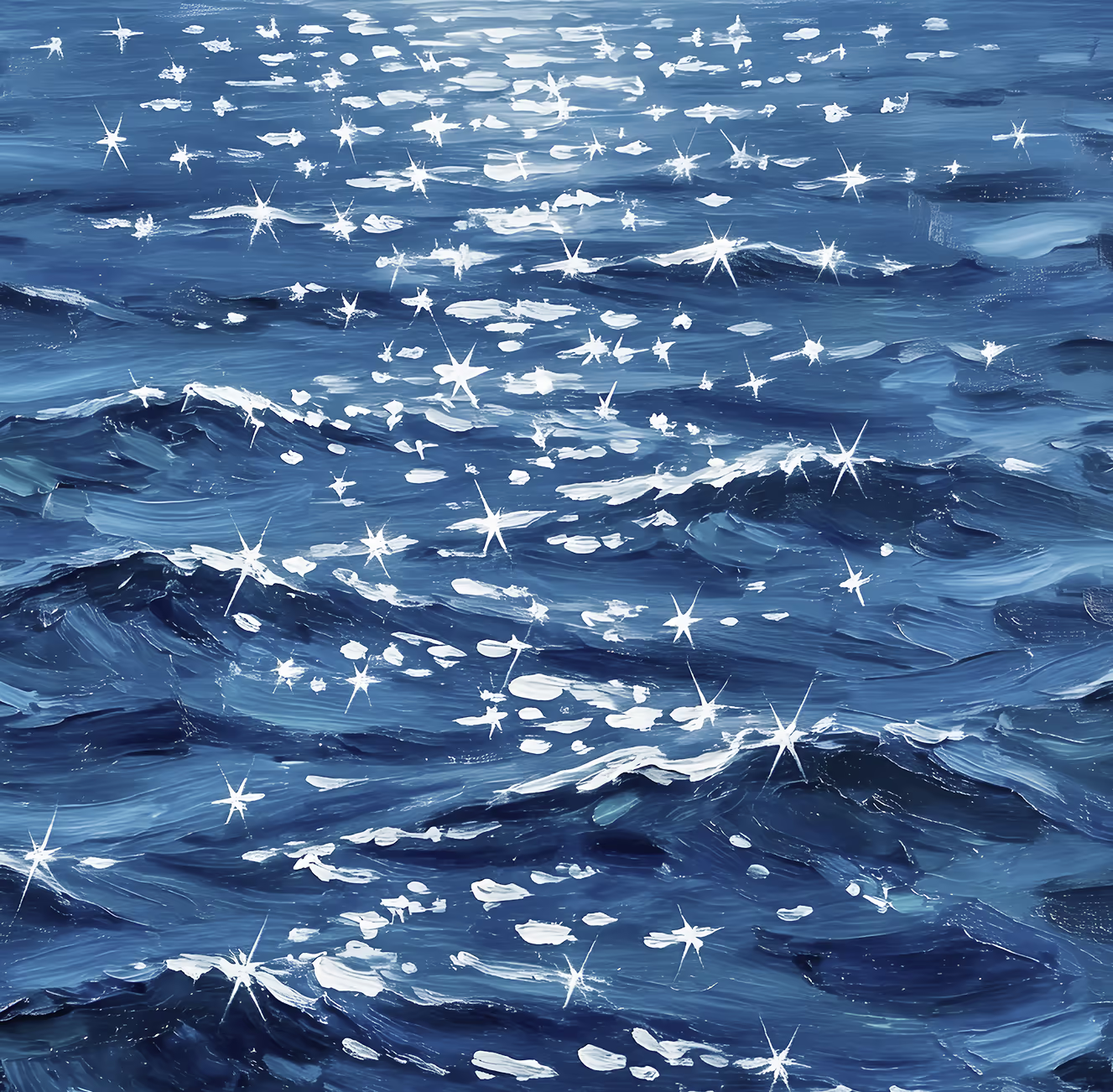
Photorealism
A digital painting of the ocean with deep blue waves, where sunlight reflects off the water as bright, sparkling white stars scattered across the surface.
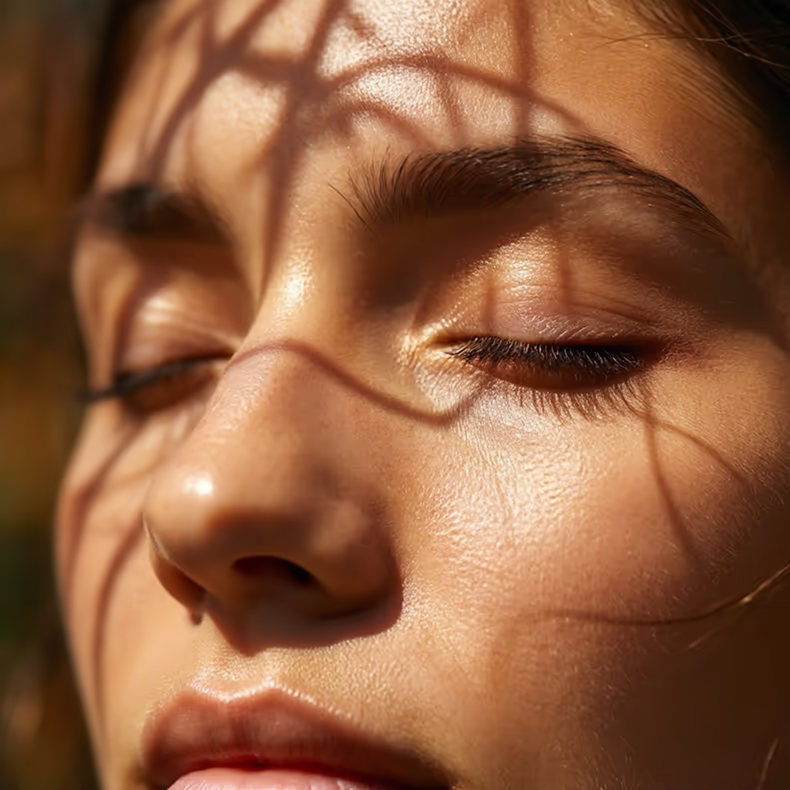
Photorealism
A close-up of a person's face with closed eyes, soft sunlight illuminating their skin. Shadows from nearby branches or leaves create intricate patterns across their face.
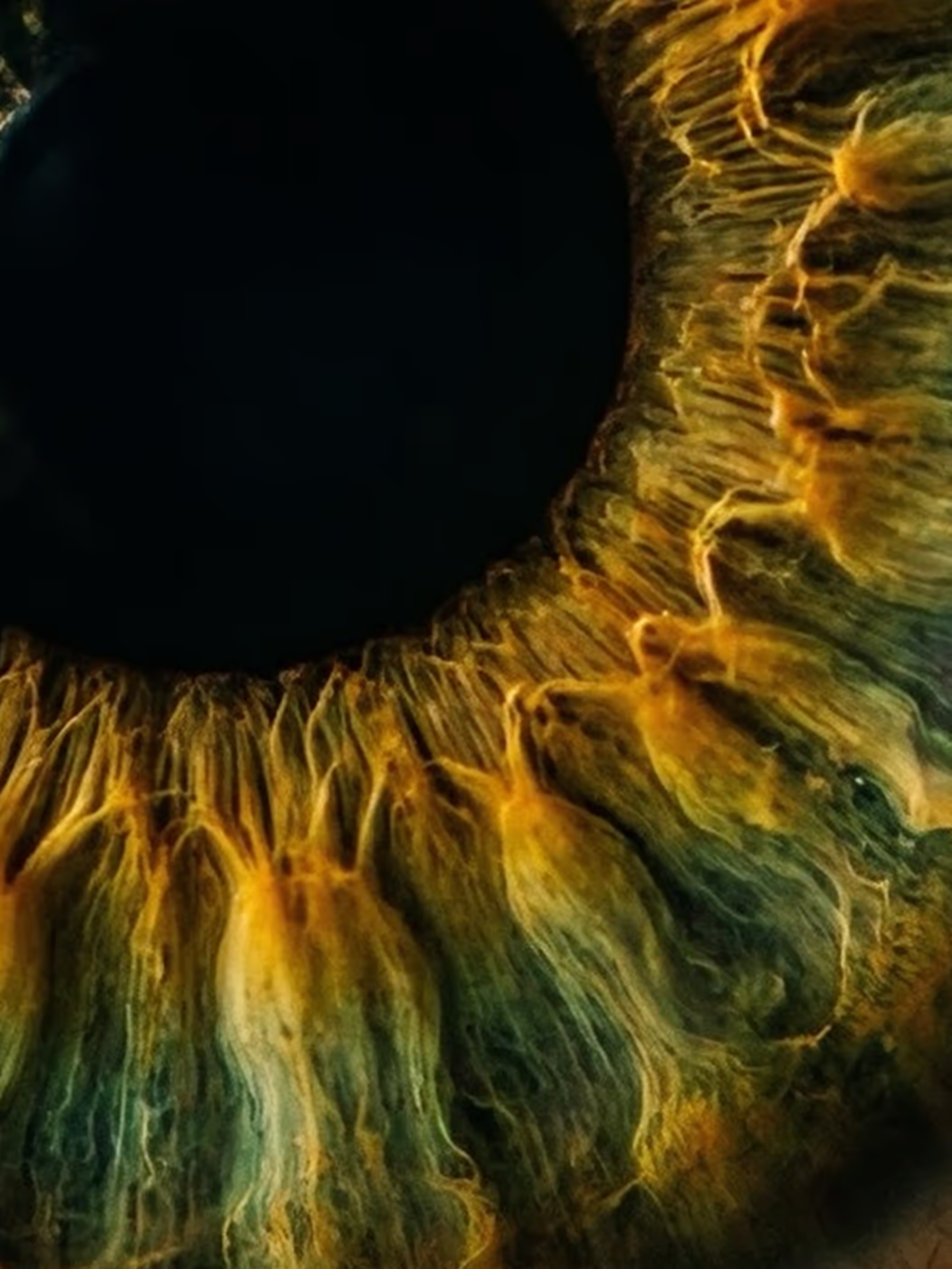
Photorealism
Close-up of a human eye's iris, showing detailed, radiating yellow and brown fibers around the dark black pupil. The intricate patterns and vivid colors create a dramatic, abstract effect.
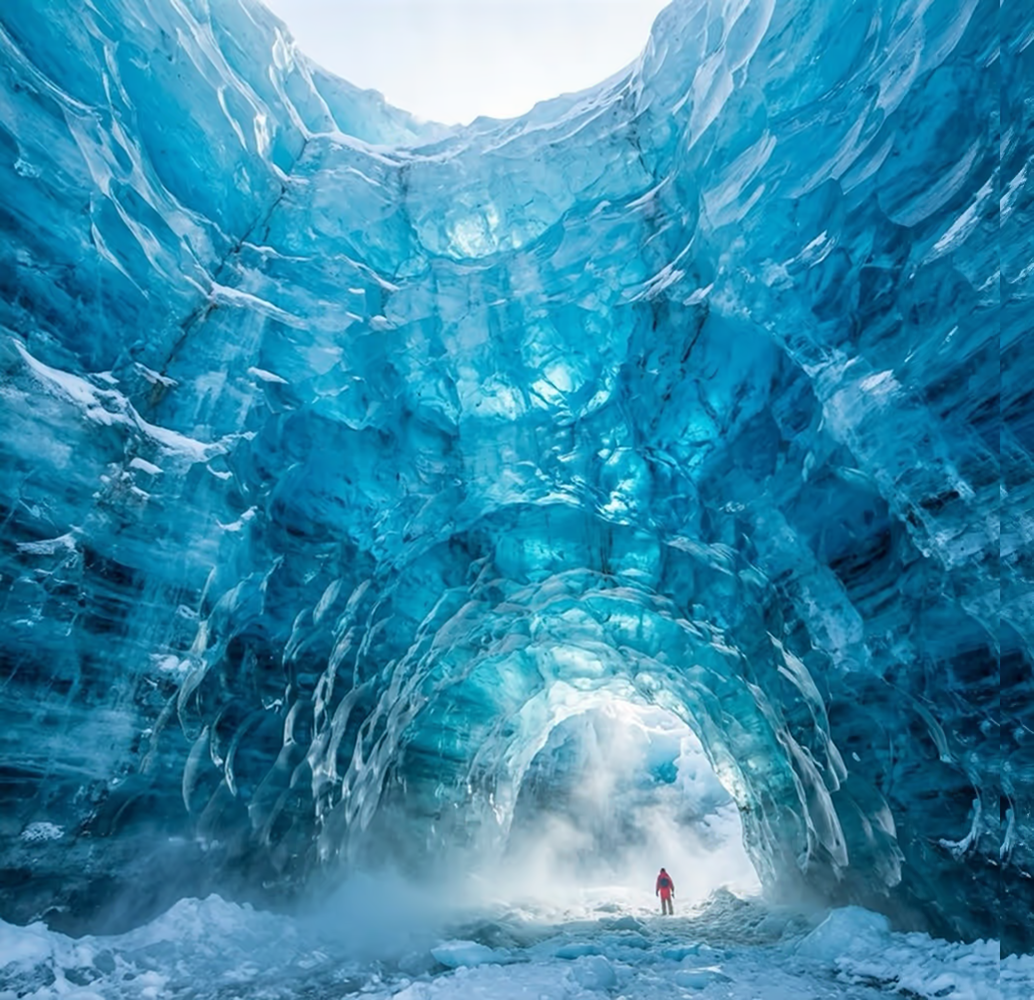
Photorealism
A glacier wall towering like a cathedral interior, deep blue ice with light refracting through layers, tiny human figure at base for scale, cinematic, cold mist in air, hyper-real detail
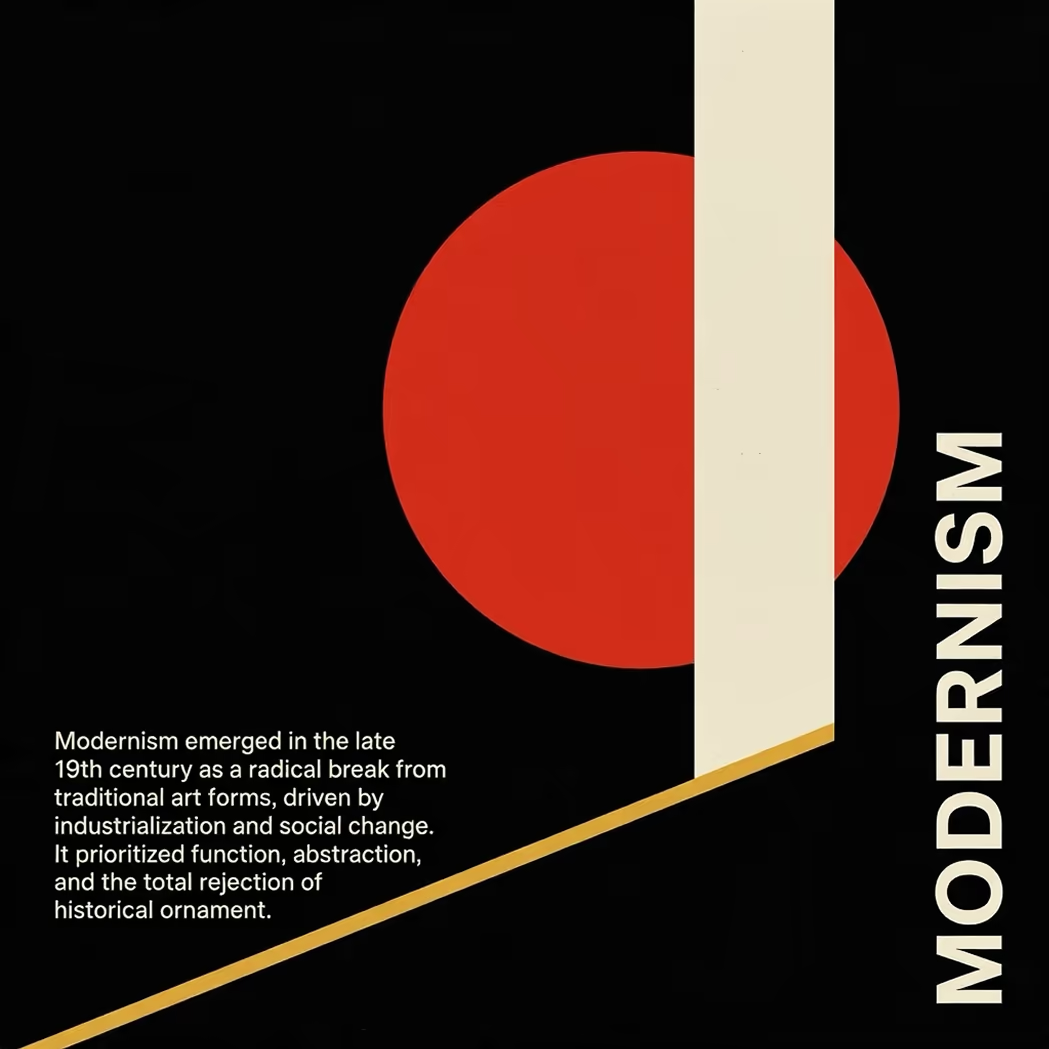
Text Rendering
Abstract modernist design with a red circle, beige vertical and diagonal lines on a black background. Bold text 'MODERNISM' appears vertically on the right, with a brief definition in white text on the lower left.
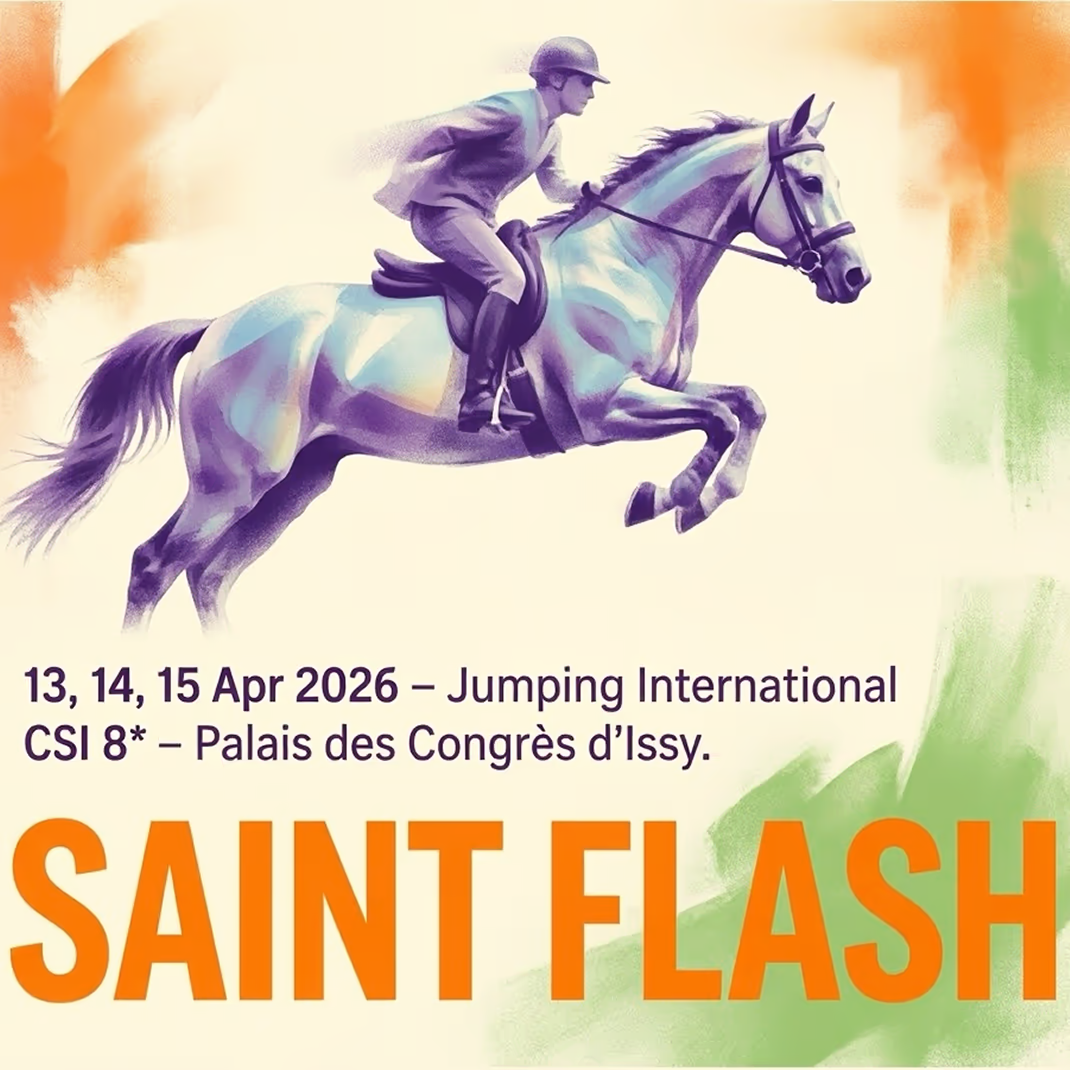
Text Rendering
A rider on a galloping horse jumps over an obstacle, with an orange, green, and white background. Text below announces 'Jumping International CSI 8*' on 13-15 April 2026 and highlights 'SAINT FLASH'.
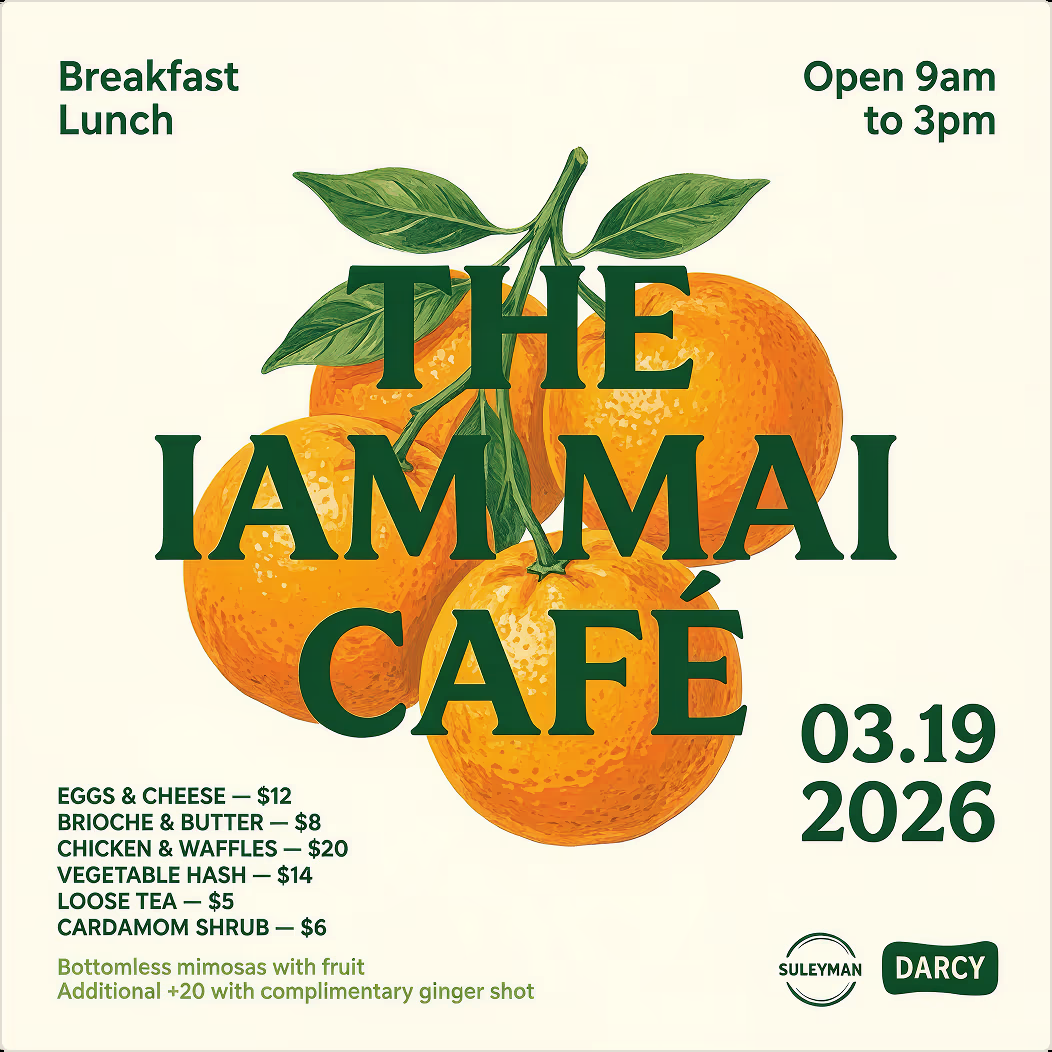
Text Rendering
Image of three vibrant oranges with green leaves. Overlaid text reads: 'THE IAM MAI CAFÉ. Breakfast, Lunch. Open 9am to 3pm. 03.19.2026.' Menu items with prices and bottomless mimosas are also listed.
MAI Image 2.5 Image Editing
Upload any photo and describe the change in plain words. MAI Image 2.5 Edit applies precise, photorealistic edits while preserving pixel-level detail, lighting, and composition.
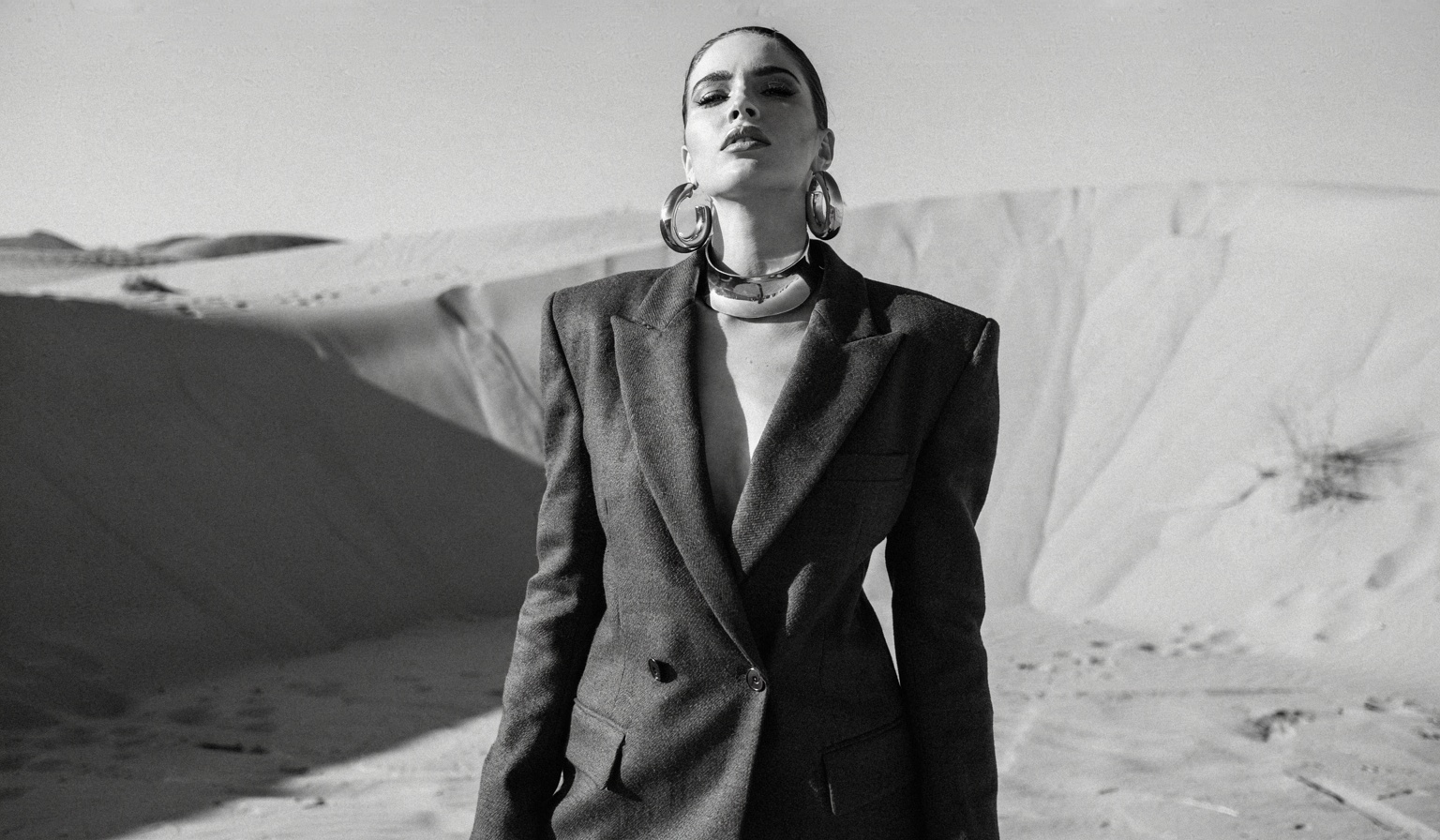
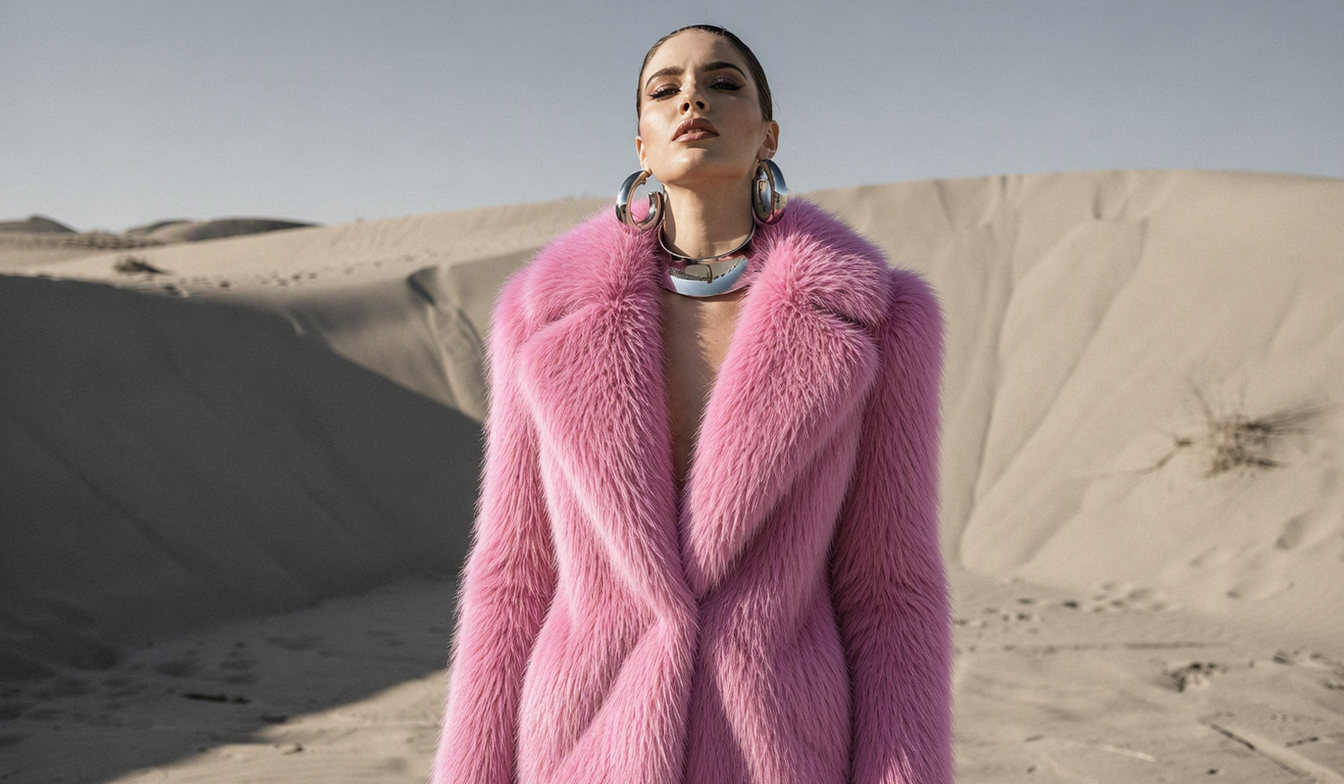
Recolor & Restyle Fashion
Color this image and make her wear a fluffy pink fur
What's MAI Image 2.5
Microsoft AI Superintelligence team's flagship text-to-image model with exceptional photorealism and text rendering
- #5Arena Rank
- 1189ELO Score
- 1:1Output
- T2IMode
MAI Image 2.5 is developed by Microsoft AI's Superintelligence team, delivering industry-leading photorealism and precise in-image text rendering for creative and professional applications.
MAI Image 2.5's Powerful Features
Explore the cutting-edge capabilities of Microsoft's MAI Image 2.5 model for professional-grade image generation
- 01
Exceptional Photorealism
Creates images with natural lighting, accurate skin tones, and physical textures that feel lived-in rather than synthetic, rivaling professional photography quality.
- 02
In-Image Text Rendering
Generates clear, non-corrupted text within images for signage, typographic layouts, presentation slides, diagrams, and complex logic charts with remarkable accuracy.
- 03
Dense Scene Generation
Produces surreal concepts with cinematic framing and ornate compositions, handling intricate details and complex multi-element scenes with impressive coherence.
- 04
Artistic Style Range
Seamlessly shifts between photographic realism, graphic design aesthetics, and illustrated styles, adapting to diverse creative visions within a single model.
- 05
Infographic Generation
Creates detailed infographics, charts, diagrams, and data visualizations directly from text prompts, enabling rapid visual communication and content design.
- 06
Arena Top 5 Ranked
Ranked #5 on the Arena.ai leaderboard with an ELO score of 1189, establishing itself as a top 3 model family in competitive AI image generation.
- 07
Copilot Integration
Rolling out across Microsoft Copilot and Bing Image Creator, bringing advanced image generation directly into the tools millions of users rely on daily.
- 08
Enterprise Ready
Available for enterprise customers through the Microsoft Foundry API, offering scalable deployment, compliance controls, and production-grade reliability for business use.
How to Use MAI Image 2.5 for Text-to-Image
Create professional-quality images with Microsoft AI's MAI Image 2.5
- 01
Enter Your Creative Prompt
Describe the image you want to generate with detailed text covering subjects, style, lighting, and composition for best results.
- 02
Choose Generation Settings
Select your preferred model and adjust parameters. MAI Image 2.5 generates square (1:1) images optimized for maximum quality.
- 03
Generate and Download
Click generate to create your image with MAI Image 2.5's photorealistic quality. Download in your preferred format when complete.
MAI Image 2.5 Popular Reviews on X
See what people are saying about MAI Image 2.5 on X (Twitter)
AI Pricing Plans
Flexible AI Pricing
Pay-as-you-go credits or subscription plans. No hidden fees, cancel anytime.
One Time supports crypto payment (BTC, USDT, ETH, 350+) · Monthly billing
Free-One Time
Try before you buy
- Up to 3 videos
- Up to 32 images
- Multi-Model Support
- Text to Video
- Image to Video
- Video to Video
Show more (+11)
- Consistent Character
- AI Animation Generator
- Templates & Effects
- AI Video Enhancers
- Interactive Community
- Faster Generation Speed
- No-watermark Outputs
- More Camera Movement
- Private Video Visibility
- Copy Protection
- Priority Support
Pro-1 Month
PopularElevate your AI experience
- Up to 80 videos
- Up to 800 images
- 3 tasks(Parallel Tasks)
- Multi-Model Support
- Text to Video
- Image to Video
Show more (+12)
- Video to Video
- Consistent Character
- AI Animation Generator
- Templates & Effects
- AI Video Enhancers
- Interactive Community
- Faster Generation Speed
- No-watermark Outputs
- More Camera Movement
- Private Video Visibility
- Copy Protection
- Priority Support
Lite-1 Month
Start your AI journey
- Up to 30 videos
- Up to 300 images
- 3 tasks(Parallel Tasks)
- Multi-Model Support
- Text to Video
- Image to Video
Show more (+12)
- Video to Video
- Consistent Character
- AI Animation Generator
- Templates & Effects
- AI Video Enhancers
- Interactive Community
- Faster Generation Speed
- No-watermark Outputs
- More Camera Movement
- Private Video Visibility
- Copy Protection
- Priority Support
- Card
- Crypto accepted (BTC, USDT, ETH, 350+)
MAI Image 2.5 Frequently Asked Questions
Still have questions?