









🎨 Seedream 5.0 Pro — ByteDance's flagship image model: up to 2K, best-in-class typography & multi-reference editing!


AI Era Time Travel
Upload one portrait and travel from the 1920s Jazz Age to the Y2K mall. GPT-Image 2.5 keeps your face and rebuilds the hair, wardrobe, setting and the film stock itself.
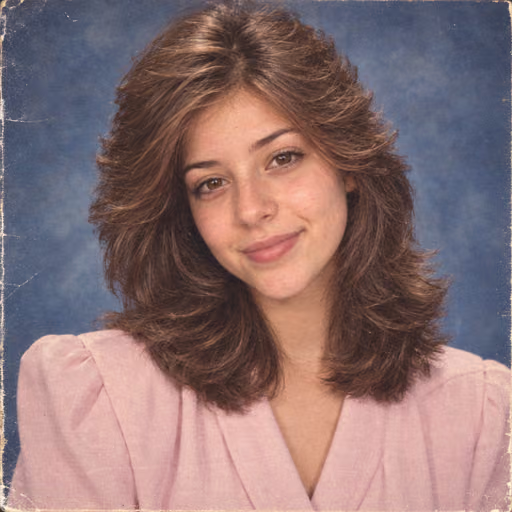
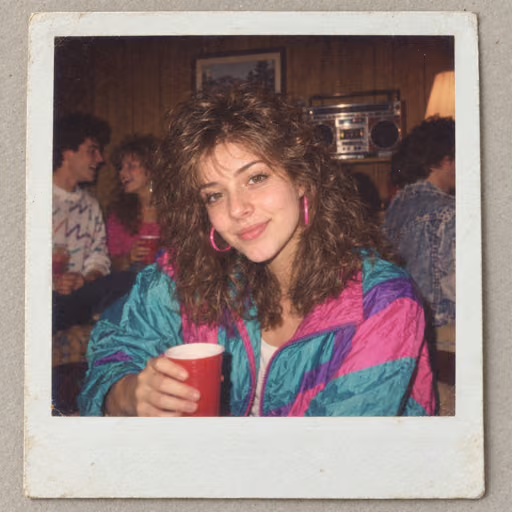
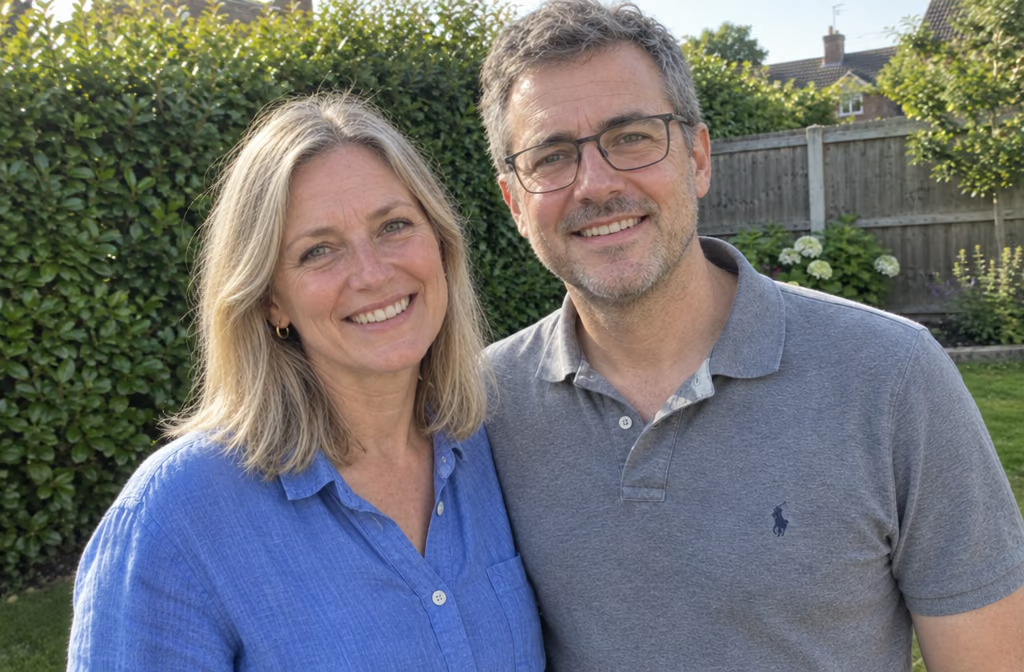
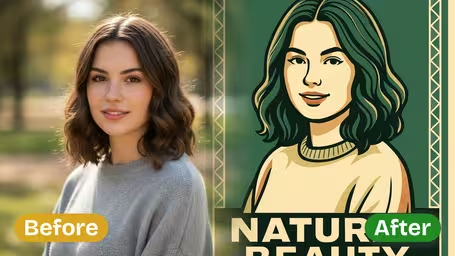
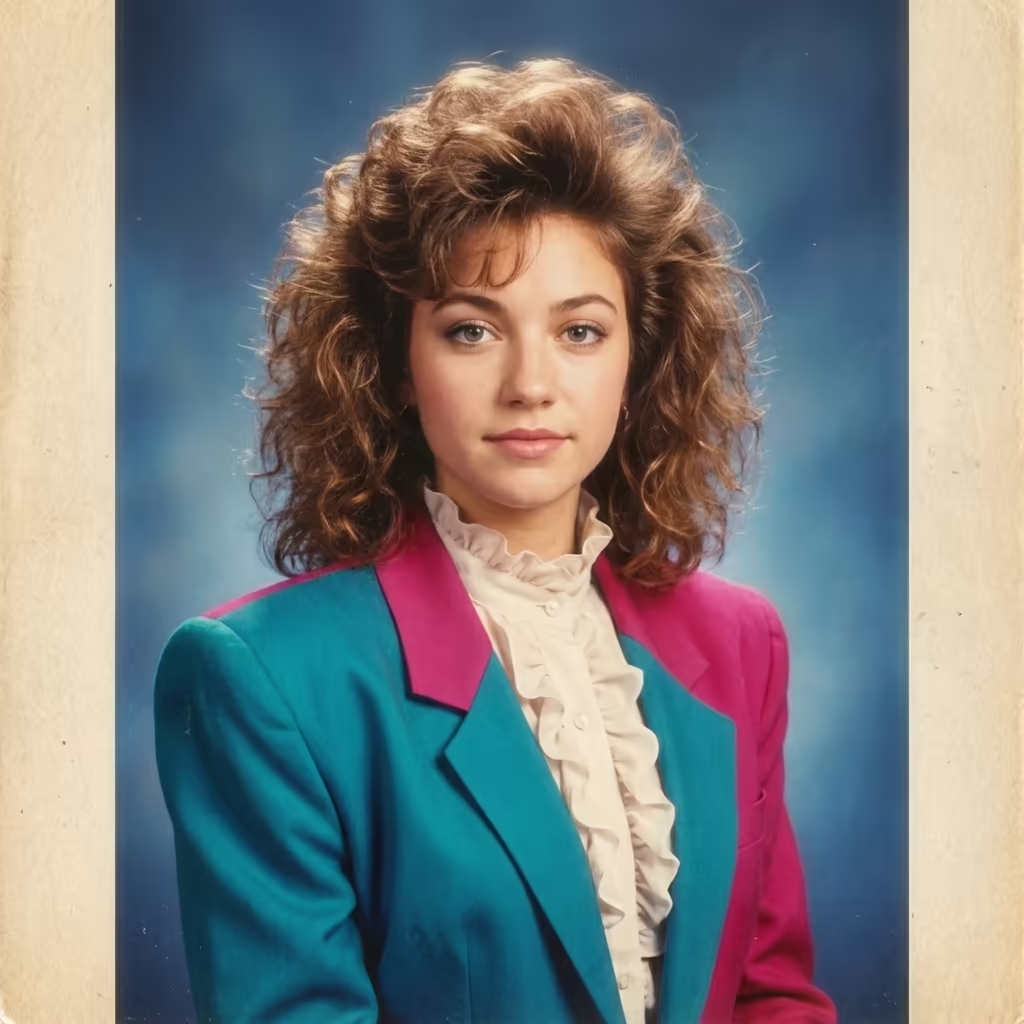
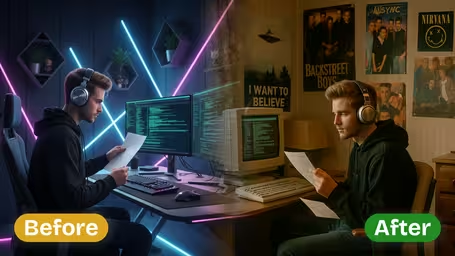

AI Era Time Travel Gallery
The same face carried across four decades, with the era's own film stock and lighting doing the work rather than a filter.
Modern Selfie to 1980s Mall Glamour Shot

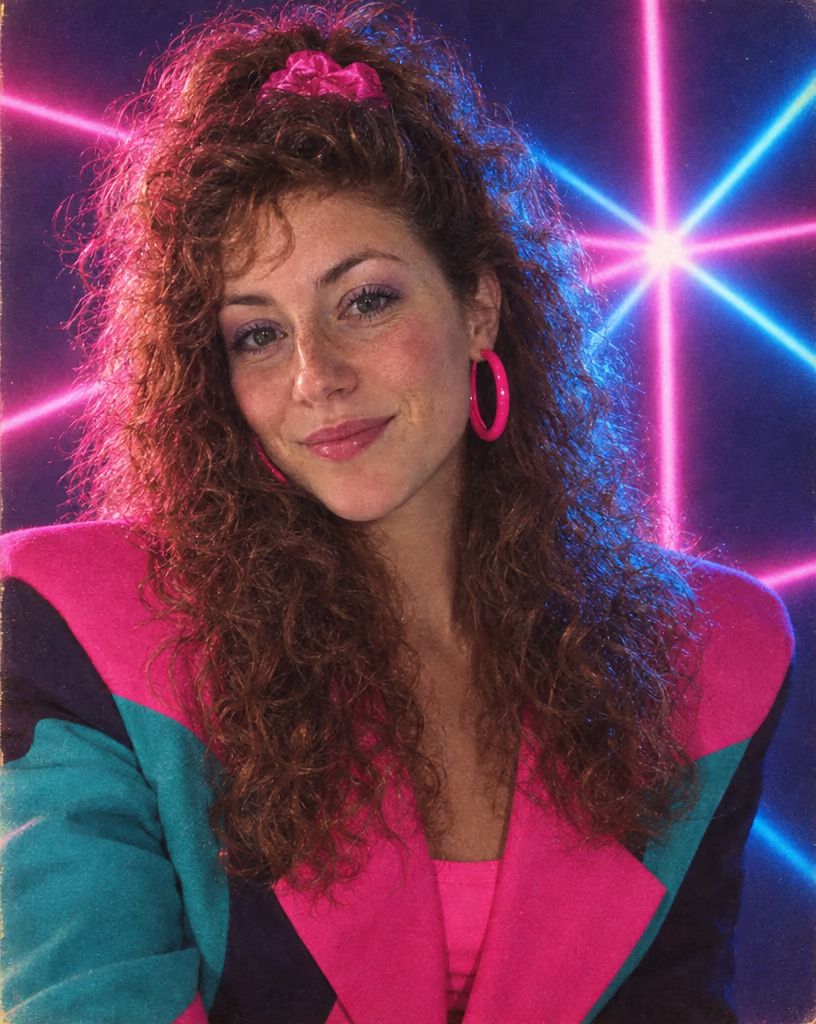
Permed big hair with a scrunchie, teal-and-magenta shoulder pads and a laser starburst backdrop, shot on Kodak Gold with a hot-shoe flash.
AI Era Time Travel Features
One portrait, seven decades. Pick an era and get a photograph that looks like it was genuinely shot back then — face intact, everything else rebuilt.
- 01
Seven Decades to Visit
Jump between the 1920s Jazz Age, 1950s diner, 1960s mod, 1970s disco, 1980s neon, 1990s grunge and Y2K mall — one portrait, any decade you want to visit.
- 02
Real Film Stocks, Not Filters
Every era is rendered on its own medium — 1920s gelatin silver, 1950s Kodachrome, 1970s Polaroid SX-70, 1980s Kodak Gold, 1990s Superia, Y2K CCD digicam — so it reads as a real photograph.
- 03
Your Face Stays Yours
GPT-Image 2.5 holds your facial structure steady while the hair, wardrobe, accessories and background are rebuilt around it, so friends still recognise you in every decade.
- 04
Flare and Sunburst Tiers
Two engine tiers share one price list: Flare renders fast, Sunburst renders precise for Pro. A 1K image costs 4 credits, 2K costs 8 and 4K costs 16 on either tier.



How to Use AI Era Time Travel
Send yourself to another decade in four steps
- 01
Upload One Portrait
Upload a single portrait as JPG or PNG. A clear, well-lit face works best, and the result keeps your photo's original aspect ratio.
- 02
Pick Your Decade
Choose the era: 1920s Jazz Age, 1950s diner, 1960s mod, 1970s disco, 1980s neon, 1990s grunge or Y2K mall.
- 03
Add Setting and Film Tags
Optionally add a setting, a film stock and processing tags — halation, grain, vignetting, colour cast, cross-processing or a light leak — to fine-tune the look.
- 04
Generate and Share
Generate at 1K on the free plan, or 2K and 4K with Pro, then download your portrait and post the before-and-after reveal.

AI Era Time Travel FAQ
AI Pricing Plans
Flexible AI Pricing
Pay-as-you-go credits or subscription plans. No hidden fees, cancel anytime.
One Time supports crypto payment (BTC, USDT, ETH, 350+) · Monthly billing
Free-One Time
Try before you buy
- Up to 3 videos
- Up to 32 images
- Multi-Model Support
- Text to Video
- Image to Video
- Video to Video
Show more (+11)
- Consistent Character
- AI Animation Generator
- Templates & Effects
- AI Video Enhancers
- Interactive Community
- Faster Generation Speed
- No-watermark Outputs
- More Camera Movement
- Private Video Visibility
- Copy Protection
- Priority Support
Pro-1 Month
PopularElevate your AI experience
- Up to 80 videos
- Up to 800 images
- 3 tasks(Parallel Tasks)
- Multi-Model Support
- Text to Video
- Image to Video
Show more (+12)
- Video to Video
- Consistent Character
- AI Animation Generator
- Templates & Effects
- AI Video Enhancers
- Interactive Community
- Faster Generation Speed
- No-watermark Outputs
- More Camera Movement
- Private Video Visibility
- Copy Protection
- Priority Support
Lite-1 Month
Start your AI journey
- Up to 30 videos
- Up to 300 images
- 3 tasks(Parallel Tasks)
- Multi-Model Support
- Text to Video
- Image to Video
Show more (+12)
- Video to Video
- Consistent Character
- AI Animation Generator
- Templates & Effects
- AI Video Enhancers
- Interactive Community
- Faster Generation Speed
- No-watermark Outputs
- More Camera Movement
- Private Video Visibility
- Copy Protection
- Priority Support
- Card
- Crypto accepted (BTC, USDT, ETH, 350+)