






🎨 Seedream 5.5 — ByteDance's newest image model: native transparent backgrounds, up to 2K & editing with up to 10 references!


MOSS-Image: Posters and AI Image Generation
Turn a scene description and your Chinese or English copy into a poster, sign or illustration. MOSS-Image from OpenMOSS offers 15 aspect ratios and 1K, 1.5K or 2K output, starting at 3 credits per image.
MOSS-Image
Public examples from WaveSpeed: bilingual shop signs, a photographic still life and a travel poster. Browse the images to see how lettering and visual style work together.
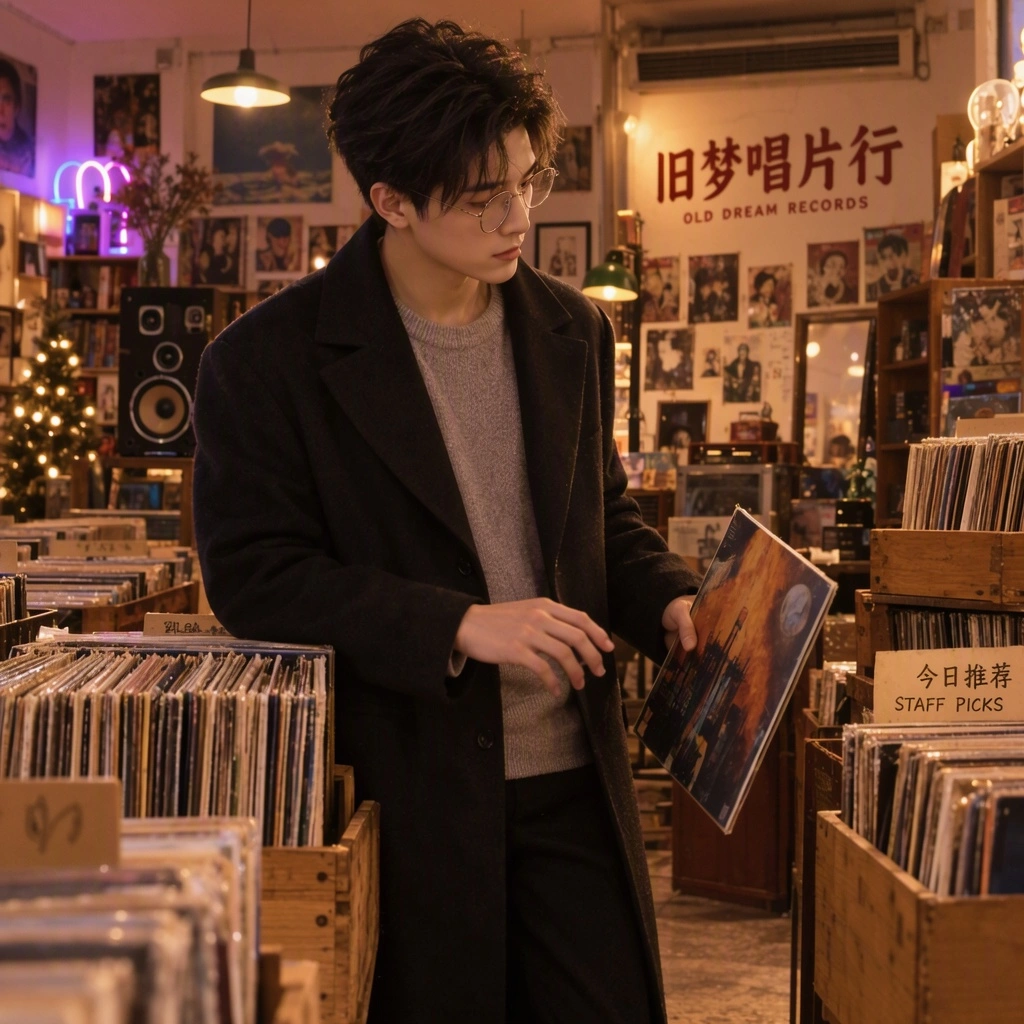
Bilingual record-shop signs
What is MOSS-Image?
Images with lettering, from the first prompt.
- 5BParameters
- 2KResolution
- 15Aspect Ratio
- JPEG · PNG · WebPOutput Format
MOSS-Image is a text-to-image model family by OpenMOSS with a 5B-parameter backbone.
What you can make with MOSS-Image
Images with lettering, from the first prompt.
- 01
Chinese and English lettering
Put the words you want inside quotation marks and describe where they belong. Create shop signs, headlines or labels that sit within the picture alongside the subject.
- 02
Posters and packaging concepts
Start with a headline, a product or a destination. Describe the arrangement of those elements to explore poster compositions, promotional graphics and packaging ideas before refining the design.
- 03
Detailed scene descriptions
Specify the subject, its surroundings, lighting and composition in one prompt. Rich descriptions help guide a coherent scene, especially when several objects or pieces of lettering must work together.
- 04
Photography and illustration
Describe the visual treatment you need, from a sunlit still life to a textured illustrated poster. Try different lighting, materials and styles while keeping the central idea consistent.
- 05
Three resolution tiers
Choose 1K for an initial idea, 1.5K for an intermediate image or 2K for more detail. The displayed credit cost updates with the tier before you submit.
- 06
Fifteen aspect ratios
Frame a square image, a portrait poster or a wide banner using fifteen preset ratios. Choose the shape that suits your placement before generating, including 9:16 and 21:9.
- 07
JPEG, PNG and WebP
Select an output format for the next step in your workflow. Download JPEG, PNG or WebP without changing the resolution price, then bring the image into your editor.
- 08
Seed-controlled variations
Leave the seed at minus one for a fresh variation. Set a fixed seed when comparing prompt or setting changes, and keep your chosen composition instructions in the prompt.

Create your first MOSS-Image picture
Images with lettering, from the first prompt.
- 01
Describe the image and its text
Write the subject, composition and lighting. Put the exact Chinese or English words in quotation marks and describe their placement.
- 02
Choose framing and resolution
Pick one of fifteen aspect ratios, then select 1K, 1.5K or 2K. Check the displayed cost: 3, 6 or 12 credits.
- 03
Generate, check and download
Generate one image, inspect the lettering and composition, then download it. Choose JPEG, PNG or WebP in the additional settings.

Explore other models
More top AI models you can try right here.
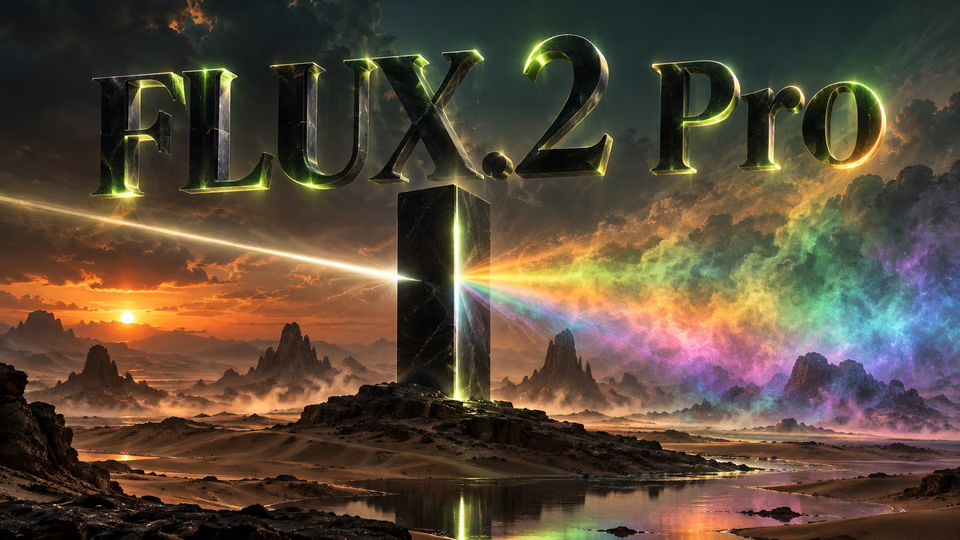
FLUX.2 Pro
Black Forest Labs flagship 32B parameter model with 4MP ultra-resolution and multi-reference support up to 10 images
 NEW
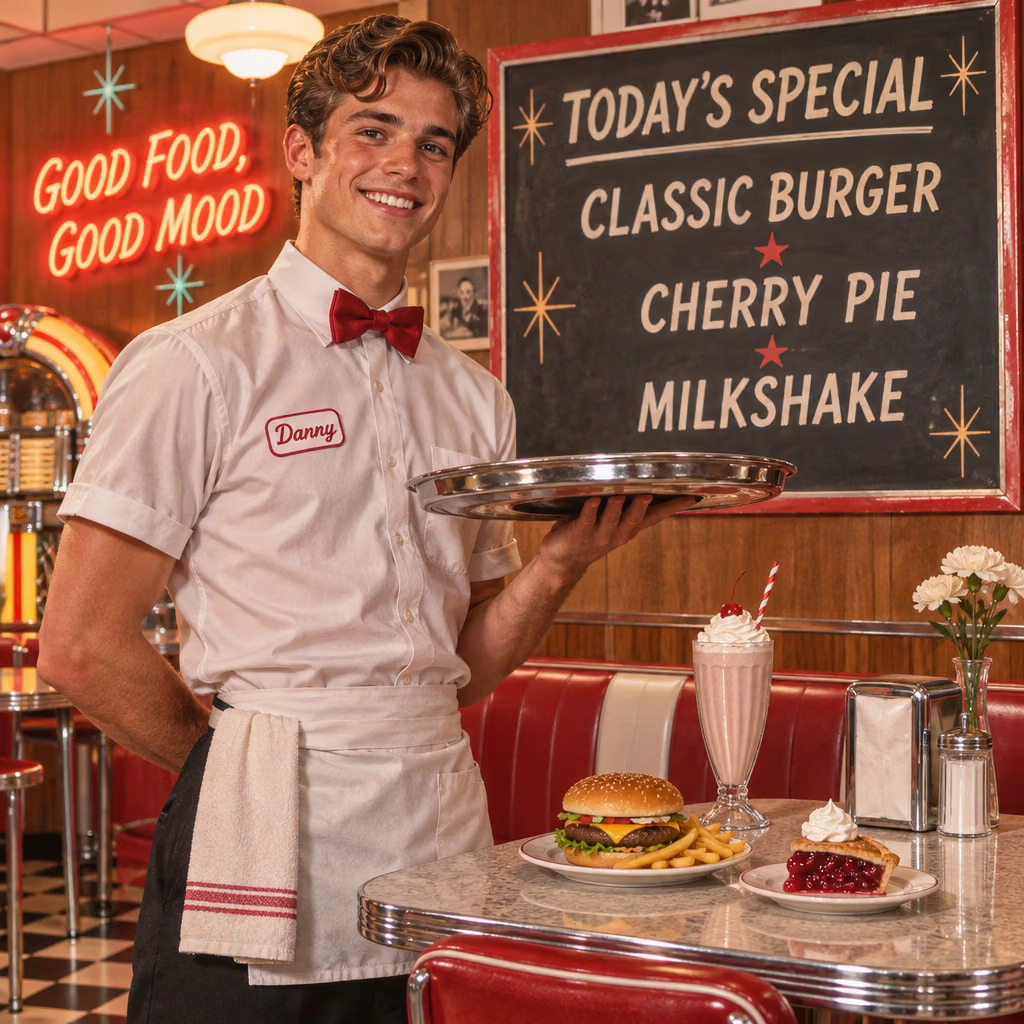
GPT Image 2.6
OpenAI's newest image models: Flare for quick iteration, Sunburst for detailed work and consistent edits
 NEW
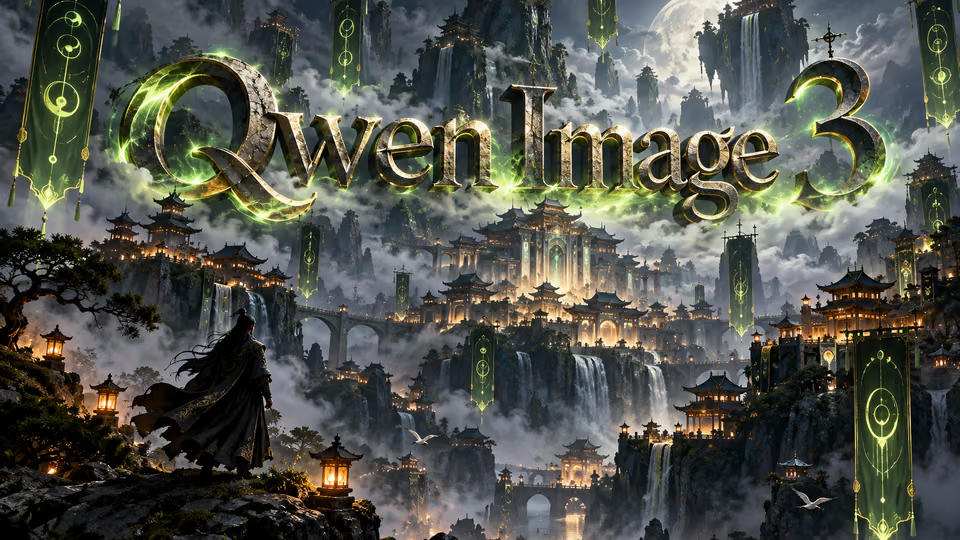
Qwen Image 3
Alibaba's third-generation image model with ultra-long ~4.5K-token prompts for information-dense output and native text rendering across 12 languages and 20+ fonts
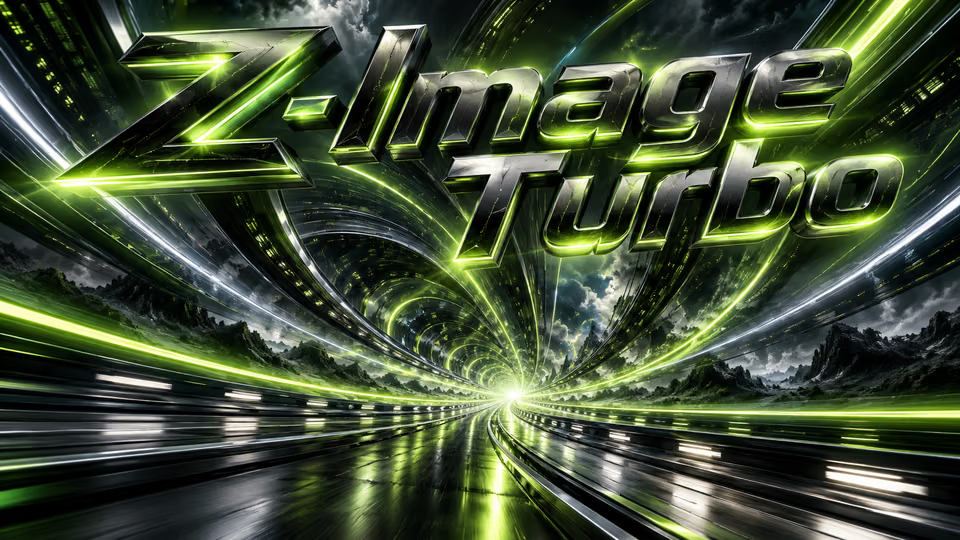
Z-Image Turbo
Alibaba's ultra-fast text-to-image model with sub-second generation and multiple acceleration modes
 NEW
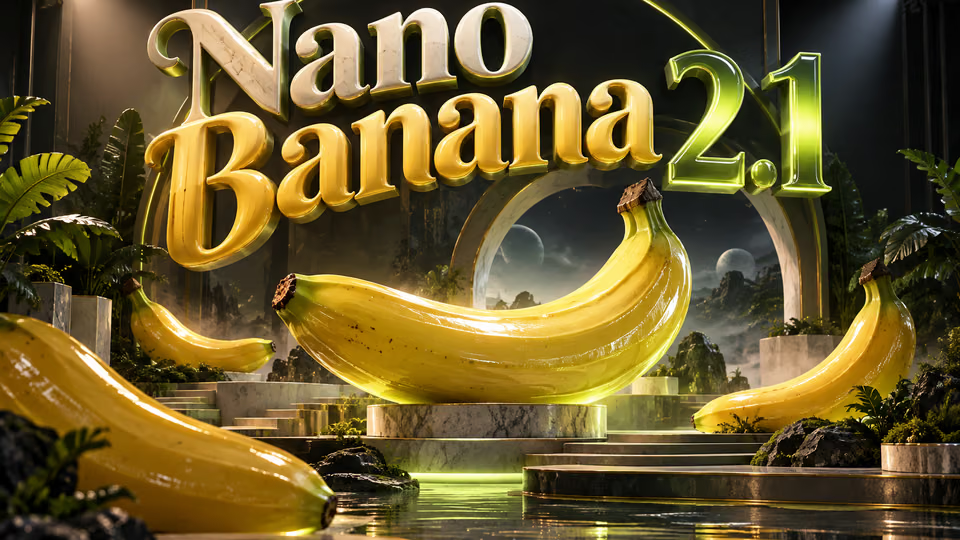
Nano Banana 2.1
Google's newest Nano Banana: sharper text, 4-character consistency, 14 reference images and 1K-4K output at half the price
 NEW
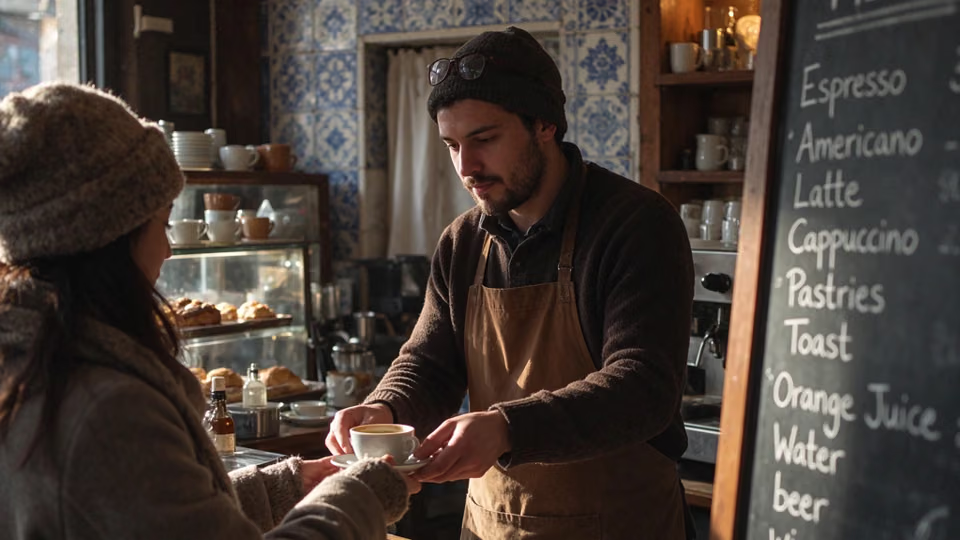
Seedream 5.5
ByteDance's newest Seedream: more photographic realism, native transparent backgrounds and edits with up to 10 references, 1K–2K from 2 credits
AI Pricing Plans
Flexible AI Pricing
Pay-as-you-go credits or subscription plans. No hidden fees, cancel anytime.
One Time supports crypto payment (BTC, USDT, ETH, 350+) · Monthly billing
Free-One Time
Try before you buy
- Up to 3 videos
- Up to 32 images
- Multi-Model Support
- Text to Video
- Image to Video
- Video to Video
Show more (+11)
- Consistent Character
- AI Animation Generator
- Templates & Effects
- AI Video Enhancers
- Interactive Community
- Faster Generation Speed
- No-watermark Outputs
- More Camera Movement
- Private Video Visibility
- Copy Protection
- Priority Support
Pro-1 Month
PopularElevate your AI experience
- Up to 80 videos
- Up to 800 images
- 3 tasks(Parallel Tasks)
- Multi-Model Support
- Text to Video
- Image to Video
Show more (+12)
- Video to Video
- Consistent Character
- AI Animation Generator
- Templates & Effects
- AI Video Enhancers
- Interactive Community
- Faster Generation Speed
- No-watermark Outputs
- More Camera Movement
- Private Video Visibility
- Copy Protection
- Priority Support
Lite-1 Month
Start your AI journey
- Up to 30 videos
- Up to 300 images
- 3 tasks(Parallel Tasks)
- Multi-Model Support
- Text to Video
- Image to Video
Show more (+12)
- Video to Video
- Consistent Character
- AI Animation Generator
- Templates & Effects
- AI Video Enhancers
- Interactive Community
- Faster Generation Speed
- No-watermark Outputs
- More Camera Movement
- Private Video Visibility
- Copy Protection
- Priority Support
- Card
- Crypto accepted (BTC, USDT, ETH, 350+)
MOSS-Image questions
Still have questions?