









🎨 Seedream 5.0 Pro — ByteDance's flagship image model: up to 2K, best-in-class typography & multi-reference editing!


Best FLUX.1 Dev AI Image Generator
A 12 billion parameter flow transformer that generates high-quality images from text. Perfect for developers and researchers exploring advanced AI image generation.
Flux Model Series
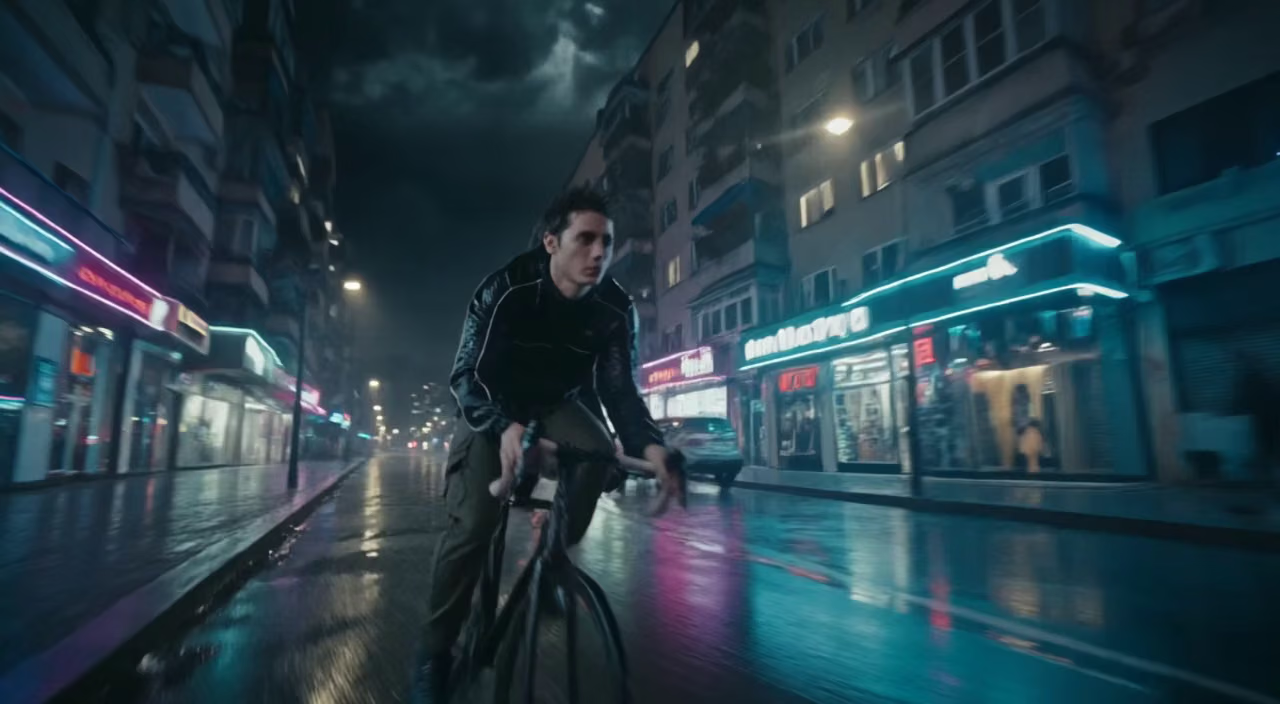
FLUX 3
Multimodal video model with native audio: text, image, start-end frames and video extend, up to 20 seconds
Flux 2 Max
Top-tier Flux 2 image generation with maximum quality and detail
Flux 2 Pro
Professional Flux 2 image generation with enhanced prompt adherence
Flux 2 Flex
Flexible Flux 2 model for versatile image creation and editing
Flux 2 Klein
Compact Flux 2 model optimized for fast generation
Flux Kontext
Context-aware Flux model for text-to-image and image editing
Flux Krea
Creative Flux model fine-tuned for artistic and stylized outputs
Flux Pro Ultra
Ultra-high-resolution Flux Pro image generation
Flux Schnell
Fastest Flux model for rapid image generation
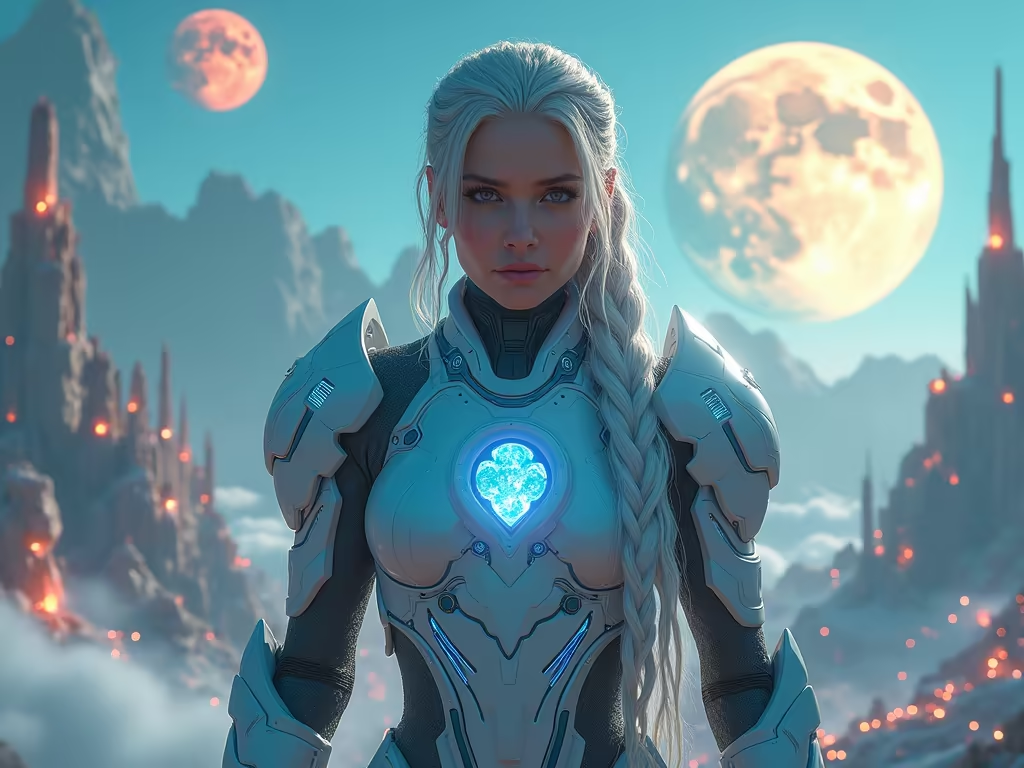
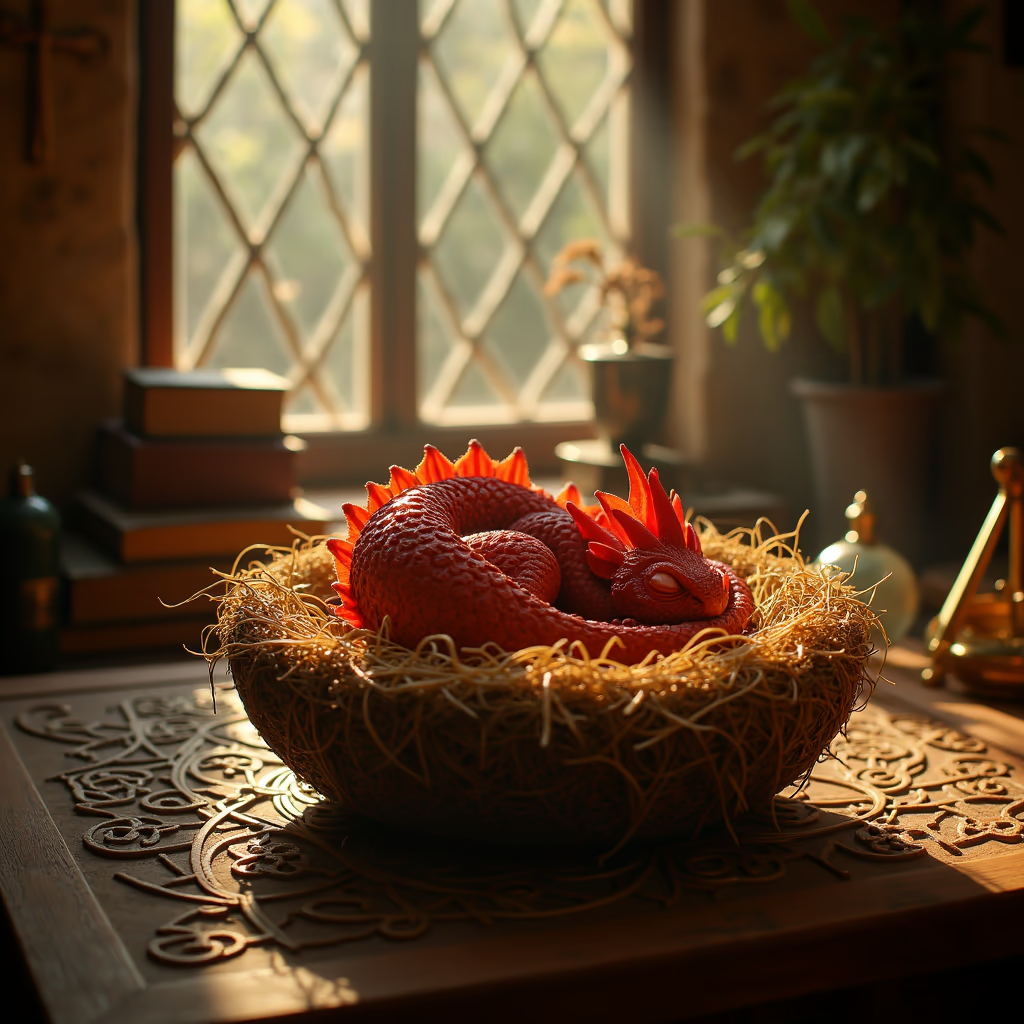
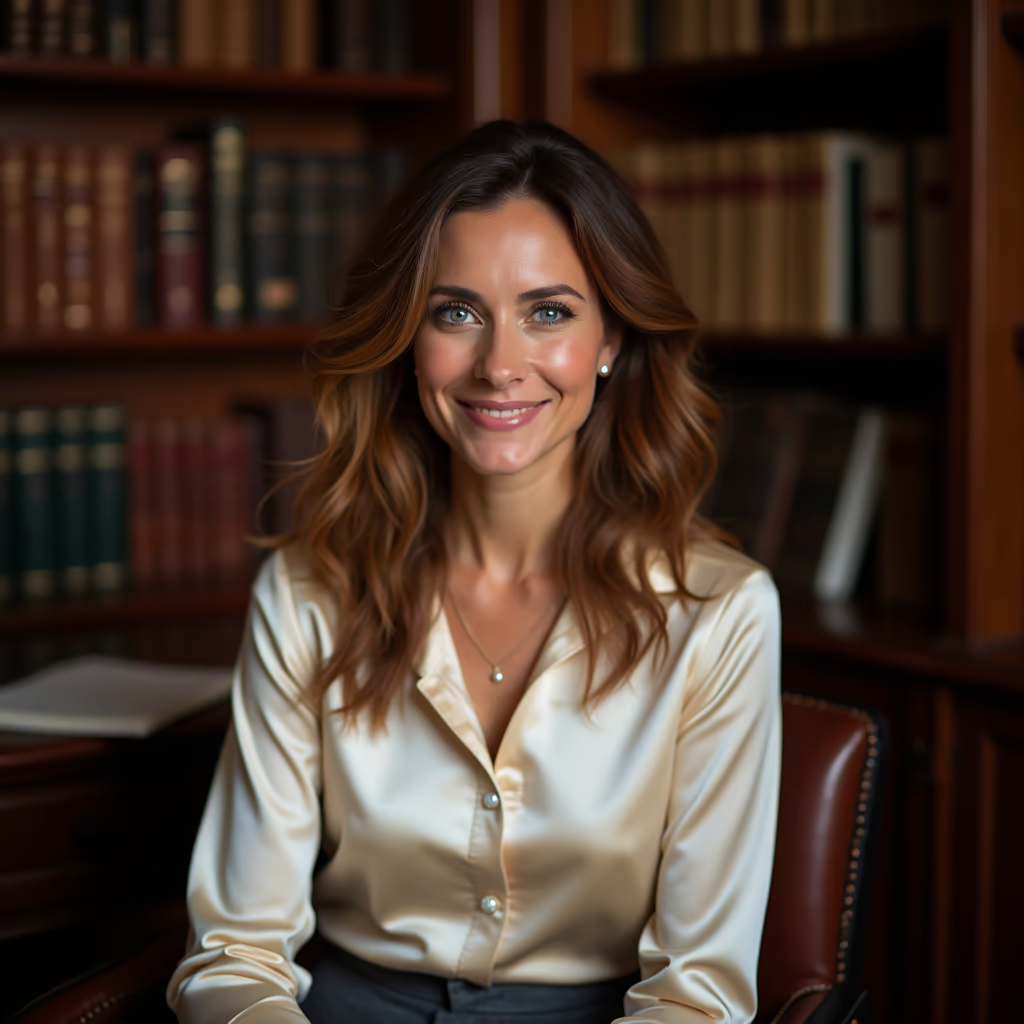
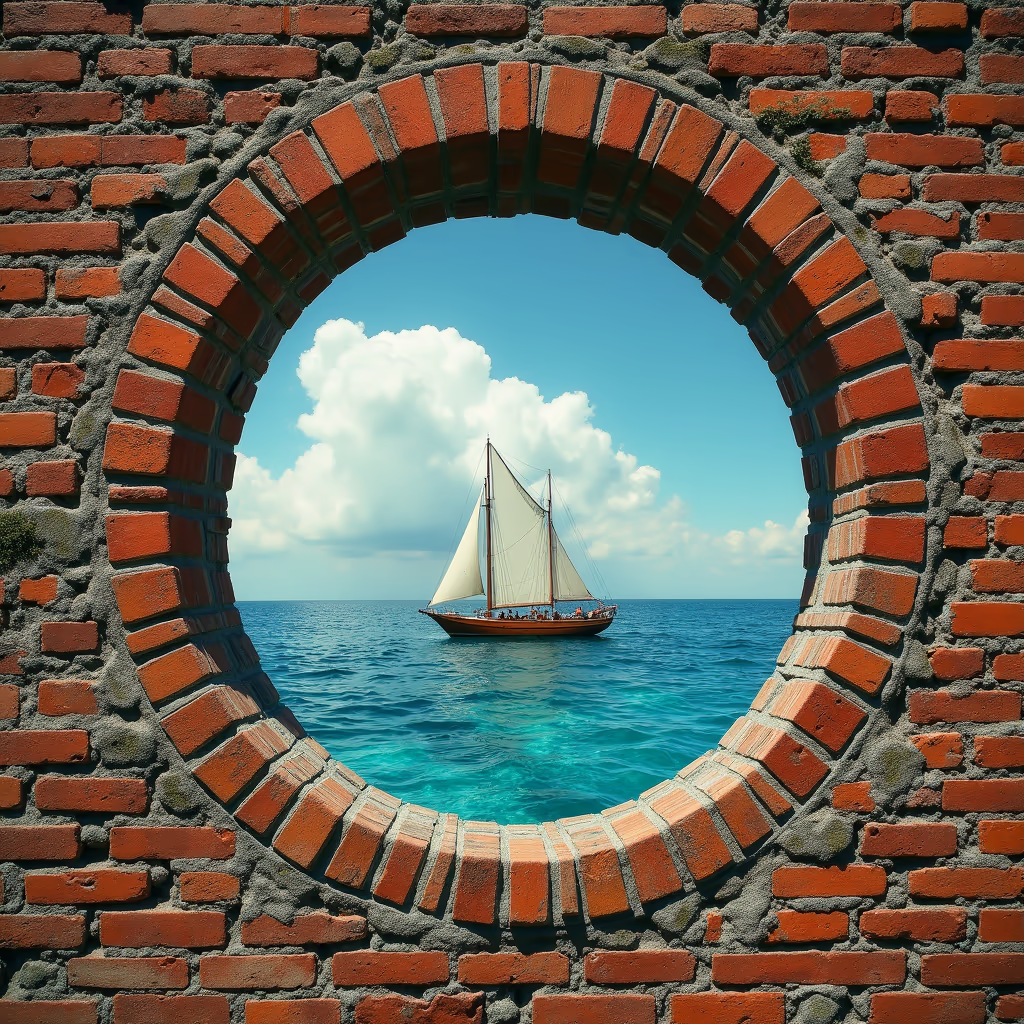
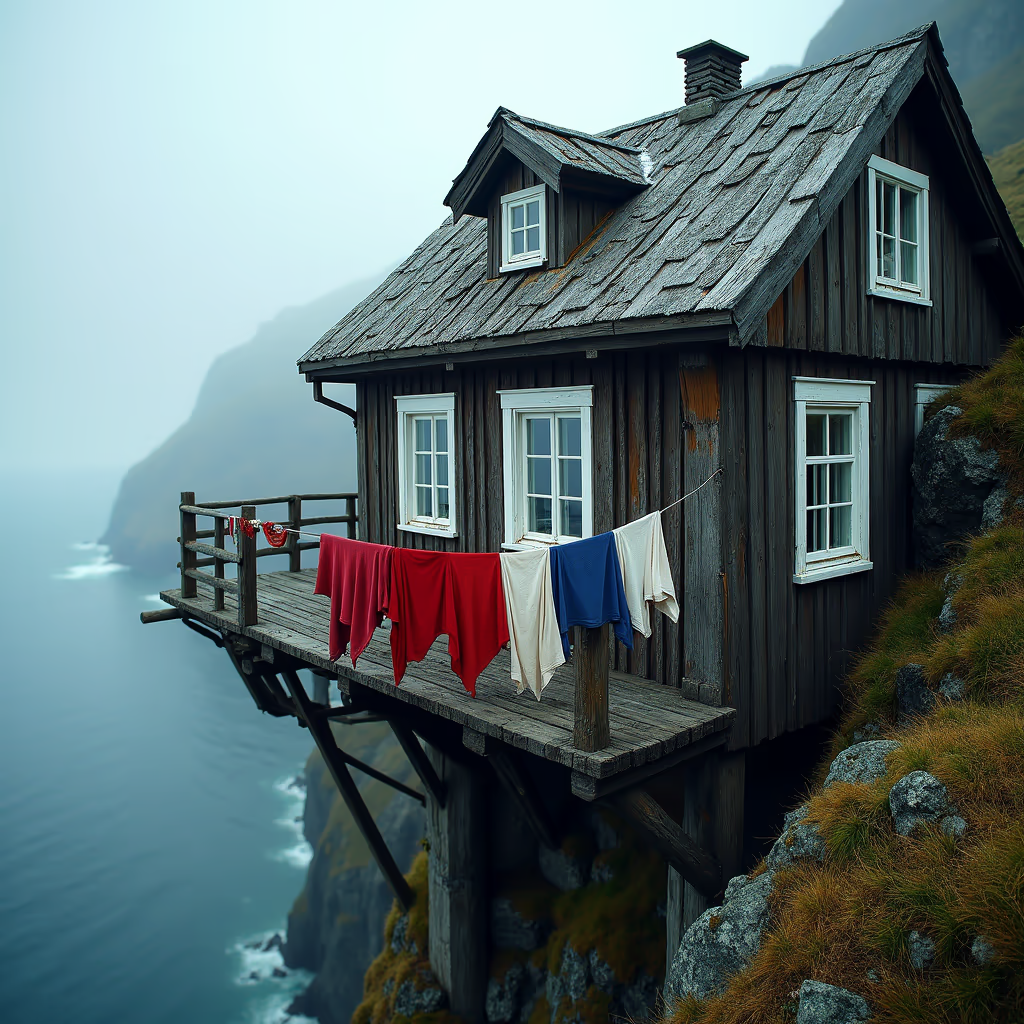
FLUX Dev Showcase
Explore the comprehensive capabilities of FLUX Dev including text-to-image generation and image-to-image transformations with detailed prompts and parameters

FLUX Dev's Powerful Features
Discover the advanced capabilities that make FLUX Dev the ideal choice for both text-to-image and image-to-image AI generation
- 01
Exceptional Prompt Adherence
Superior understanding of natural language prompts with accurate interpretation of complex instructions, spatial relationships, and artistic styles. Maintains perfect consistency between prompts and generated outputs.
- 02
High-Resolution Output
Generate stunning images up to 2.0 megapixels with support for various aspect ratios including square (1:1), portrait (2:3, 9:16), landscape (16:9, 3:2), and custom dimensions for diverse creative applications.
- 03
Advanced Image-to-Image Transformation
Transform existing images using text prompts while preserving core composition. Perfect for style transfers, artistic conversions, and creative reimagining with precise control over transformation strength.
- 04
Versatile Artistic Styles
From photorealistic portraits to abstract art, anime to watercolor paintings. FLUX Dev handles a wide range of artistic styles with remarkable proficiency, seamlessly blending different visual aesthetics.
- 05
Optimized Performance
Trained with guidance distillation technology, eliminating the need for classifier-free guidance and reducing computational cost by half while maintaining high-quality output. Ideal for iterative creative workflows, rapid prototyping, and efficient batch processing.
- 06
Flexible Aspect Ratio Support
Generate images in multiple aspect ratios including square, portrait (4:3, 16:9), and landscape (4:3, 16:9) formats with HD options for optimal composition.
- 07
Advanced Inference Control
Fine-tune generation quality with customizable inference steps (1-50 for text-to-image, 10-50 for image-to-image) to balance between speed and image quality.
- 08
Precision Guidance Scaling
Control prompt adherence with adjustable guidance scale (1-20) to determine how closely the model follows your text prompts versus creative interpretation.
- 09
Intelligent Seed Control
Achieve reproducible results with seed-based generation control. Use specific seeds for consistent outputs or random seeds for varied creative exploration.
- 10
Built-in Safety Verification
Integrated safety checker system that automatically filters inappropriate content while maintaining creative freedom for legitimate artistic expression.
- 11
Multi-Format Output Support
Generate images in multiple formats including PNG for transparency needs and JPEG for smaller file sizes, optimized for different use cases and platforms.
- 12
Adaptive Transformation Strength
Fine-tune image-to-image transformations with adjustable strength control (0.01-1.0) to balance between preserving original details and applying creative modifications.








How to Use FLUX.1 Dev for Text-to-Image
Master text-to-image generation with FLUX.1 Dev
- 01
Craft Detailed Prompts
Write comprehensive prompts with specific details about subject, style, lighting, and composition. Include camera settings for photorealistic results: 'Shot with Canon EOS R5, 85mm f/1.4 lens, soft studio lighting'.
- 02
Optimize Parameters
Use 28-35 inference steps for balanced quality. Set guidance scale to 3.5 for prompt adherence. Choose appropriate aspect ratios: square (1:1), portrait (2:3), landscape (16:9).
- 03
Iterate and Refine
Generate multiple variations, experiment with prompt modifiers, and adjust technical details. Use consistent seed values for reproducible results.
How to Use FLUX.1 Dev for Image-to-Image
Master image-to-image transformation with FLUX.1 Dev
- 01
Prepare Your Base Image
Start with a clear, high-quality image. The original composition will be preserved while style elements are transformed based on your prompt.
- 02
Write Transformation Prompts
Describe the target style clearly: 'anime digital art style, cel-shading, vibrant colors' or 'watercolor painting with soft brush strokes'. Be specific about desired changes.
- 03
Adjust Strength Parameter
Use strength 0.1-0.3 for subtle changes, 0.4-0.6 for moderate transformation, 0.7-0.8 for strong stylization while preserving composition, 0.9-1.0 for dramatic changes.
- 04
Fine-tune Results
Experiment with different strength values and prompt combinations. Layer multiple style elements for complex transformations. Consider lighting and atmosphere changes.
Flux Dev YouTube Videos
Watch community demonstrations and tutorials showcasing Flux Dev's powerful image generation capabilities
- Flux AI Tutorial: FREE AI Image Generator on Your PC - Kevin Stratvert
- Flux AI Image Generator - Tutorial for Beginners (Create Realistic Images) - Roboverse
- Flux AI Tutorial for FREE - Best AI Image Generator (actually insane) - Jerell AI
- How To Use Flux AI for Beginners | Image Generator Tutorial - The Ultimate Explainer
- FLUX: How To Generate UNLIMITED AI Images For FREE | ComfyUI Tutorial - MDMZ
Flux Dev YouTube Videos
Watch community demonstrations and tutorials showcasing Flux Dev's powerful image generation capabilities
Flux Dev Popular Reviews on X
See what people are saying about Flux Dev on X (Twitter)
AI Pricing Plans
Flexible AI Pricing
Pay-as-you-go credits or subscription plans. No hidden fees, cancel anytime.
One Time supports crypto payment (BTC, USDT, ETH, 350+) · Monthly billing
Free-One Time
Try before you buy
- Up to 3 videos
- Up to 32 images
- Multi-Model Support
- Text to Video
- Image to Video
- Video to Video
Show more (+11)
- Consistent Character
- AI Animation Generator
- Templates & Effects
- AI Video Enhancers
- Interactive Community
- Faster Generation Speed
- No-watermark Outputs
- More Camera Movement
- Private Video Visibility
- Copy Protection
- Priority Support
Pro-1 Month
PopularElevate your AI experience
- Up to 80 videos
- Up to 800 images
- 3 tasks(Parallel Tasks)
- Multi-Model Support
- Text to Video
- Image to Video
Show more (+12)
- Video to Video
- Consistent Character
- AI Animation Generator
- Templates & Effects
- AI Video Enhancers
- Interactive Community
- Faster Generation Speed
- No-watermark Outputs
- More Camera Movement
- Private Video Visibility
- Copy Protection
- Priority Support
Lite-1 Month
Start your AI journey
- Up to 30 videos
- Up to 300 images
- 3 tasks(Parallel Tasks)
- Multi-Model Support
- Text to Video
- Image to Video
Show more (+12)
- Video to Video
- Consistent Character
- AI Animation Generator
- Templates & Effects
- AI Video Enhancers
- Interactive Community
- Faster Generation Speed
- No-watermark Outputs
- More Camera Movement
- Private Video Visibility
- Copy Protection
- Priority Support
- Card
- Crypto accepted (BTC, USDT, ETH, 350+)
FLUX.1 Dev - Frequently Asked Questions
Find answers to common questions about FLUX.1 Dev AI image generation model
Still have questions?