









🎨 Seedream 5.0 Pro — ByteDance's flagship image model: up to 2K, best-in-class typography & multi-reference editing!


Unlimited Kling AI Video Generator
Advanced AI video generation models by Kuaishou that create cinematic-quality videos from text prompts and images with professional motion control, 1080p resolution, and up to 2 minutes duration.
Kling Model Series

Kling v3
Latest Kling video and image generation with top-tier quality
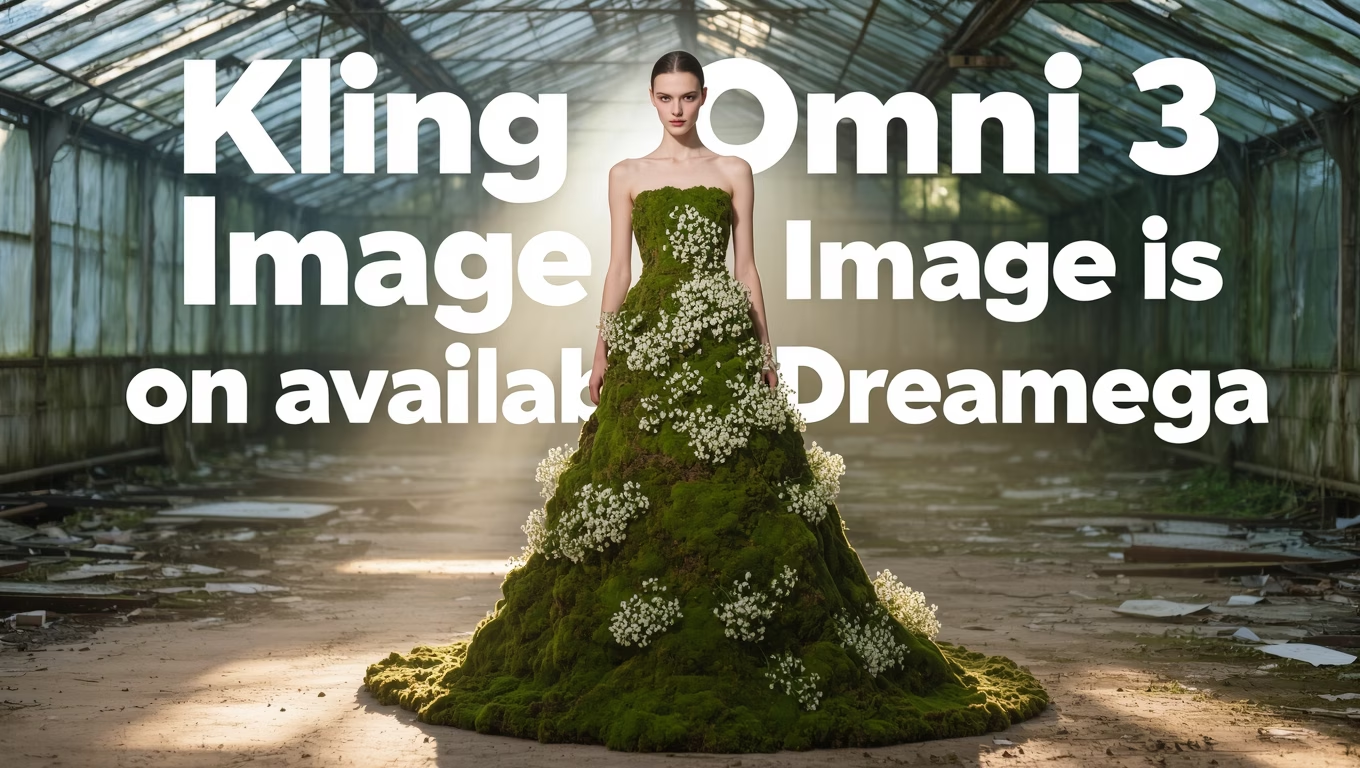
Kling O3
Advanced Kling model with video editing and reference capabilities
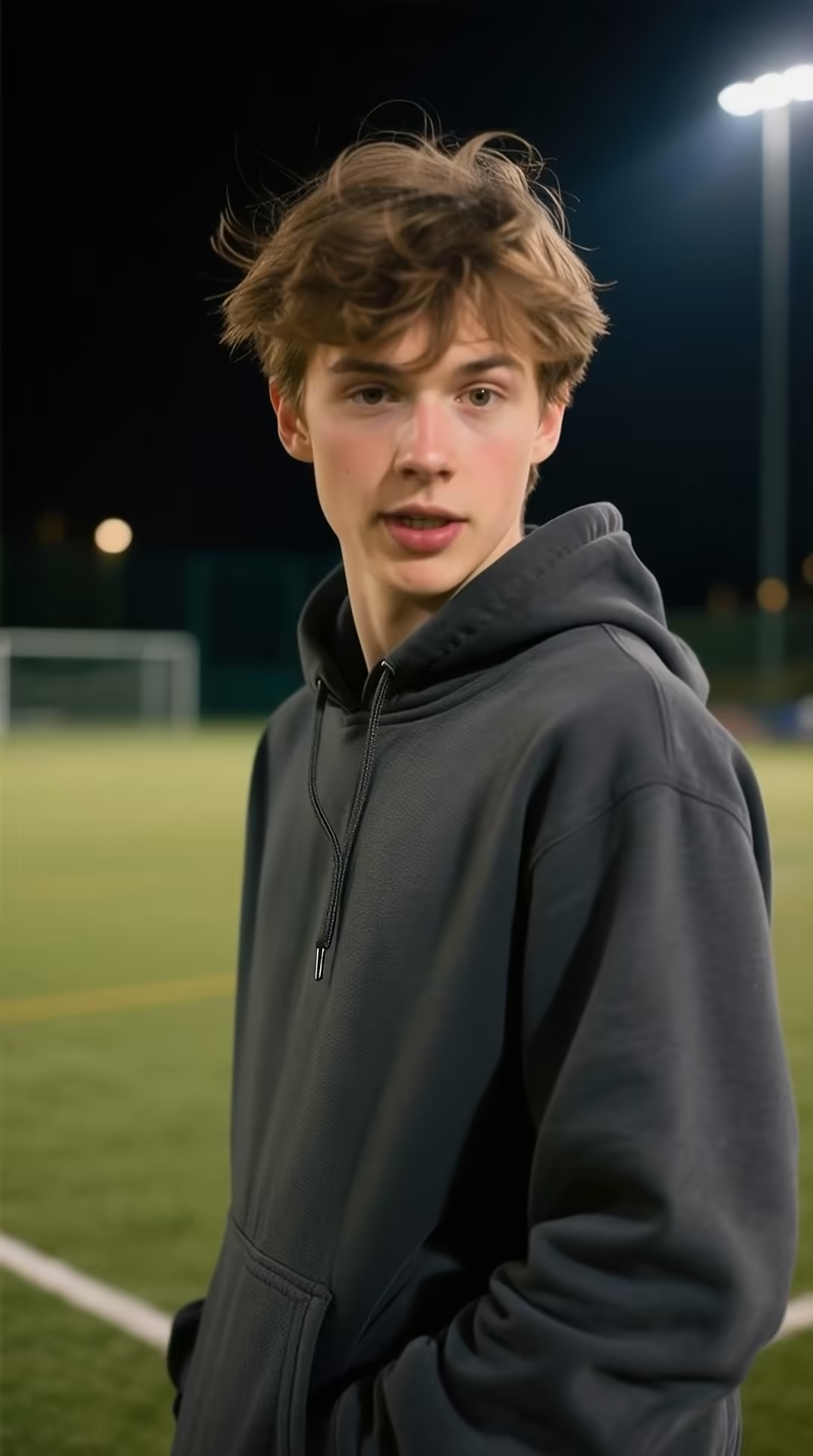
Kling v3 Motion
Precise motion control for Kling v3 video generation
Kling 2.6 Pro
Professional-grade Kling 2.6 video generation
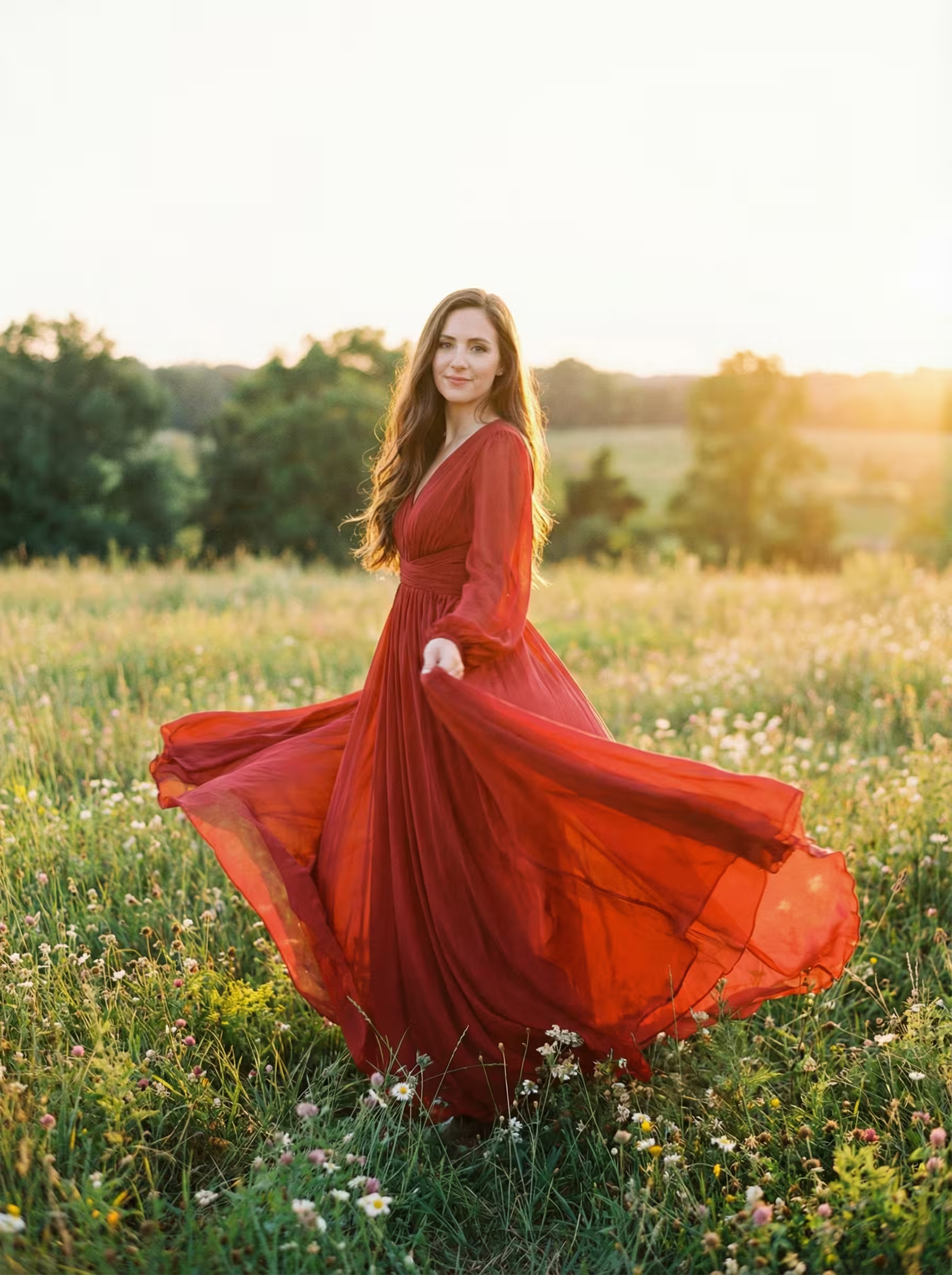
Kling 2.6 Motion
Motion control for Kling 2.6 video generation
Kling O1
Kling O1 with video editing and reference generation
Kling 2.5
Fast and efficient Kling 2.5 turbo video generation
What is Kling AI?
Advanced AI video generation platform by Kuaishou
- 22M+Global Users
- 40M+Videos Generated
- Multi-SeriesModel Lineup
- ProCamera Control
Kling AI is Kuaishou's comprehensive AI video generation platform with 22M+ users and 40M+ videos generated.
Kling AI Features
Discover the powerful features that make Kling AI the leading video generation platform
- 01
Cinematic Quality Output
Generate professional-grade videos up to 1080p resolution with cinema-quality visuals and smooth 30fps playback for broadcasting and commercial use.
- 02
Extended Video Duration
Create videos up to 2 minutes long with seamless extension capabilities, allowing for comprehensive storytelling and detailed content creation.
- 03
3D Spatiotemporal Attention
Advanced 3D spatiotemporal attention modules model complex motion relationships, producing high-fidelity dynamic videos with realistic movement patterns.
- 04
Real-World Physics Simulation
Simulate authentic physical characteristics with advanced model architecture, ensuring videos conform to real-world physics laws and natural motion dynamics.
- 05
Directional Camera Controls
v1.6 Pro introduces precise directional camera movements including down_back, forward_up, left_turn_forward, and right_turn_forward with CFG scale control (0-1) for balancing creativity and prompt adherence.
- 06
Multi-Modal Visual Language
Revolutionary MVL technology enables integration of multimodal inputs including image references, text descriptions, and video clips for precise creative expression.
- 07
Motion Brush Technology
Selective animation control with motion brush tools for targeted movement application, allowing precise control over specific areas and elements in your videos.
- 08
Advanced Lip Sync
Industry-leading lip-sync capabilities with Text-to-Speech integration, creating realistic character animations with natural voice-to-mouth movement synchronization.
- 09
Elements Multi-Image Fusion
Revolutionary Elements mode in v1.6 Pro supports 1-4 image inputs for complex video generation, perfect for character consistency, product marketing, and creative scenarios requiring precise element control.
- 10
Enhanced Prompt Adherence
195% improvement in prompt understanding compared to previous versions, delivering more accurate interpretation and execution of complex creative instructions.
- 11
Dual-Frame Control
v1.6 Pro offers unique dual-frame control for 5-second videos, allowing precise specification of both start and end frames for storyboard-level direction and cinematic transitions.
- 12
Cost-Effective Generation
v1.6 Pro delivers exceptional value at just 10 credits per generation via fal.ai, making professional-quality video creation accessible for creators and businesses of all sizes.










How to Use Kling AI Text-to-Video Generation
Master text-to-video creation with Kling AI's advanced features and professional controls
- 01
Craft Detailed Prompts
Write specific, descriptive prompts that include motion details, camera movements, and visual elements. Use professional cinematography terms like 'tracking shot', 'dolly zoom', or 'slow pan' for sophisticated camera work. Include lighting conditions, character actions, and environmental details for optimal results.
- 02
Configure Generation Settings
Select your preferred video duration (5 or 10 seconds), aspect ratio (16:9, 9:16, 1:1), and model version. For v1.6 Pro text-to-video generation, utilize directional camera controls (down_back, forward_up, left_turn_forward, right_turn_forward) and adjust the CFG scale (0-1) to balance creativity and prompt adherence. v1.6 Pro costs only 10 credits via fal.ai.
- 03
Generate and Refine
Submit your request and wait approximately 5 minutes for processing. Review the generated video and use the negative prompt feature to exclude unwanted elements. Utilize Kling AI's advanced features like motion brush for selective animation control and professional camera movements for cinematic results.
How to Use Kling AI Image-to-Video Generation
Transform static images into dynamic videos with Kling AI's advanced image-to-video capabilities
- 01
Prepare Your Input Image
Upload a high-quality image with clear subjects and good composition. Images with distinct foreground and background elements work best. Ensure your image has good lighting and resolution for optimal video generation. The image will serve as the starting frame for your video sequence.
- 02
Craft Motion-Focused Prompts
Write prompts that describe how you want the image to come alive. Focus on specific movements, camera motions, and environmental changes. Use terms like 'gentle breeze moves the leaves', 'camera slowly zooms in', or 'water flows smoothly'. Combine motion descriptions with atmospheric elements for compelling results.
- 03
Configure and Generate
For v1.6 Pro image-to-video generation, utilize dual-frame control for 5-second videos by optionally adding an end frame image. Configure CFG scale (0-1) to balance creativity and prompt adherence. Use Elements mode for multi-image inputs (1-4 images) to create complex video scenarios with consistent character or object representation. v1.6 Pro costs only 10 credits via fal.ai.
Kling AI YouTube Videos
Watch tutorials and demonstrations showcasing Kling AI's video generation capabilities
- How to use Kling AI the CORRECT way (4 Things I Wish I Used Earlier) - Roboverse
- Kling AI 2.5 Turbo Tutorial Part 1| Image | Video | Sound | Lip Sync | Extend | Virtual | BEAST MODE - One Man Nerdy Studio
- STOP Wasting Credits & Master Kling AI in 10 Minutes - Roboverse
- Kling AI Video Tutorial for Beginners : Create Any Video You Imagine! - Smart Webpreneur
- Kling AI 2.1 Image to Video Tutorial - Insane AI Video Generator - Roboverse
Kling AI YouTube Videos
Watch tutorials and demonstrations showcasing Kling AI's video generation capabilities
Kling AI Popular Reviews on X
See what people are saying about Kling AI on X (Twitter)
AI Pricing Plans
Flexible AI Pricing
Pay-as-you-go credits or subscription plans. No hidden fees, cancel anytime.
One Time supports crypto payment (BTC, USDT, ETH, 350+) · Monthly billing
Free-One Time
Try before you buy
- Up to 3 videos
- Up to 32 images
- Multi-Model Support
- Text to Video
- Image to Video
- Video to Video
Show more (+11)
- Consistent Character
- AI Animation Generator
- Templates & Effects
- AI Video Enhancers
- Interactive Community
- Faster Generation Speed
- No-watermark Outputs
- More Camera Movement
- Private Video Visibility
- Copy Protection
- Priority Support
Pro-1 Month
PopularElevate your AI experience
- Up to 80 videos
- Up to 800 images
- 3 tasks(Parallel Tasks)
- Multi-Model Support
- Text to Video
- Image to Video
Show more (+12)
- Video to Video
- Consistent Character
- AI Animation Generator
- Templates & Effects
- AI Video Enhancers
- Interactive Community
- Faster Generation Speed
- No-watermark Outputs
- More Camera Movement
- Private Video Visibility
- Copy Protection
- Priority Support
Lite-1 Month
Start your AI journey
- Up to 30 videos
- Up to 300 images
- 3 tasks(Parallel Tasks)
- Multi-Model Support
- Text to Video
- Image to Video
Show more (+12)
- Video to Video
- Consistent Character
- AI Animation Generator
- Templates & Effects
- AI Video Enhancers
- Interactive Community
- Faster Generation Speed
- No-watermark Outputs
- More Camera Movement
- Private Video Visibility
- Copy Protection
- Priority Support
- Card
- Crypto accepted (BTC, USDT, ETH, 350+)

Frequently Asked Questions About Kling AI
Get answers to common questions about Kling AI's video generation capabilities
Still have questions?