









🎨 Seedream 5.0 Pro — ByteDance's flagship image model: up to 2K, best-in-class typography & multi-reference editing!


Kling 4.0 AI Video Generator
Kuaishou's newest Kling video model, officially launched October 15, 2026. Generate single takes of 3 to 30 seconds at 720p or 1080p with native stereo sound, guide image-to-video with a first frame, last frame and keyframes, combine up to 10 images, 5 videos and 3 audio clips as references, or edit and extend a video you already have.
Kling Model Series

Kling v3
Latest Kling video and image generation with top-tier quality
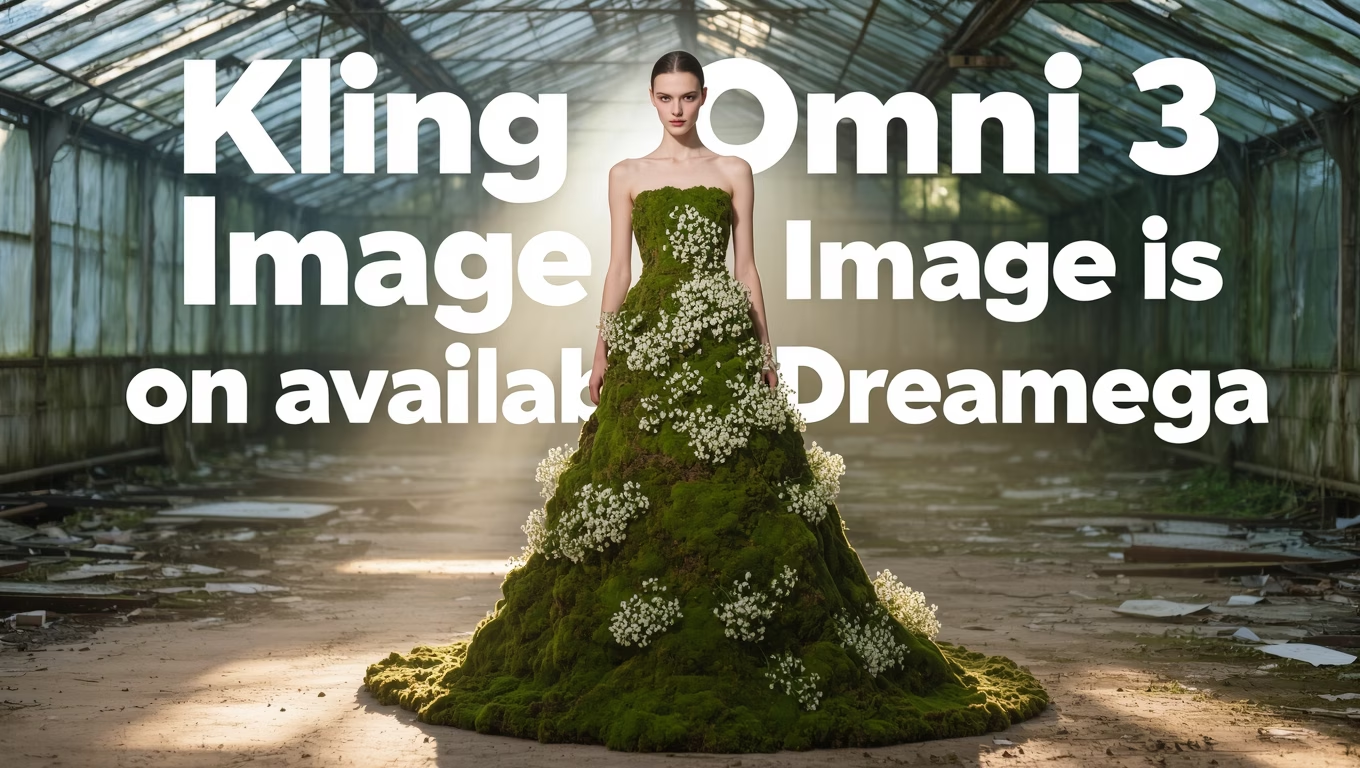
Kling O3
Advanced Kling model with video editing and reference capabilities
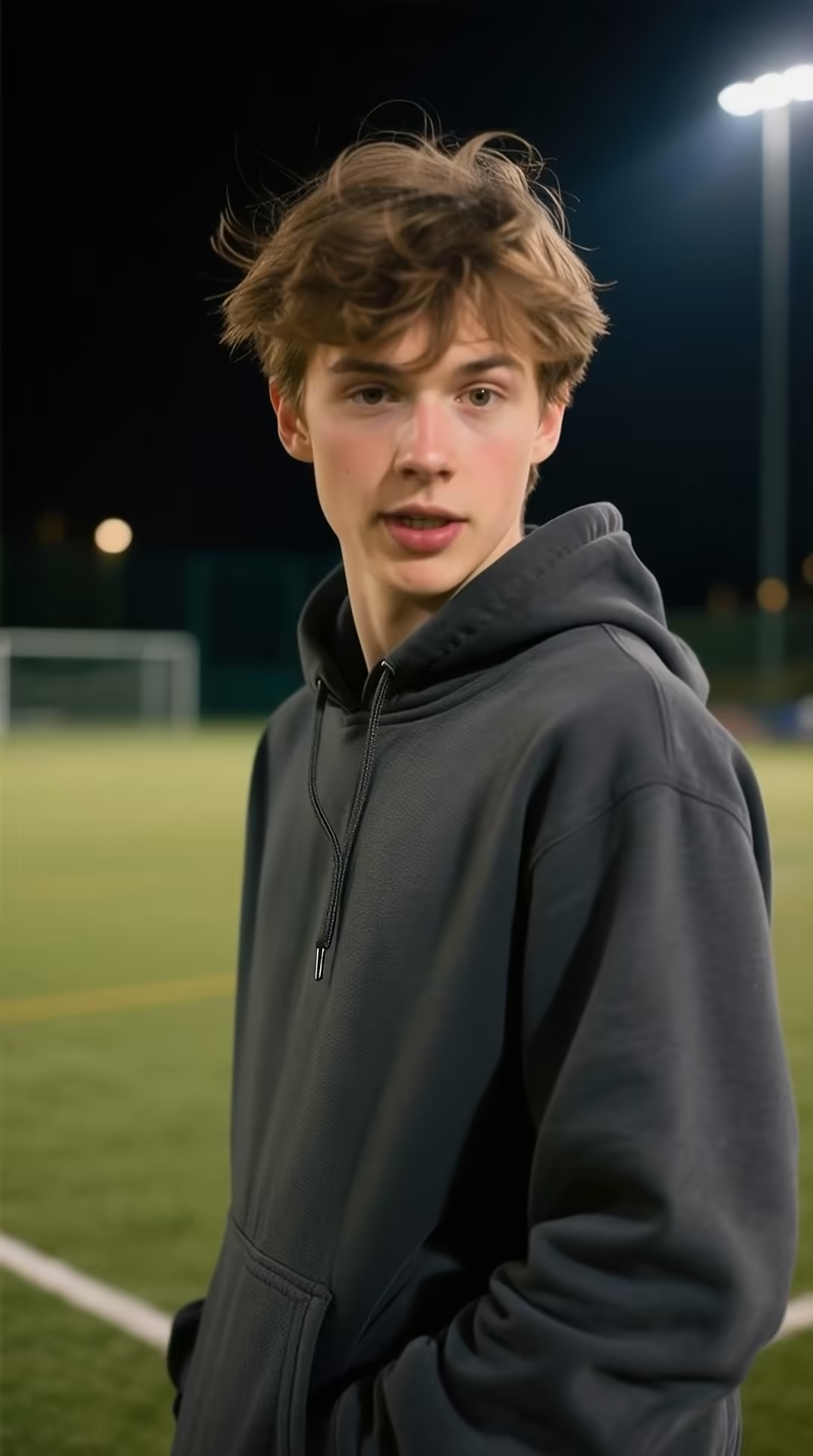
Kling v3 Motion
Precise motion control for Kling v3 video generation
Kling 2.6 Pro
Professional-grade Kling 2.6 video generation
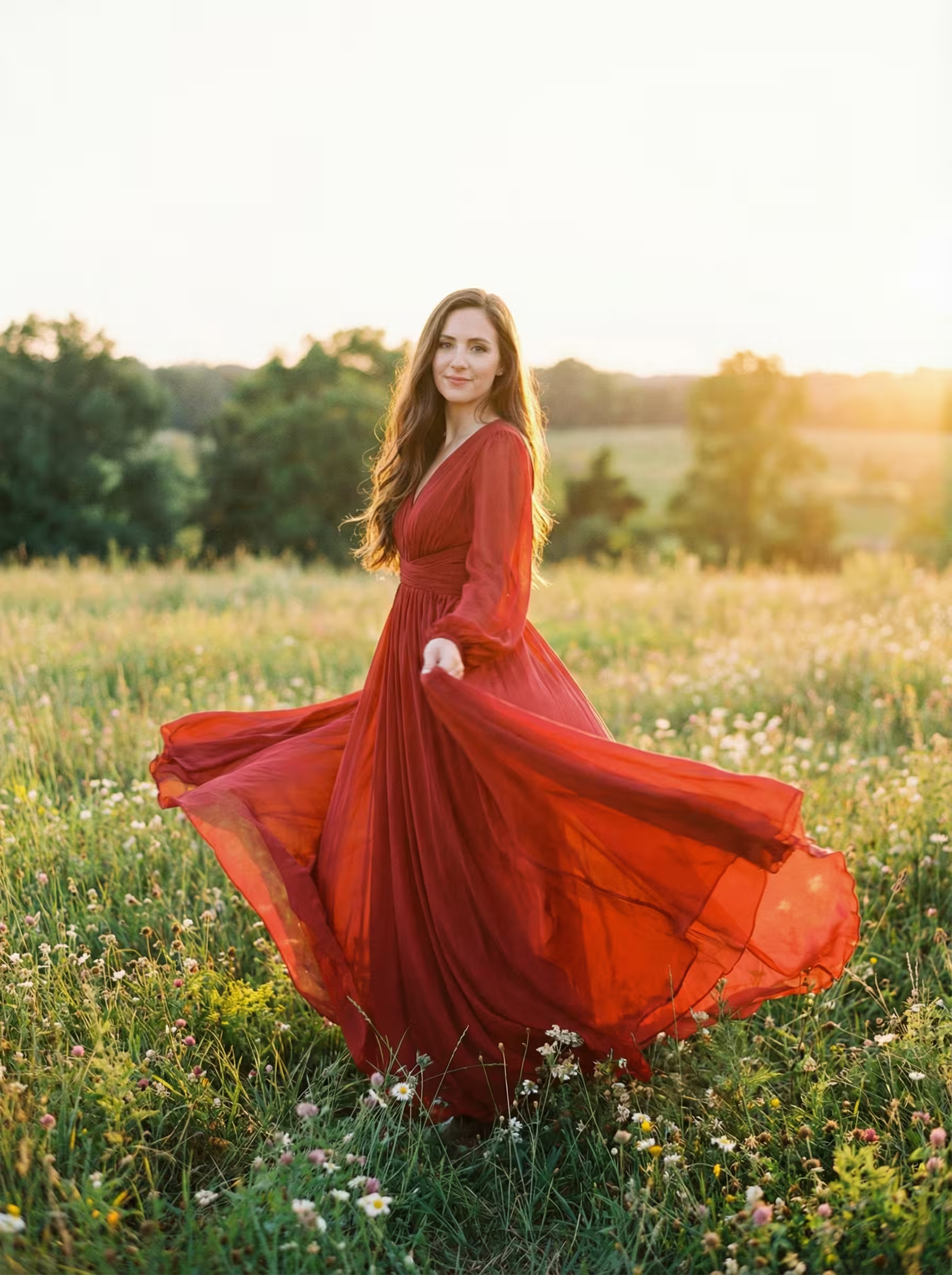
Kling 2.6 Motion
Motion control for Kling 2.6 video generation
Kling O1
Kling O1 with video editing and reference generation
Kling 2.5
Fast and efficient Kling 2.5 turbo video generation
Kling AI
Classic Kling AI video generation with multiple model versions
What's Kling 4.0
Kuaishou's new-generation Kling video model for 30-second single takes, stereo sound and multi-reference control
- 30sSingle Take
- 1080pMax Resolution
- StereoNative Audio
- 5Generation Modes
Kling 4.0 is the new-generation video model from Kuaishou's Kling AI, officially launched on October 15, 2026. It doubles the longest single generation from Kling 3.0's 15 seconds to 30 seconds, renders two-channel stereo audio together with the picture, and adds Omni Reference, which combines images, videos and audio clips in one prompt. Kuaishou says the release focuses on realism and control: large movements stay steadier, and high-speed action and complex camera moves play out more smoothly. On Dreamega you can run it as text-to-video, image-to-video with keyframes, reference-to-video, video edit and video extend, at 720p or 1080p in 16:9, 9:16, 1:1 or 21:9.
Kling 4.0's Key Features
Longer takes, stereo sound and finer control over every shot, whether you start from text, images, references or an existing video
- 01
30-Second Single Takes
Pick any length from 3 to 30 seconds per generation. Kling 4.0 doubles Kling 3.0's 15-second limit, so a full scene, a product reveal or a continuous action can play out in one take instead of being stitched together from short clips.
- 02
Native Stereo Audio
Every video comes with two-channel stereo sound generated together with the picture: dialogue with lip sync, sound effects and ambience. Kling lists dialogue in Chinese, English, Japanese, Korean, Spanish, Portuguese, German and French, among other languages.
- 03
Multi-Shot Prompts
Describe a sequence shot by shot in a single prompt. Kling 4.0 handles the cuts and camera changes inside one generation, so a short scene with several angles comes out as one clip with the same characters and setting.
- 04
First Frame, Last Frame & Keyframes
Image-to-video starts from your first frame and can also take a last frame plus in-between keyframes, up to 10 images in total, so you decide where the shot starts, where it ends and the key poses along the way.
- 05
Omni Reference
Reference-to-video combines up to 10 images, 5 videos and 3 audio clips with a text prompt. Call each file by name in the prompt, such as @Image1, @Video1 or @Audio1, to place a character, borrow a movement or set a voice.
- 06
Video Edit
Rewrite an existing 3–30 second video with a text instruction, such as a new style, outfit, background or object, while the scene, subject and motion stay in place. Optional reference images and audio guide the change, and the original sound is kept by default.
- 07
Video Extend
Continue a clip from its last frame with a new 3–30 second segment, optionally steered toward a final image you provide. Only the new part is generated, and the original and the new segment come back joined as one video.
- 08
Steadier Motion & Camera Work
Kuaishou says Kling 4.0 keeps large movements more stable, keeps high-speed action and complex camera moves smoother, and combines references more reliably. That matters most for sports, dance, chases and moving-camera shots.






How to Use Kling 4.0 for Text-to-Video
Turn a written scene into a 3–30 second video with stereo sound in three steps
- 01
Describe the Scene, Shot by Shot
Write who is in the scene, what happens, how the camera moves, the lighting and what we should hear. Put spoken lines in quotes so they are voiced with lip sync. For longer clips, describe several shots in order, for example: 'Wide shot of a night market in the rain, then a close-up of a cook flipping noodles as the crowd cheers.'
- 02
Choose Length, Resolution and Ratio
Set a duration from 3 to 30 seconds, pick 720p (free plan) or 1080p (Pro), and choose 16:9, 9:16, 1:1 or 21:9 ultrawide. The credit cost updates before you generate, so you can see the price of a long take up front.
- 03
Generate, Then Refine or Extend
Review the result and adjust the prompt if needed. Switch to image-to-video when you need an exact first or last frame, use video extend to continue the clip from its last frame, or use video edit to change the style, outfit or background without reshooting.
Kling 4.0 YouTube Videos
Watch Kling AI's official introduction plus creator tests, tutorials and comparisons of Kling 4.0's 30-second video generation with stereo sound
- Meet KLING 4.0 | You Call the Shots - Kling AI
- Kling 4.0 Is HERE! 30-Second AI Videos in ONE Generation (Tested) - Kingy AI
- STOP Wasting Credits & Master Kling 4.0 in 15 Minutes - Youri van Hofwegen
- Kling 4.0 Is Finally Here! (3x Cheaper Than Seedance) - AI Samson
- Can Kling 4.0 Finally Beat Seedance 2.5? (Ultimate AI Video Battle) - Zinho Automates
Kling 4.0 YouTube Videos
Watch Kling AI's official introduction plus creator tests, tutorials and comparisons of Kling 4.0's 30-second video generation with stereo sound
Kling 4.0 Popular Reviews on X
See what people are saying about Kling 4.0 on X (Twitter)
AI Pricing Plans
Flexible AI Pricing
Pay-as-you-go credits or subscription plans. No hidden fees, cancel anytime.
One Time supports crypto payment (BTC, USDT, ETH, 350+) · Monthly billing
Free-One Time
Try before you buy
- Up to 3 videos
- Up to 32 images
- Multi-Model Support
- Text to Video
- Image to Video
- Video to Video
Show more (+11)
- Consistent Character
- AI Animation Generator
- Templates & Effects
- AI Video Enhancers
- Interactive Community
- Faster Generation Speed
- No-watermark Outputs
- More Camera Movement
- Private Video Visibility
- Copy Protection
- Priority Support
Pro-1 Month
PopularElevate your AI experience
- Up to 80 videos
- Up to 800 images
- 3 tasks(Parallel Tasks)
- Multi-Model Support
- Text to Video
- Image to Video
Show more (+12)
- Video to Video
- Consistent Character
- AI Animation Generator
- Templates & Effects
- AI Video Enhancers
- Interactive Community
- Faster Generation Speed
- No-watermark Outputs
- More Camera Movement
- Private Video Visibility
- Copy Protection
- Priority Support
Lite-1 Month
Start your AI journey
- Up to 30 videos
- Up to 300 images
- 3 tasks(Parallel Tasks)
- Multi-Model Support
- Text to Video
- Image to Video
Show more (+12)
- Video to Video
- Consistent Character
- AI Animation Generator
- Templates & Effects
- AI Video Enhancers
- Interactive Community
- Faster Generation Speed
- No-watermark Outputs
- More Camera Movement
- Private Video Visibility
- Copy Protection
- Priority Support
- Card
- Crypto accepted (BTC, USDT, ETH, 350+)
Frequently Asked Questions
Still have questions?