


🎨 Seedream 5.0 Pro — ByteDance's flagship image model: up to 2K, best-in-class typography & multi-reference editing!


GPT Image 2.6 Generator and Editor - Flare and Sunburst
GPT Image 2.6 is the image family OpenAI released on 4 November 2026. Dreamega offers both API models on one page, each for text-to-image and image editing. Flare is built for everyday creation and quick iteration. Sunburst is built for detailed visual work and consistency across repeated edits. Choose from 15 aspect ratios, five quality levels and 1K, 2K or 4K output, and edit with up to 16 input images.
GPT Image Model Series
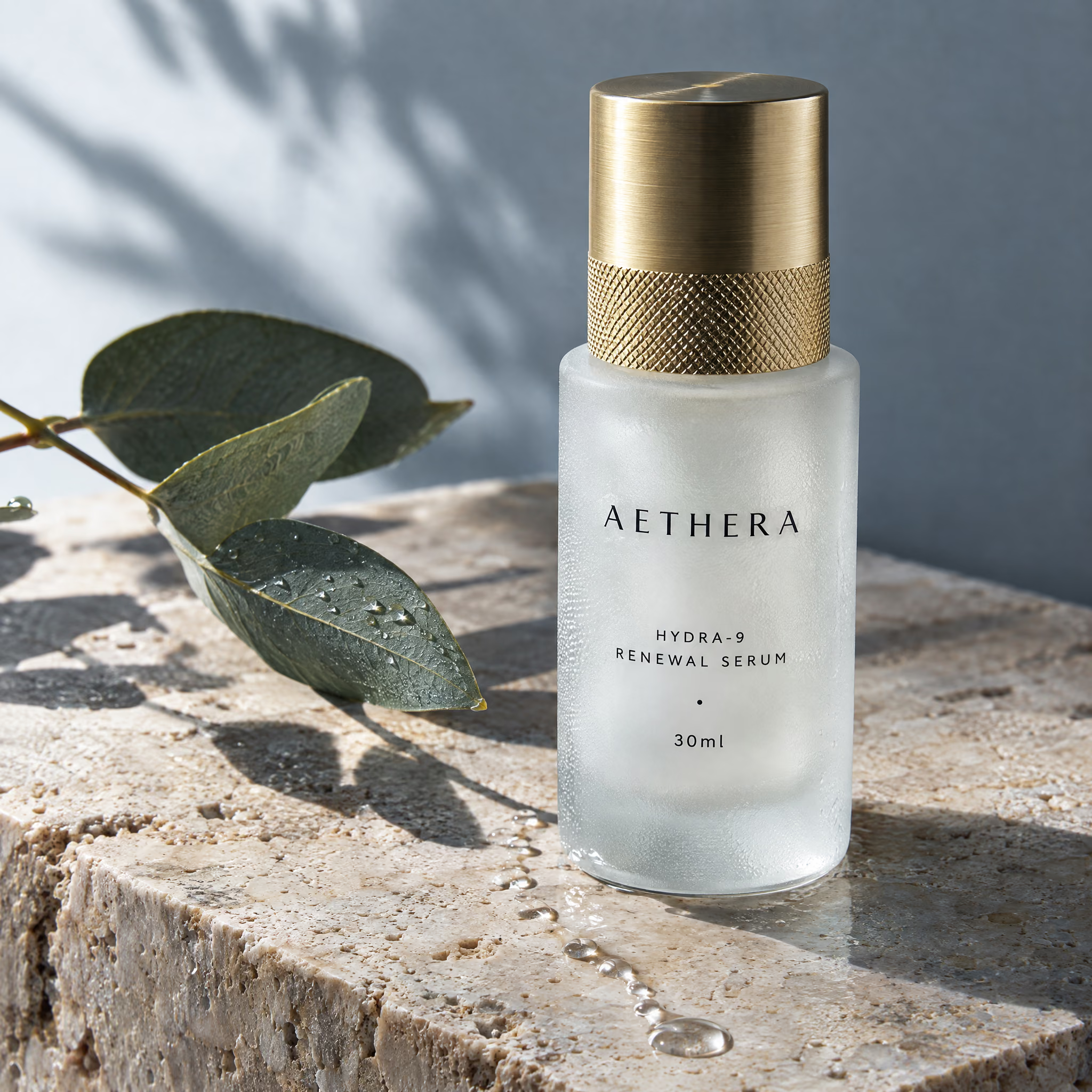
GPT Image 2.5
Flare for fast everyday generation, Sunburst for precision editing
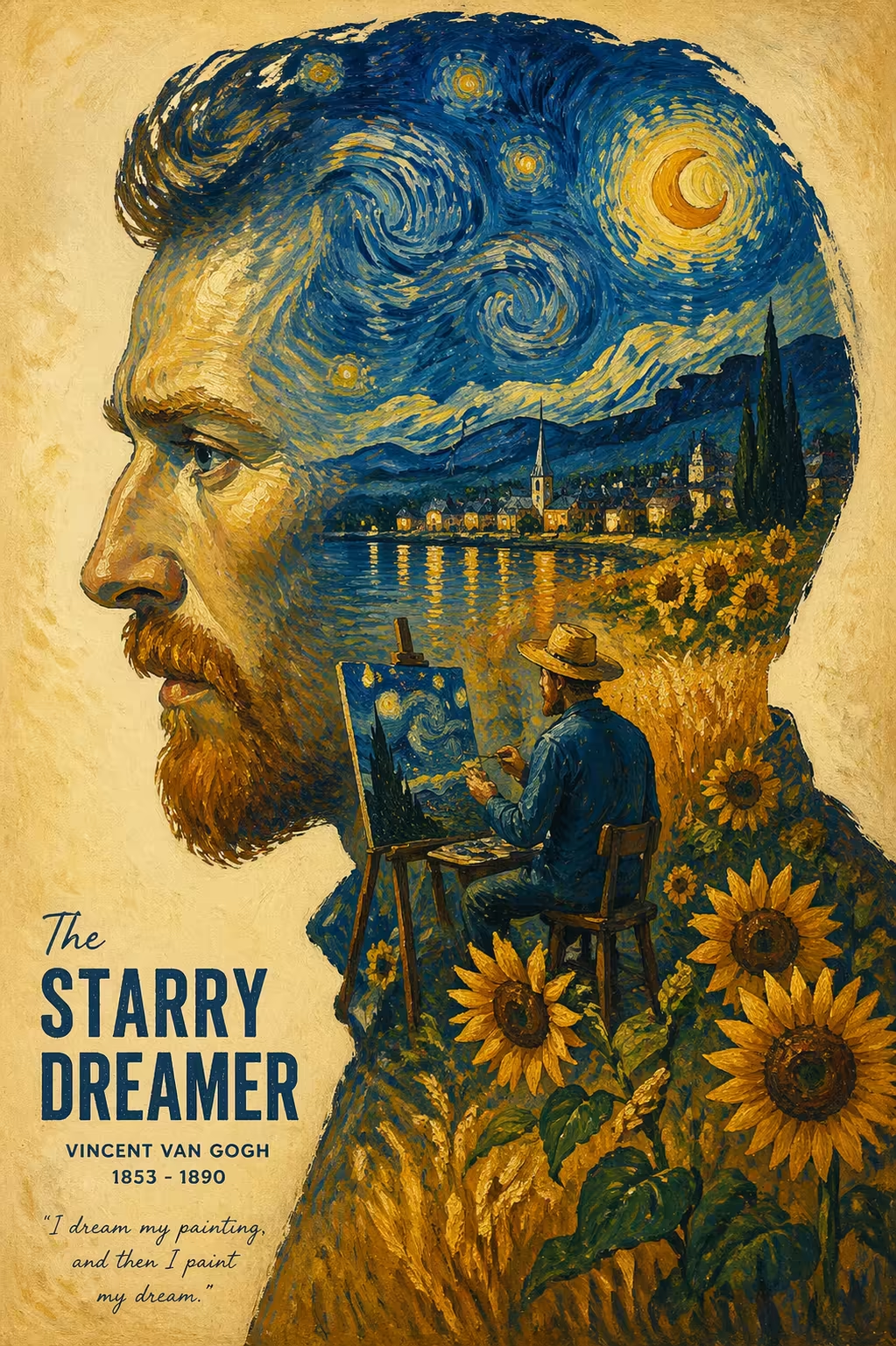
GPT Image 2
Industry-leading 99% text rendering, multi-image generation and precision editing
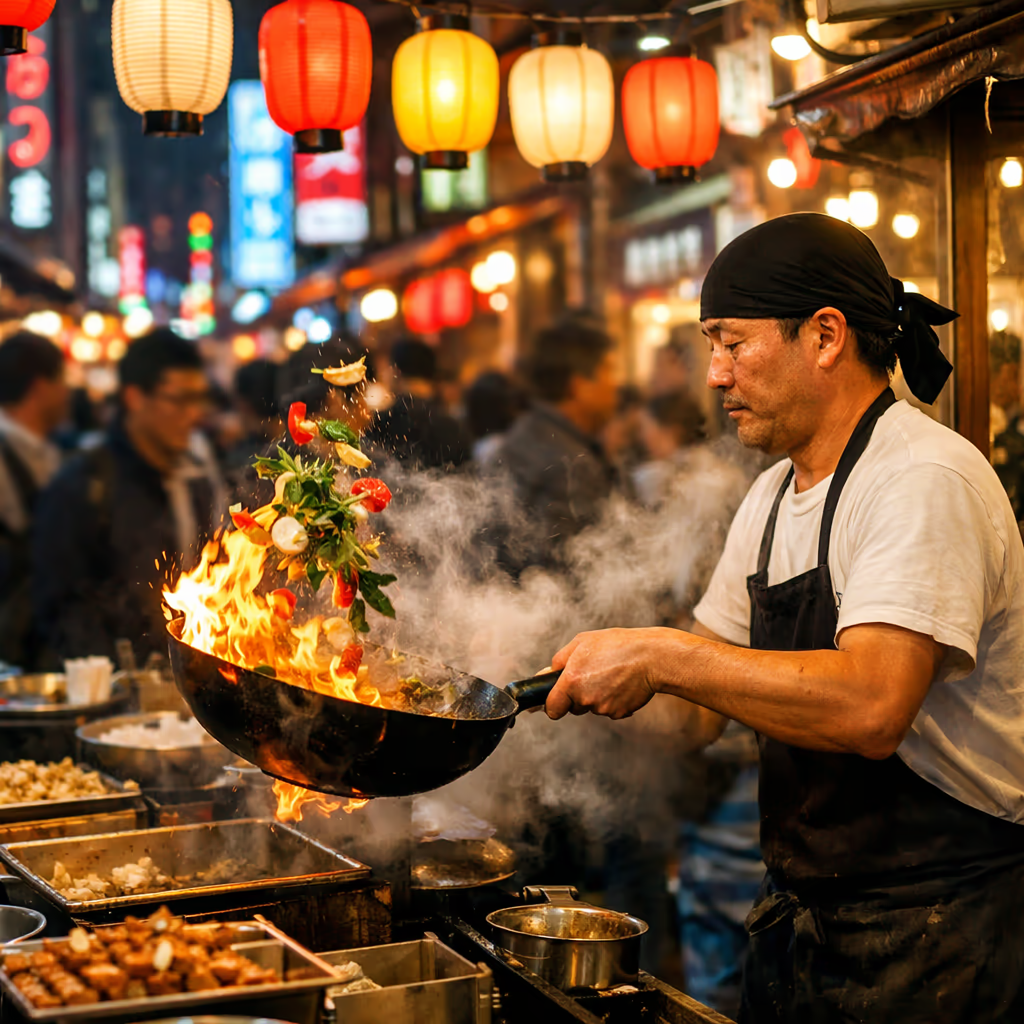
GPT Image 1.5
Latest GPT Image model with enhanced generation quality
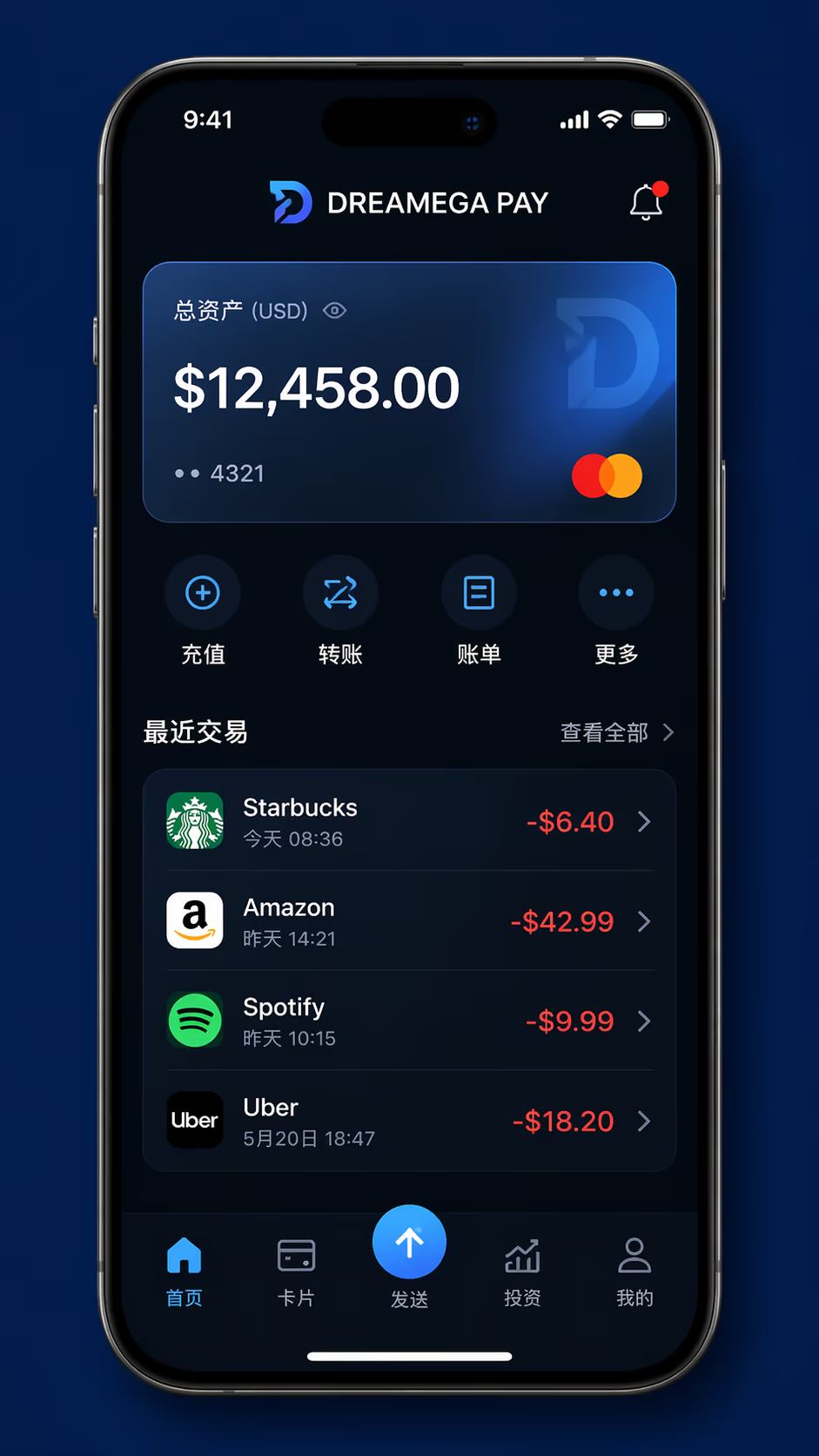
GPT-4o Image
GPT-4o powered image generation and editing
AI Image Templates
100+ ready-to-use AI image templates powered by GPT Image 2 and more
GPT Image 2.6 Text to Image Example
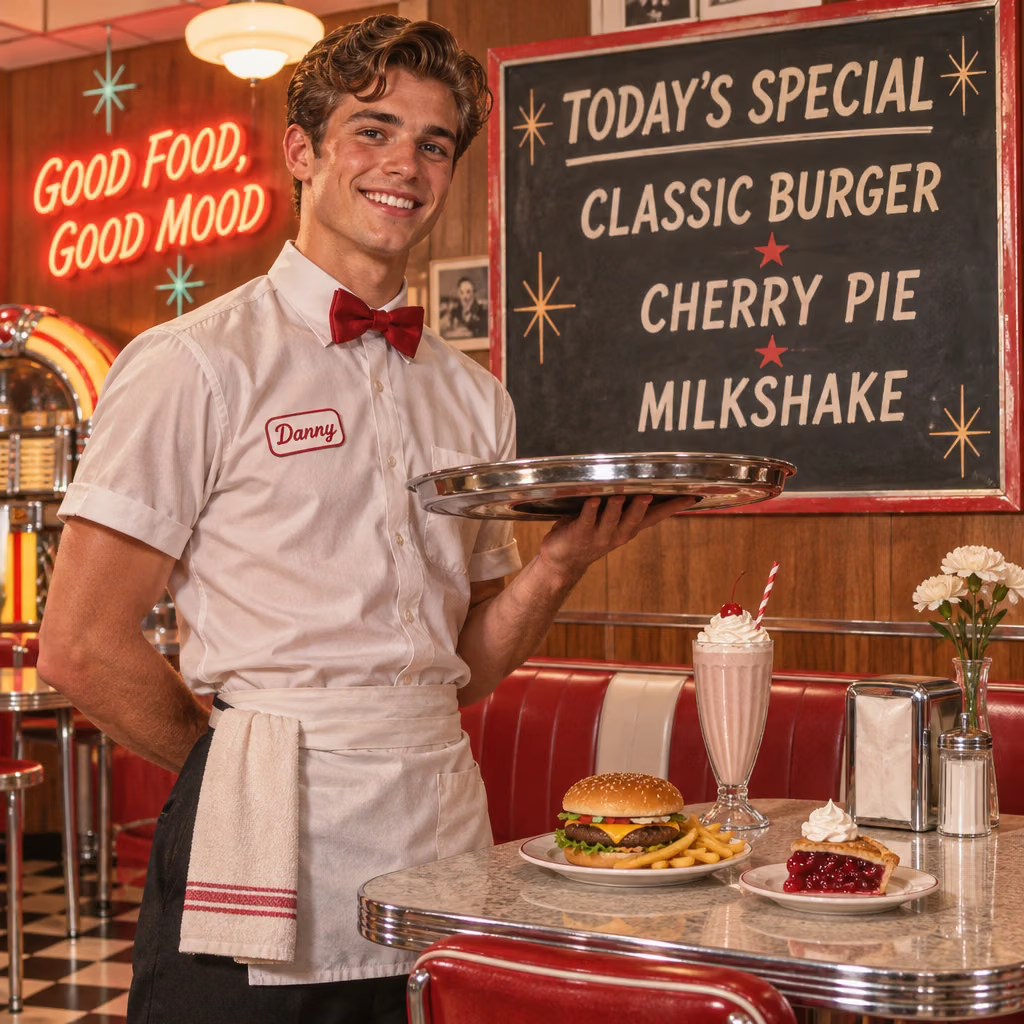
A public example from the GPT Image 2.6 Flare tier, shown with its prompt. All the menu and sign wording was written in the prompt, so you can see how the model handles text in an image.
Retro Diner Menu Board (Flare)
A 1960s diner scene with a readable menu board and a neon wall sign, from the Flare tier.
“A handsome young waiter standing beside a stylish retro diner table, holding a metal serving tray. Behind him, a large vintage menu board clearly displays “TODAY’S SPECIAL” at the top, followed by “CLASSIC BURGER”, “CHERRY PIE”, and “MILKSHAKE”. A glowing wall sign reads “GOOD FOOD, GOOD MOOD”. Warm 1960s-inspired interior, clean readable typography, realistic food, chrome, fabric, and skin, cinematic commercial photography.”
GPT Image 2.6 Image Edit Examples
One public example from each tier. Each pair shows the input image and the result of a single written instruction.
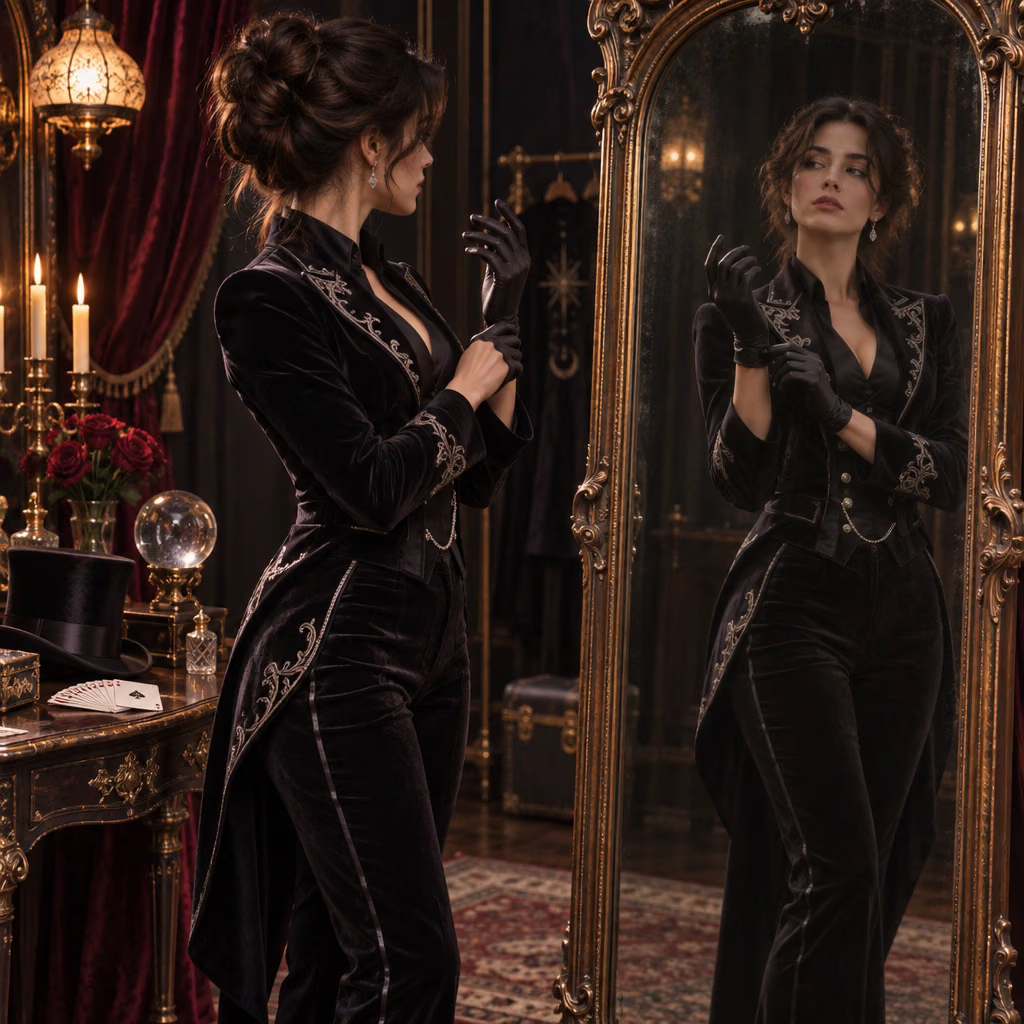
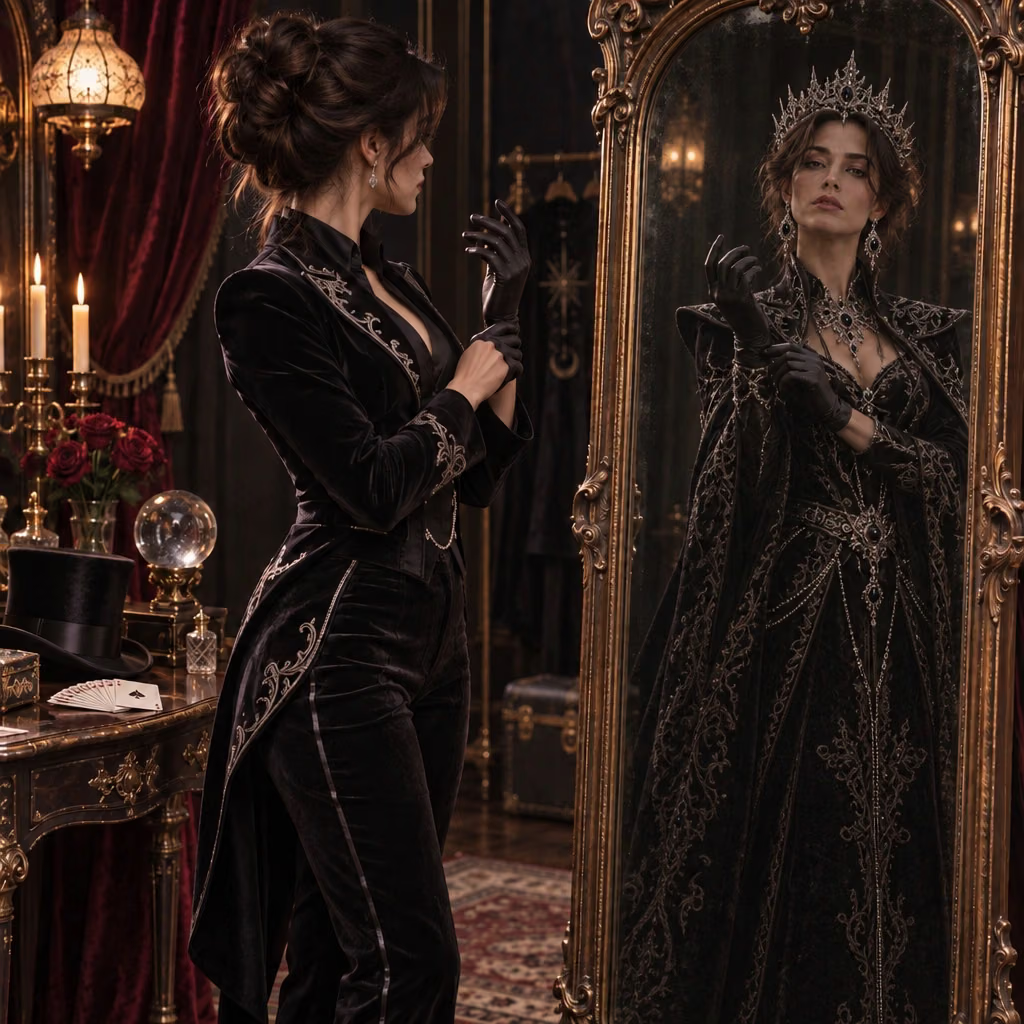
Mirror Reflection (Flare)
What's GPT Image 2.6
OpenAI's November 2026 image models: Flare for quick iteration, Sunburst for detailed work
- 2API Models
- 5Quality Levels
- 15Aspect Ratios
- 4KMax Resolution
GPT Image 2.6 is OpenAI's image generation and editing family, released on 4 November 2026 alongside ChatGPT Images 2.6. It ships as two API models. gpt-image-2.6-flare is meant for everyday creation and quick iteration. gpt-image-2.6-sunburst is meant for detailed visual work, and OpenAI says it brings higher-quality generation and greater consistency across edits. Both create images from text and edit existing images, with separate controls for rendering quality and for how much the model plans a layout before drawing.
What GPT Image 2.6 Offers
The two tiers and the controls available on Dreamega
- 01
Two Tiers, Same Controls
Flare and Sunburst take the same settings and cost the same credits, so you can run one prompt on both and compare the results.
- 02
Flare for Quick Iteration
OpenAI says Flare can return an image in as little as six seconds at low quality and quotes 50% faster generation for the 2.6 API models. Time on Dreamega varies with quality, resolution and queue.
- 03
Sunburst for Detailed Work
Sunburst is the tier for intricate detail, brand assets and product imagery, where finish matters more than turnaround.
- 04
Consistency Across Edits
OpenAI says Sunburst brings greater consistency across edits. The aim is to keep faces, clothing, products and brand details steady as you make repeated changes.
- 05
Separate Complexity Control
Complexity sets how much the model plans before drawing: low, medium or high. Higher settings help with layout on detailed prompts and take a little longer, and the setting does not change the price.
- 06
Text Inside the Image
The model listing describes clearer, more usable in-image text for posters, ads, packaging and interface mockups. Put the exact wording in your prompt and check it in the result.
- 07
Up to 16 Input Images
Edit mode takes up to 16 input images and a written instruction. If you don't set an aspect ratio, it is worked out from the input.
- 08
1K to 4K Output
Pick 1K, 2K or 4K in 15 aspect ratios, from 1:1 and 16:9 to the panoramic 3:1 and 1:3, with five quality levels from low to max.





GPT Image 2.6 on YouTube
OpenAI's own introductions to GPT Image 2.6. They cover some features, such as GIF output, that Dreamega doesn't offer in this release.
- GPT-Image-2.6: Faster image generation with Flare and Sunburst - OpenAI
- Introducing ChatGPT Images 2.6 - OpenAI
GPT Image 2.6 on YouTube
OpenAI's own introductions to GPT Image 2.6. They cover some features, such as GIF output, that Dreamega doesn't offer in this release.
OpenAI's GPT Image 2.6 Posts on X
OpenAI's launch posts for GPT Image 2.6. They mention some features, such as GIF output and SVG export, that Dreamega doesn't offer in this release.
Explore other models
More top AI models you can try right here.
 NEW
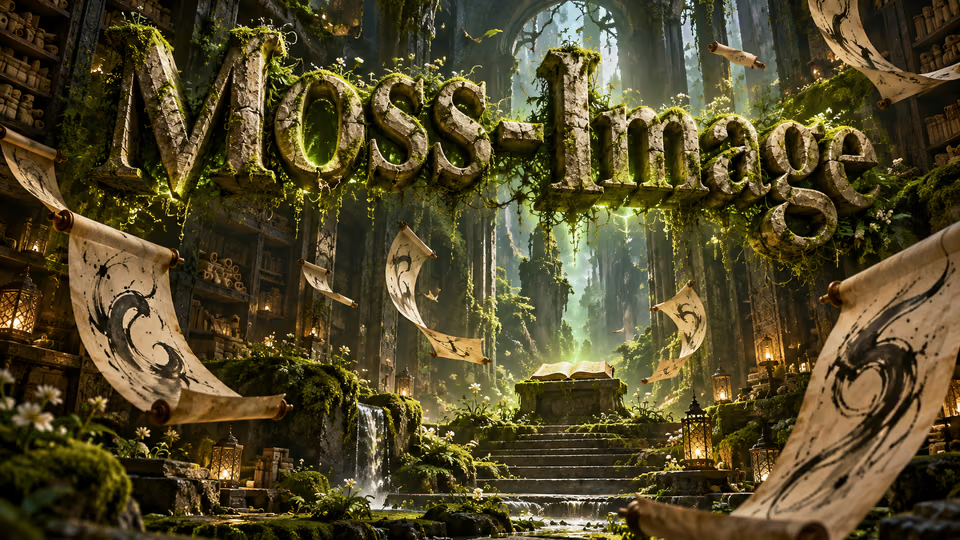
MOSS-Image
Chinese and English lettering, 15 aspect ratios and up to 2K images
FLUX.2 Pro
Black Forest Labs flagship 32B parameter model with 4MP ultra-resolution and multi-reference support up to 10 images
 NEW
Qwen Image 3
Alibaba's third-generation image model with ultra-long ~4.5K-token prompts for information-dense output and native text rendering across 12 languages and 20+ fonts
Z-Image Turbo
Alibaba's ultra-fast text-to-image model with sub-second generation and multiple acceleration modes
 NEW
Nano Banana 2.1
Google's newest Nano Banana: sharper text, 4-character consistency, 14 reference images and 1K-4K output at half the price
 NEW
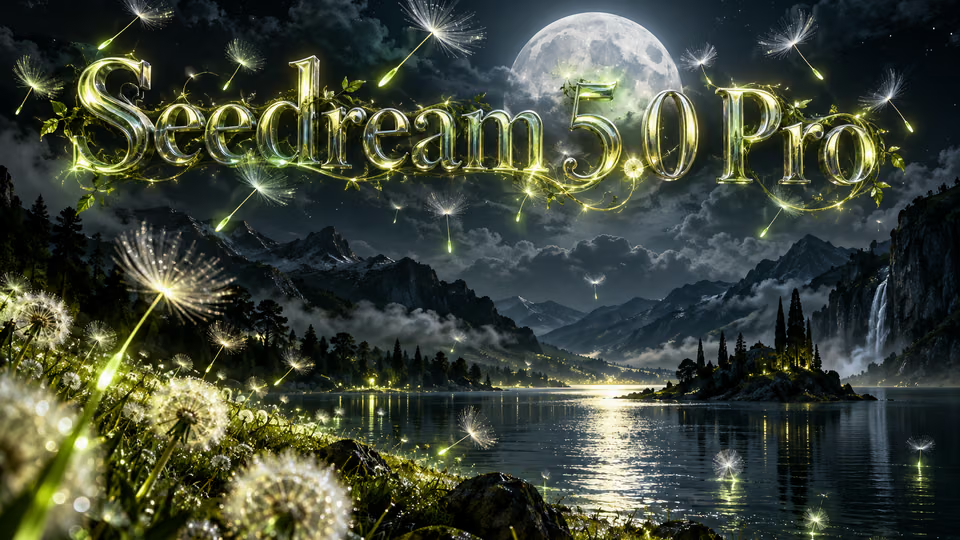
Seedream 5.0 Pro
ByteDance's flagship Seedream model with the highest visual fidelity, best-in-class typography, and up to 2K output
AI Pricing Plans
Flexible AI Pricing
Pay-as-you-go credits or subscription plans. No hidden fees, cancel anytime.
One Time supports crypto payment (BTC, USDT, ETH, 350+) · Monthly billing
Free-One Time
Try before you buy
- Up to 3 videos
- Up to 32 images
- Multi-Model Support
- Text to Video
- Image to Video
- Video to Video
Show more (+11)
- Consistent Character
- AI Animation Generator
- Templates & Effects
- AI Video Enhancers
- Interactive Community
- Faster Generation Speed
- No-watermark Outputs
- More Camera Movement
- Private Video Visibility
- Copy Protection
- Priority Support
Pro-1 Month
PopularElevate your AI experience
- Up to 80 videos
- Up to 800 images
- 3 tasks(Parallel Tasks)
- Multi-Model Support
- Text to Video
- Image to Video
Show more (+12)
- Video to Video
- Consistent Character
- AI Animation Generator
- Templates & Effects
- AI Video Enhancers
- Interactive Community
- Faster Generation Speed
- No-watermark Outputs
- More Camera Movement
- Private Video Visibility
- Copy Protection
- Priority Support
Lite-1 Month
Start your AI journey
- Up to 30 videos
- Up to 300 images
- 3 tasks(Parallel Tasks)
- Multi-Model Support
- Text to Video
- Image to Video
Show more (+12)
- Video to Video
- Consistent Character
- AI Animation Generator
- Templates & Effects
- AI Video Enhancers
- Interactive Community
- Faster Generation Speed
- No-watermark Outputs
- More Camera Movement
- Private Video Visibility
- Copy Protection
- Priority Support
- Card
- Crypto accepted (BTC, USDT, ETH, 350+)
Frequently Asked Questions
Common questions about GPT Image 2.6 generation and editing
Still have questions?