


🎨 Seedream 5.0 Pro — ByteDance's flagship image model: up to 2K, best-in-class typography & multi-reference editing!


Kling 4.0 Flash AI Video Generator
The fast, lower-cost tier of Kuaishou's Kling 4.0. Generate 3 to 20 second clips at 720p with sound made together with the picture, animate a first frame, combine up to 10 images and 5 videos as references, or rewrite a video of up to 20 seconds from a text instruction.
Kling Model Series
Kling 4.0
Newest Kling: 30-second takes, stereo sound, references, edit and extend

Kling v3
Latest Kling video and image generation with top-tier quality
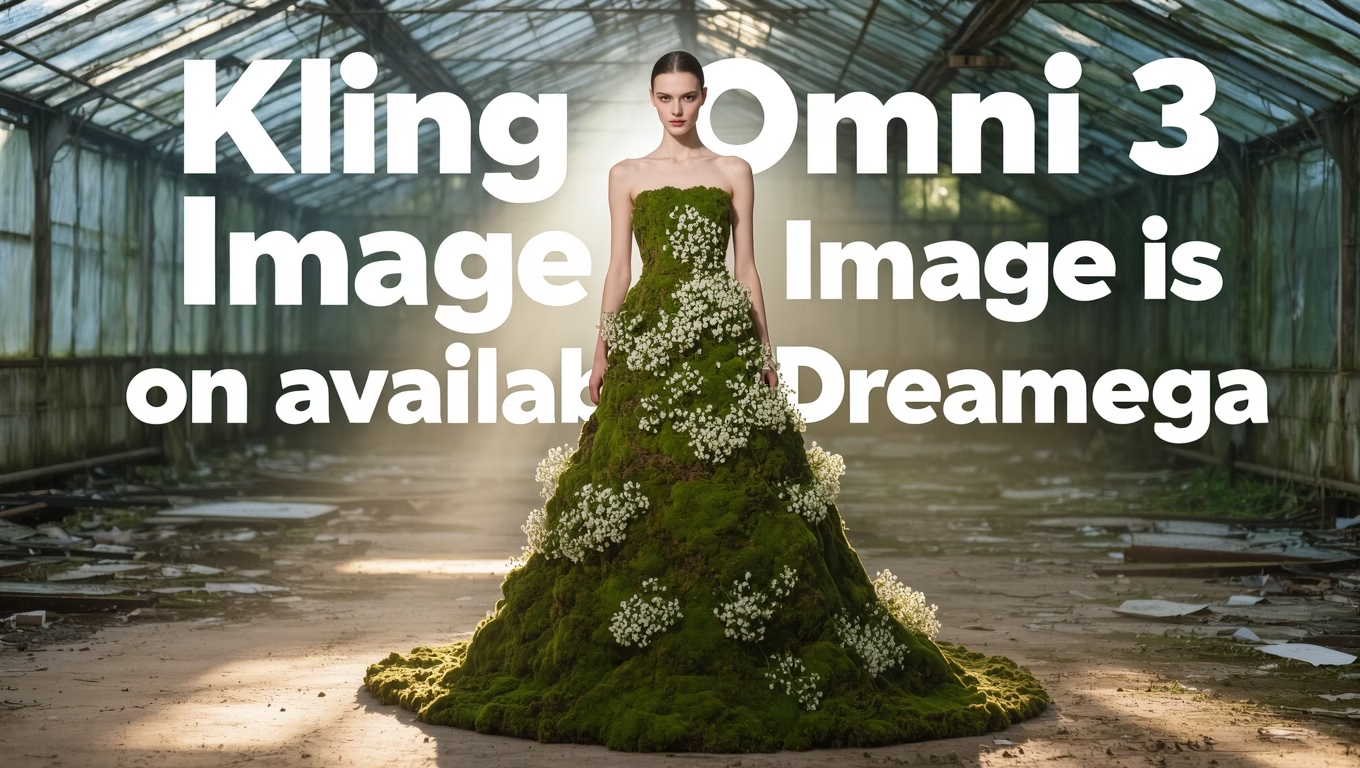
Kling O3
Advanced Kling model with video editing and reference capabilities
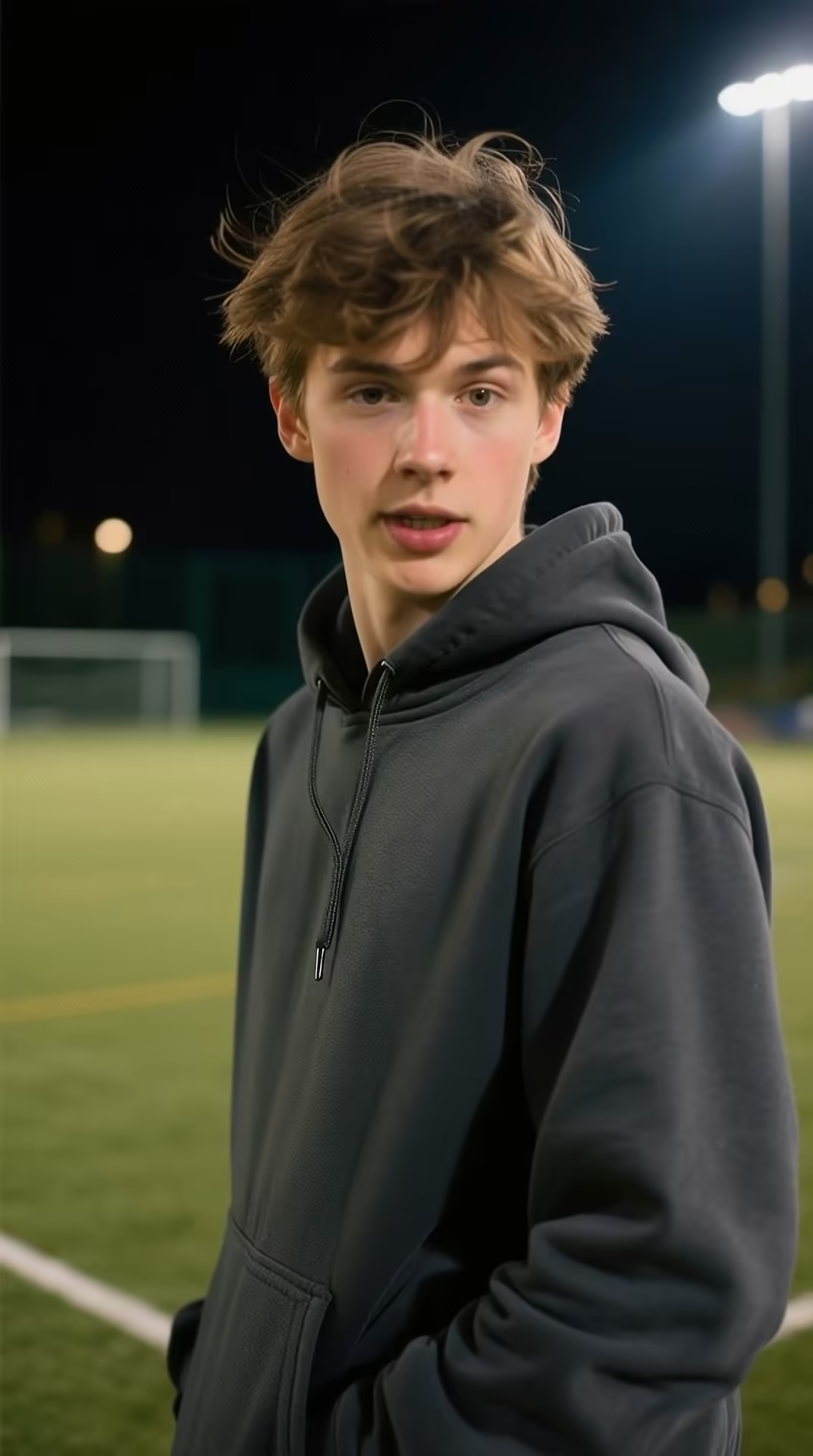
Kling v3 Motion
Precise motion control for Kling v3 video generation
Kling 2.6 Pro
Professional-grade Kling 2.6 video generation
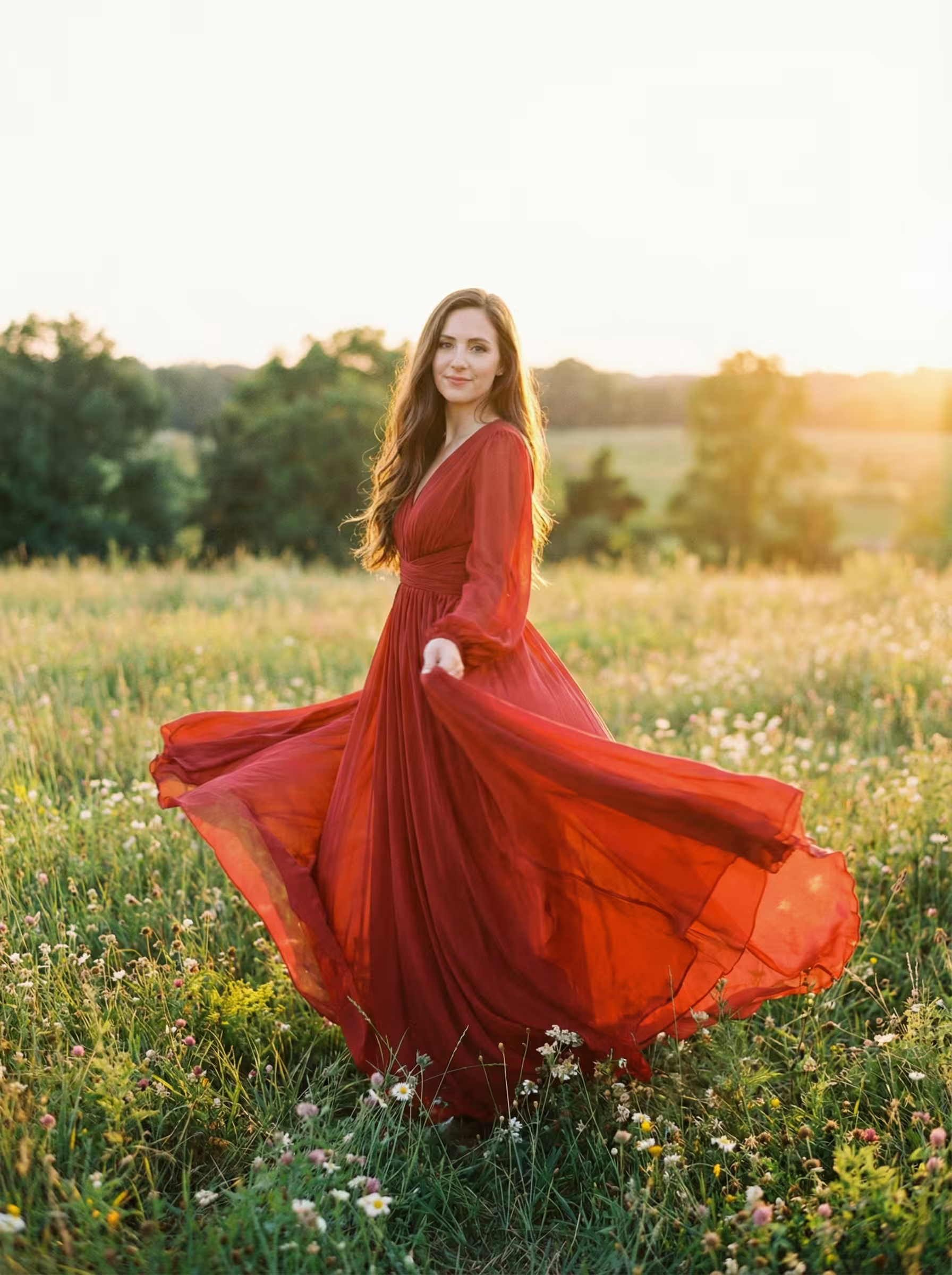
Kling 2.6 Motion
Motion control for Kling 2.6 video generation
Kling O1
Kling O1 with video editing and reference generation
Kling 2.5
Fast and efficient Kling 2.5 turbo video generation
Kling AI
Classic Kling AI video generation with multiple model versions
Kling 4.0 Flash Text-to-Video Example
A 5-second 16:9 clip made from one text prompt, shown here with the full prompt
Knight and Queen in a Ruined Hall
A low tracking shot follows a knight through a ruined throne hall as a dark queen rises from her throne.
“A handsome young knight walks alone through a ruined throne hall, sword lowered at his side. At the far end, a beautiful dark queen sits motionless on the throne, watching him. He stops halfway, and the broken banners above them begin moving in a sudden wind. She slowly rises. The camera starts behind the knight in a low tracking shot, then arcs slightly to reveal the queen’s full presence. Dark fantasy, oppressive atmosphere, strong scale, cinematic confrontation.”
Kling 4.0 Flash Image, Reference and Video Edit Examples
See what went in and what came out: a first frame, two character references and a source video

Image-to-Video: Painter in Her Studio
What's Kling 4.0 Flash
The fast, lower-cost tier of Kling 4.0, for quick iteration and volume work at 720p
- 20sMax Clip Length
- 720pOutput Resolution
- NativeAudio
- 4Generation Modes
Kling 4.0 Flash is the speed-and-value tier of Kuaishou's Kling 4.0 video family. It outputs 720p only, in single clips of 3 to 20 seconds, with audio generated together with the picture. On Dreamega it runs in four modes: text-to-video, image-to-video from a first frame, reference-to-video with up to 10 images and 5 videos, and video edit for clips of up to 20 seconds, in 16:9, 9:16, 1:1 or 21:9. Full Kling 4.0 adds 1080p, clips of up to 30 seconds, last-frame and keyframe control, audio references and video extend, so Flash fits drafts and volume work where you don't need those.
Kling 4.0 Flash's Key Features
What you get at 720p, and where the limits are compared with full Kling 4.0
- 01
Lower Cost per Second
Flash is the fast, lower-cost tier of Kling 4.0, meant for quick iteration and volume work. On Dreamega, text-to-video costs 9.4 credits per second, compared with 15.7 for Kling 4.0 at 720p.
- 02
3 to 20 Second Clips
Pick any whole-second length from 3 to 20, in 16:9, 9:16, 1:1 or 21:9. Output is always 720p. For 1080p or clips up to 30 seconds, use Kling 4.0.
- 03
Sound Made with the Picture
Audio is generated together with the video. Describe the ambience, music or a line of dialogue in your prompt to steer what you hear.
- 04
Image-to-Video from a First Frame
Animate one image, with or without a prompt. The aspect ratio can follow the image. Flash has no last frame or keyframes; Kling 4.0 does.
- 05
Reference-to-Video
Combine up to 10 images and 5 videos with a prompt, calling each file @Image1 or @Video1. Reference videos guide motion, camera and pacing, and you can keep their original sound. Audio references are not available.
- 06
Video Edit
Change a subject, setting, weather or style in a 3 to 20 second video with a text instruction, while its scene, subject and motion carry through. Up to 10 reference images can guide the edit.





Kling 4.0 Flash vs Kling 4.0
Start on Flash while the prompt is still changing, then move to Kling 4.0 when you need 1080p, a longer clip, keyframes or audio references
| Feature | Kling 4.0 Flash | Kling 4.0 |
|---|---|---|
| Resolution | 720p | 720p, 1080p |
| Clip length | 3–20 s | 3–30 s |
| Image-to-video | First frame only | First frame, last frame and keyframes |
| References | Up to 10 images and 5 videos | Up to 10 images, 5 videos and 3 audio clips |
| Video edit | Sources of 3–20 s | Sources of 3–30 s |
| Video extend | Not available | Available |
| Sound | Generated with the picture | Stereo, generated with the picture |
| Text-to-video on Dreamega | 9.4 credits/s | 15.7 credits/s at 720p, 23.5 credits/s at 1080p |
How to Use Kling 4.0 Flash for Text-to-Video
Turn a written scene into a 3 to 20 second 720p clip with sound in three steps
- 01
Describe the Scene and the Sound
Name the subject, the action, the setting and the camera movement, such as a slow dolly-in or a handheld tracking shot. Then add what we should hear: ambience, music or a line of dialogue.
- 02
Choose Length and Aspect Ratio
Set a duration from 3 to 20 seconds and choose 16:9, 9:16, 1:1 or 21:9. Resolution is always 720p. The credit cost is shown before you generate.
- 03
Generate and Iterate
Review the clip and adjust the prompt. Once the prompt is settled, switch to Kling 4.0 if you need 1080p or a longer clip, or use Flash video edit to change the style or setting.
Kling 4.0 Flash YouTube Videos
Creator tests and side-by-side comparisons of Kling 4.0 Flash
- I Tested Kling 4.0 Flash - And You Won't BELIEVE the Results! - AI for Real Life: Redefining Filmmaking
- Kling 4.0 Flash Is Here…But There’s a Catch - T.J. Lovelady
- Kling 4.0 Flash [NEW] vs Kling 4.0 🔥 Is Faster & Cheaper Actually Better? - Creative AI Show
- TEST KLING 4.0 FLASH — Robot Transformation, Monster Fight & Cinematic Stress Test - soegimitro
- Kling 4.0 flash vs Seedance 2.5 comparison - WonLabAI
Kling 4.0 Flash YouTube Videos
Creator tests and side-by-side comparisons of Kling 4.0 Flash
Explore other models
More top AI models you can try right here.
 NEW
FLUX 3
Black Forest Labs' multimodal video model: text, image, start-end frames and video extend with native audio, 5-20 seconds at up to 1080p
HappyHorse 1.0
#1 Alibaba video model, cinematic high-quality output
 NEW
Wan 3.0
Unified WAN model: text, image and reference to video, up to 30 seconds in one pass with native audio
 NEW
Veo 3.1
Google Veo 3.1 creates cinematic 1080p videos with native audio and lip-sync
 NEW
Gemini Omni Flash
Google's fast multimodal short-video model with synchronized native audio, supporting text-to-video, image-to-video, reference-to-video, and video editing
 HOT
Sora 2
OpenAI's revolutionary video generation model with synchronized audio and enhanced physics accuracy
AI Pricing Plans
Flexible AI Pricing
Pay-as-you-go credits or subscription plans. No hidden fees, cancel anytime.
One Time supports crypto payment (BTC, USDT, ETH, 350+) · Monthly billing
Free-One Time
Try before you buy
- Up to 3 videos
- Up to 32 images
- Multi-Model Support
- Text to Video
- Image to Video
- Video to Video
Show more (+11)
- Consistent Character
- AI Animation Generator
- Templates & Effects
- AI Video Enhancers
- Interactive Community
- Faster Generation Speed
- No-watermark Outputs
- More Camera Movement
- Private Video Visibility
- Copy Protection
- Priority Support
Pro-1 Month
PopularElevate your AI experience
- Up to 80 videos
- Up to 800 images
- 3 tasks(Parallel Tasks)
- Multi-Model Support
- Text to Video
- Image to Video
Show more (+12)
- Video to Video
- Consistent Character
- AI Animation Generator
- Templates & Effects
- AI Video Enhancers
- Interactive Community
- Faster Generation Speed
- No-watermark Outputs
- More Camera Movement
- Private Video Visibility
- Copy Protection
- Priority Support
Lite-1 Month
Start your AI journey
- Up to 30 videos
- Up to 300 images
- 3 tasks(Parallel Tasks)
- Multi-Model Support
- Text to Video
- Image to Video
Show more (+12)
- Video to Video
- Consistent Character
- AI Animation Generator
- Templates & Effects
- AI Video Enhancers
- Interactive Community
- Faster Generation Speed
- No-watermark Outputs
- More Camera Movement
- Private Video Visibility
- Copy Protection
- Priority Support
- Card
- Crypto accepted (BTC, USDT, ETH, 350+)

Frequently Asked Questions
Still have questions?