


🎨 Seedream 5.5 — ByteDance's newest image model: native transparent backgrounds, up to 2K & editing with up to 10 references!


Seedream 5.5 - AI Image Generator & Editor with Transparent Backgrounds
Seedream 5.5 is the newest image model in ByteDance's Seedream family. Photos look more realistic than with earlier versions, you can export PNGs with a transparent background, and you can edit images with plain-language instructions and up to 10 reference images. Choose 1K, 1.5K or 2K output, from 2 credits per image.
Seedream Model Series
Seedream 5.0 Pro
ByteDance's flagship Seedream model with the highest visual fidelity, best-in-class typography, and up to 2K output
Seedream 5.0 Flash
Faster, more affordable Seedream 5.0 for generation and editing
Seedream 5.0
Latest Seedream model with top-tier image generation quality
Seedream 4.5
Enhanced image generation with improved detail and composition
Seedream 5.5 Text-to-Image Gallery
Photoreal scenes, product shots and posters made with Seedream 5.5 from a single prompt.

Lisbon Café at Golden Hour
Warm side light, azulejo tiles and a chalkboard menu you can actually read.
“A cozy street-side cafe in Lisbon at golden hour, a barista handing a cup of coffee across the counter, warm natural light, blue azulejo tiles, a chalkboard menu written in English, photorealistic, shot on 35mm”
AI Image Editing with Seedream 5.5
Edit photos with plain-language instructions, combine up to 10 reference images or cut a subject out onto a transparent background.


Golden Hour to Rainy Evening
What's Seedream 5.5
The newest generation of ByteDance's Seedream image models
- 2KMax Resolution
- 10Reference Images
- 15Aspect Ratios
- 2+Credits per Image
Seedream 5.5 is the latest release in ByteDance's Seedream line, after Seedream 5.0 Pro, Flash and Lite. It aims for more realistic photos and better overall aesthetics, and it can output a true transparent background as a PNG with an alpha channel. It covers both text-to-image and instruction-based editing with up to 10 reference images, in 15 aspect ratios at 1K, 1.5K or 2K.
Seedream 5.5 Features
What's new in Seedream 5.5 and where it does well
- 01
More Realistic Photos
Seedream 5.5 improves photographic realism and aesthetics over earlier Seedream models. Street scenes, candid portraits and product shots come out looking much more like real photographs.
- 02
Transparent Backgrounds
Set Background to Transparent and you get a PNG with an alpha channel, ready to drop into a design, a slide or an online shop. Auto and Solid backgrounds are available too.
- 03
Edit with Plain Instructions
Upload an image and say what should change: a new background, different lighting, another style. You can keep editing the result over several turns and the subject stays consistent.
- 04
Up to 10 Reference Images
Combine people, products and styles from up to 10 references into one picture, or cut a product out of a busy photo onto a transparent background.
- 05
Readable Text in Posters
Seedream 5.5 can place clear, legible headlines in posters and social graphics. Keep the wording short and put it in quotes for the best results.
- 06
15 Aspect Ratios, 3 Sizes
Pick anything from 1:1 to 21:9 or 9:21 and output at 1K, 1.5K or 2K. In edit mode, Auto keeps the shape of your input image.

How to Use Seedream 5.5 for Text-to-Image
Go from a prompt to a finished image in three steps
- 01
Write Your Prompt
Describe the subject, setting, lighting and style. If the image needs a headline, put the exact words in quotes.
- 02
Pick Size and Background
Choose one of 15 aspect ratios and 1K, 1.5K or 2K. Set Background to Transparent if you want a PNG cut-out.
- 03
Generate & Download
Click generate, check the result and download it. Adjust the prompt and run it again until it looks right.



Explore other models
More top AI models you can try right here.
 NEW
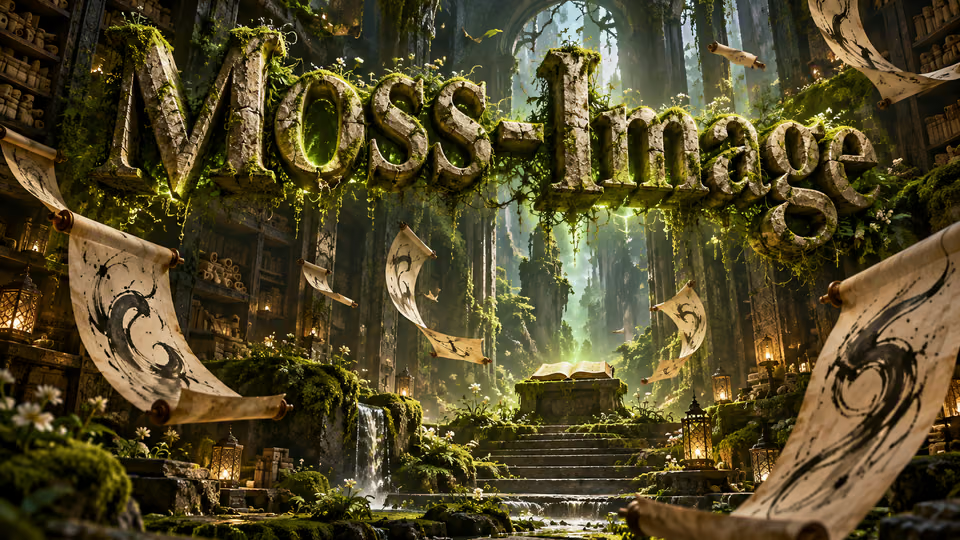
MOSS-Image
Chinese and English lettering, 15 aspect ratios and up to 2K images
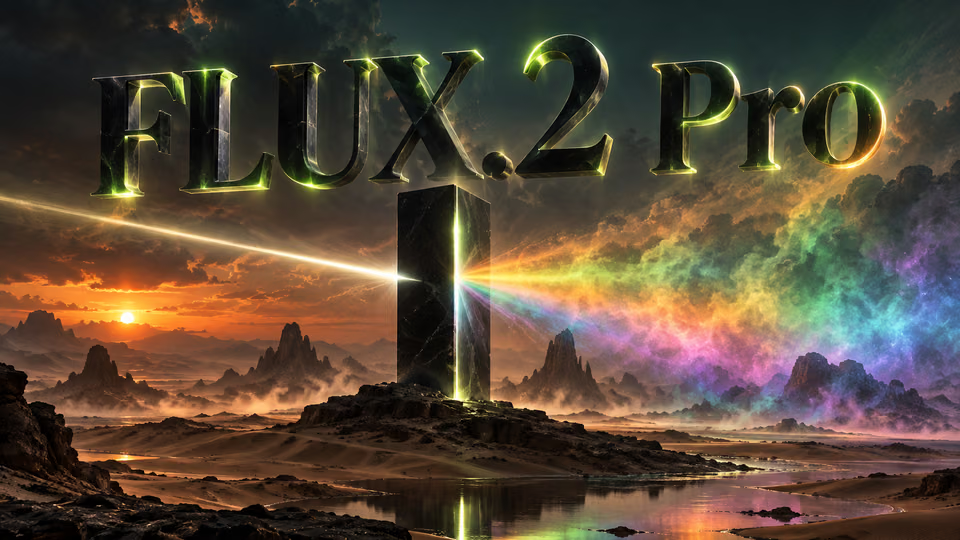
FLUX.2 Pro
Black Forest Labs flagship 32B parameter model with 4MP ultra-resolution and multi-reference support up to 10 images
 NEW
GPT Image 2.6
OpenAI's newest image models: Flare for quick iteration, Sunburst for detailed work and consistent edits
 NEW
Qwen Image 3
Alibaba's third-generation image model with ultra-long ~4.5K-token prompts for information-dense output and native text rendering across 12 languages and 20+ fonts
Z-Image Turbo
Alibaba's ultra-fast text-to-image model with sub-second generation and multiple acceleration modes
 NEW
Nano Banana 2.1
Google's newest Nano Banana: sharper text, 4-character consistency, 14 reference images and 1K-4K output at half the price
AI Pricing Plans
Flexible AI Pricing
Pay-as-you-go credits or subscription plans. No hidden fees, cancel anytime.
One Time supports crypto payment (BTC, USDT, ETH, 350+) · Monthly billing
Free-One Time
Try before you buy
- Up to 3 videos
- Up to 32 images
- Multi-Model Support
- Text to Video
- Image to Video
- Video to Video
Show more (+11)
- Consistent Character
- AI Animation Generator
- Templates & Effects
- AI Video Enhancers
- Interactive Community
- Faster Generation Speed
- No-watermark Outputs
- More Camera Movement
- Private Video Visibility
- Copy Protection
- Priority Support
Pro-1 Month
PopularElevate your AI experience
- Up to 80 videos
- Up to 800 images
- 3 tasks(Parallel Tasks)
- Multi-Model Support
- Text to Video
- Image to Video
Show more (+12)
- Video to Video
- Consistent Character
- AI Animation Generator
- Templates & Effects
- AI Video Enhancers
- Interactive Community
- Faster Generation Speed
- No-watermark Outputs
- More Camera Movement
- Private Video Visibility
- Copy Protection
- Priority Support
Lite-1 Month
Start your AI journey
- Up to 30 videos
- Up to 300 images
- 3 tasks(Parallel Tasks)
- Multi-Model Support
- Text to Video
- Image to Video
Show more (+12)
- Video to Video
- Consistent Character
- AI Animation Generator
- Templates & Effects
- AI Video Enhancers
- Interactive Community
- Faster Generation Speed
- No-watermark Outputs
- More Camera Movement
- Private Video Visibility
- Copy Protection
- Priority Support
- Card
- Crypto accepted (BTC, USDT, ETH, 350+)