


🎨 Seedream 5.5 — ByteDance's newest image model: native transparent backgrounds, up to 2K & editing with up to 10 references!


Seedance 2.5 Flash AI Video Generator
The faster, lower-cost version of ByteDance's Seedance 2.5. Generate 4 to 30 second clips with native audio from text, a start image or reference images, videos and audio, use the Turbo tier for quick 720p or 1080p drafts, rewrite an existing video from a text instruction, or extend a clip with a new continuation.
Seedance Model Series
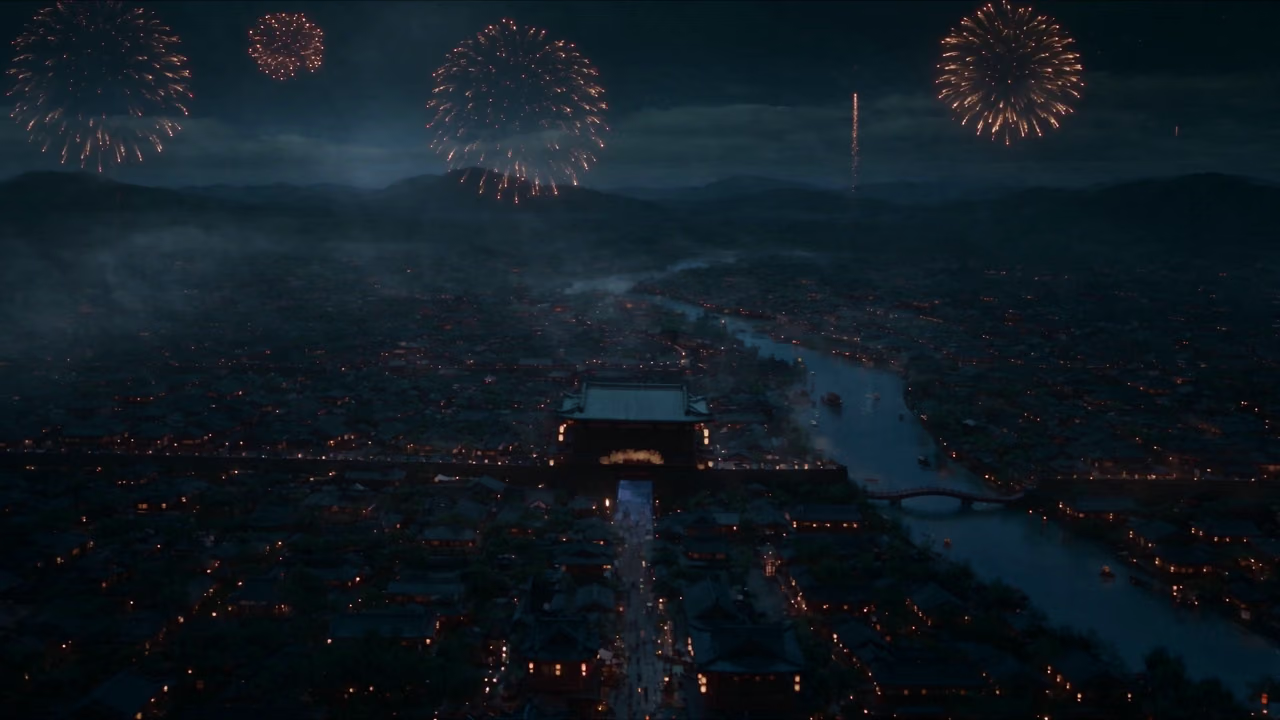
Seedance 2.5
Native 30-second one-shot video with 4K output and strong long-form consistency
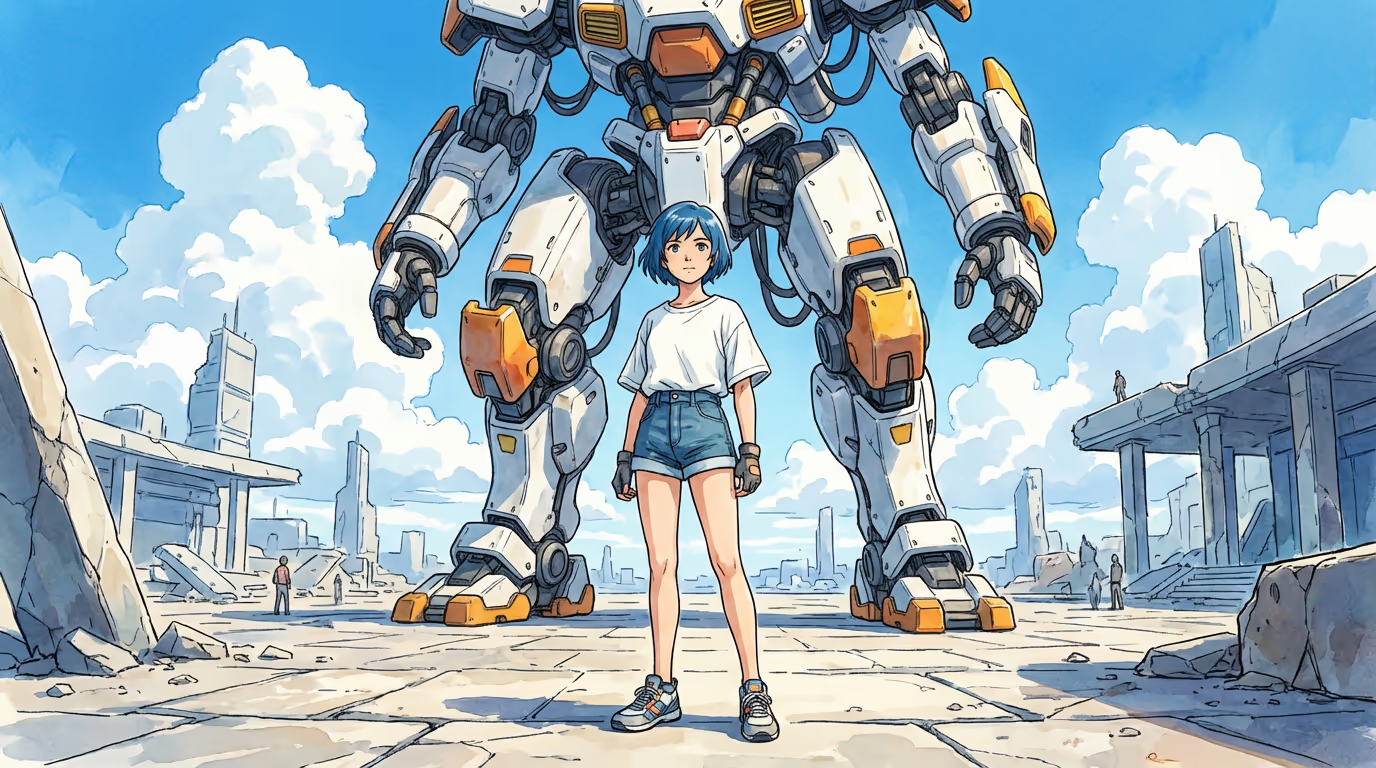
Seedance Pro 1.5
Professional video generation with text, image, and video extend modes
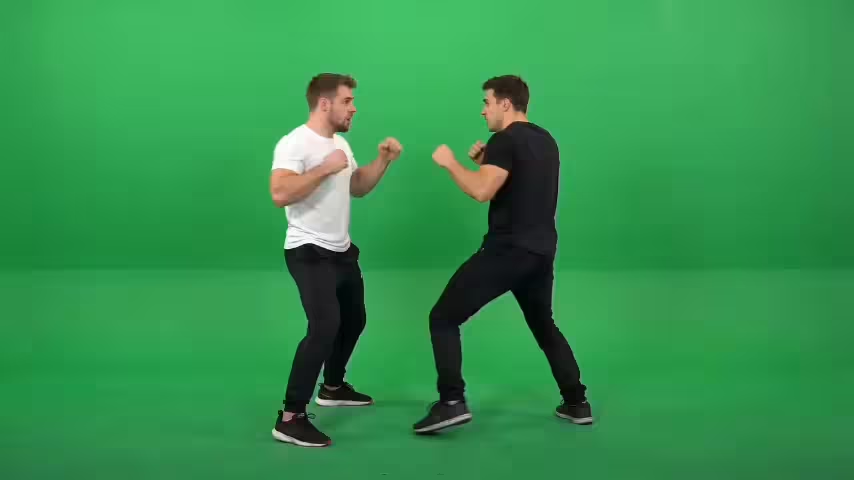
Seedance 2.0
Next-gen video creation with creative generation and editing
Seedance
Family hub - try Seedance 2.5 and 2.0 side by side
Seedance 2.5 Flash Text-to-Video Examples
5-second 16:9 clips made from a text prompt alone, with sound. The full prompt is under each clip
Popcorn Thief in the Cinema
A handful of popcorn floats away to an empty seat, and the camera pushes in on the young man's slow reaction.
“A handsome young man sits alone in a dark cinema holding a large bucket of popcorn. He reaches into the bucket, but a small handful of popcorn suddenly lifts out by itself and disappears toward the empty seat beside him. He slowly turns his head toward the seat. The camera begins in a clean two-seat composition and makes one subtle push toward the empty space. Supernatural comedy, cinematic theater lighting, restrained reaction.”
Seedance 2.5 Flash Image and Reference-to-Video Examples
Each clip starts from the still shown beside it, either as the first frame or as a character reference, and follows the written direction, including spoken lines
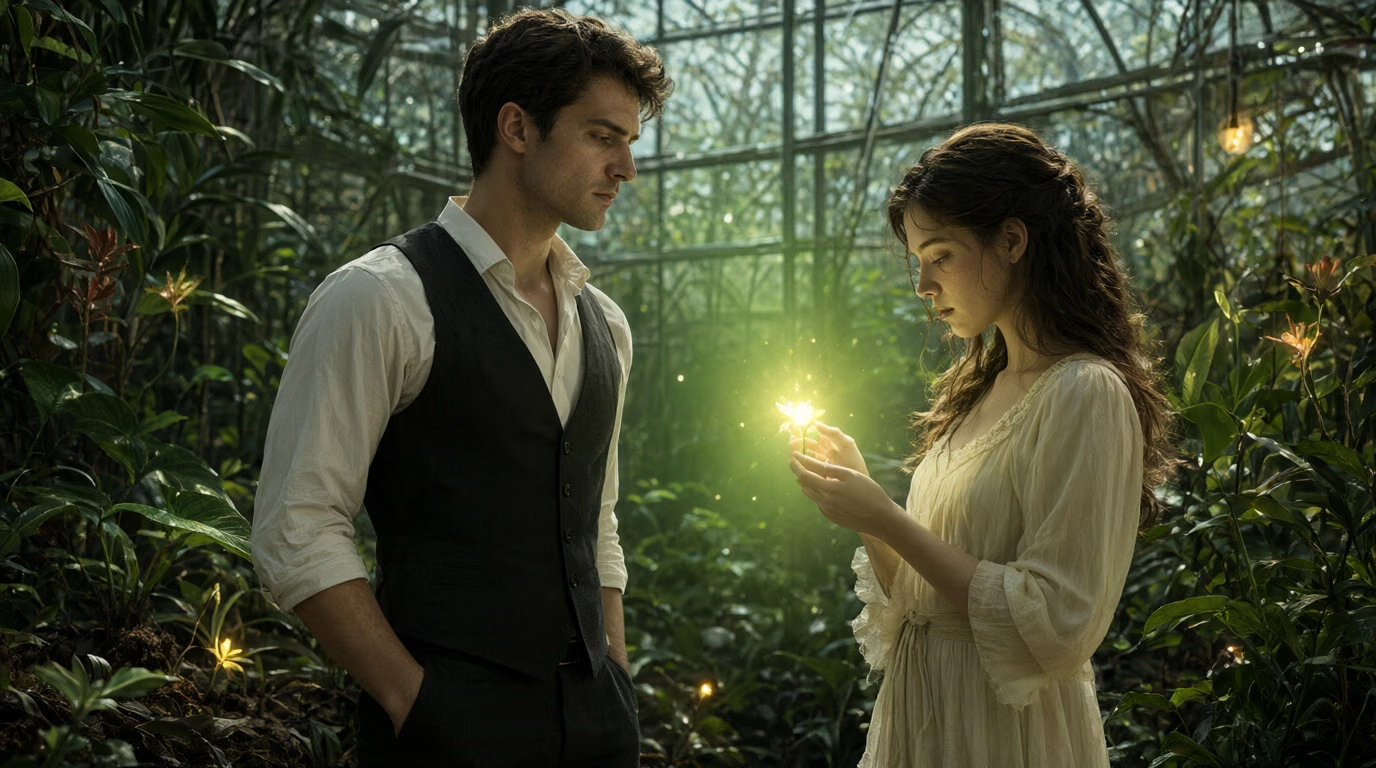
Glowing Flower in the Greenhouse
Preserve both characters, the glowing flower, the greenhouse, and the framing from <Image 1>. She lifts the glowing flower slightly toward him. He leans in and asks, “Where did you find that?” She smiles faintly and replies, “It only blooms when someone is about to fall in love.” He looks from the flower to her face. The camera moves gently from the flower upward to both of their expressions. Magical romantic fantasy, soft glowing light, natural acting, cinematic greenhouse mood.
Seedance 2.5 Flash Video Edit and Extend
Change one thing in a clip with a text instruction, or keep the story going from its last frame
Edit: Stone Bust to Ice Sculpture
Transform only the stone bust into a semi-transparent ice-crystal sculpture with internal fractures, frosted edges, and subtle blue refraction. Keep the exact original geometry and size. Preserve the man’s exact identity, body movement, brush motion, timing, studio, pedestal, and camera movement.
What's Seedance 2.5 Flash
A speed-optimized version of Seedance 2.5 for drafts, previews and high-volume work
- 30sMax Clip Length
- 12/sCredits at 480p
- NativeAudio
- 7Generation Modes
Seedance 2.5 Flash is the speed-optimized version of ByteDance's Seedance 2.5 video model. ByteDance's Dreamina platform presents it as a way to preview video ideas quickly, at quality close to the original, before committing to a final Seedance 2.5 render. Like Seedance 2.5, it makes single clips of 4 to 30 seconds with audio generated alongside the picture. On Dreamega it runs in seven modes: text-to-video, image-to-video from a start frame with an optional last frame, reference-to-video with up to 10 images, 5 videos and 5 audio clips, Turbo versions of text- and image-to-video for quick 720p or 1080p drafts, video edit for clips of up to 30 seconds, and video extend, which continues a clip from its ending. Text-, image- and reference-to-video cost 12 credits per second at 480p, two thirds of the Seedance 2.5 price.
Seedance 2.5 Flash Features
What you can do with the fast tier of Seedance 2.5 on Dreamega
- 01
4 to 30 Second Clips
Set any whole-second duration from 4 to 30 seconds in text-to-video, image-to-video and Turbo, the same range as Seedance 2.5.
- 02
Audio Generated With the Picture
Sound, ambience and spoken lines are generated together with the video. Turn audio off when you only need the picture.
- 03
Reference-to-Video
Keep a character or product consistent with up to 10 reference images, borrow motion and camera moves from up to 5 reference videos, and match a voice or music with up to 5 audio clips. Call them @Image 1, @Video 1 or @Audio 1 in the prompt.
- 04
First and Last Frame
Image-to-video starts from your image and can end on an optional last frame. The output follows the shape of your start image.
- 05
Turbo Tier for Quick Drafts
Turbo outputs 720p or 1080p for 14 or 16 credits per second. It is generated at 480p and upscaled, so use it to try ideas before a final render.
- 06
Edit a Video With Words
Describe the change and Flash rewrites the clip: swap an object, change a color or season, or restyle the scene while keeping the motion. Sources over 30 seconds are trimmed to 30.
- 07
Extend a Clip
Add a new segment of 4 to 30 seconds that continues from the end of your video. Flash uses the last 30 seconds of the source as context.
- 08
480p to 4K Output
Choose 480p, 720p, 1080p or 4K. 1080p and 4K are generated at 720p and then upscaled, so 480p or 720p is the better pick for drafts.








Seedance 2.5 Flash vs Seedance 2.5
Use Flash while the idea is still changing, then switch to Seedance 2.5 for the final render
| Feature | Seedance 2.5 Flash | Seedance 2.5 |
|---|---|---|
| Clip length | 4–30 s | 4–30 s |
| Text- and image-to-video | 12 / 24 / 60 / 120 credits/s | 18 / 36 / 90 / 180 credits/s |
| Resolution | 480p and 720p; 1080p and 4K upscaled from 720p | 480p, 720p, 1080p, 4K |
| Turbo (720p / 1080p) | 14 / 16 credits/s | 20 / 22 credits/s |
| 5 s video edit at 720p | 150 credits | 220 credits |
| Extend a 5 s clip by 5 s at 720p | 150 credits | 220 credits |
| Sound | Generated with the picture | Generated with the picture |
How to Use Seedance 2.5 Flash
Go from a prompt to a 4 to 30 second clip with sound in three steps
- 01
Pick a Mode and Write the Prompt
Choose text-to-video, image-to-video, reference-to-video, Turbo, video edit or video extend. Describe the subject, the action, the camera movement and what we should hear. For image-to-video, upload a start frame; for reference-to-video, upload your references and name them as @Image 1, @Video 1 or @Audio 1; for edit and extend, upload your video.
- 02
Set Length, Resolution and Audio
Choose a duration from 4 to 30 seconds and a resolution. 480p (or 720p on Turbo) is free and fine for drafts. Leave audio on to get sound, or turn it off. The credit cost is shown before you generate.
- 03
Review, Then Refine
Watch the clip and adjust the prompt. When the idea works, raise the resolution, extend the clip, or run the same prompt on Seedance 2.5 for the final version.
Explore other models
More top AI models you can try right here.
 NEW
FLUX 3
Black Forest Labs' multimodal video model: text, image, start-end frames and video extend with native audio, 5-20 seconds at up to 1080p
HappyHorse 1.0
#1 Alibaba video model, cinematic high-quality output
 NEW
Wan 3.0
Unified WAN model: text, image and reference to video, up to 30 seconds in one pass with native audio
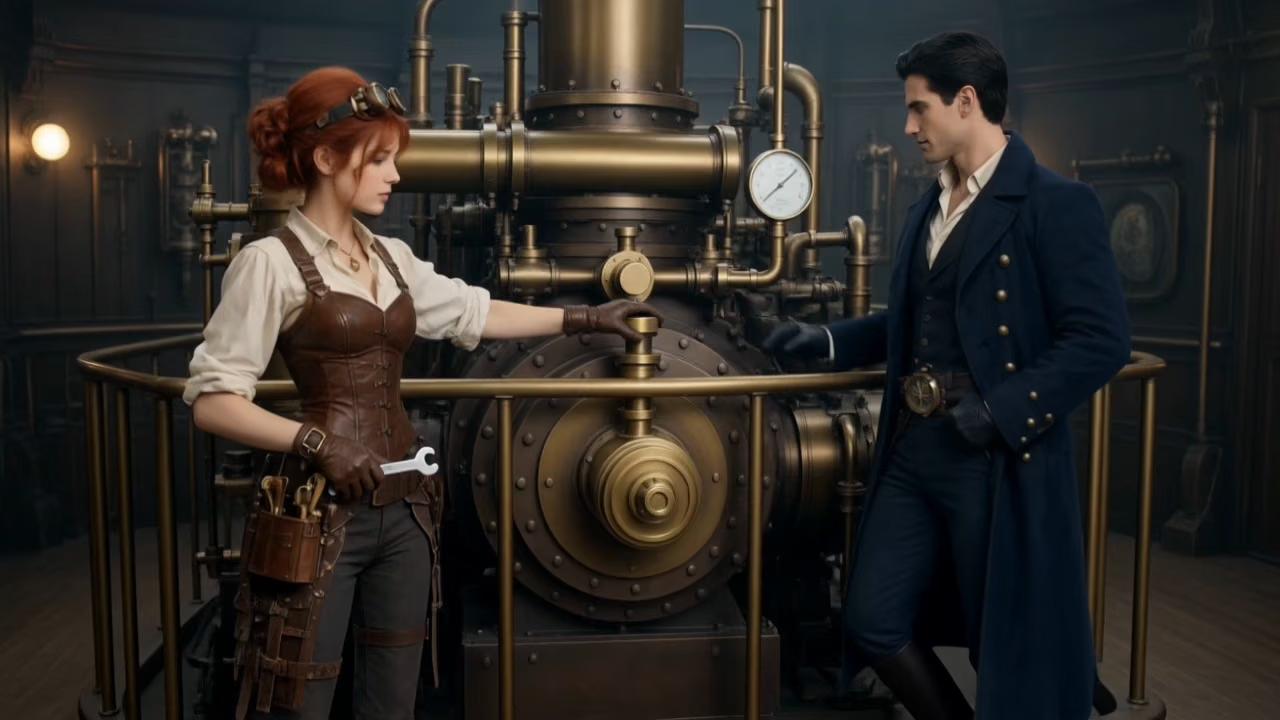 NEW
Kling 4.0 Flash
Kuaishou's 720p Kling model: 3–20s takes with native audio, references and video edit
 NEW
Veo 3.1
Google Veo 3.1 creates cinematic 1080p videos with native audio and lip-sync
 NEW
Gemini Omni 1.2 Flash
Google's fast video model with native audio: 3–15 s clips up to 4K, from text, images, references or an existing video
AI Pricing Plans
Flexible AI Pricing
Pay-as-you-go credits or subscription plans. No hidden fees, cancel anytime.
One Time supports crypto payment (BTC, USDT, ETH, 350+) · Monthly billing
Free-One Time
Try before you buy
- Up to 3 videos
- Up to 32 images
- Multi-Model Support
- Text to Video
- Image to Video
- Video to Video
Show more (+11)
- Consistent Character
- AI Animation Generator
- Templates & Effects
- AI Video Enhancers
- Interactive Community
- Faster Generation Speed
- No-watermark Outputs
- More Camera Movement
- Private Video Visibility
- Copy Protection
- Priority Support
Pro-1 Month
PopularElevate your AI experience
- Up to 80 videos
- Up to 800 images
- 3 tasks(Parallel Tasks)
- Multi-Model Support
- Text to Video
- Image to Video
Show more (+12)
- Video to Video
- Consistent Character
- AI Animation Generator
- Templates & Effects
- AI Video Enhancers
- Interactive Community
- Faster Generation Speed
- No-watermark Outputs
- More Camera Movement
- Private Video Visibility
- Copy Protection
- Priority Support
Lite-1 Month
Start your AI journey
- Up to 30 videos
- Up to 300 images
- 3 tasks(Parallel Tasks)
- Multi-Model Support
- Text to Video
- Image to Video
Show more (+12)
- Video to Video
- Consistent Character
- AI Animation Generator
- Templates & Effects
- AI Video Enhancers
- Interactive Community
- Faster Generation Speed
- No-watermark Outputs
- More Camera Movement
- Private Video Visibility
- Copy Protection
- Priority Support
- Card
- Crypto accepted (BTC, USDT, ETH, 350+)
Frequently Asked Questions
Common questions about Seedance 2.5 Flash on Dreamega
Still have questions?