









🎨 Seedream 5.0 Pro — ByteDance's flagship image model: up to 2K, best-in-class typography & multi-reference editing!


AI Beardless Filter
AI Beardless Filter - Remove beard completely while maintaining smooth facial skin texture and natural chin contour lines. Professional beard removal with seamless skin blending.
Example Gallery
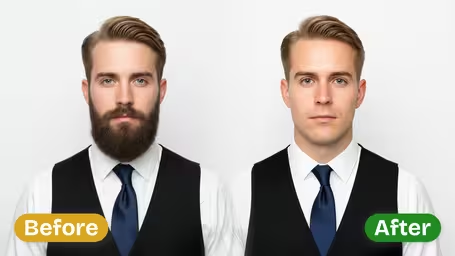
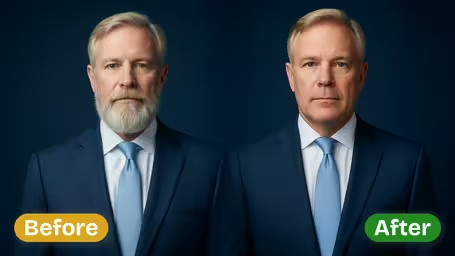
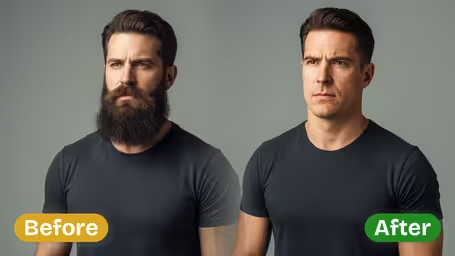
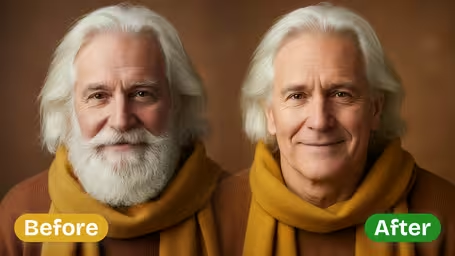
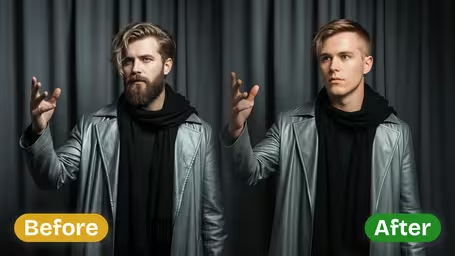
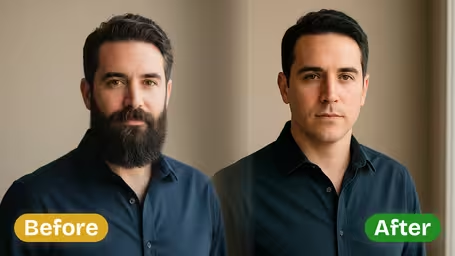
Recommended Templates
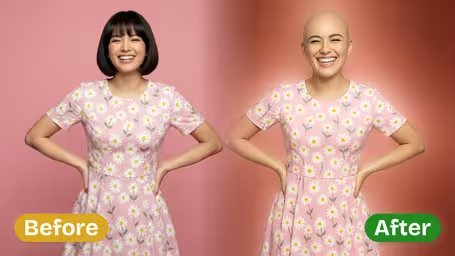
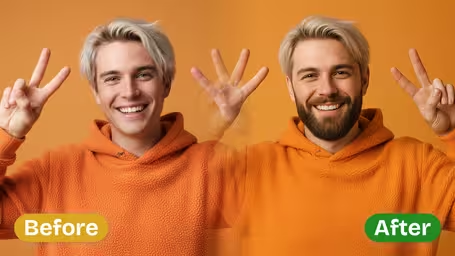
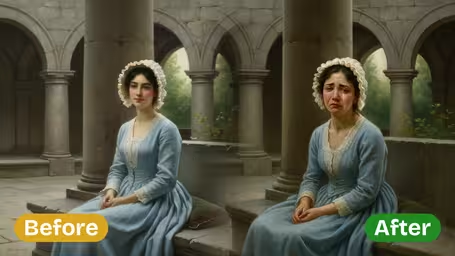
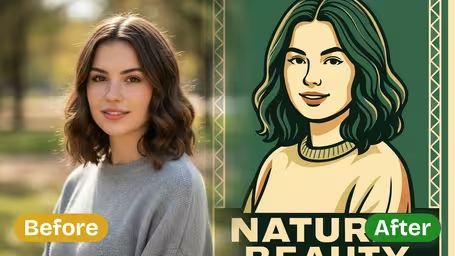
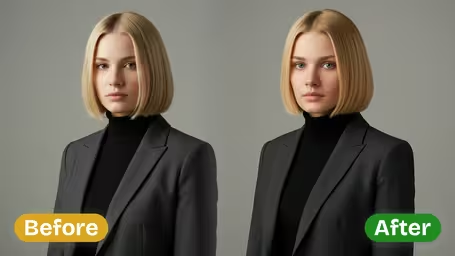
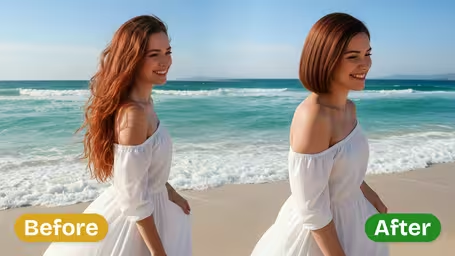
AI Beardless Filter Features
Discover how Dreamega's AI Beardless Filter can instantly remove beards from any photo, producing realistic, clean-shaven looks with exceptional detail and speed.
- 01
Realistic Beard Removal
Use our AI beard remover to seamlessly remove facial hair from any photo while preserving skin tone, texture, and natural lighting for a convincing beardless look.
- 02
High-Detail Beardless Filter
Our smart beardless filter analyzes each photo to match color and shadows perfectly, ensuring the clean-shaven result looks authentic and professionally edited.
- 03
Instant Clean-Shaven Preview
Just upload your photo and get your beard removed in minutes. Quickly preview your updated look to decide if you want to stay bearded or go fresh-faced.
How to Use the AI Beardless Photo Filter to Remove Beard and Get a Clean Look
Upload one clear JPG or PNG where your jaw is visible, pick a Skin Smoothness Level and a model, and you get the same photo with the beard shaved off.
- 01
Upload a clear face photo
Choose a single JPG or PNG where the beard and the line of the jaw are both in view. Face, expression, clothing, pose and background stay as they are, so only the beard area changes.
Front-facing photos with even light work best. Hands on the chin, a scarf or a turned-up collar over the beard make the jawline harder to rebuild.
- 02
Pick skin smoothness and a model
Set the Skin Smoothness Level to Natural, Smooth or Professional, then choose GPT Image 2.5 (8 credits) or Nano Banana 2.1 (4 credits) and start the generation.
Start with Natural for a believable shave. For a tall or half-body shot, Nano Banana 2.1 keeps the framing, while GPT Image 2.5 crops to a square.
- 03
Compare and download
Put the result next to your original photo and check the chin, the area under the nose and the neck. Download the version you like.
If the skin looks too airbrushed or the chin looks off, run it again with Natural or the other model. Every new run costs credits again.


When people use the AI Beardless Filter
Most people use it before a real decision: shave the beard they have had for years, or keep it. Others want to see a partner or friend clean-shaven for the first time, or need a beard-free version of a portrait for a role, a uniform rule or a costume. It shows the face under the beard without touching a razor.
Deciding whether to shave
See your own jawline and chin before you commit to losing a beard that took months to grow back.
Job or uniform rules
Preview the clean-shaven look a new employer, the military or a food-service job may require, so it is not a surprise on day one.
Surprising friends or a partner
Show someone what they looked like before the beard, or what they would look like now without it.
Casting and character photos
Get a beard-free version of a headshot or cosplay photo when a role or character needs a bare face.
AI Beardless Filter FAQ
Practical answers about the AI Beardless Filter: what it removes, how the skin settings differ, which model to pick and how to fix odd results.
AI Pricing Plans
Flexible AI Pricing
Pay-as-you-go credits or subscription plans. No hidden fees, cancel anytime.
One Time supports crypto payment (BTC, USDT, ETH, 350+) · Monthly billing
Free-One Time
Try before you buy
- Up to 3 videos
- Up to 32 images
- Multi-Model Support
- Text to Video
- Image to Video
- Video to Video
Show more (+11)
- Consistent Character
- AI Animation Generator
- Templates & Effects
- AI Video Enhancers
- Interactive Community
- Faster Generation Speed
- No-watermark Outputs
- More Camera Movement
- Private Video Visibility
- Copy Protection
- Priority Support
Pro-1 Month
PopularElevate your AI experience
- Up to 80 videos
- Up to 800 images
- 3 tasks(Parallel Tasks)
- Multi-Model Support
- Text to Video
- Image to Video
Show more (+12)
- Video to Video
- Consistent Character
- AI Animation Generator
- Templates & Effects
- AI Video Enhancers
- Interactive Community
- Faster Generation Speed
- No-watermark Outputs
- More Camera Movement
- Private Video Visibility
- Copy Protection
- Priority Support
Lite-1 Month
Start your AI journey
- Up to 30 videos
- Up to 300 images
- 3 tasks(Parallel Tasks)
- Multi-Model Support
- Text to Video
- Image to Video
Show more (+12)
- Video to Video
- Consistent Character
- AI Animation Generator
- Templates & Effects
- AI Video Enhancers
- Interactive Community
- Faster Generation Speed
- No-watermark Outputs
- More Camera Movement
- Private Video Visibility
- Copy Protection
- Priority Support
- Card
- Crypto accepted (BTC, USDT, ETH, 350+)