









🎨 Seedream 5.0 Pro — ByteDance's flagship image model: up to 2K, best-in-class typography & multi-reference editing!


Pregnant AI Filter: See How You Might Look with a Baby Bump
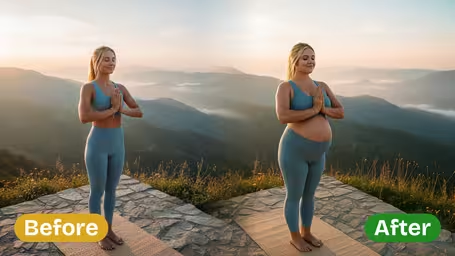
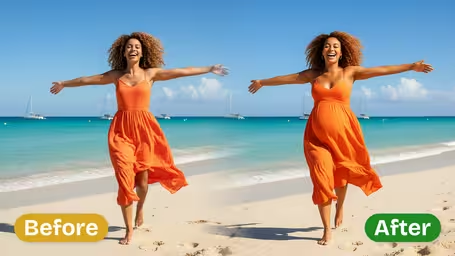
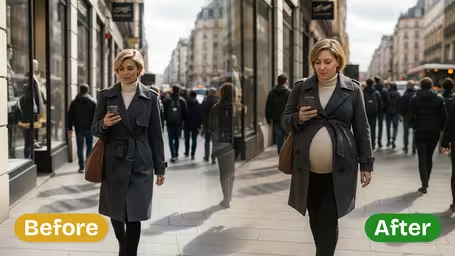
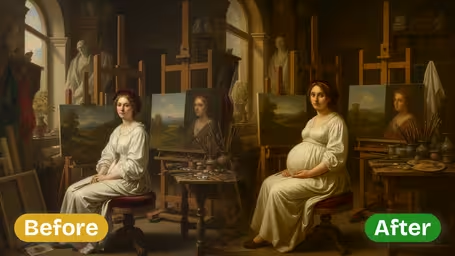
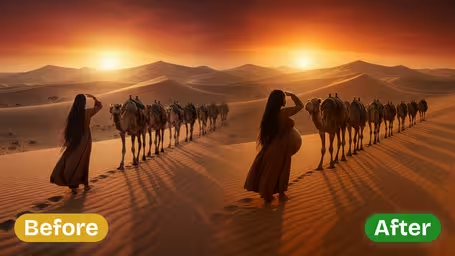
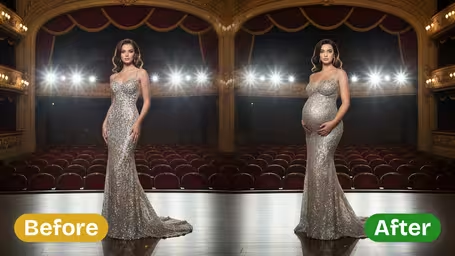
Upload a photo and the AI adds a natural-looking baby bump in an early, mid or late stage, while keeping your face, clothes and background. It is a playful visual simulation, not a prediction or a medical tool.
Example Gallery
Recommended Templates
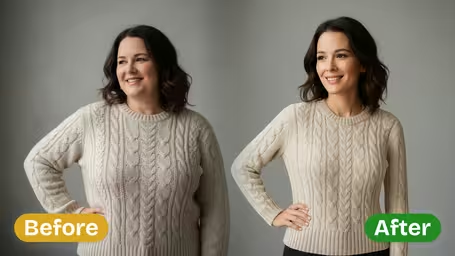

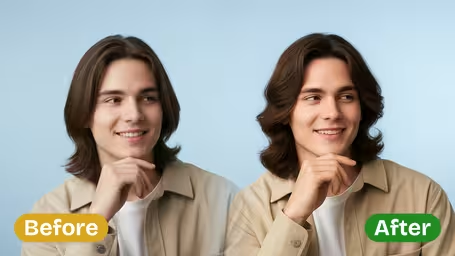
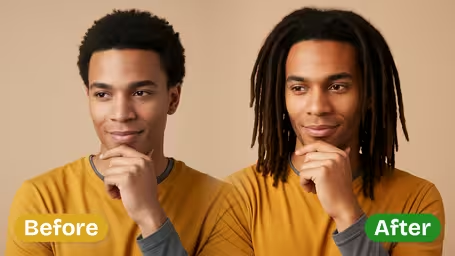
What the pregnant filter changes, and what it keeps
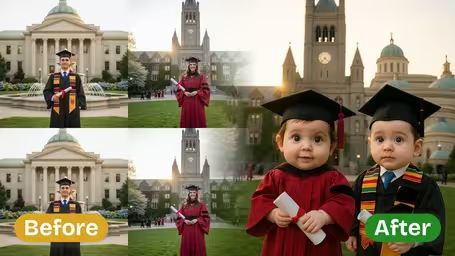
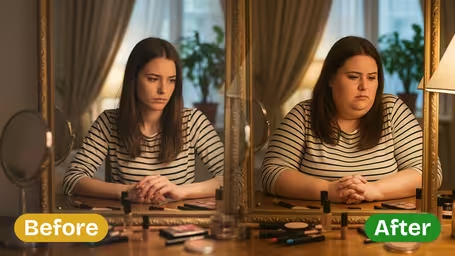
The AI only edits your body shape. It adds a bump in proportion to your frame for the stage you choose and leaves the rest of the photo alone, so the result still looks like a picture of you rather than a stock image.
- 01
Three stages to compare
Early for a subtle bump, Mid for a clearly visible one and Late for a full, prominent belly. Run all three on one photo to see a progression.
- 02
Your face and outfit stay
Face, hair, clothing and background are kept. The bump is added under your existing clothes so fabric stretches the way it would.
- 03
Proportions that fit your frame
The bump is sized to your build and posture instead of pasted on, which is why side and three-quarter photos look especially natural.
- 04
One model, one flat price
Runs on GPT Image 2.5 for 8 credits per image, with a square output. No settings beyond the photo and the stage.


How to Use the Pregnant AI Filter
Two choices and a click. Use a photo that shows your torso.
- 01
Upload a standing photo
A JPG or PNG that shows at least your upper body, from the front or the side. One photo per run.
Side-on photos in a fitted top give the most believable bump. Avoid bulky jackets and arms crossed over the stomach.
- 02
Choose Early, Mid or Late
Pick the Pregnancy Stage. Early is a subtle bump, Mid (the default) is clearly visible and Late is a full third-trimester belly.
Generate all three stages from the same photo and line them up for a fun bump-progression collage.
- 03
Generate and download
The image is made with GPT Image 2.5 for 8 credits and comes back square. Download it when you are happy.
If the bump looks off, try a photo with better light or a slightly turned body instead of regenerating the same shot.



When people use the pregnant AI filter
Most people use it out of curiosity: couples talking about a future family, friends trying it on each other for a laugh. Expecting parents use it to plan a maternity shoot, checking which outfit or pose will work later on. Writers, costume designers and cosplayers use it as a quick character reference.
Curious couples
Partners picture a possible future together. It is a light way to start a conversation, not a forecast.
Maternity shoot planning
Preview whether a dress, pose or location still works with a late-stage bump before booking the photographer.
Outfit previews
Already pregnant? See roughly how a favorite outfit might sit at a later stage before buying maternity clothes.
Characters and costumes
Writers, filmmakers and cosplayers get a quick visual reference for a pregnant character.
Pregnant AI Filter FAQ
Honest answers about what the filter shows, which photo to use, cost and using it responsibly.
AI Pricing Plans
Flexible AI Pricing
Pay-as-you-go credits or subscription plans. No hidden fees, cancel anytime.
One Time supports crypto payment (BTC, USDT, ETH, 350+) · Monthly billing
Free-One Time
Try before you buy
- Up to 3 videos
- Up to 32 images
- Multi-Model Support
- Text to Video
- Image to Video
- Video to Video
Show more (+11)
- Consistent Character
- AI Animation Generator
- Templates & Effects
- AI Video Enhancers
- Interactive Community
- Faster Generation Speed
- No-watermark Outputs
- More Camera Movement
- Private Video Visibility
- Copy Protection
- Priority Support
Pro-1 Month
PopularElevate your AI experience
- Up to 80 videos
- Up to 800 images
- 3 tasks(Parallel Tasks)
- Multi-Model Support
- Text to Video
- Image to Video
Show more (+12)
- Video to Video
- Consistent Character
- AI Animation Generator
- Templates & Effects
- AI Video Enhancers
- Interactive Community
- Faster Generation Speed
- No-watermark Outputs
- More Camera Movement
- Private Video Visibility
- Copy Protection
- Priority Support
Lite-1 Month
Start your AI journey
- Up to 30 videos
- Up to 300 images
- 3 tasks(Parallel Tasks)
- Multi-Model Support
- Text to Video
- Image to Video
Show more (+12)
- Video to Video
- Consistent Character
- AI Animation Generator
- Templates & Effects
- AI Video Enhancers
- Interactive Community
- Faster Generation Speed
- No-watermark Outputs
- More Camera Movement
- Private Video Visibility
- Copy Protection
- Priority Support
- Card
- Crypto accepted (BTC, USDT, ETH, 350+)