









🎨 Seedream 5.0 Pro — ByteDance's flagship image model: up to 2K, best-in-class typography & multi-reference editing!


Straight Hair Filter: See Your Hair Straightened in Sleek, Silky or Natural
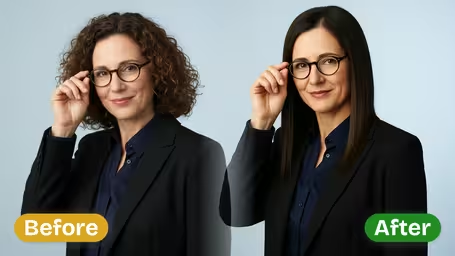
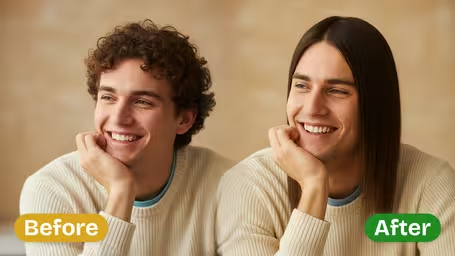
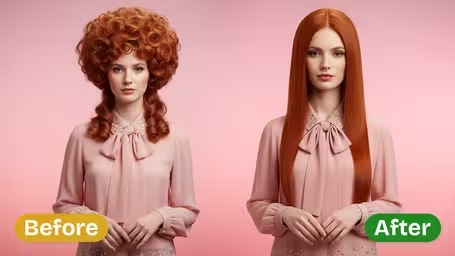
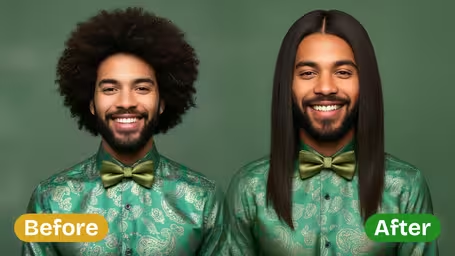
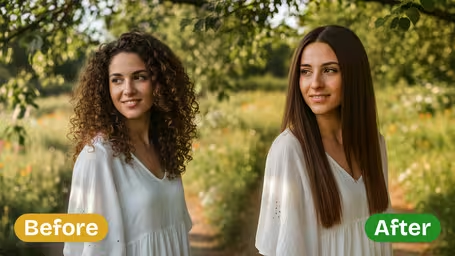
Upload a photo with your hair in its natural state and the AI smooths it into straight hair. Choose how straight: glassy Sleek, soft Silky or easy Natural. Your face and hair color stay the same.
Example Gallery

Recommended Templates
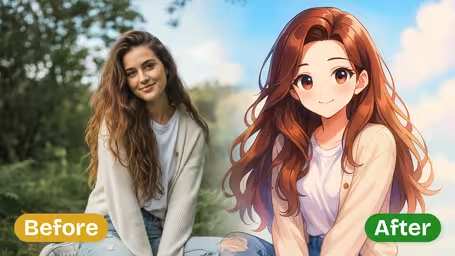
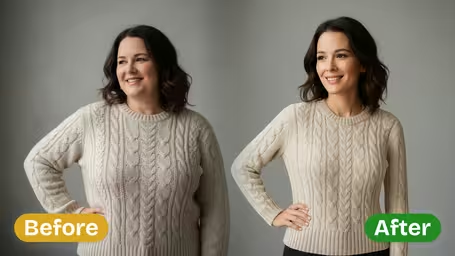
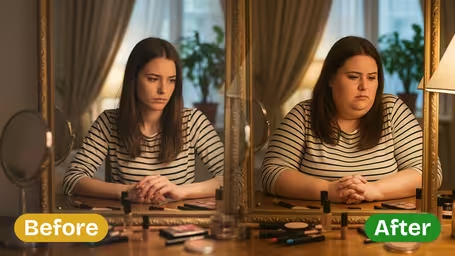
What the straight hair filter does
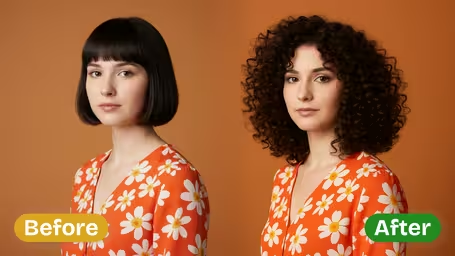
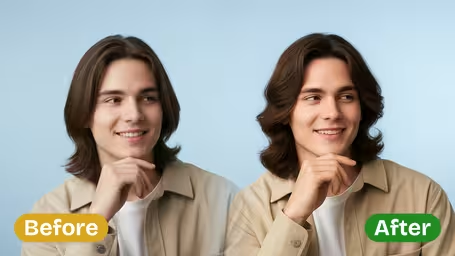
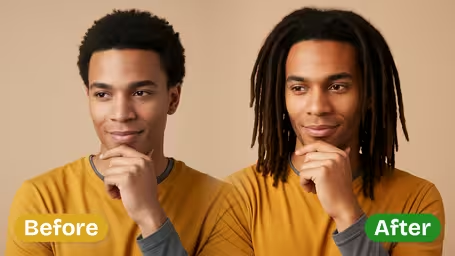
The filter changes your hair texture and leaves the rest of the photo alone. Curls, waves and frizz are smoothed into straight hair in one of three finishes, while your face, skin tone, hair color and background stay as they were. It is a texture preview, not a new haircut, so you see your own look with straight hair instead of a stranger's style.
- 01
Three textures
Sleek for glassy and flat, Silky for soft shine and movement, Natural for an easy everyday straight look.
- 02
Handles curls, waves and frizz
Works on loose waves through tight coils, and smooths flyaways along the way.
- 03
Face and color stay yours
Features and hair color are kept, so you judge only the texture change.
- 04
Two models
GPT Image 2.5 (8 credits, square image) or Nano Banana 2.1 (4 credits) for cheap texture tests.



How to see your hair straightened
Three steps. The texture setting is the only choice that changes the style.
- 01
Upload your hair as it is
Upload a JPG or PNG with your hair down in its natural texture.
Use a photo from a normal day, not a styled one. The bigger the contrast, the more useful the preview.
- 02
Choose the texture and model
Pick Sleek, Silky or Natural (the default), then GPT Image 2.5 (8 credits) or Nano Banana 2.1 (4 credits).
Start with Natural for an everyday look, then try Sleek to see the most dramatic version.
- 03
Generate and compare
Generate, download the result and repeat with another texture if you want to compare.
Put two textures side by side when you talk to your stylist. Saying Silky, not Sleek, is easier with pictures.


When people try the straight hair filter
Many users have curly or wavy hair and are weighing a keratin treatment, rebonding or a silk press that costs real money and time. Others just want sleek hair for one occasion, like a wedding or graduation photo. Plenty are simply curious, since they have never seen themselves with straight hair at all.
Before a straightening appointment
See the look before paying for keratin, rebonding or a silk press.
One-off event hair
Check whether sleek hair suits your dress or suit before the wedding, prom or photo shoot.
Curly hair curiosity
If your hair has always been curly, a straight version can be a surprise worth seeing.
Salon consultations
Stylists show clients Sleek versus Silky on their own photo to agree on the finish.
Straight Hair Filter FAQ
Texture options, curly hair, treatments and other questions about the straight hair preview.
AI Pricing Plans
Flexible AI Pricing
Pay-as-you-go credits or subscription plans. No hidden fees, cancel anytime.
One Time supports crypto payment (BTC, USDT, ETH, 350+) · Monthly billing
Free-One Time
Try before you buy
- Up to 3 videos
- Up to 32 images
- Multi-Model Support
- Text to Video
- Image to Video
- Video to Video
Show more (+11)
- Consistent Character
- AI Animation Generator
- Templates & Effects
- AI Video Enhancers
- Interactive Community
- Faster Generation Speed
- No-watermark Outputs
- More Camera Movement
- Private Video Visibility
- Copy Protection
- Priority Support
Pro-1 Month
PopularElevate your AI experience
- Up to 80 videos
- Up to 800 images
- 3 tasks(Parallel Tasks)
- Multi-Model Support
- Text to Video
- Image to Video
Show more (+12)
- Video to Video
- Consistent Character
- AI Animation Generator
- Templates & Effects
- AI Video Enhancers
- Interactive Community
- Faster Generation Speed
- No-watermark Outputs
- More Camera Movement
- Private Video Visibility
- Copy Protection
- Priority Support
Lite-1 Month
Start your AI journey
- Up to 30 videos
- Up to 300 images
- 3 tasks(Parallel Tasks)
- Multi-Model Support
- Text to Video
- Image to Video
Show more (+12)
- Video to Video
- Consistent Character
- AI Animation Generator
- Templates & Effects
- AI Video Enhancers
- Interactive Community
- Faster Generation Speed
- No-watermark Outputs
- More Camera Movement
- Private Video Visibility
- Copy Protection
- Priority Support
- Card
- Crypto accepted (BTC, USDT, ETH, 350+)